Vercel style guide
A complete style guide inspired by the vercel design language. Use it with Windframe AI to generate pages, sections, and components for your own project that follow these same design principles, or start from one of the templates below and customize it in the editor.
 HTML
HTML React
React Next.js
 Vue
Vue Nuxt
Nuxt AngularSvelte
 Astro
Astro SolidJS
 Rails
RailsDesign System
The Vercel design language
Precise grayscale interfaces built with Geist typography, hairline boundaries, and generous whitespace. Product captures, technical diagrams, and local action groups create hierarchy across page-specific compositions.
Typography
Geist / Geist Mono
400 body; 450 display; 500 labels
The quick brown fox
Design is not how it looks. Design is how it works.
Small body copy, clear and readable
Spacing
Compact 4px grid, generous stories
96-128px section gaps, 16-24px card padding, and 12px element gaps.
Border Radius
6px UI, pill actions, square pricing
rounded-[6px] / rounded-full / rounded-none
Colors
Design paletteCanvas
Page background
Primary Text
Headings and labels
Body Text
Supporting copy
Quiet Surface
Cards, inputs, and inset highlights
Border
Subtle hairline boundaries
More pronounced swatches for quick light/dark comparison.
Shadows
No drop shadows. Separate surfaces with hairline borders, rings, and tonal changes.
Vercel in practice
Polished designs inspired by the best design systems
Companies like Linear, Notion, and Vercel invest heavily in their design systems. Windframe studies those systems and bakes their principles into styles you can use out of the box, so your project gets the same level of polish. These are some example images of UIs generated with this style.
Every component, every page: consistent by design. Browse all Vercel templates →
AI Playground
Build something new with the Vercel style
Describe any UI and Windframe generates it using the same Vercel design tokens shown above. Your output stays consistent with every template on this page.
Try an example:
Pre-built components and pages
Browse 9 production-ready templates built with Vercel design principles. Preview any template, export the code to your framework, or open it in the visual editor to customize.


Vercel homepage clone
Full Page


Hero
Hero


Logo
Logo


Features (left-aligned heading)
Features


Features (centered heading)
Features


Features (left heading 2)
Features


Contents
Contents


CTA
CTA


Footer
Footer
Vercel homepage clone
Full Page
Logo
Logo
Features (centered heading)
Features
Contents
Contents
Footer
Footer
Hero
Hero
Features (left-aligned heading)
Features
Features (left heading 2)
Features
CTA
CTA
Vercel homepage clone
Full Page
Features (left-aligned heading)
Features
Contents
Contents
Hero
Hero
Features (centered heading)
Features
CTA
CTA
Logo
Logo
Features (left heading 2)
Features
Footer
Footer
Explore Styles
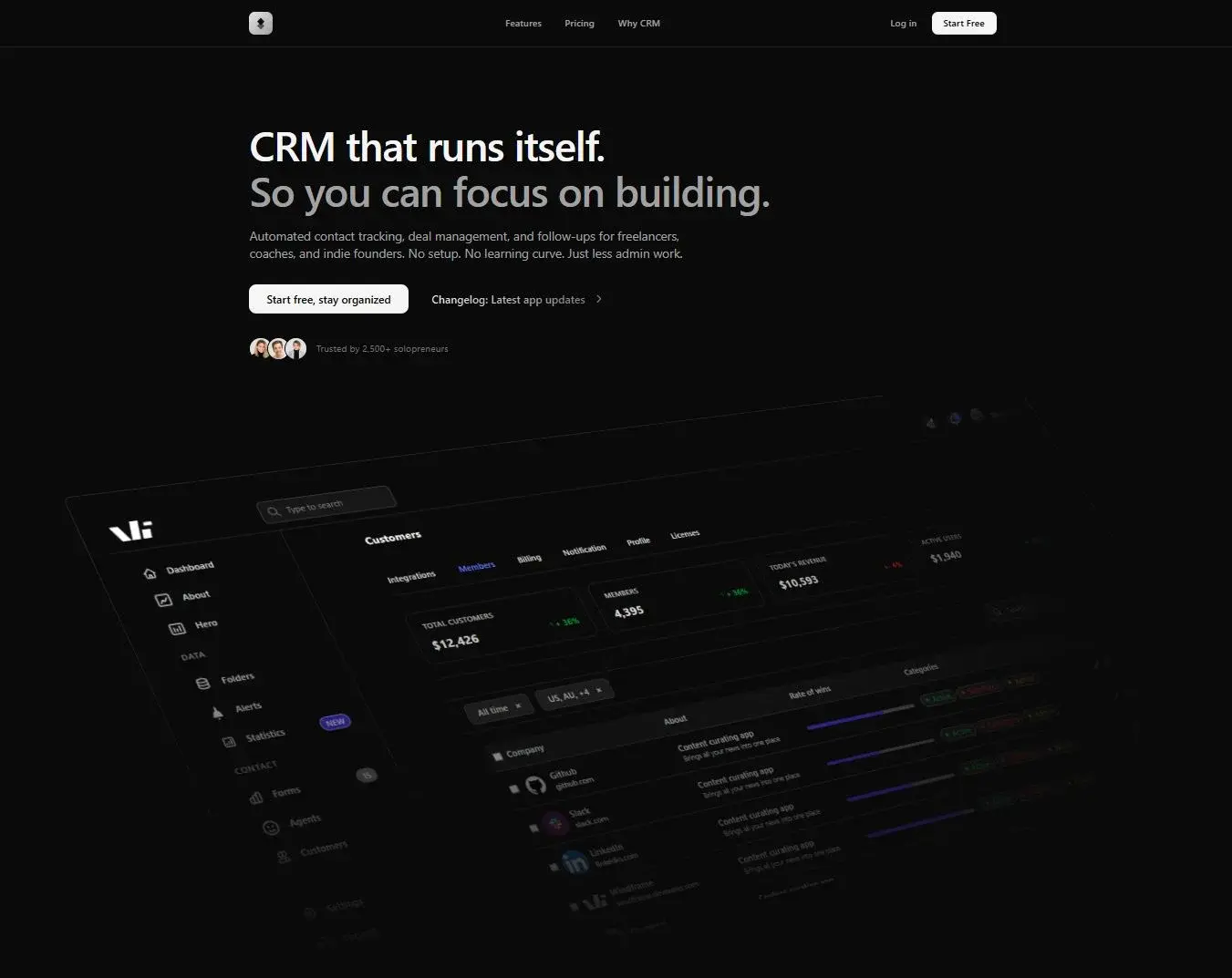
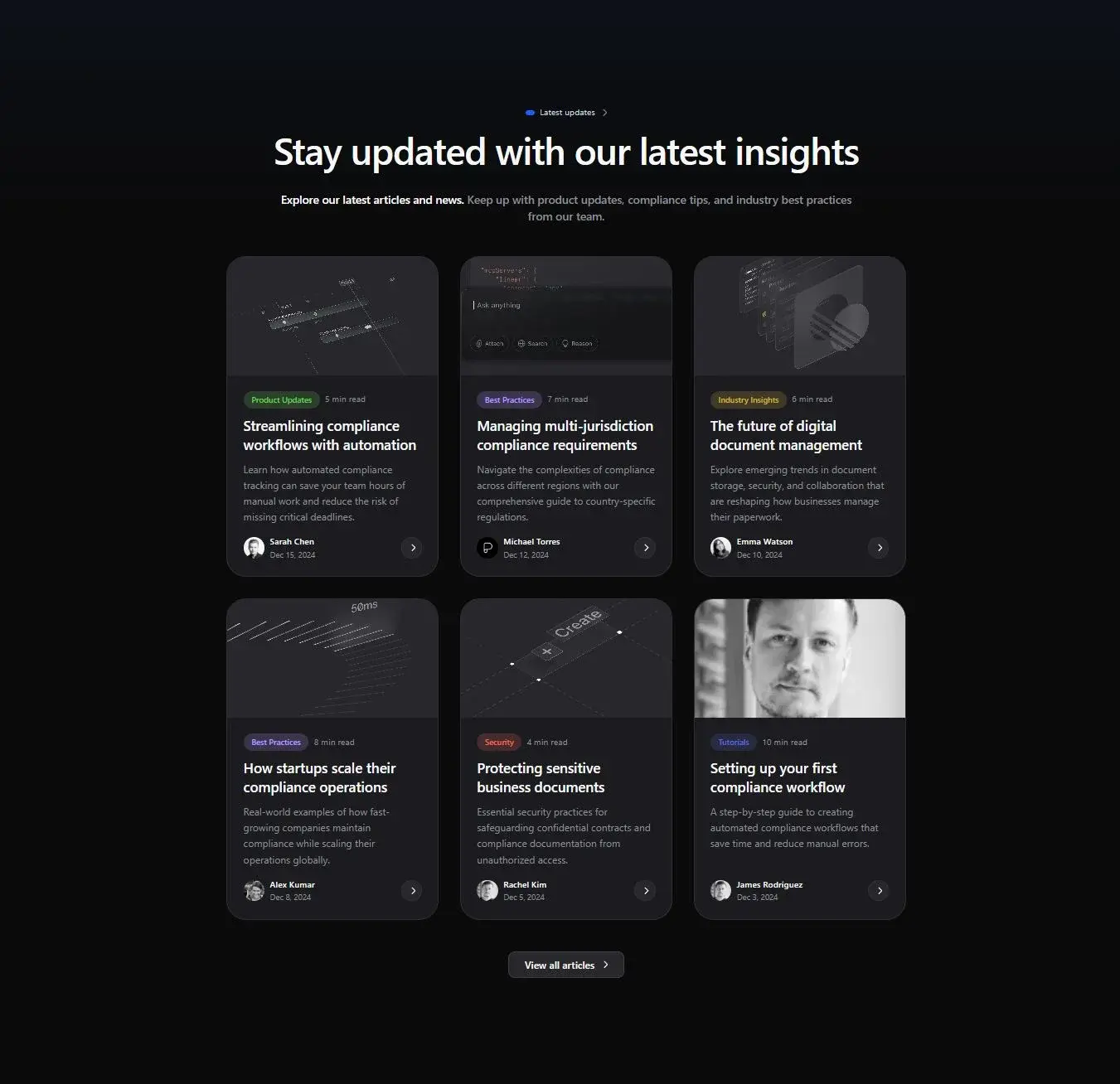
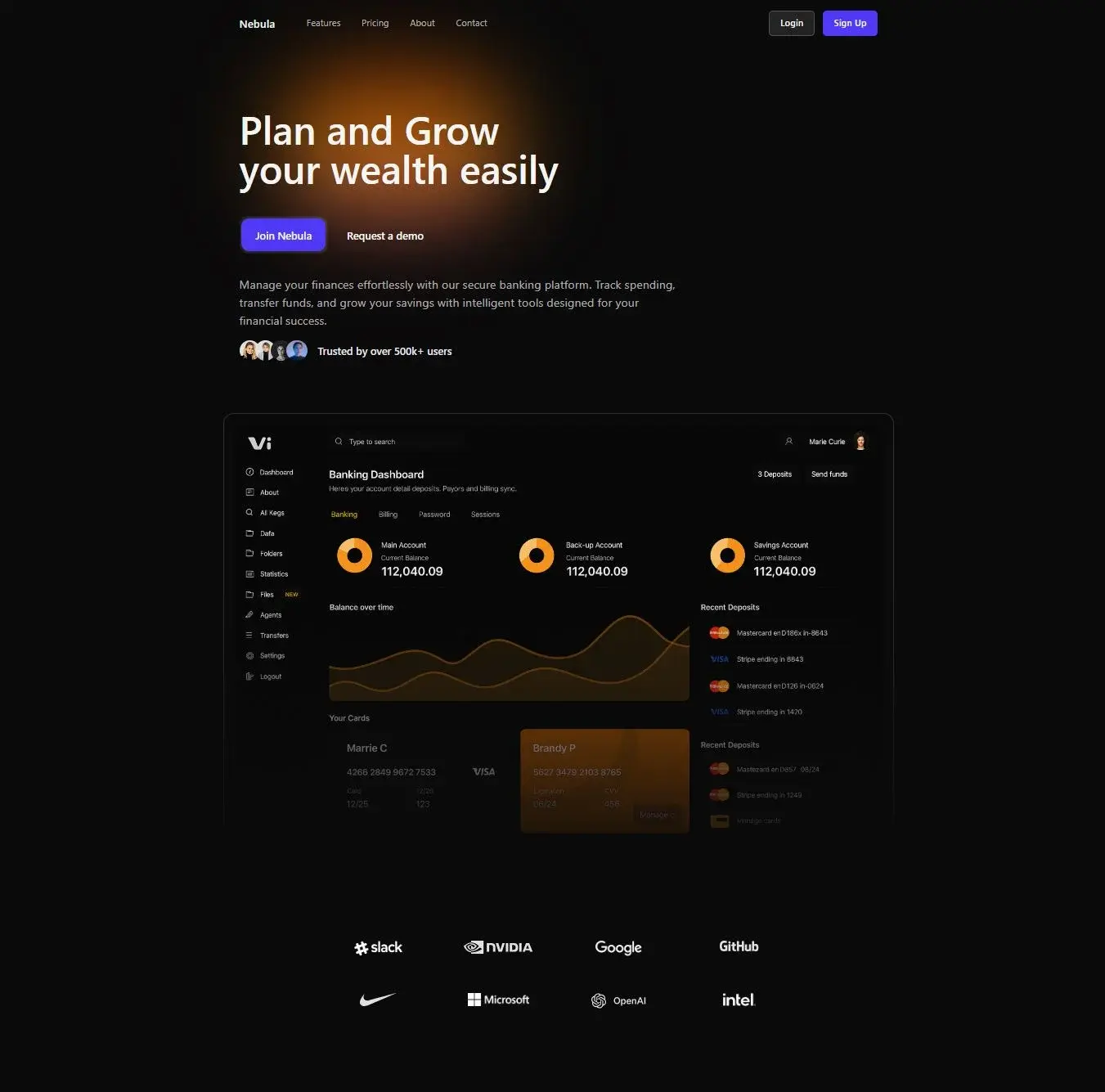
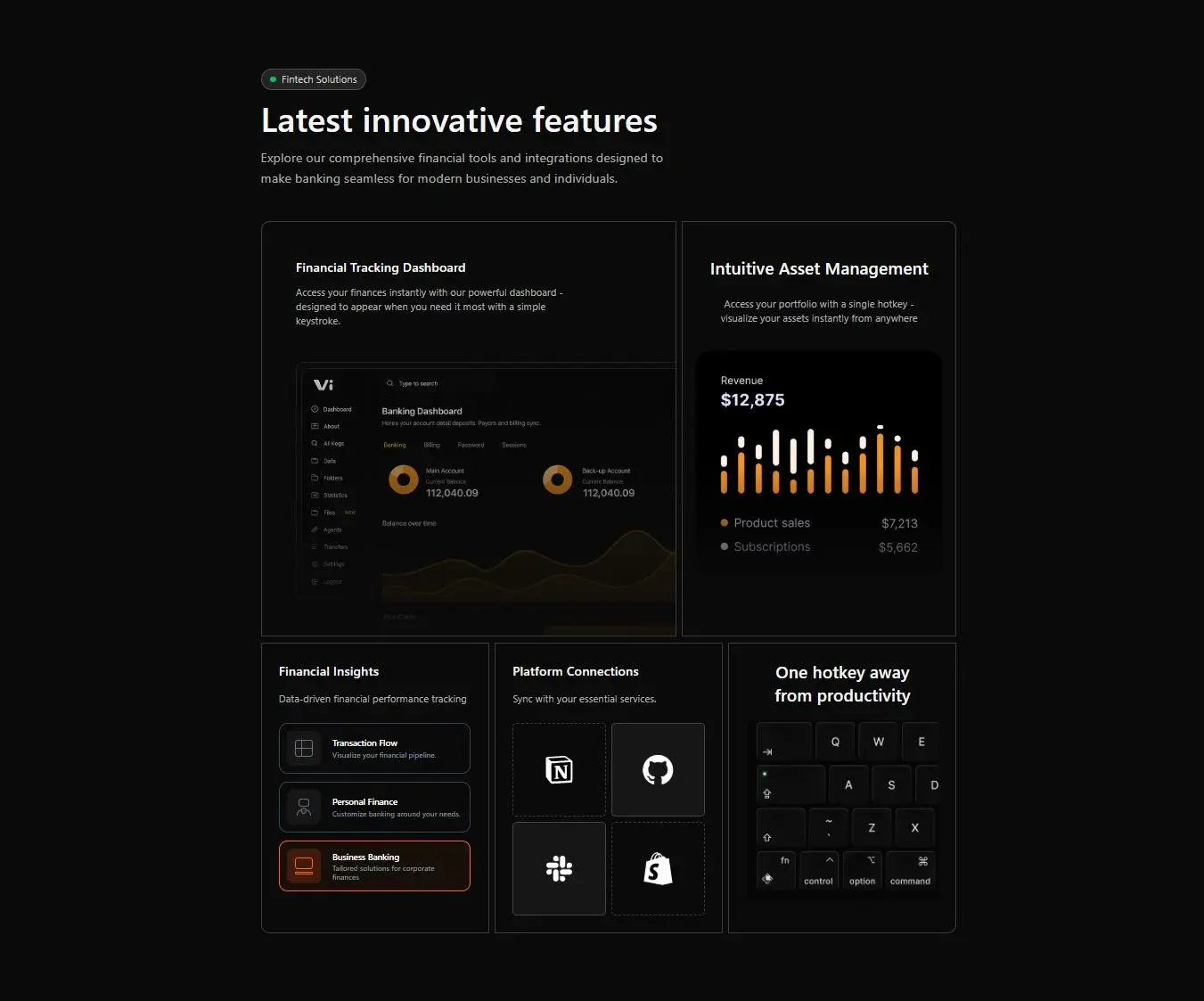
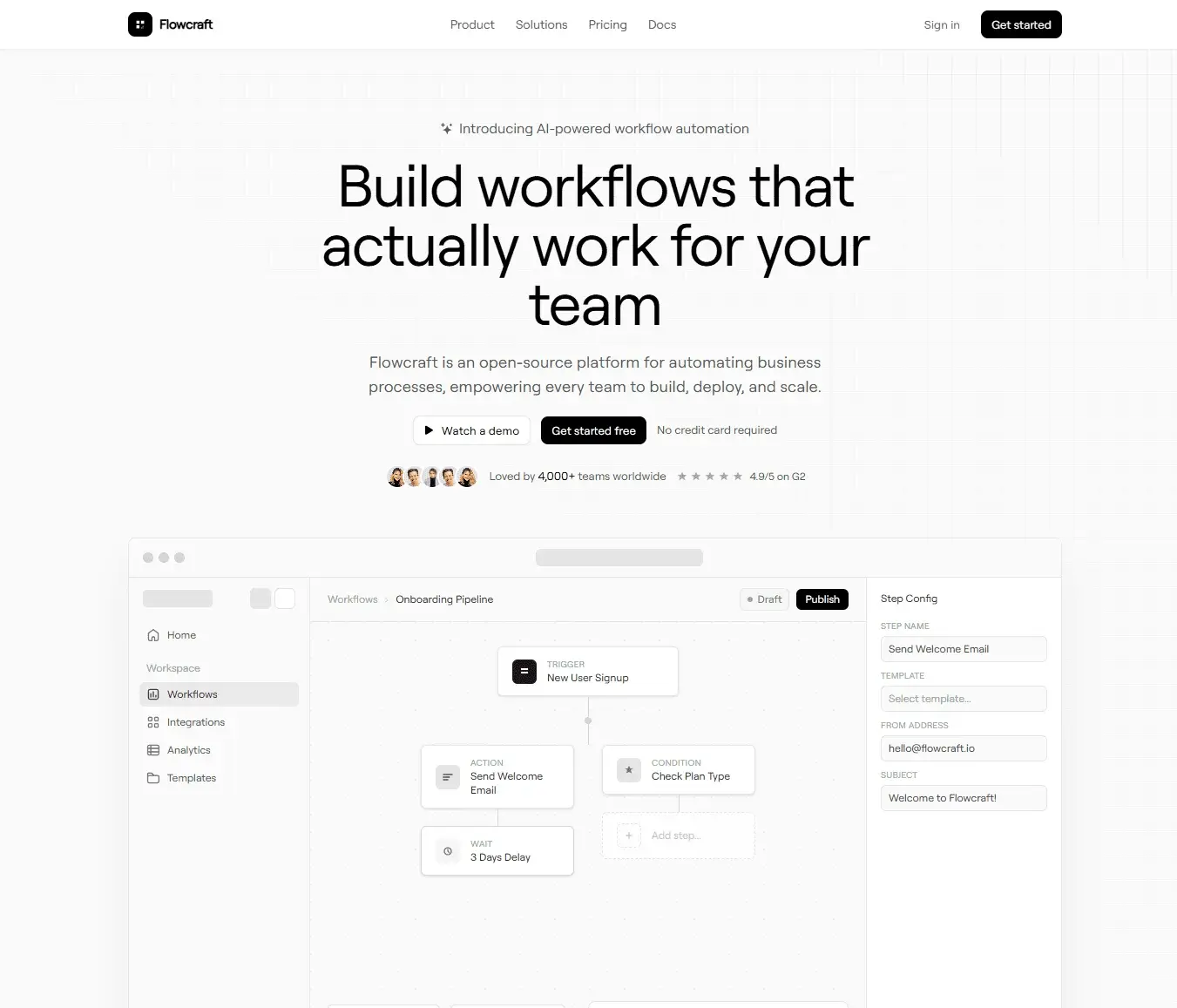
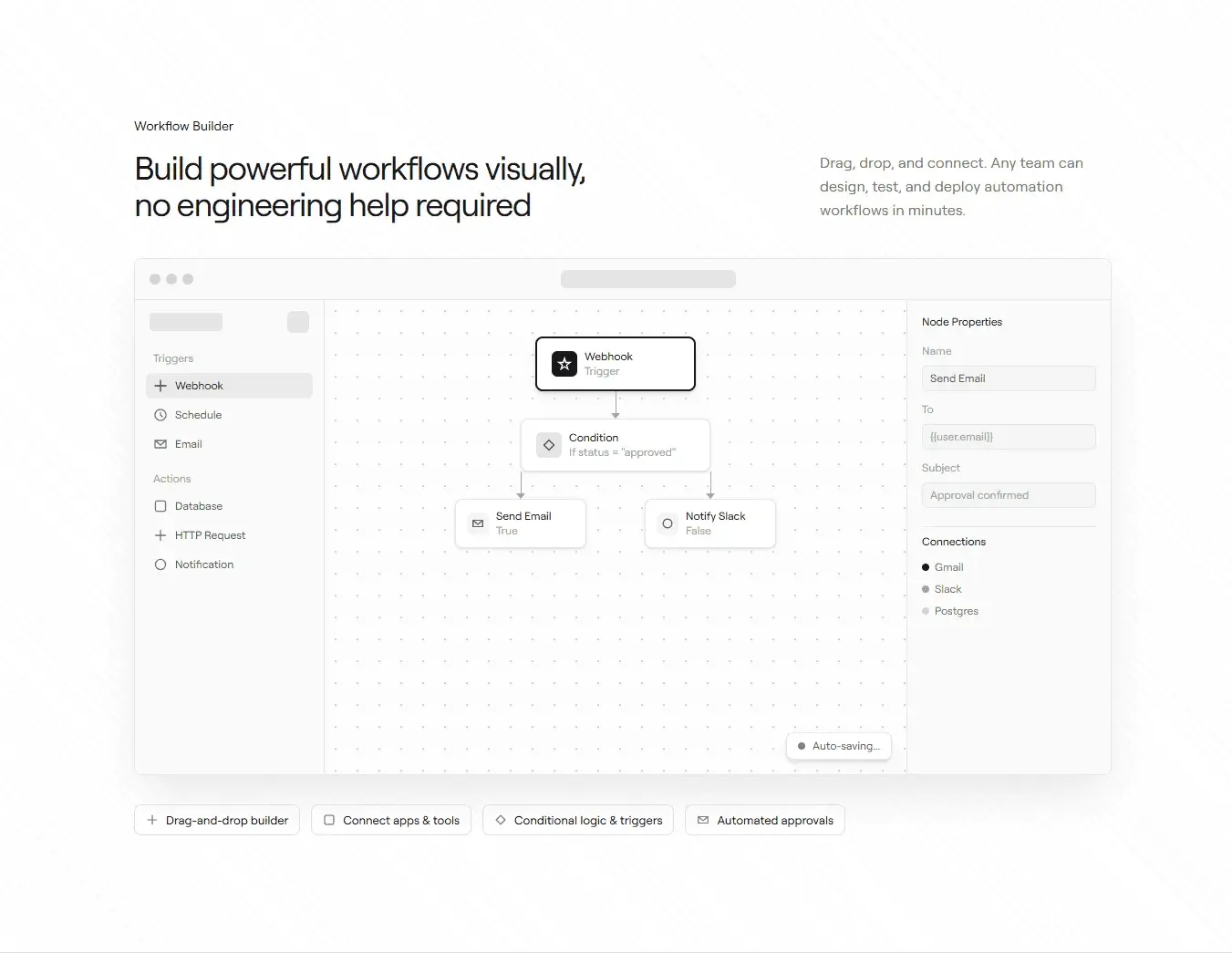
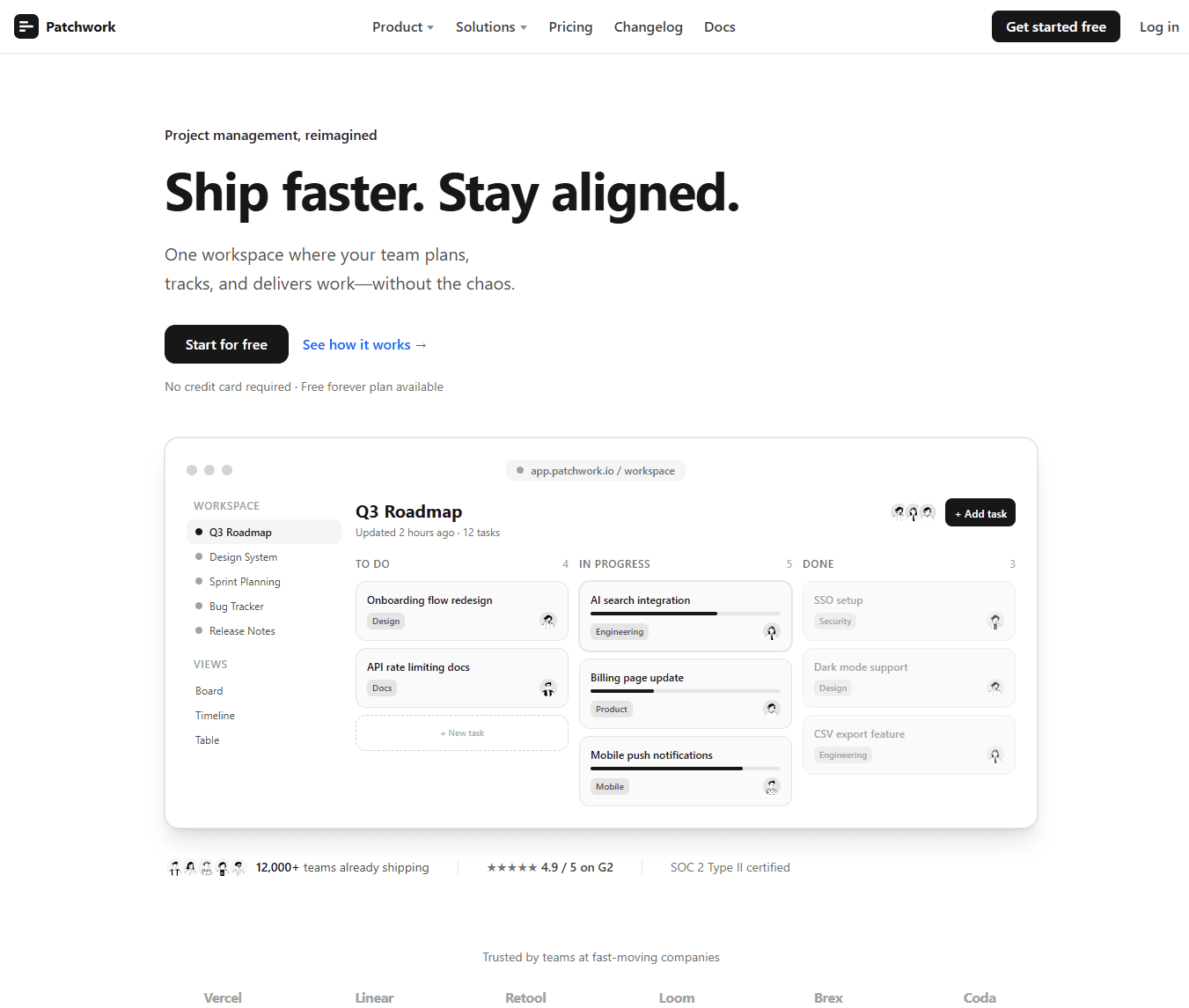
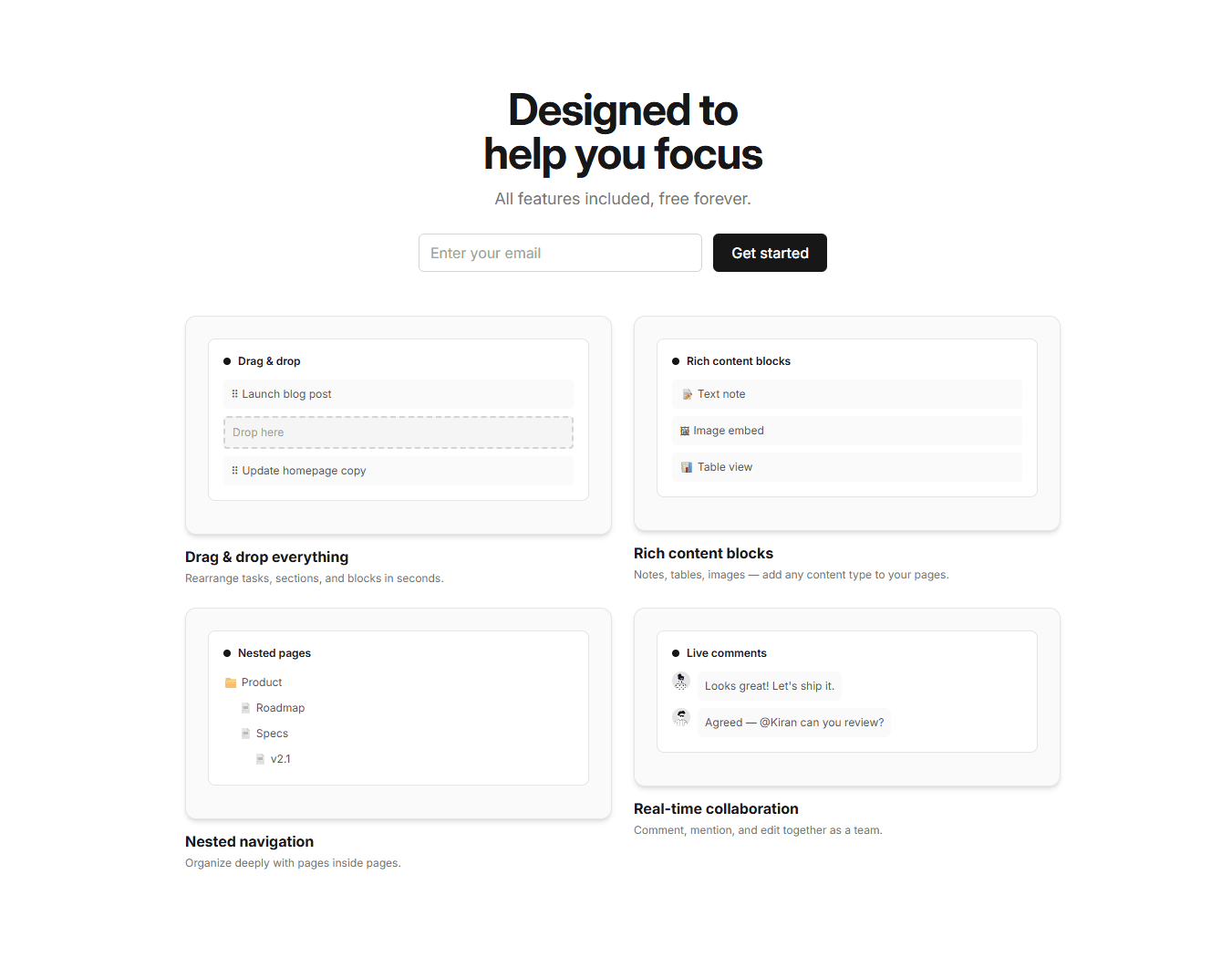
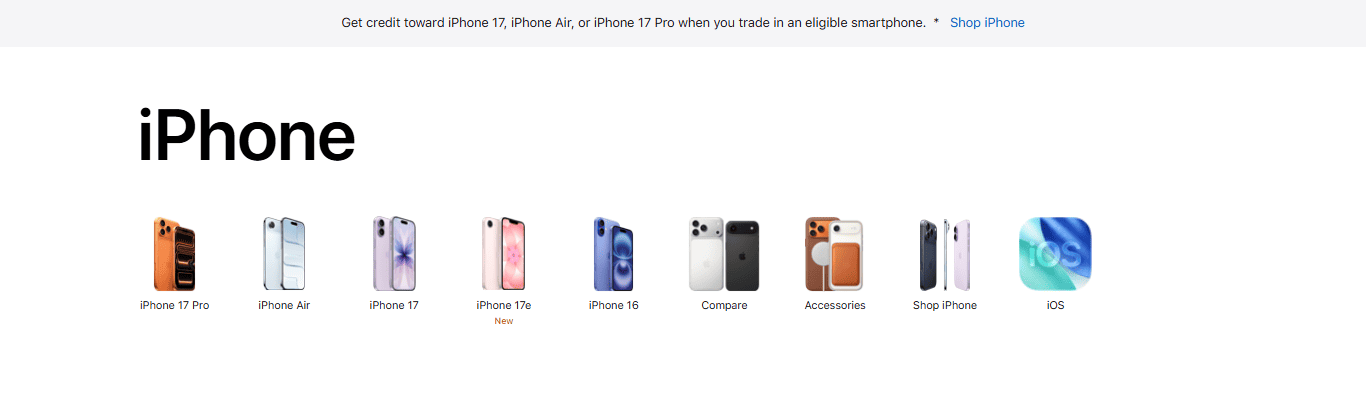
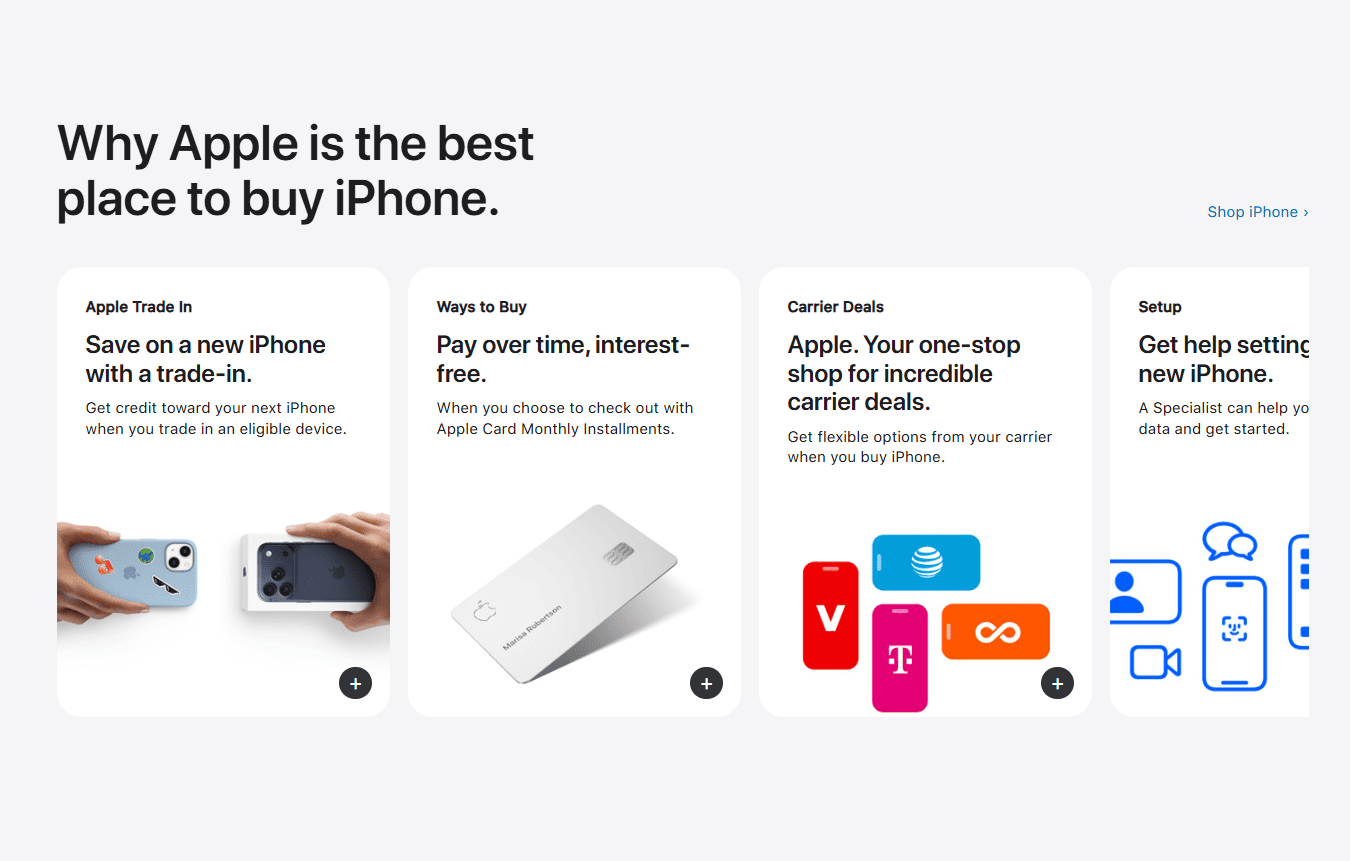
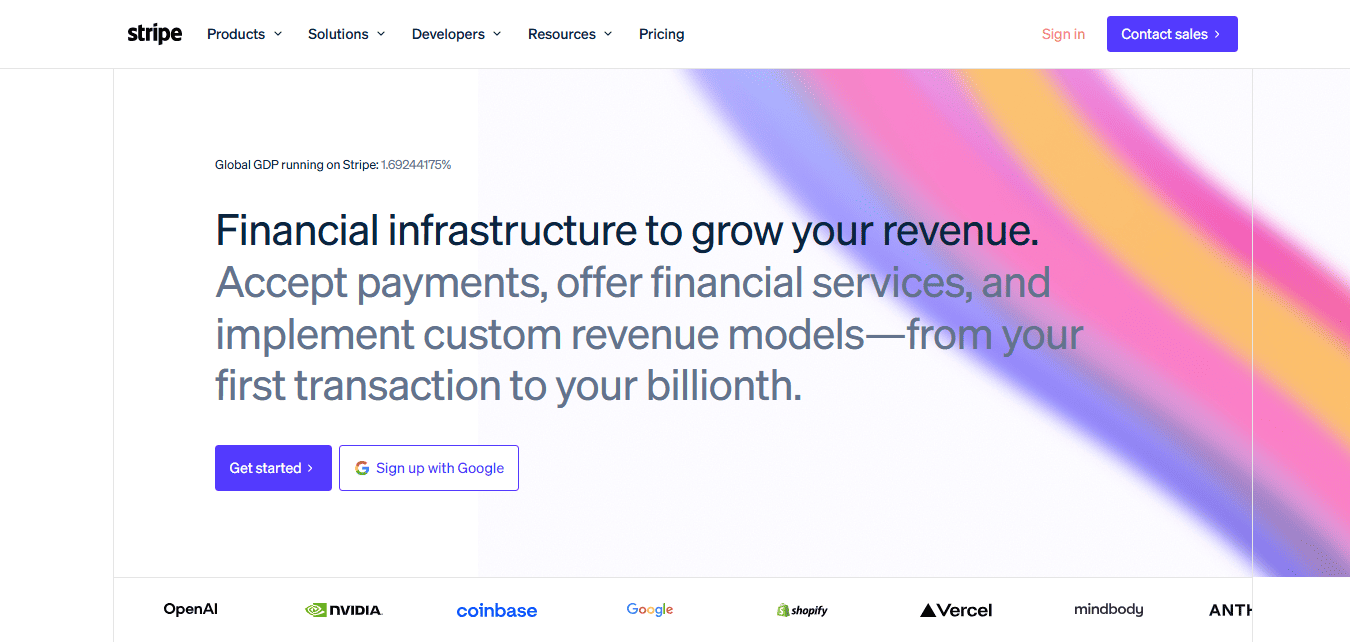
Windframe gives you more than one beautiful style
Pick another style below to preview its design language and templates.
Windframe
You have seen what a design style in Windframe can do. Now see everything Windframe can do.
Windframe brings the full workflow into one platform: generate with AI, edit visually, test responsiveness, reuse templates, and export clean code to your framework. It is built to help teams ship polished UI faster, from first prompt to production.


 18,000+ developers
AI generation with real design systems
Describe any component and get polished, production-ready Tailwind CSS that follows actual design rules, not generic output.
Visual drag-and-drop editor
Fine-tune any component without touching code. Move elements, adjust spacing, swap colors, all visually in real time.
Live preview at every breakpoint
See exactly how your UI looks on mobile, tablet, and desktop before you ship a single line.
Export to 10+ frameworks
React, Next.js, Vue, Nuxt, Svelte, Angular, HTML and more. Clean Tailwind code ready to drop straight into your project.
1,000+ ready-made templates
Browse polished pages, sections, and components across multiple styles. Use them as-is or as a starting point.
Multiple beautiful styles
Linear precision, Notion clarity, Apple polish, Stripe structure, Vercel precision and more. Each is a complete design system, not just a color swap.