Give your AI agent world class design taste
Windframe MCP gives Claude Code, Codex, Cursor, OpenCode, VS Code and other MCP compatible agents real design systems with the tokens and visual direction needed to create polished and consistent interfaces.

Includes 3 free MCP calls. Pro and Lifetime accounts unlock unlimited calls.


Join 18,000+ developers building with Windframe
Turn generic AI output into intentional product design
Give your agent the typography, spacing, color and component decisions behind a coherent design language instead of leaving it to guess.
Real design tokens
Linear, ShadCN, Notion, Pandora, Apple UI, Stripe UI and more. Your agent gets actual typography, spacing and color systems instead of guessing values.
Inside your editor
Generate, iterate and ship UI directly inside Claude Code, Codex, Cursor, OpenCode or VS Code. No context switching.
Production Tailwind code
Clean utility classes that match each style's tokens. Drops into any project without rework.
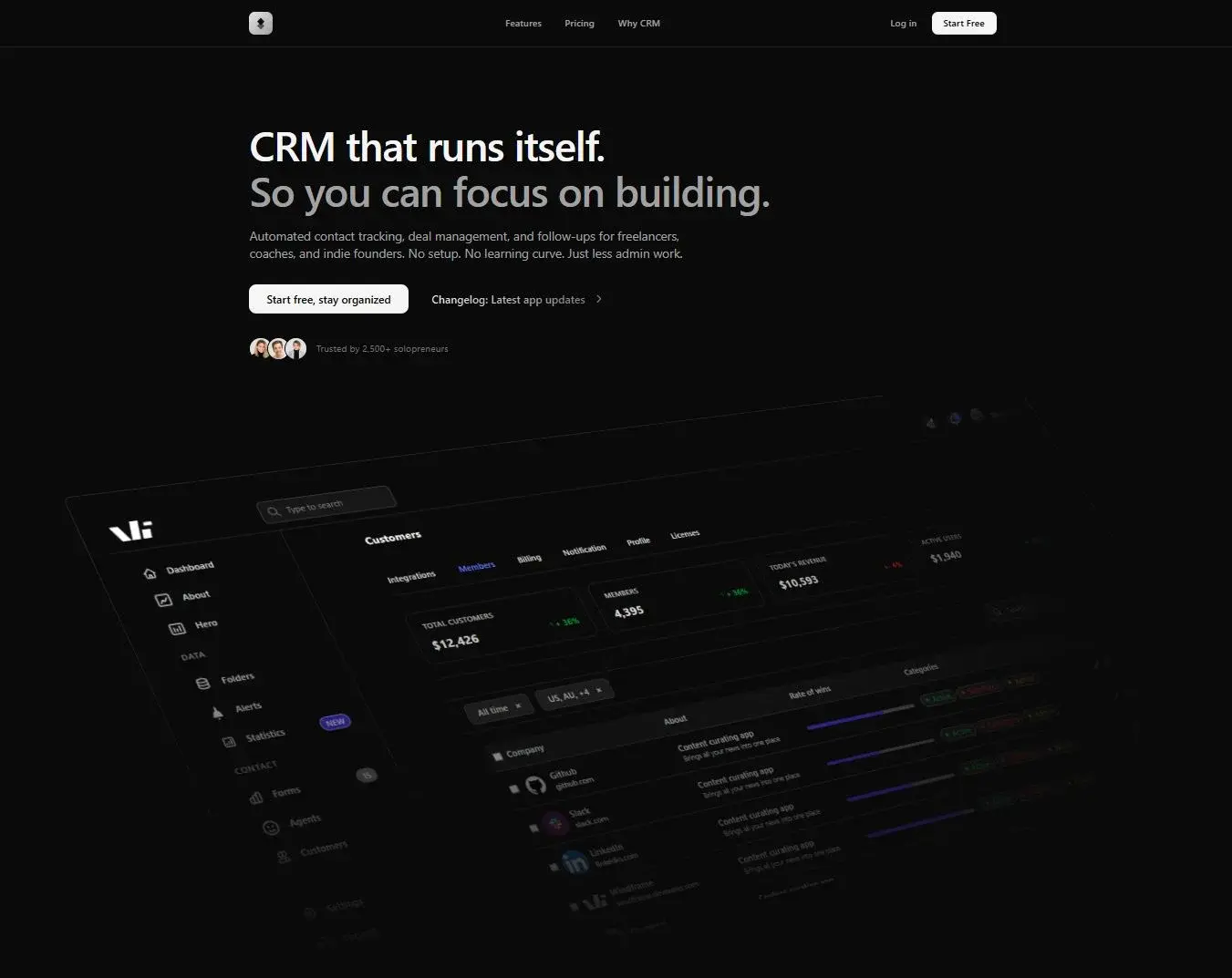
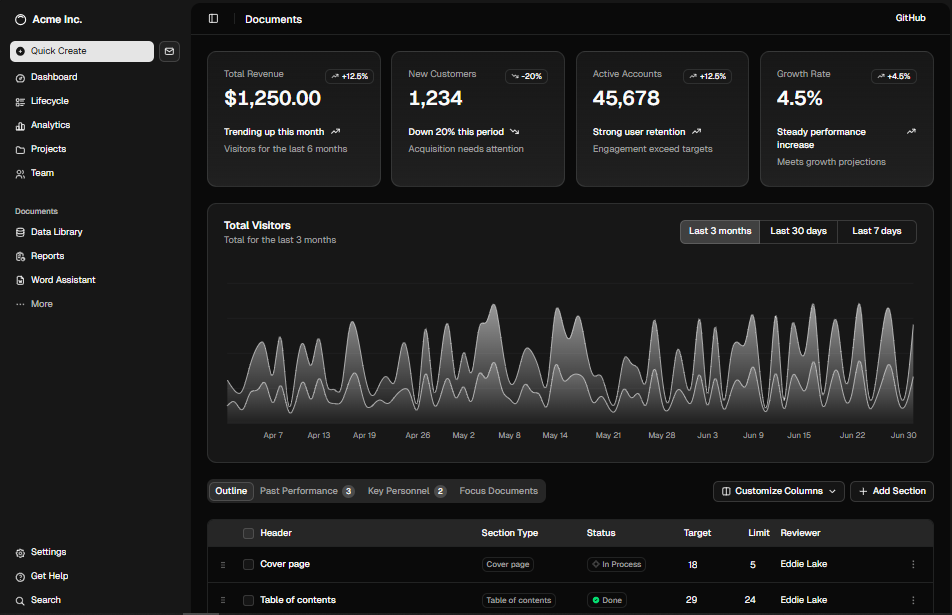



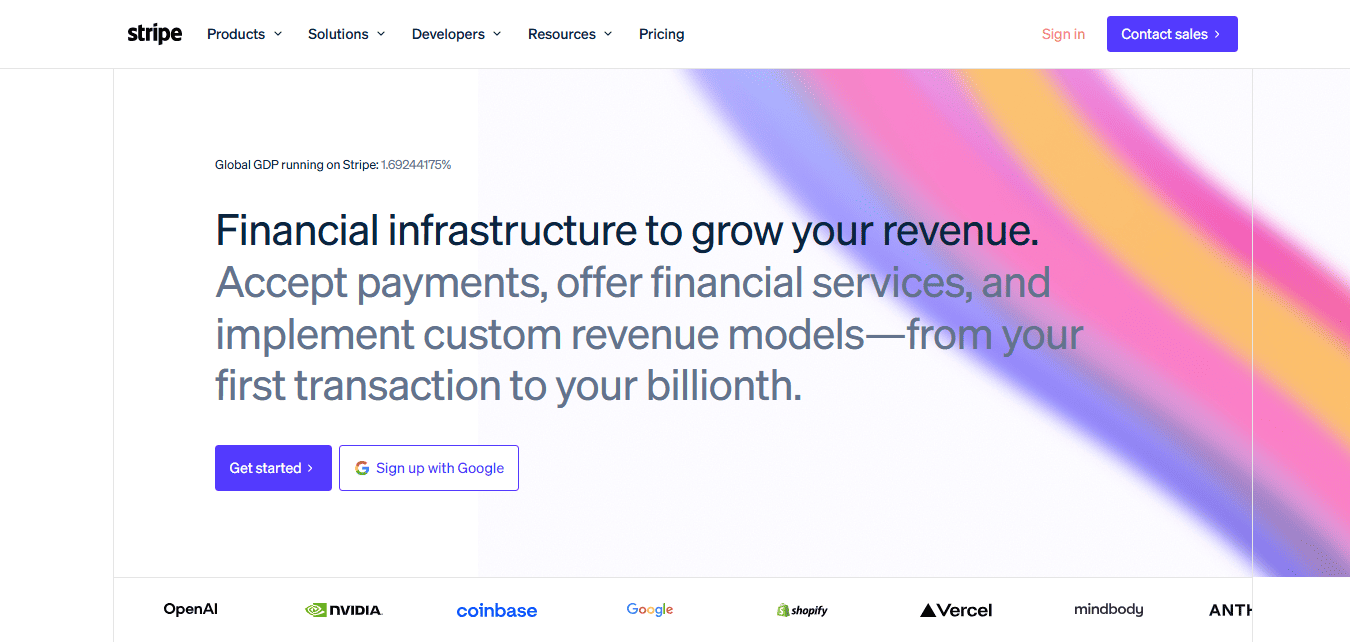
A growing library of styles
Pick a tone for the surface you're building: minimal product UI, bold marketing, content-dense enterprise, warm and expressive. New systems are added regularly.
One source of design taste for every coding agent
Pick your client to see the setup steps. Auth runs through standard OAuth on first use.
Claude Code CLI
claude mcp add --transport http windframe-mcp https://mcp.windframe.dev/mcp~/.claude.json:{
"mcpServers": {
"windframe-mcp": {
"type": "http",
"url": "https://mcp.windframe.dev/mcp"
}
}
}Use Windframe MCP to list the available styles.Same prompt. Different result.
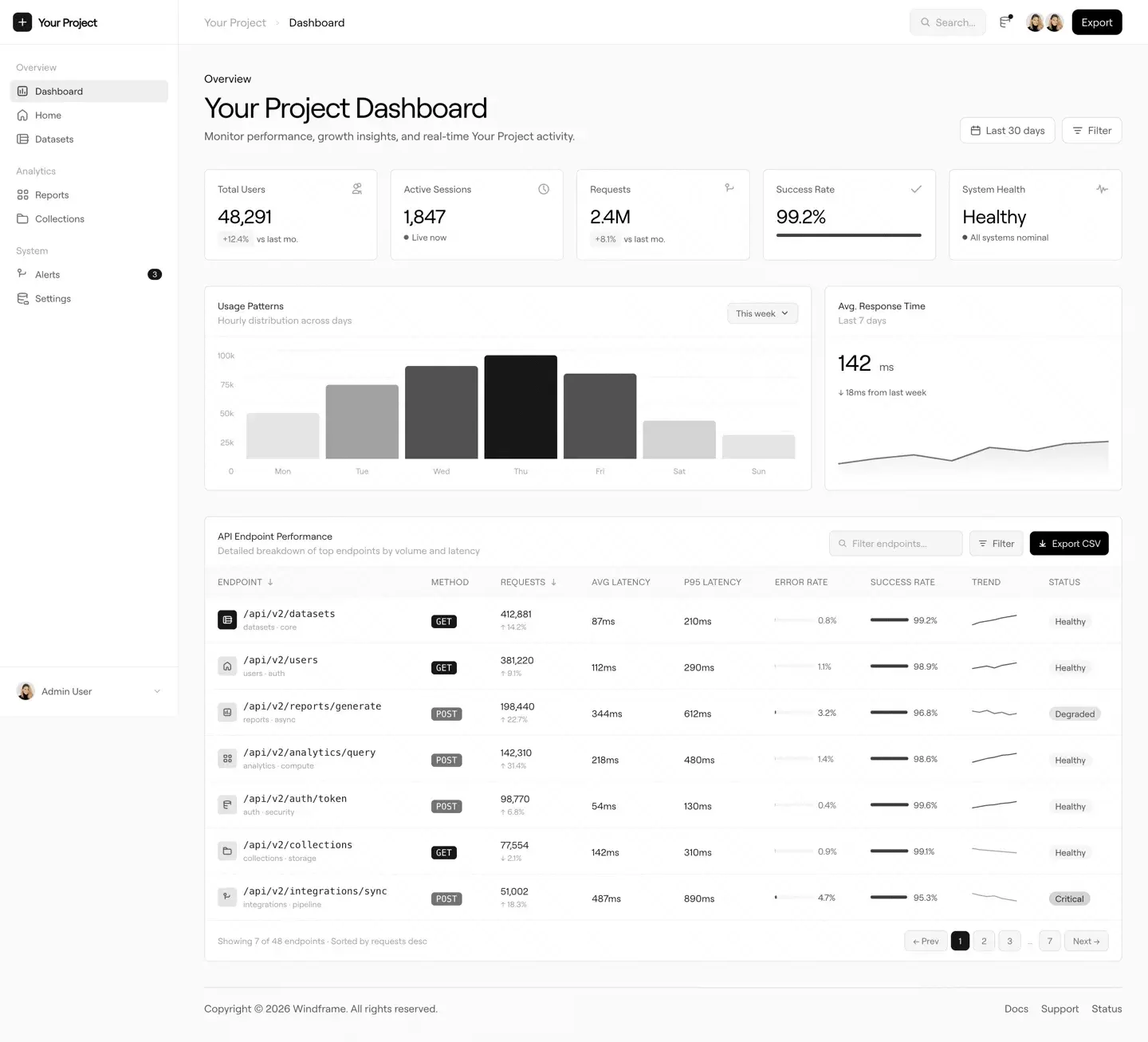
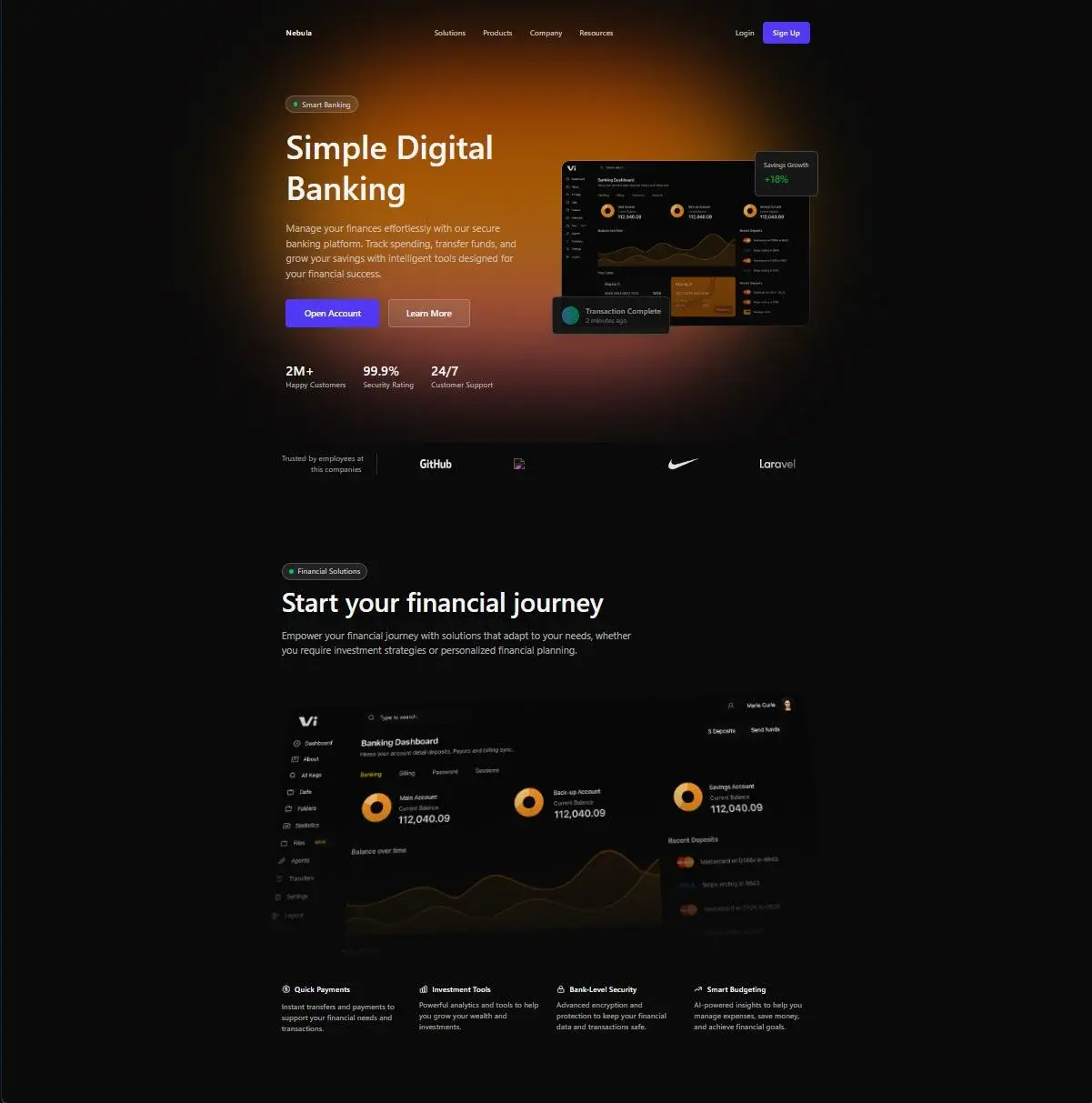
What happens when you apply a real design system to the same AI-generated UI.
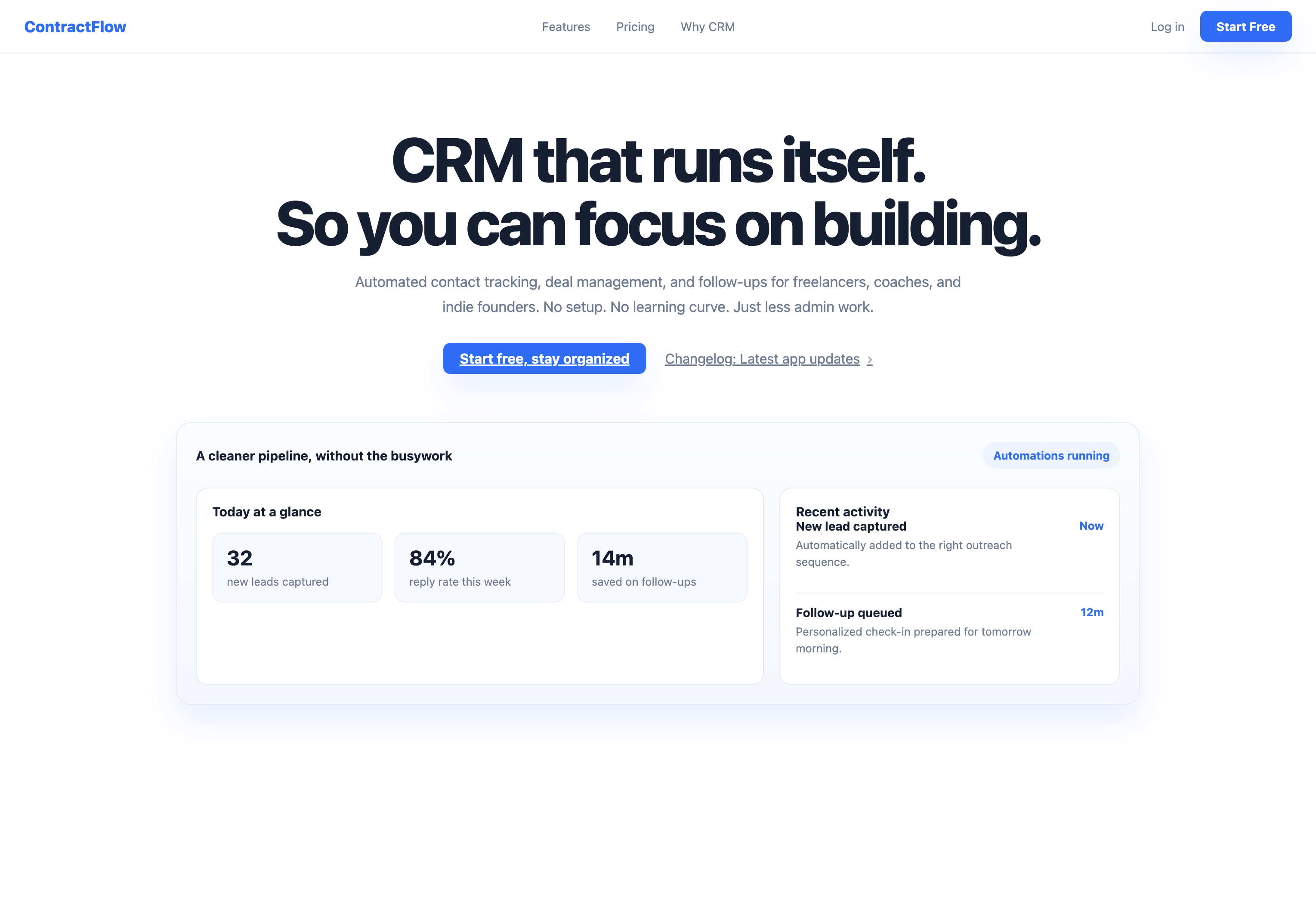
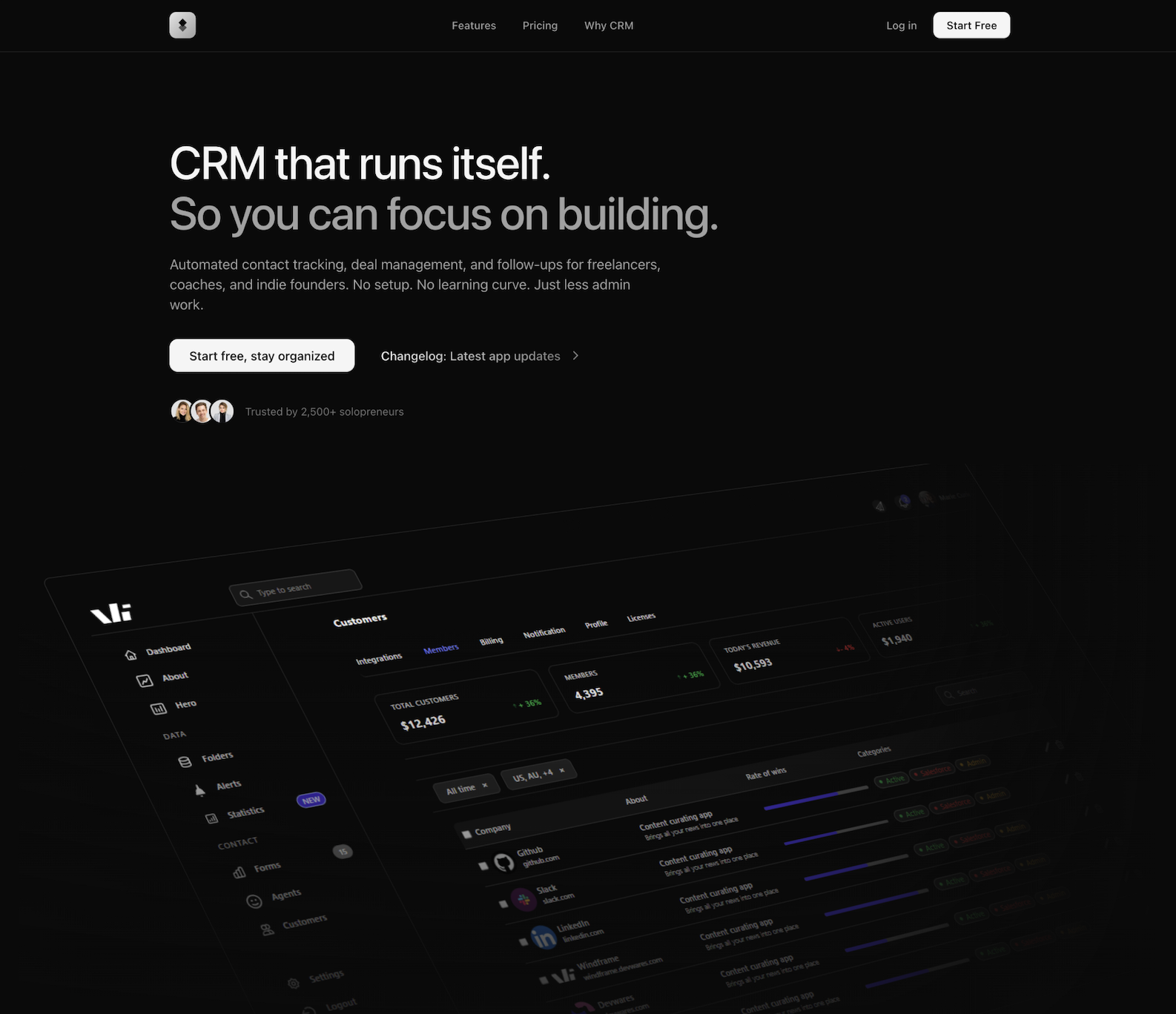
Recognizable design language. Real implementation details.
Choose styles inspired by the companies that set the standard for product design. Preview each one, then give its complete system to your agent.


Drops into the stack you already use





Frequently asked questions
Everything you might want to know about Windframe MCP, plans and setup.
Windframe MCP gives AI coding agents the design taste behind the world's best designed products. It connects Claude Code, Codex, Cursor, OpenCode, VS Code and other MCP clients to real design systems, components and Tailwind tokens, so the result looks intentionally designed instead of assembled.
Yes. You can try Windframe MCP with 3 free calls after signing in. Pro and Lifetime accounts unlock unlimited MCP calls, and the agent stays connected across sessions after OAuth.
Anything that speaks the Model Context Protocol over HTTP. We officially support Claude Code, Codex, Cursor, OpenCode, VS Code and Antigravity, and the server works with any other MCP-compatible client.
Linear UI, ShadCN UI, Enterprise, Notion UI, Pandora UI, Autumn, Apple UI, Stripe UI, Default and more. Each ships with real typography, spacing and color tokens, plus a growing library of Tailwind color themes. New systems are added regularly.
The generated code follows your project's existing styling approach and the chosen design system. Your agent can use Tailwind CSS, plain CSS, CSS Modules or another pattern that fits your project.
No. Windframe MCP works with Tailwind CSS, plain CSS, CSS Modules and other styling approaches. Your agent follows the way your project is already built.
Yes. Code generated through your Windframe account is yours to ship in client work, products and commercial projects.
On the first MCP tool call, your agent triggers a standard OAuth 2.0 + PKCE flow. You sign in or sign up once with your Windframe account and the agent stays connected for future sessions.
Give your agent better design instincts
Connect Windframe MCP and turn world-class design systems into polished, production-ready Tailwind UI.