Apple style guide
A complete style guide inspired by the apple design language. Use it with Windframe AI to generate pages, sections, and components for your own project that follow these same design principles, or start from one of the templates below and customize it in the editor.
 HTML
HTML React
React Next.js
 Vue
Vue Nuxt
Nuxt AngularSvelte
 Astro
Astro SolidJS
 Rails
RailsDesign System
The Apple design language
Visual-first product interfaces inspired by Apple's design language. Focused on short copy, precise SF Pro typography, generous product media, and neutral light and dark surfaces
Typography
SF Pro Text / SF Pro Display
font-normal with bold display headings
The quick brown fox
Design is not how it looks. Design is how it works.
Small body copy, clear and readable
Spacing
Comfortable product rhythm
44px global nav, 52px local nav, 40-70px section gaps, and product media wider than text
Border Radius
28px modules, pill controls
rounded-[28px] / rounded-full
Colors
Design paletteCanvas
Page and section background
Panel
Content modules and promo panels
Primary Text
Headings and icon fills
Secondary Text
Support copy
Accent Link
Links and secondary CTAs
More pronounced swatches for quick light/dark comparison.
Shadows
Prefer no shadow on UI cards. Product media can use shadow-[3px_5px_30px_0_rgba(0,0,0,0.22)] when it needs depth.
Apple in practice
Polished designs inspired by the best design systems
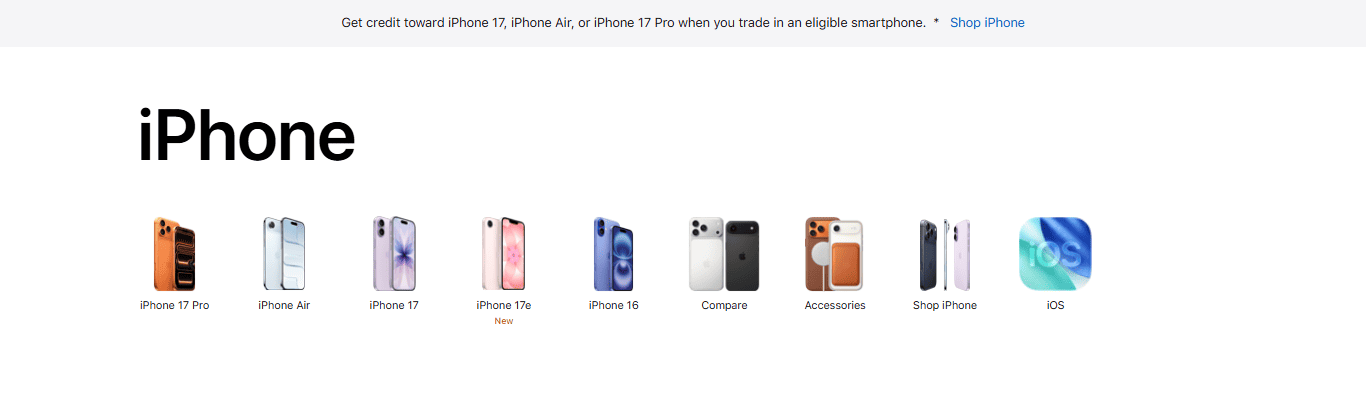
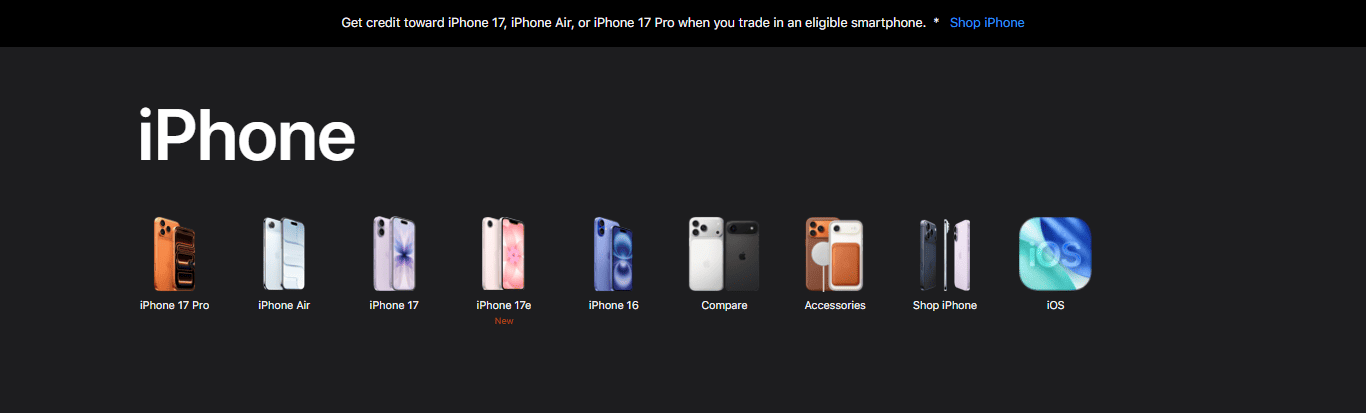
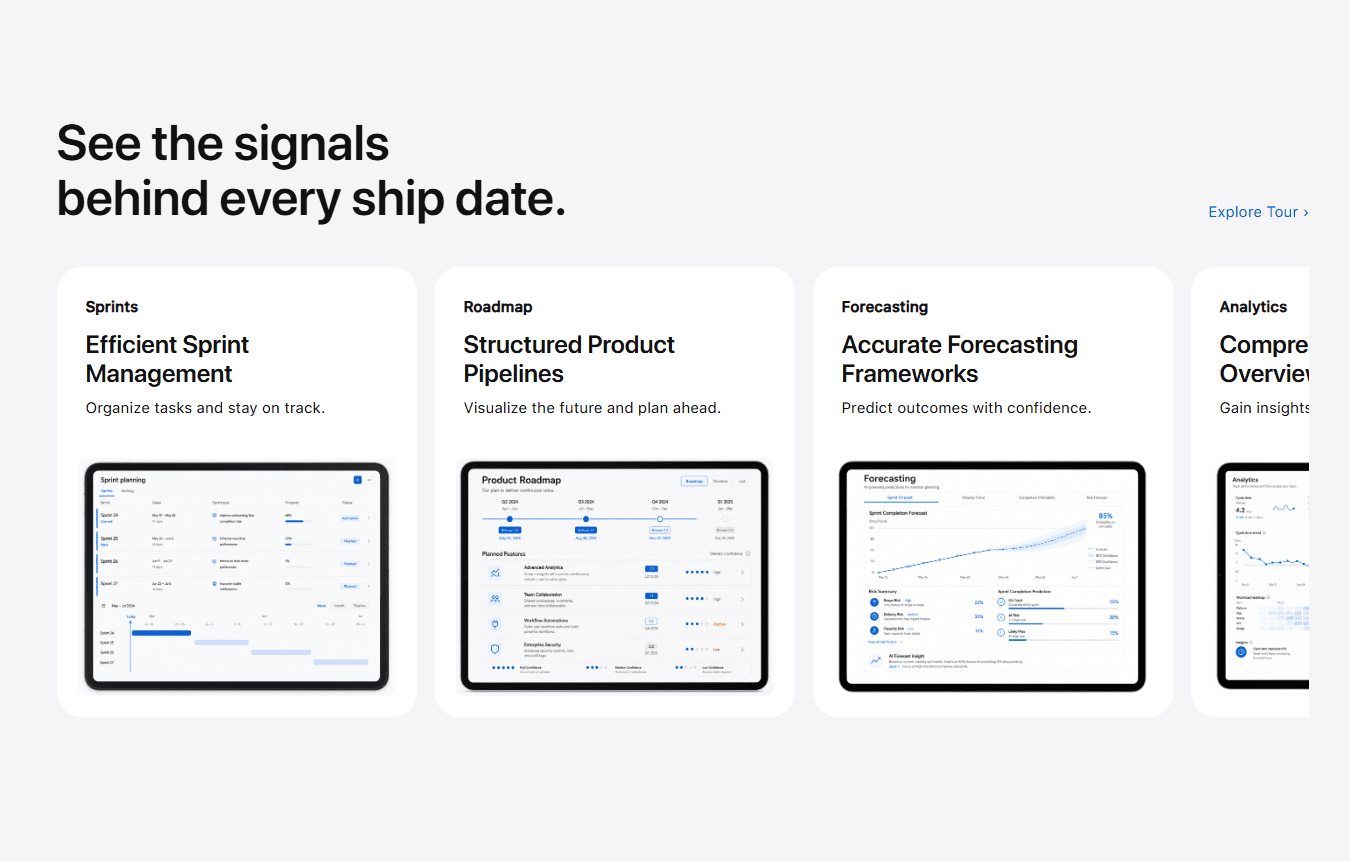
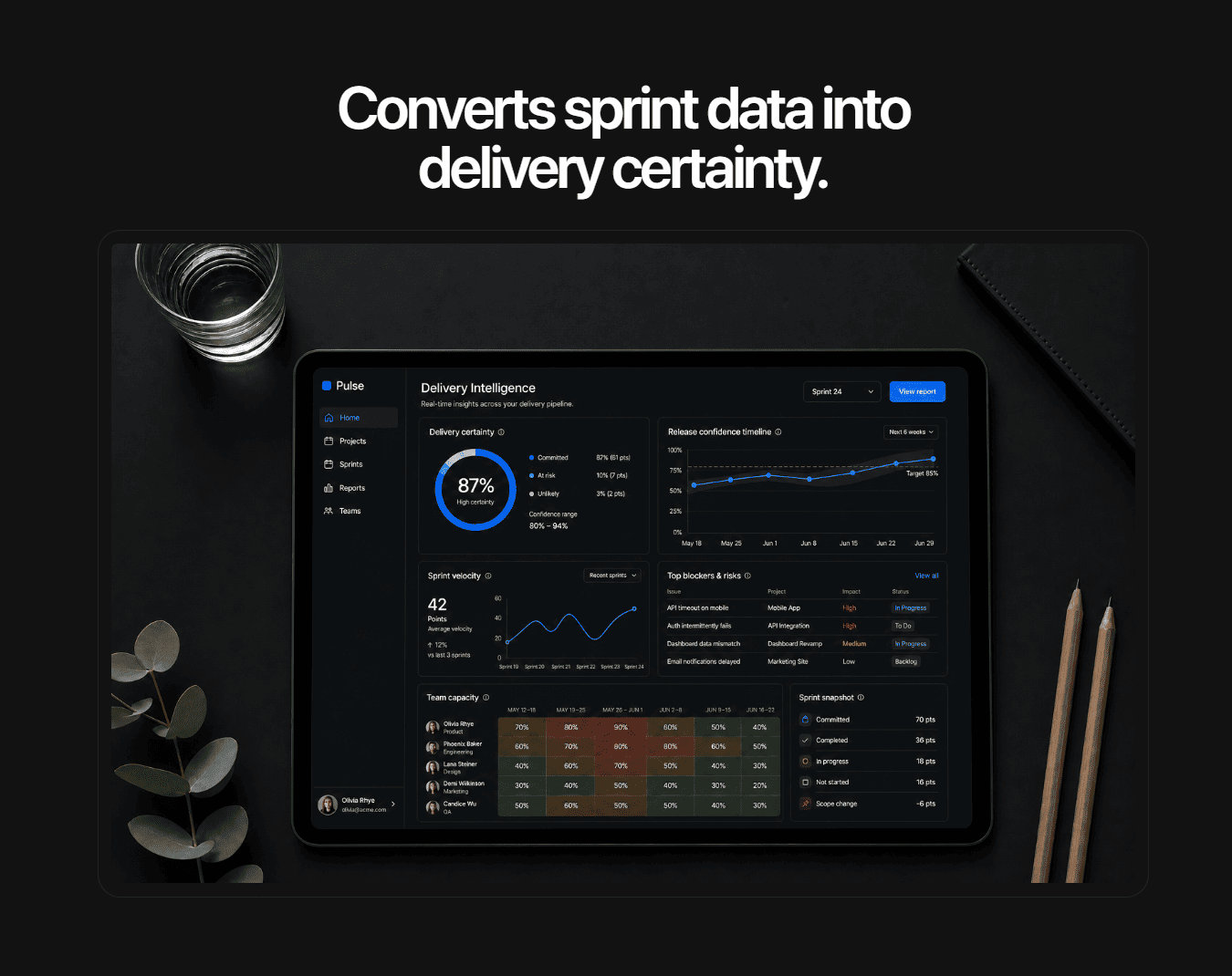
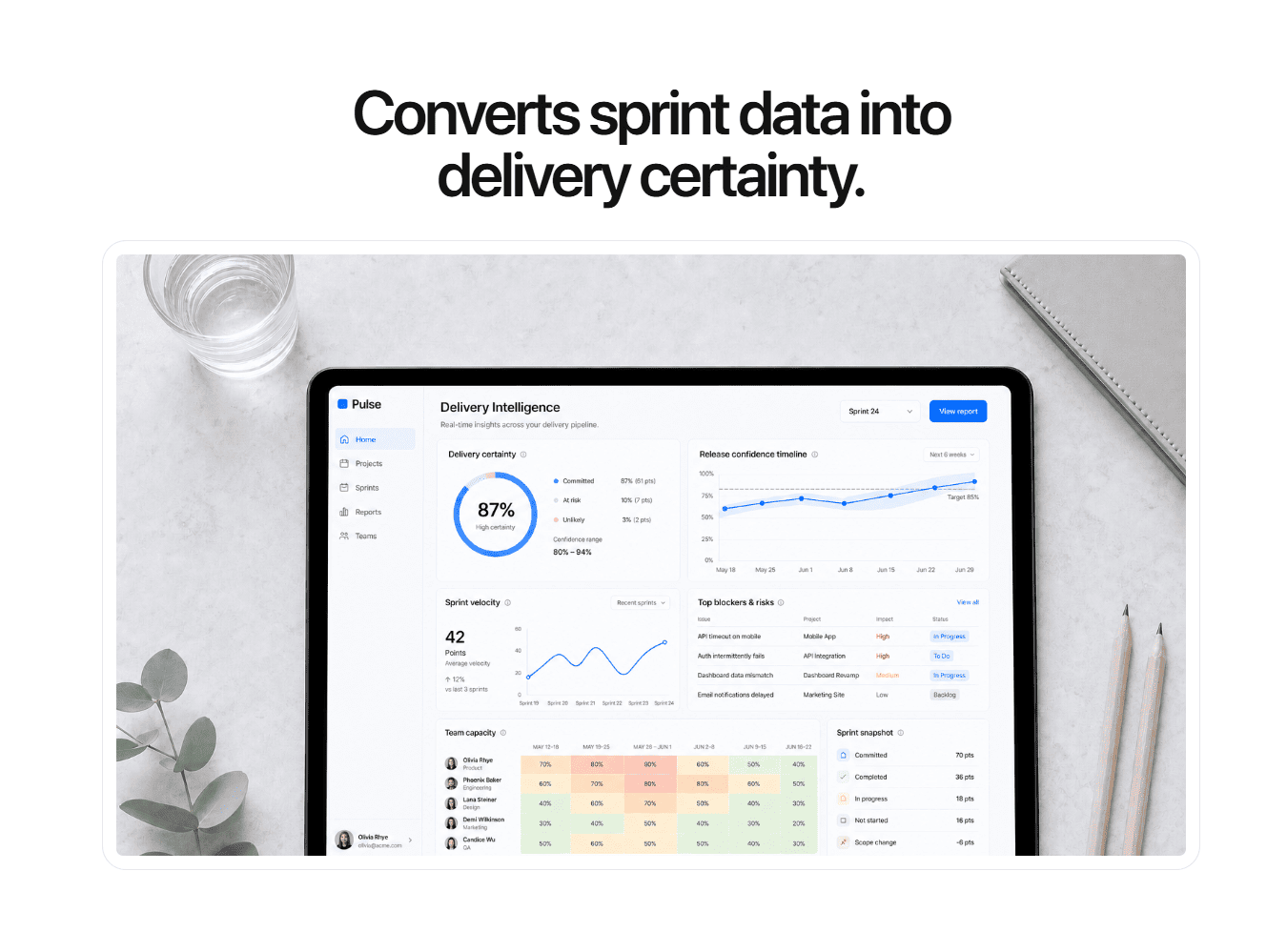
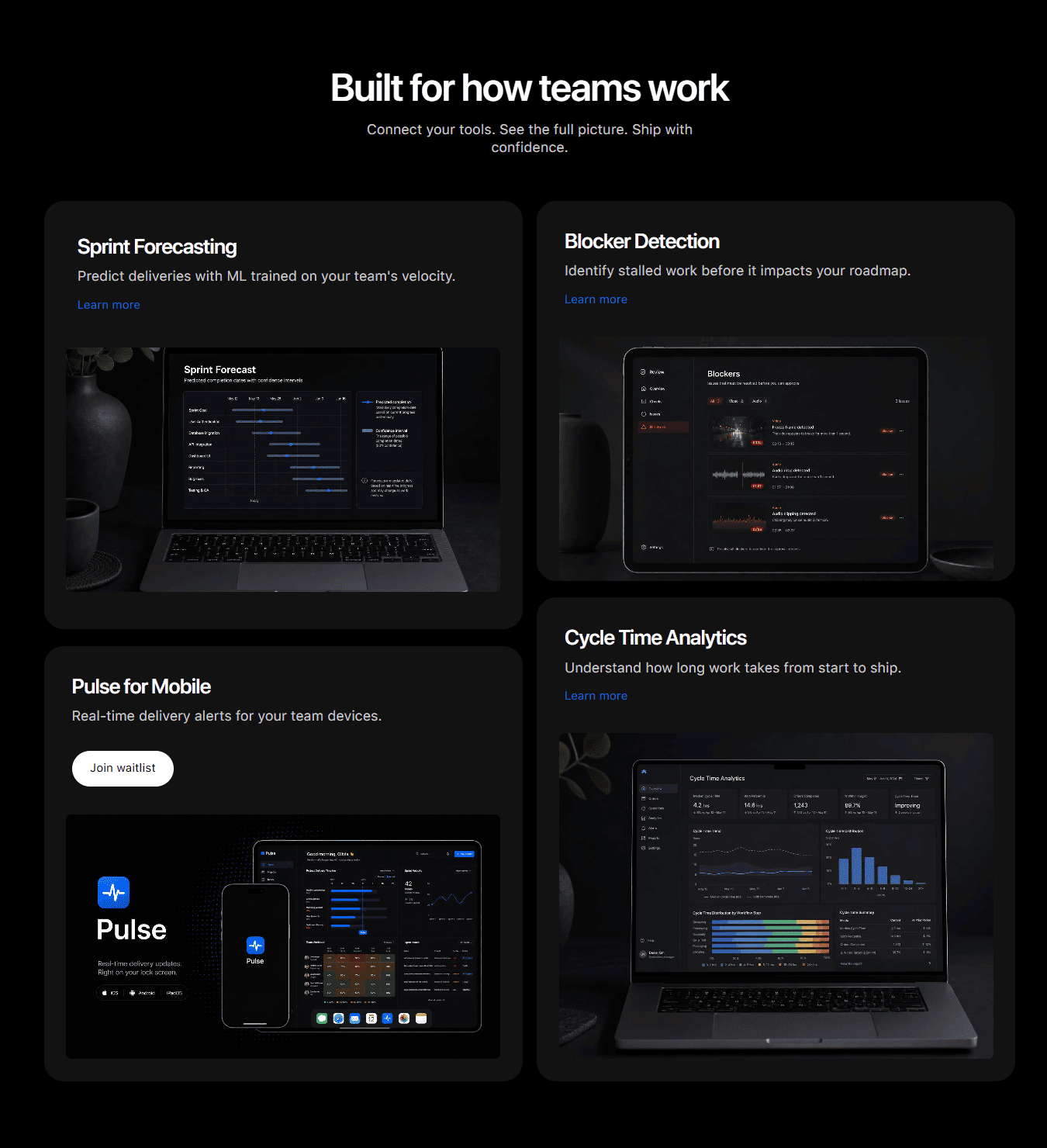
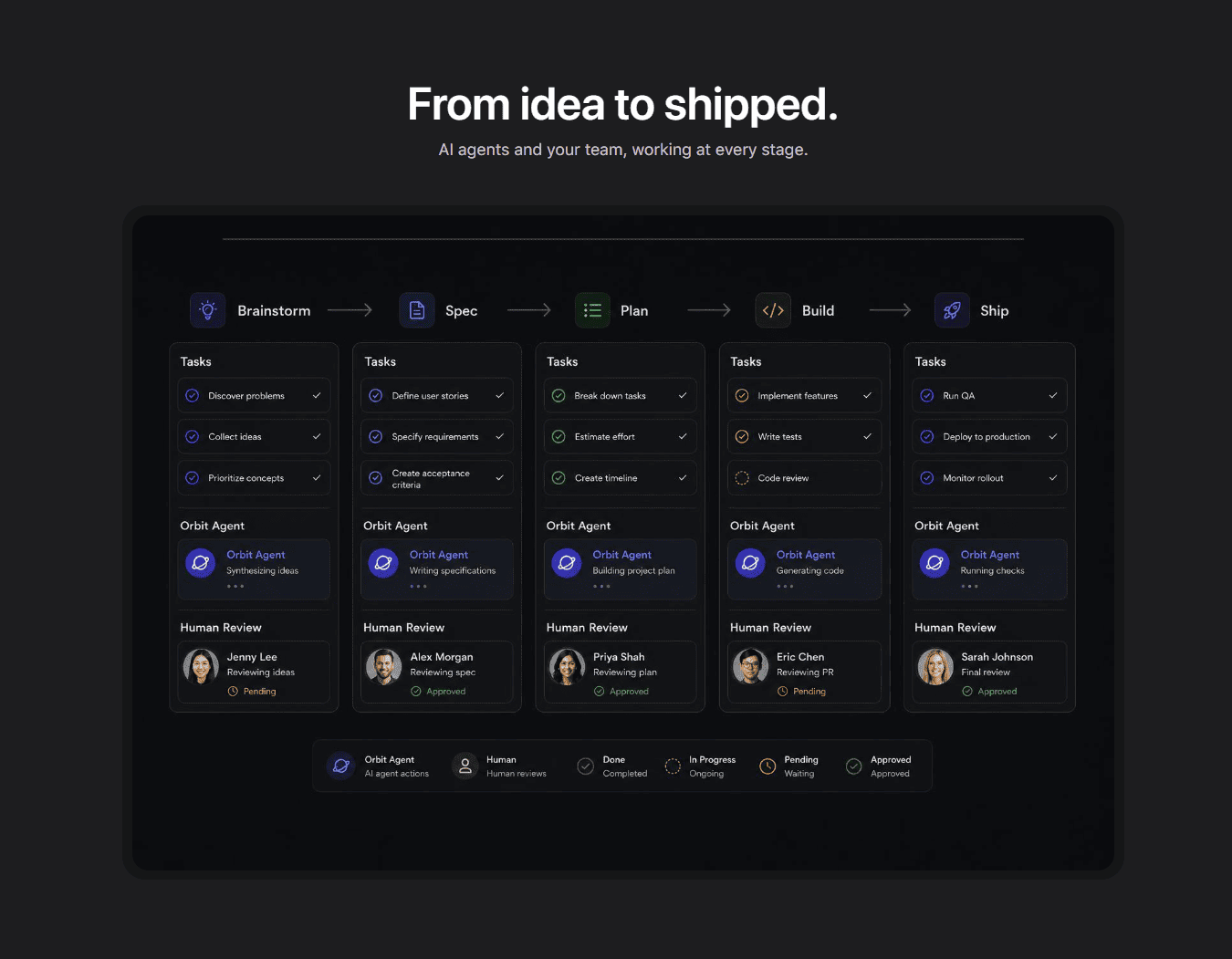
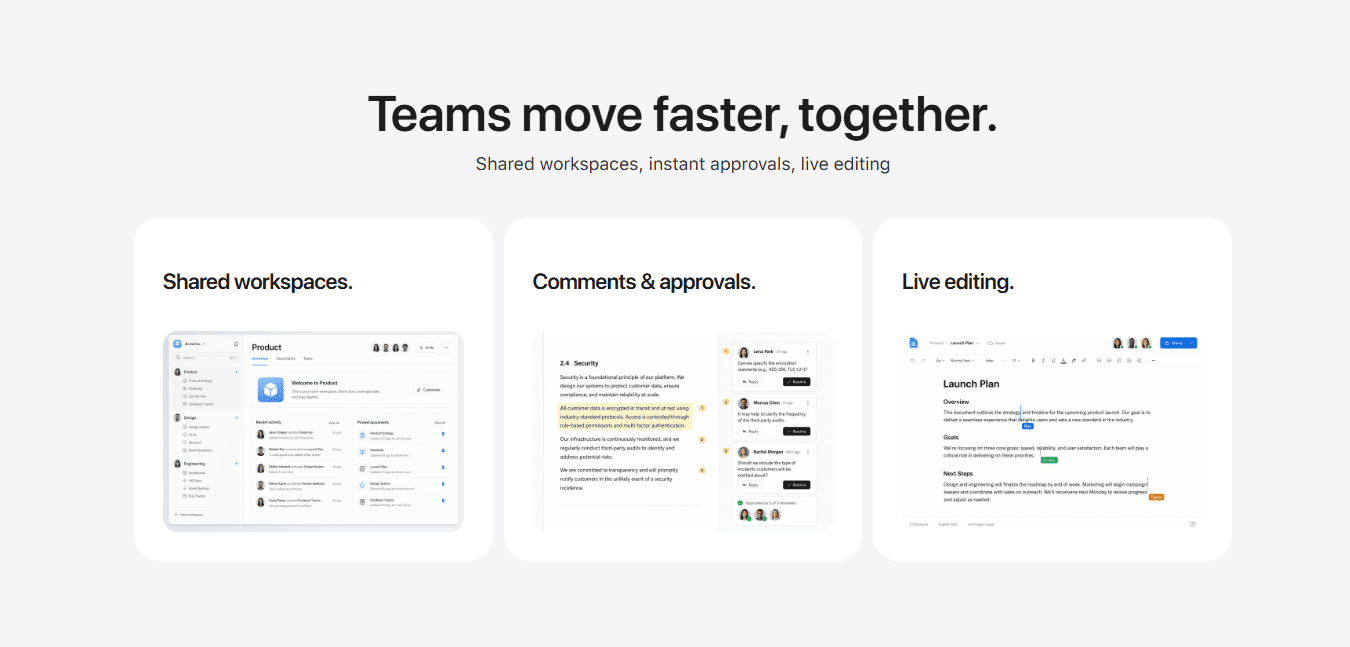
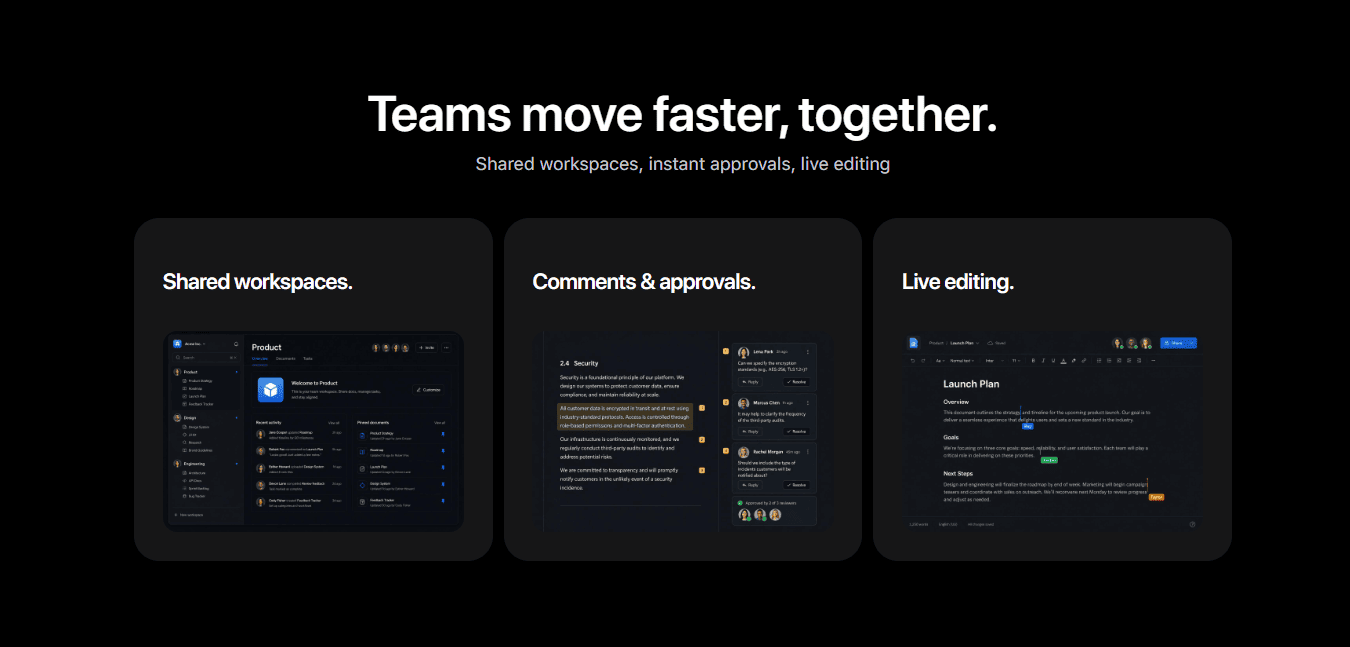
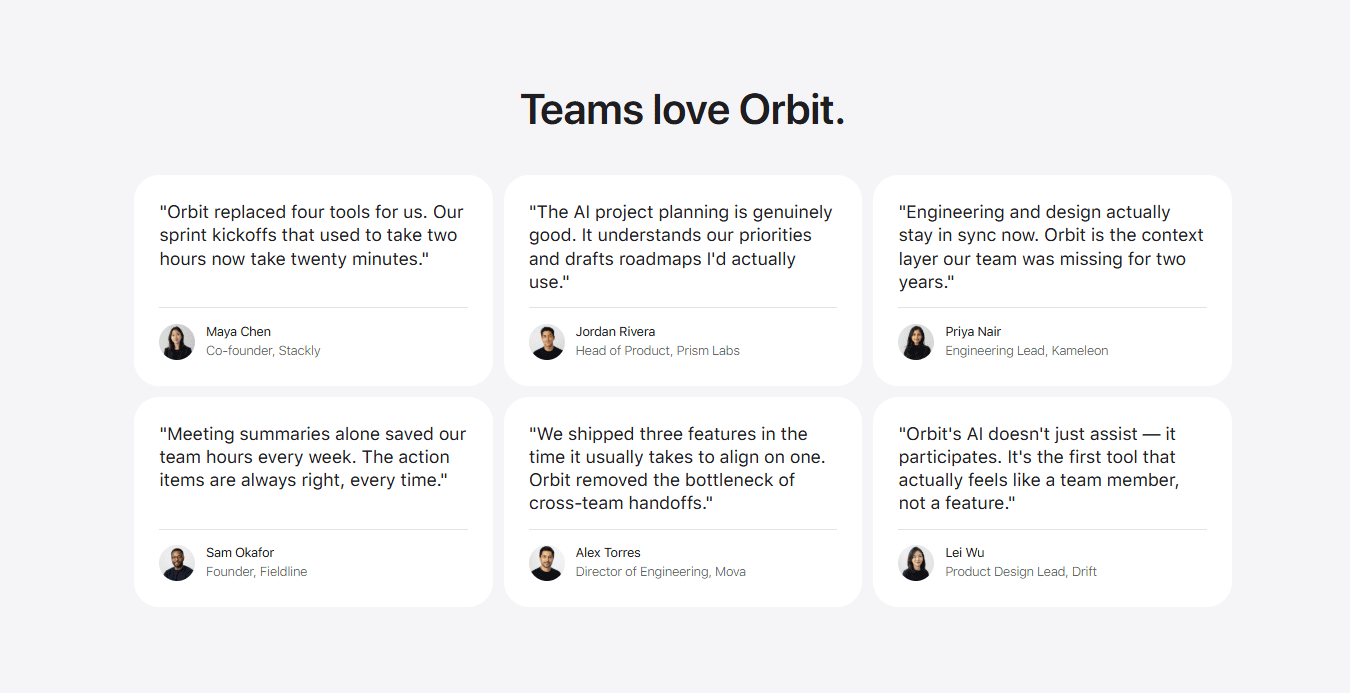
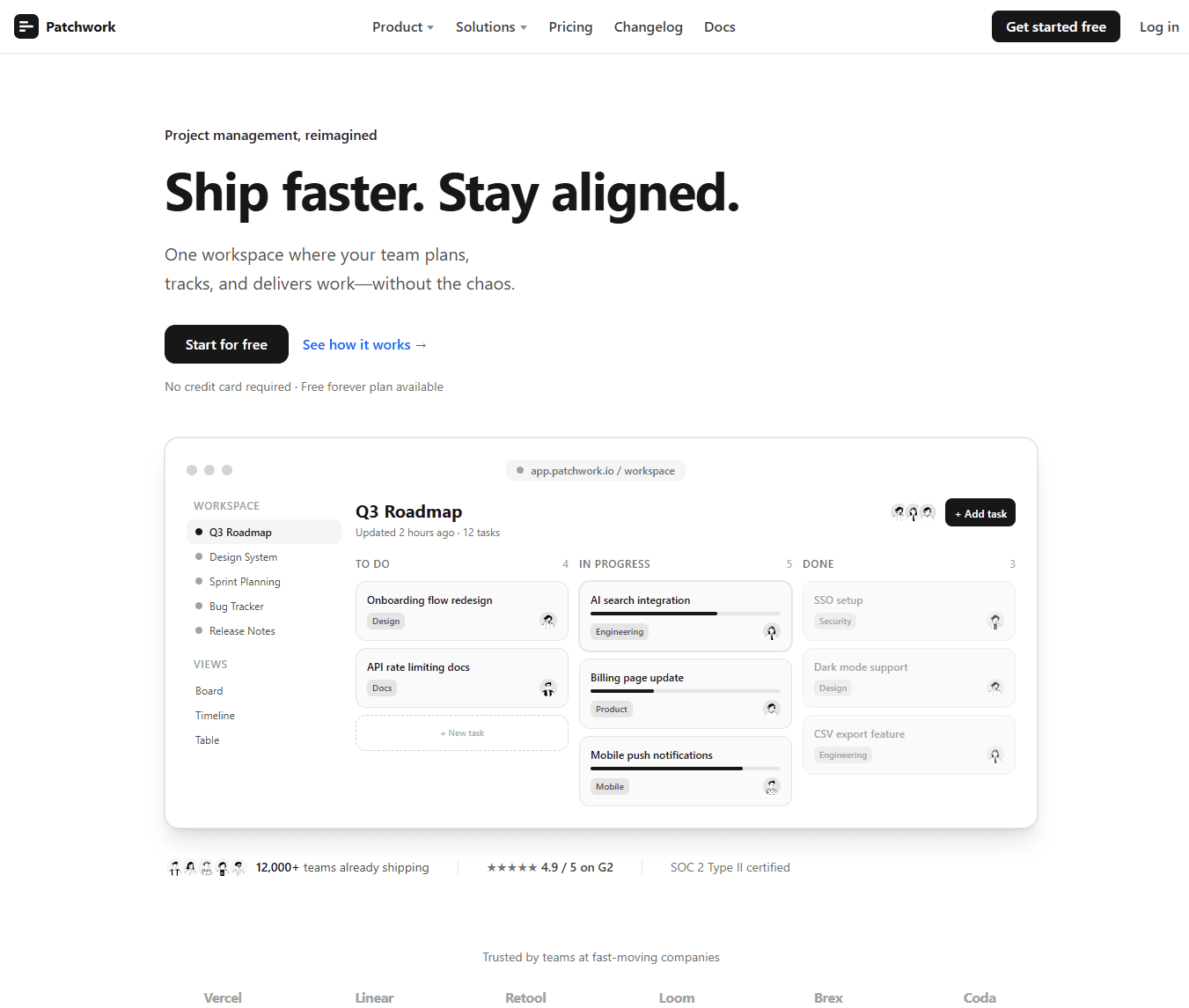
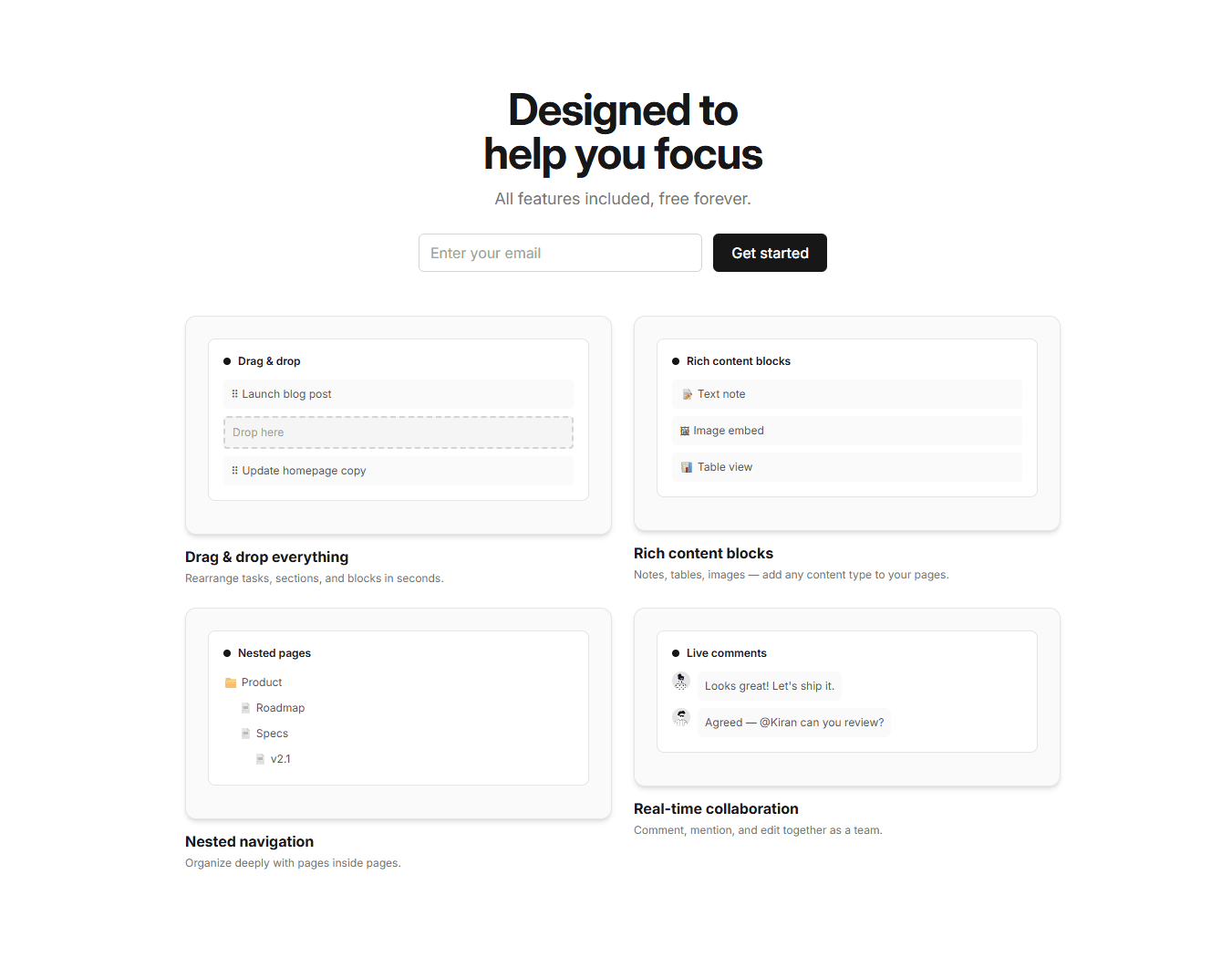
Companies like Linear, Notion, and Vercel invest heavily in their design systems. Windframe studies those systems and bakes their principles into styles you can use out of the box, so your project gets the same level of polish. These are some example images of UIs generated with this style.
Every component, every page: consistent by design. Browse all Apple templates →
AI Playground
Build something new with the Apple style
Describe any UI and Windframe generates it using the same Apple design tokens shown above. Your output stays consistent with every template on this page.
Try an example:
Pre-built components and pages
Browse 29 production-ready templates built with Apple design principles. Preview any template, export the code to your framework, or open it in the visual editor to customize.


iPhone Product Page Clone
Full Page


Pulse AI SaaS Landing Page
Full Page


Orbit AI SaaS Landing Page
Full Page
Product Highlight
Hero
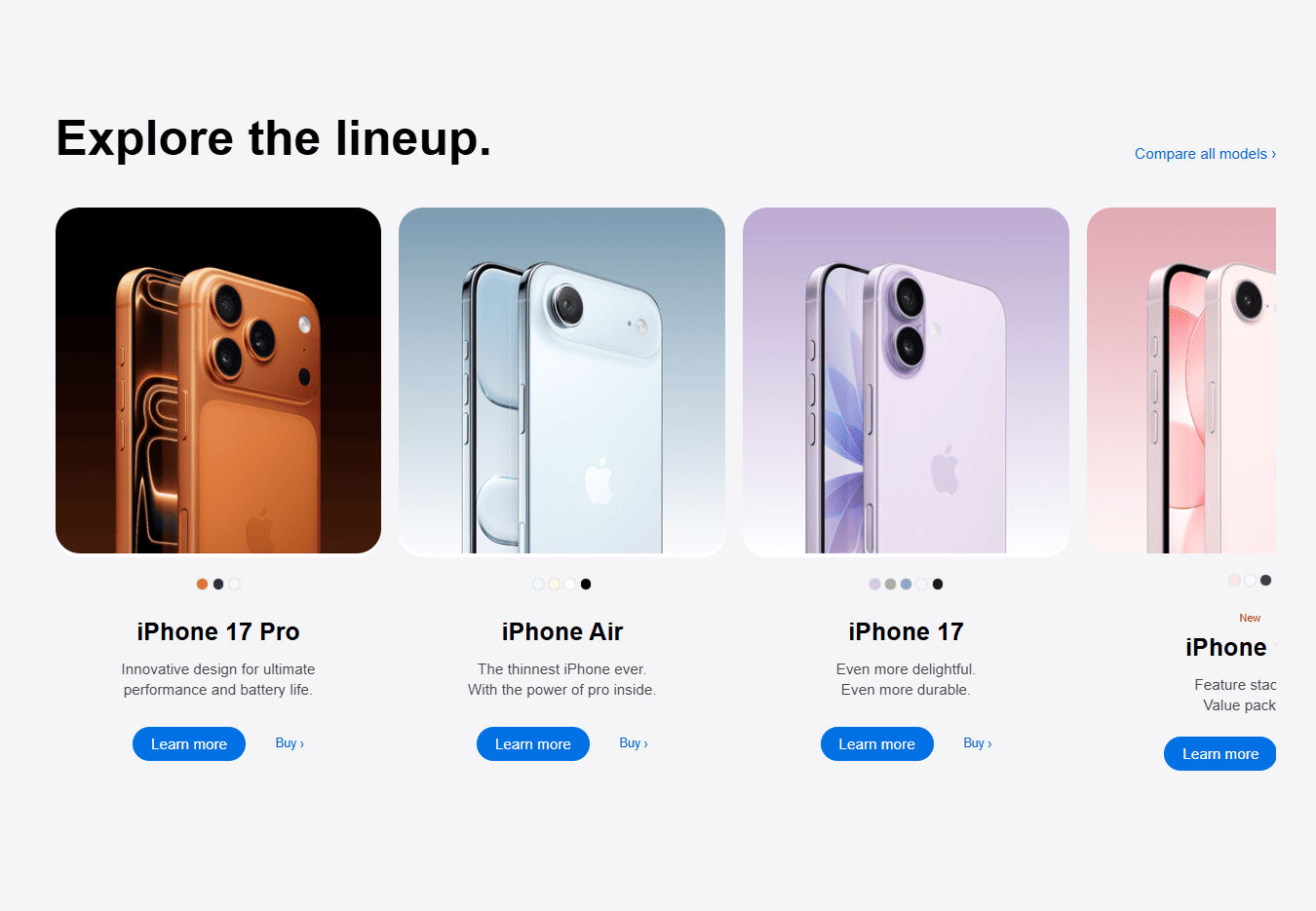
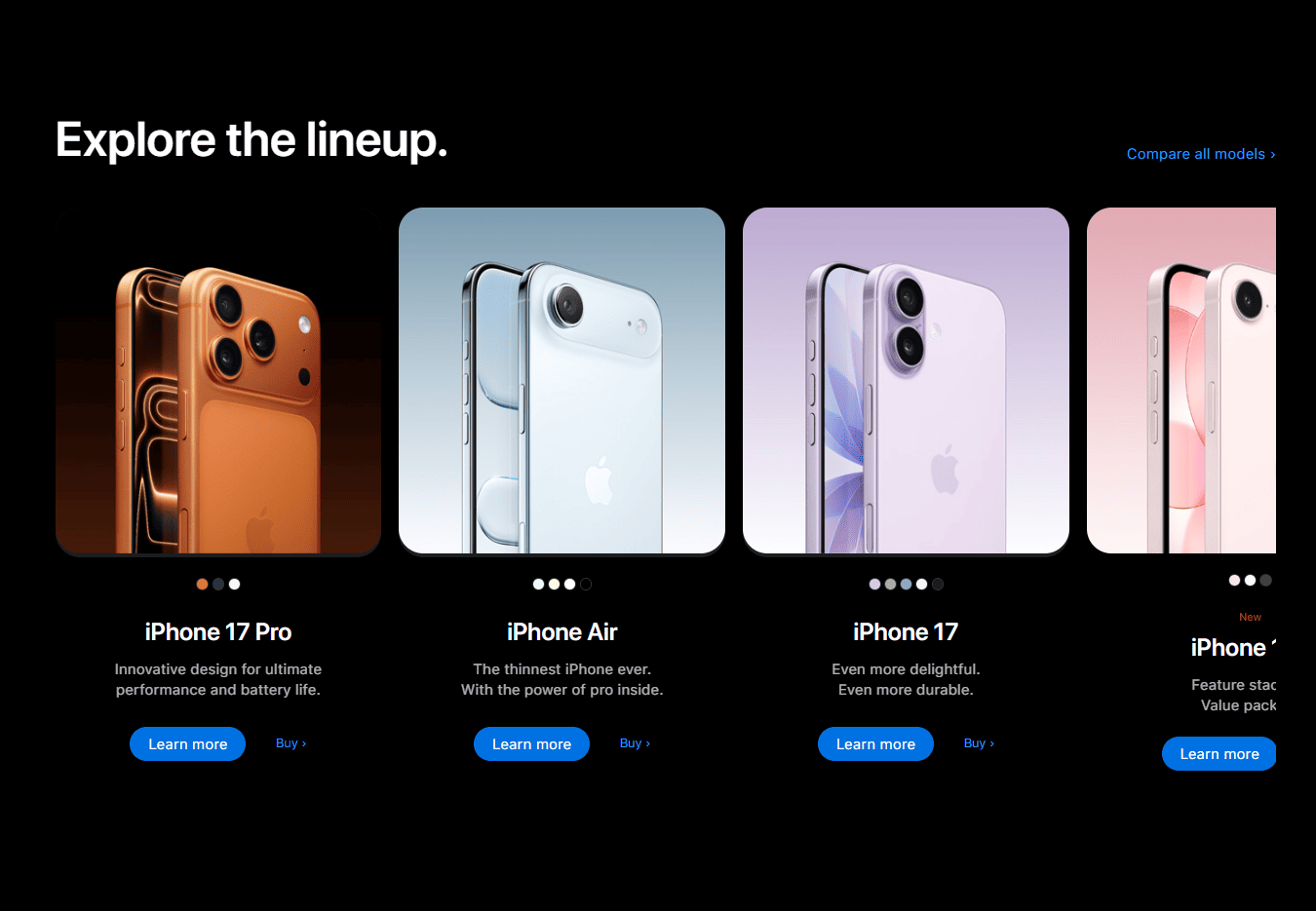
Product Gallery
Gallery
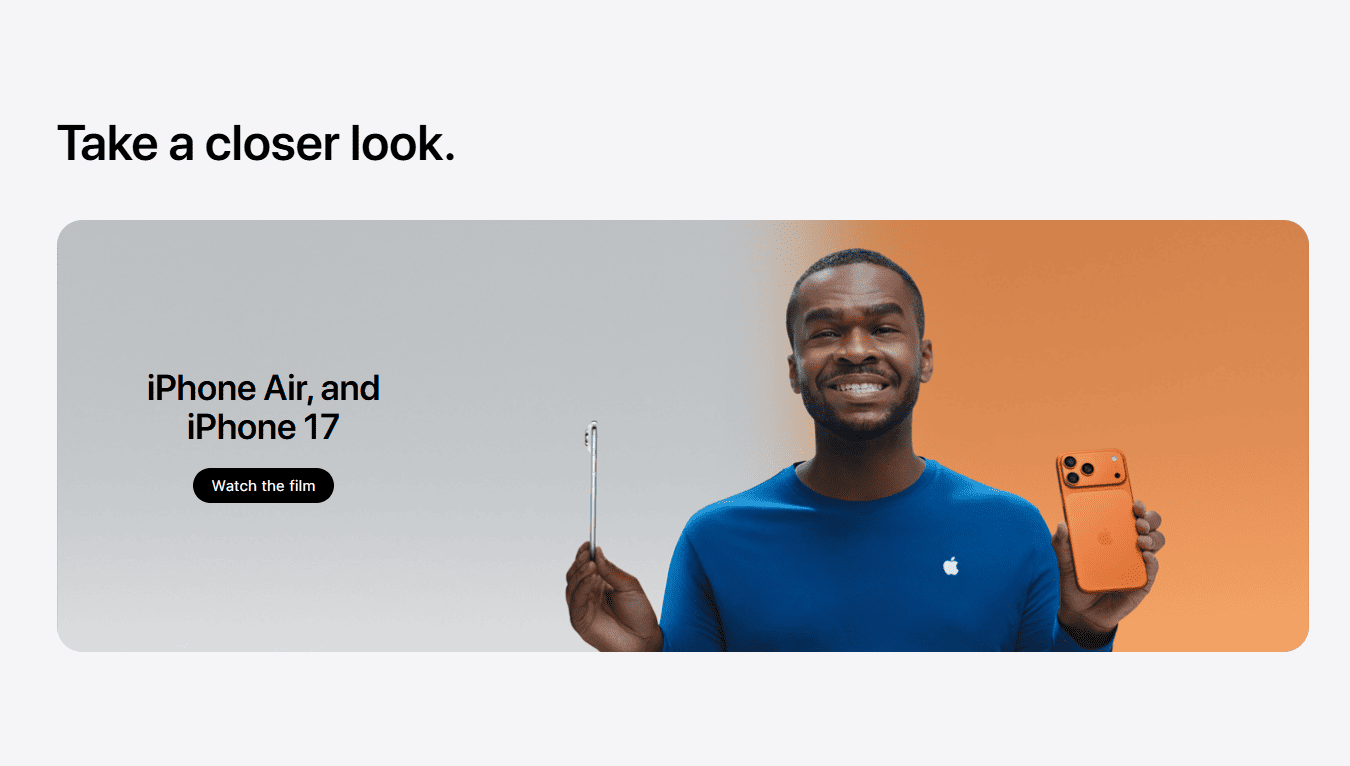
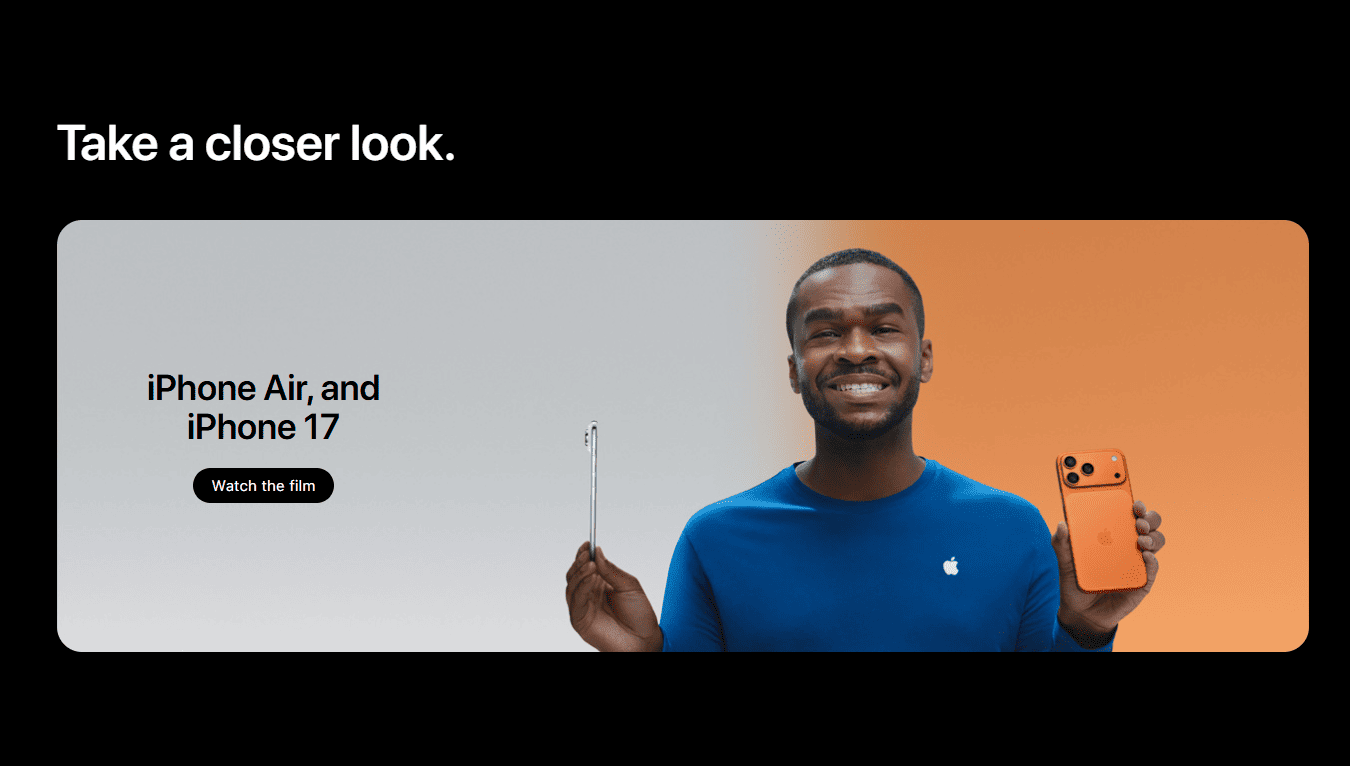
CTA
CTA
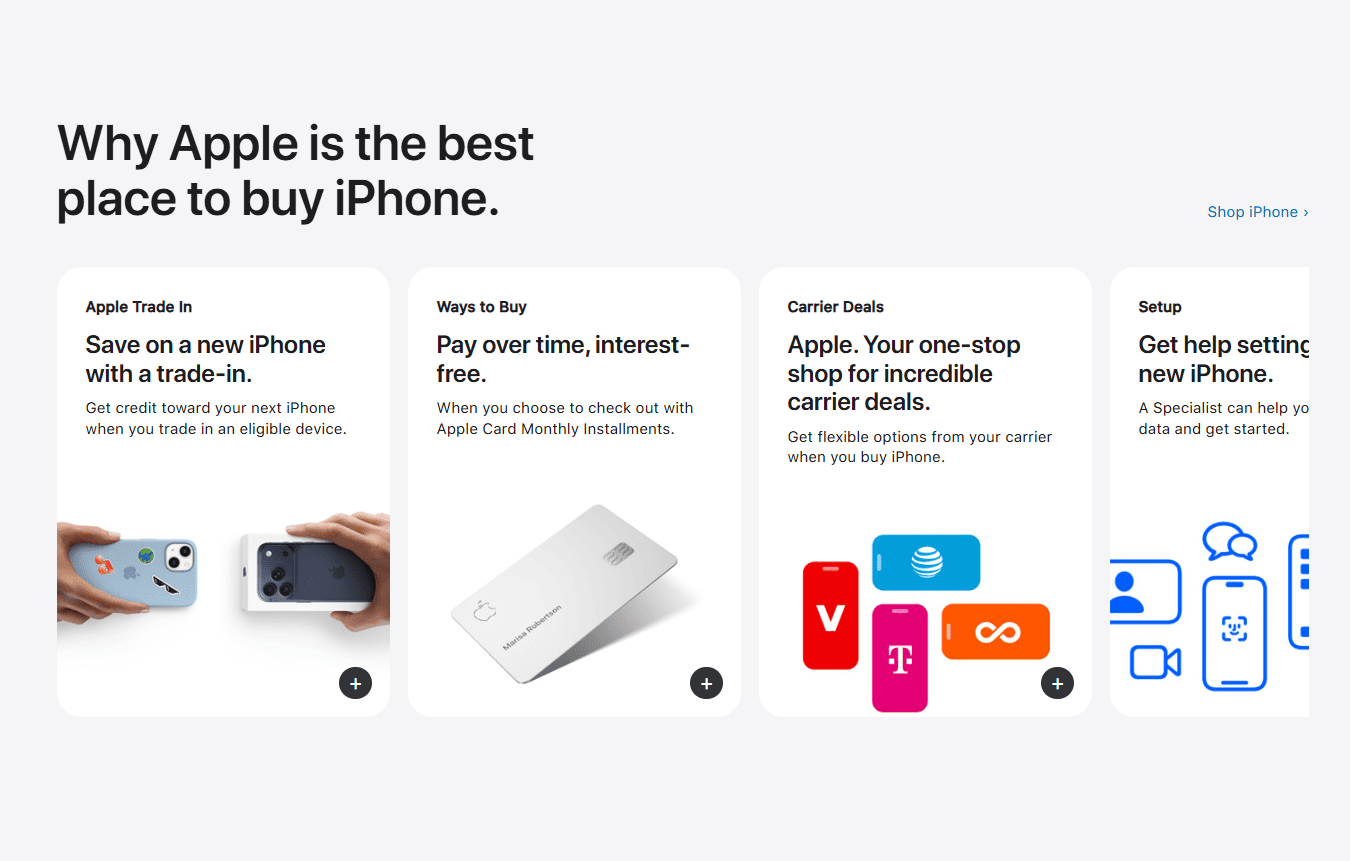
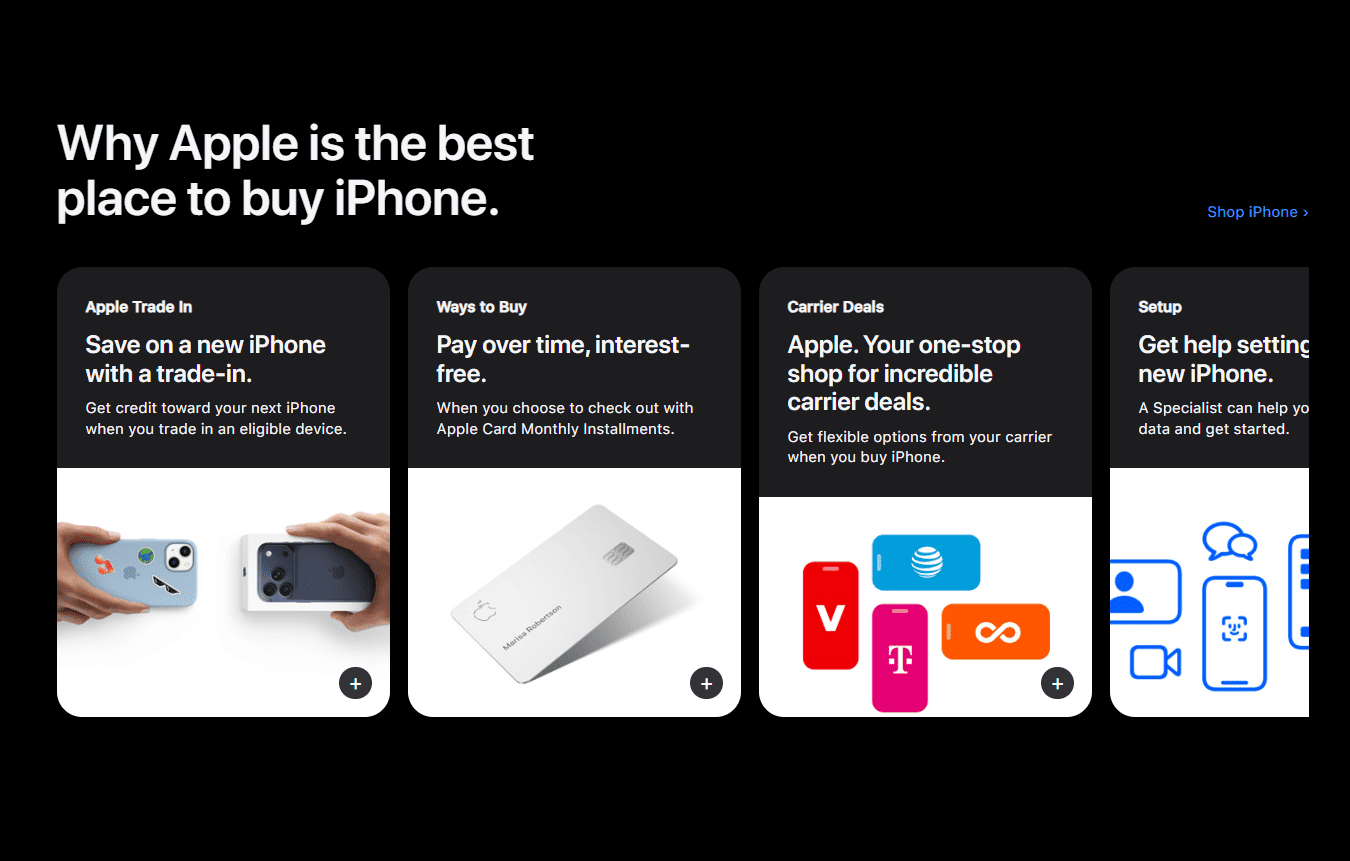
Product Features
Features
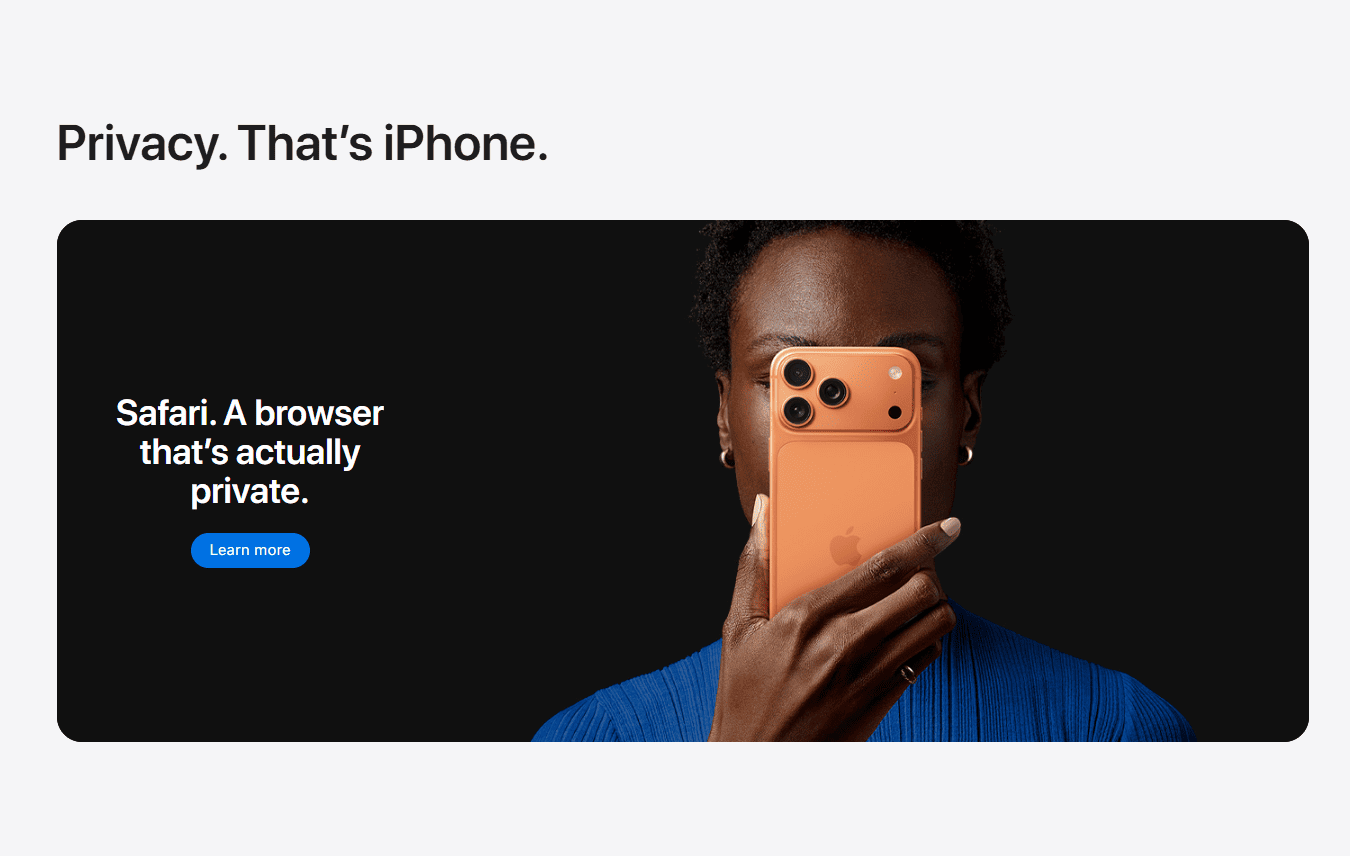
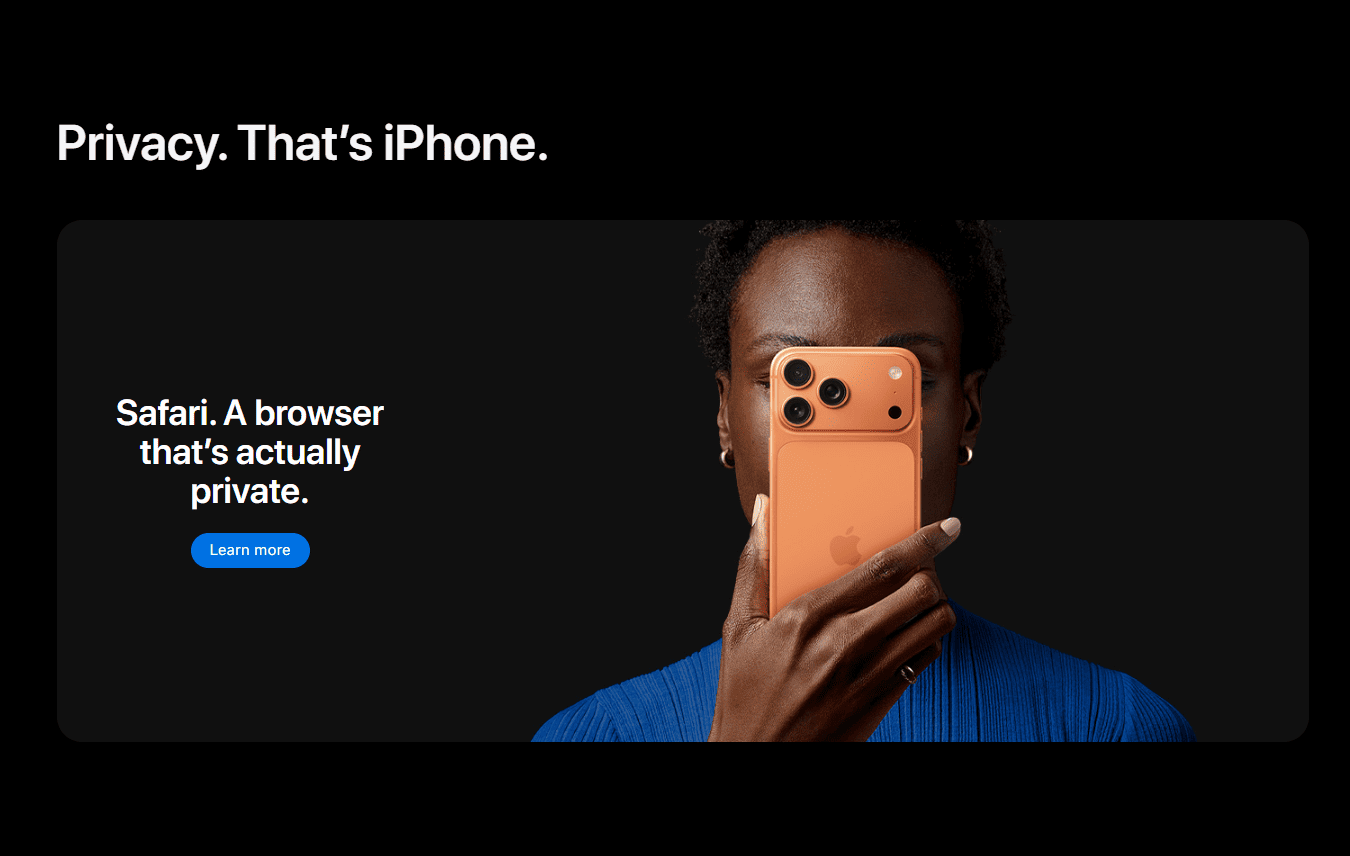
CTA2
CTA
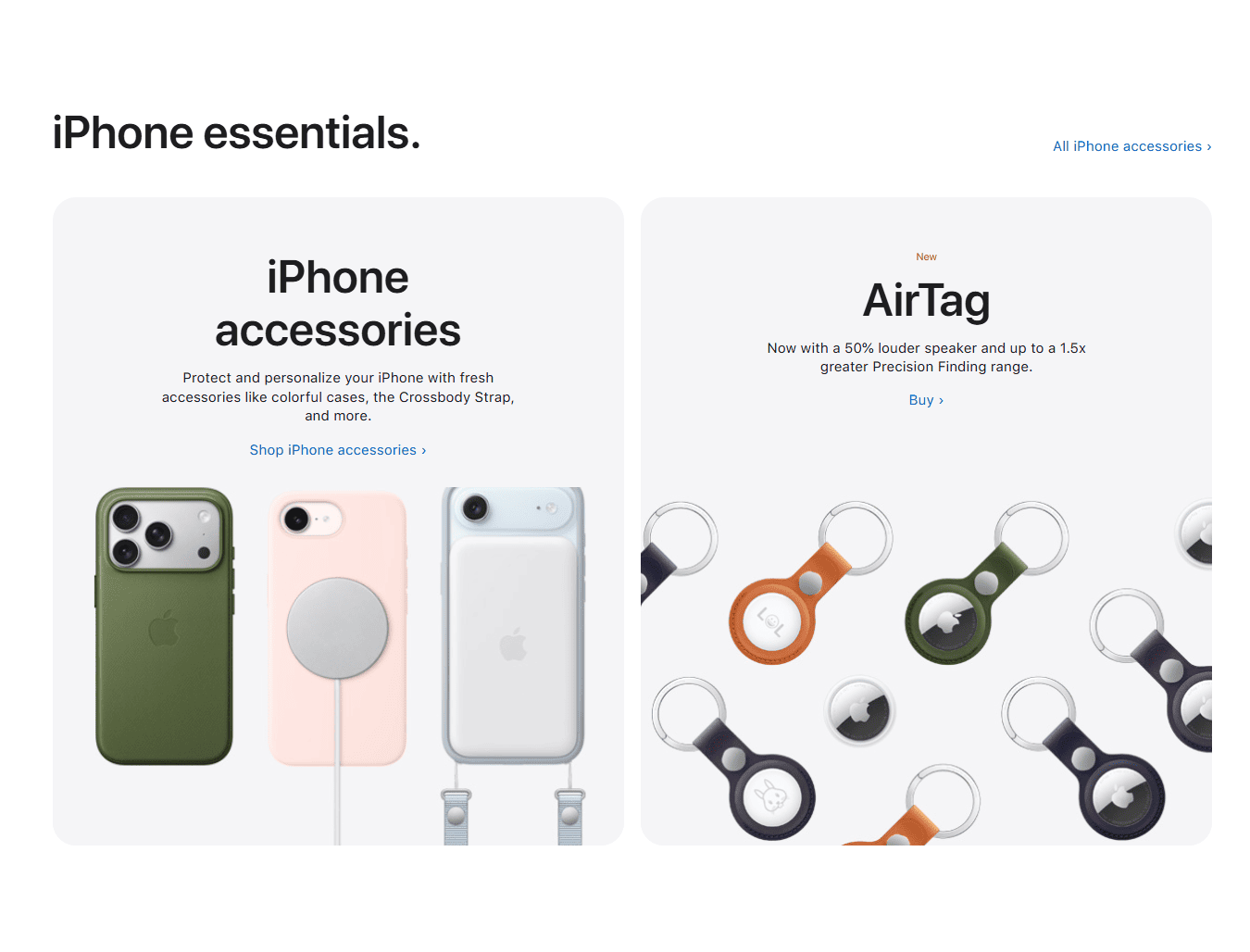
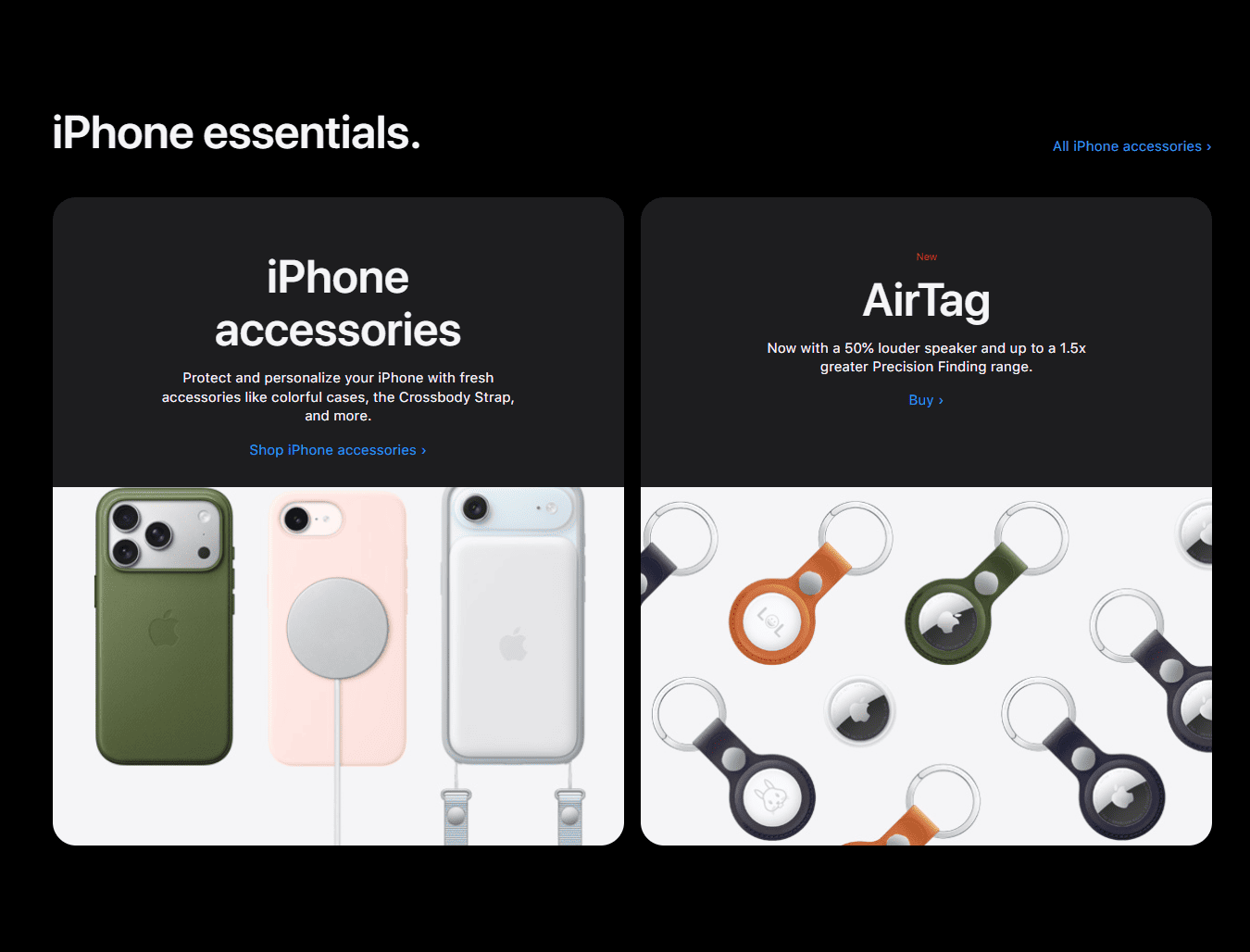
Product Grid
Features
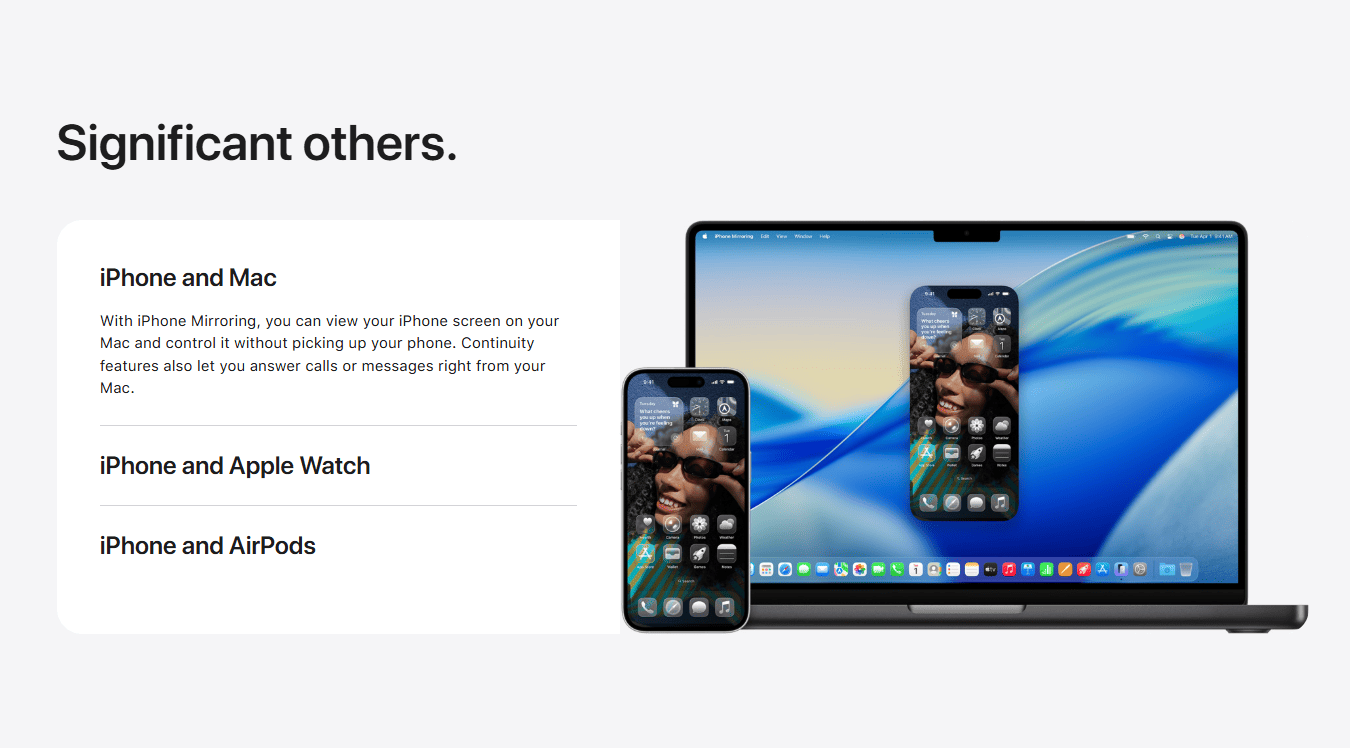
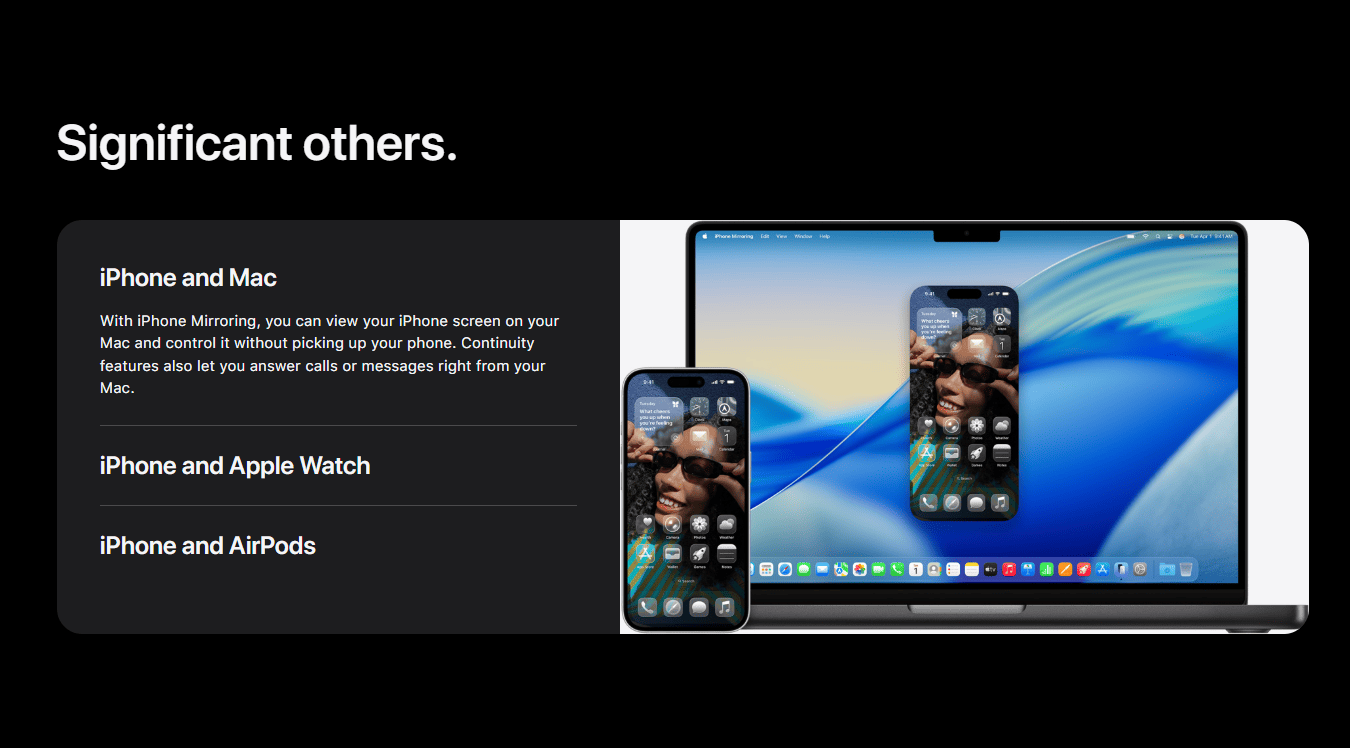
Contents
Contents
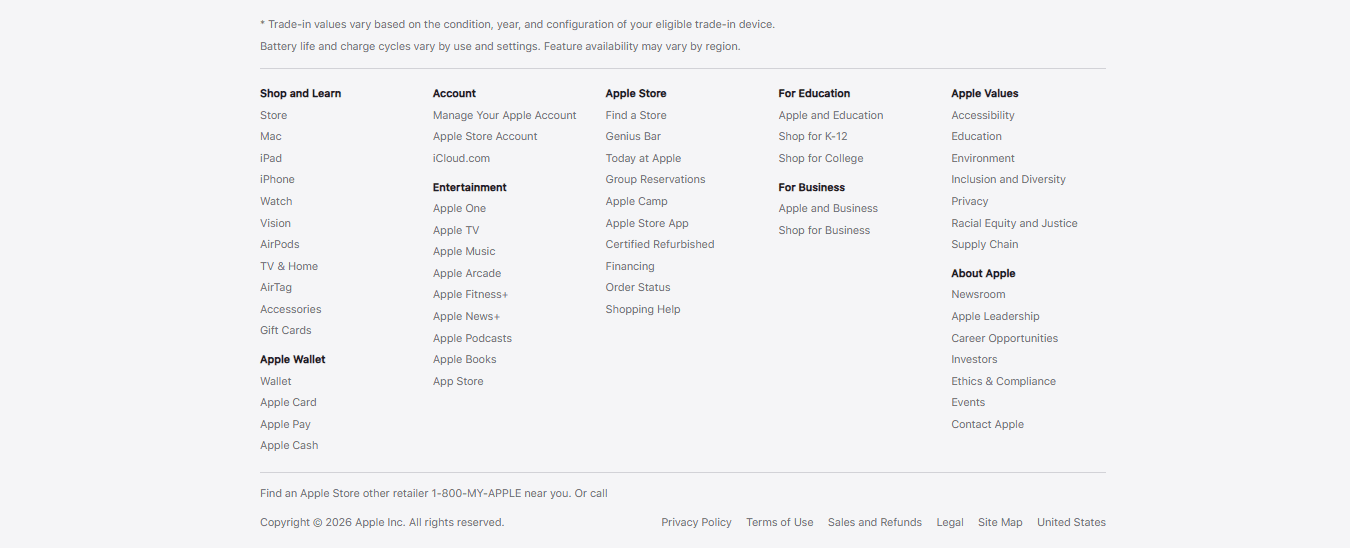
Footer
Footer
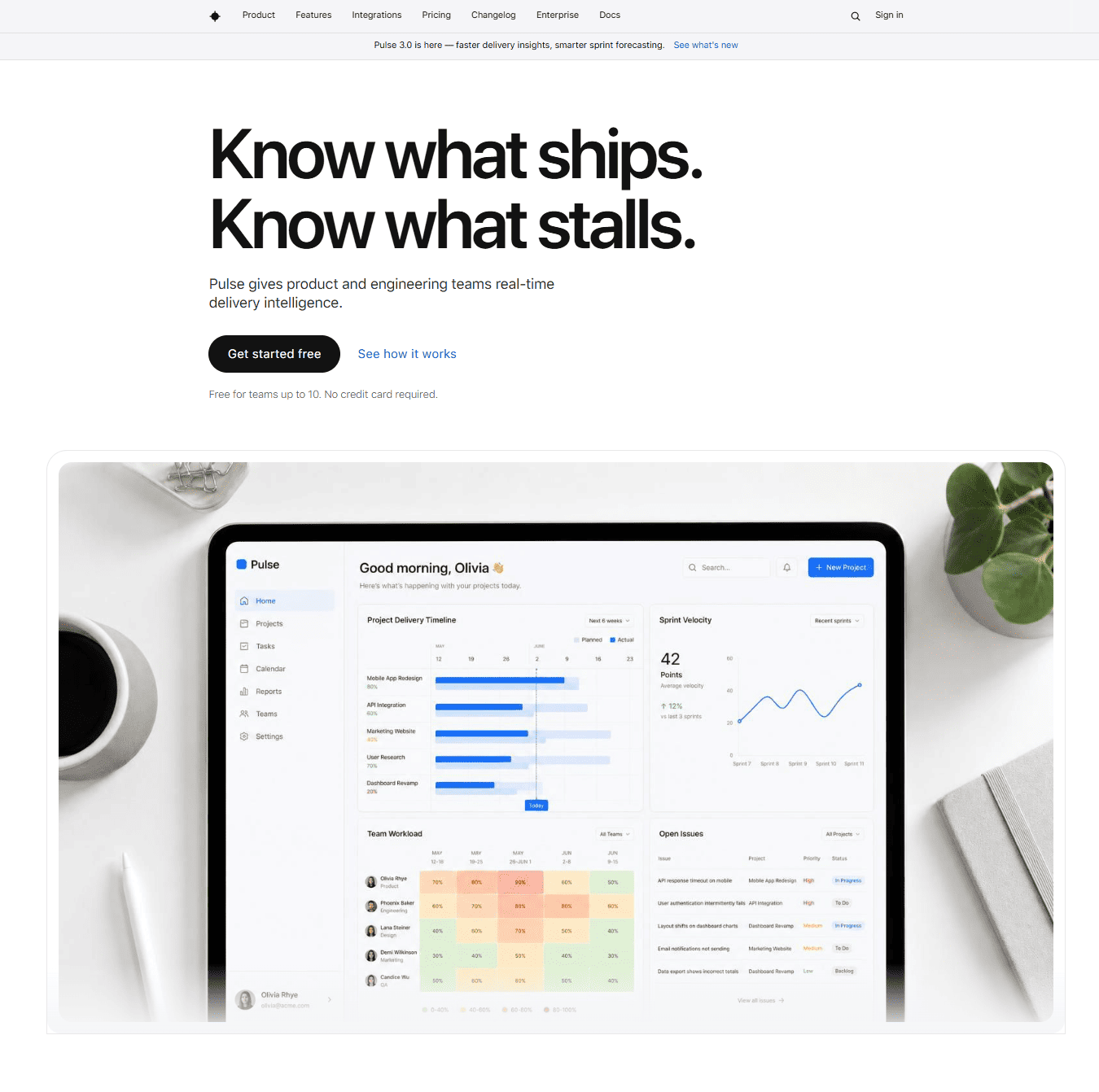
Hero
Hero
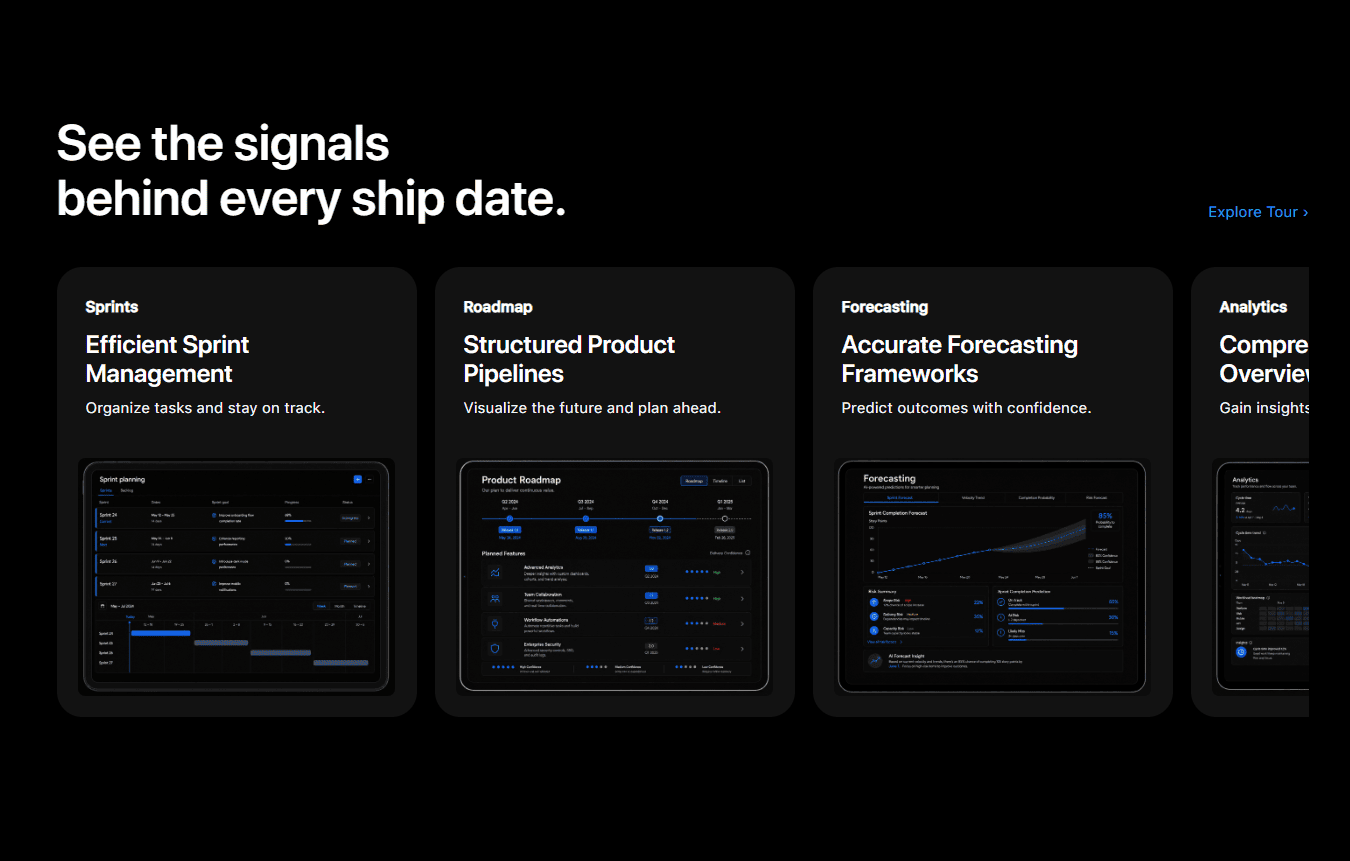
Features
Features
Contents
Contents
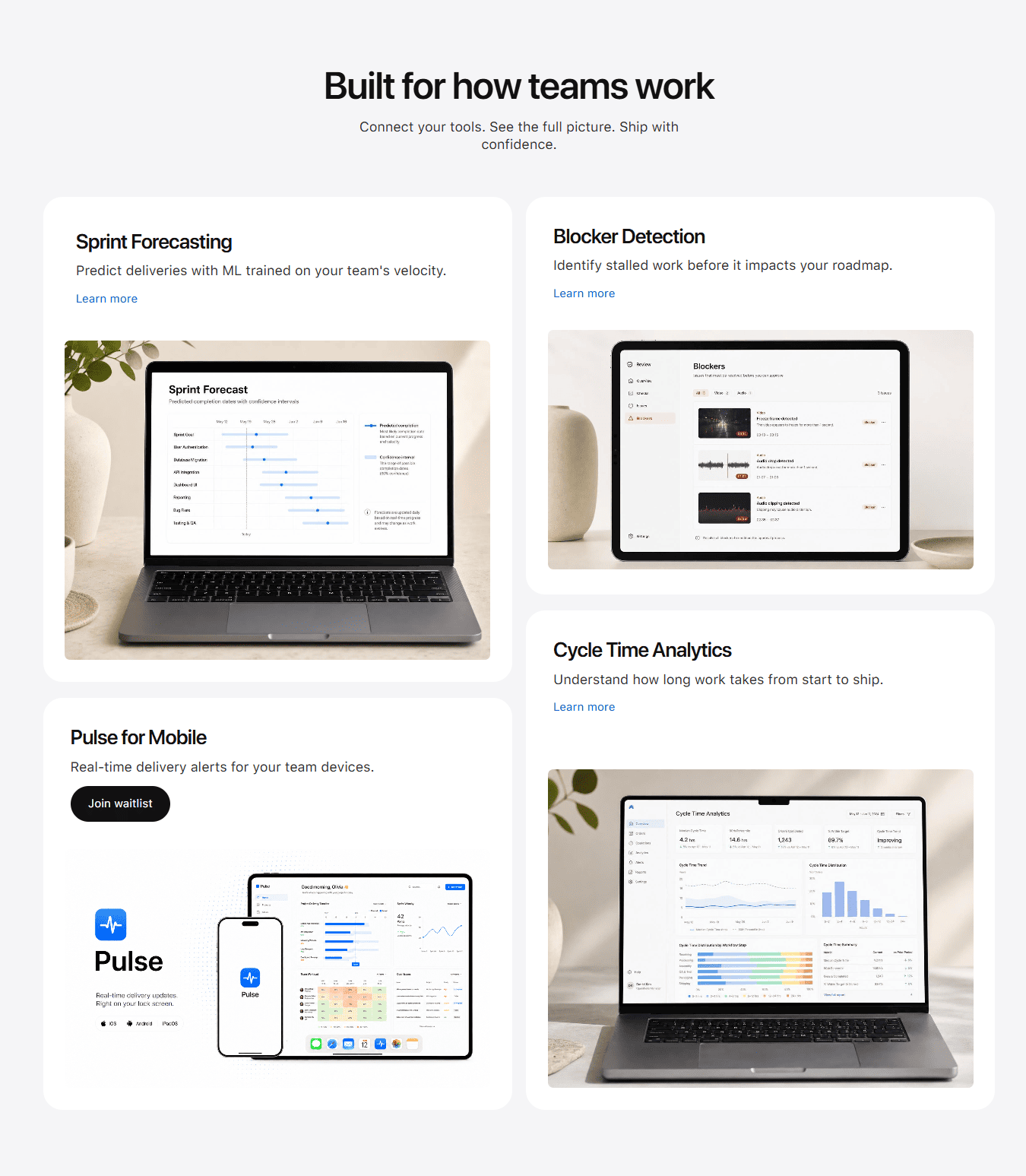
Features 2
Features
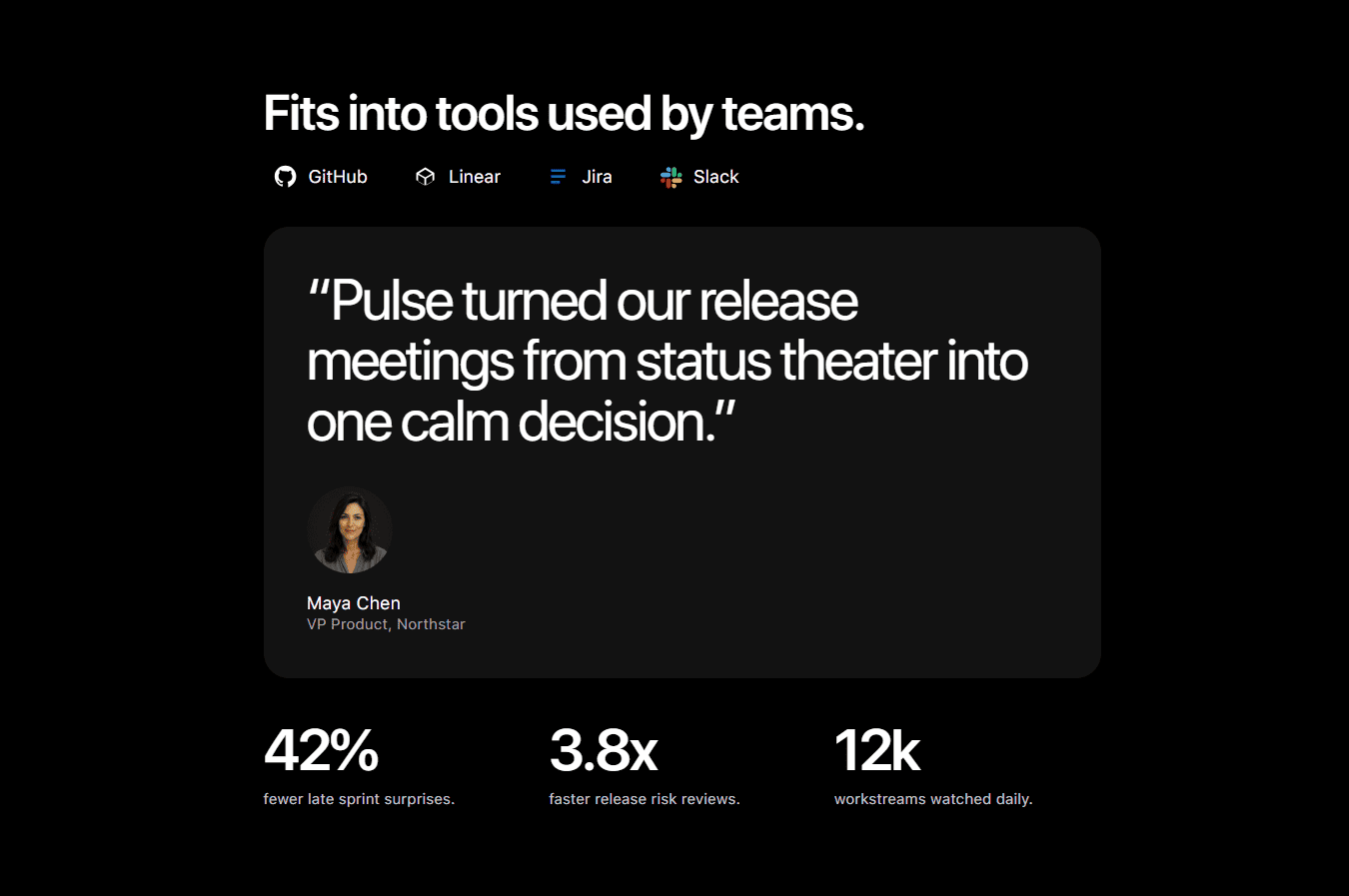
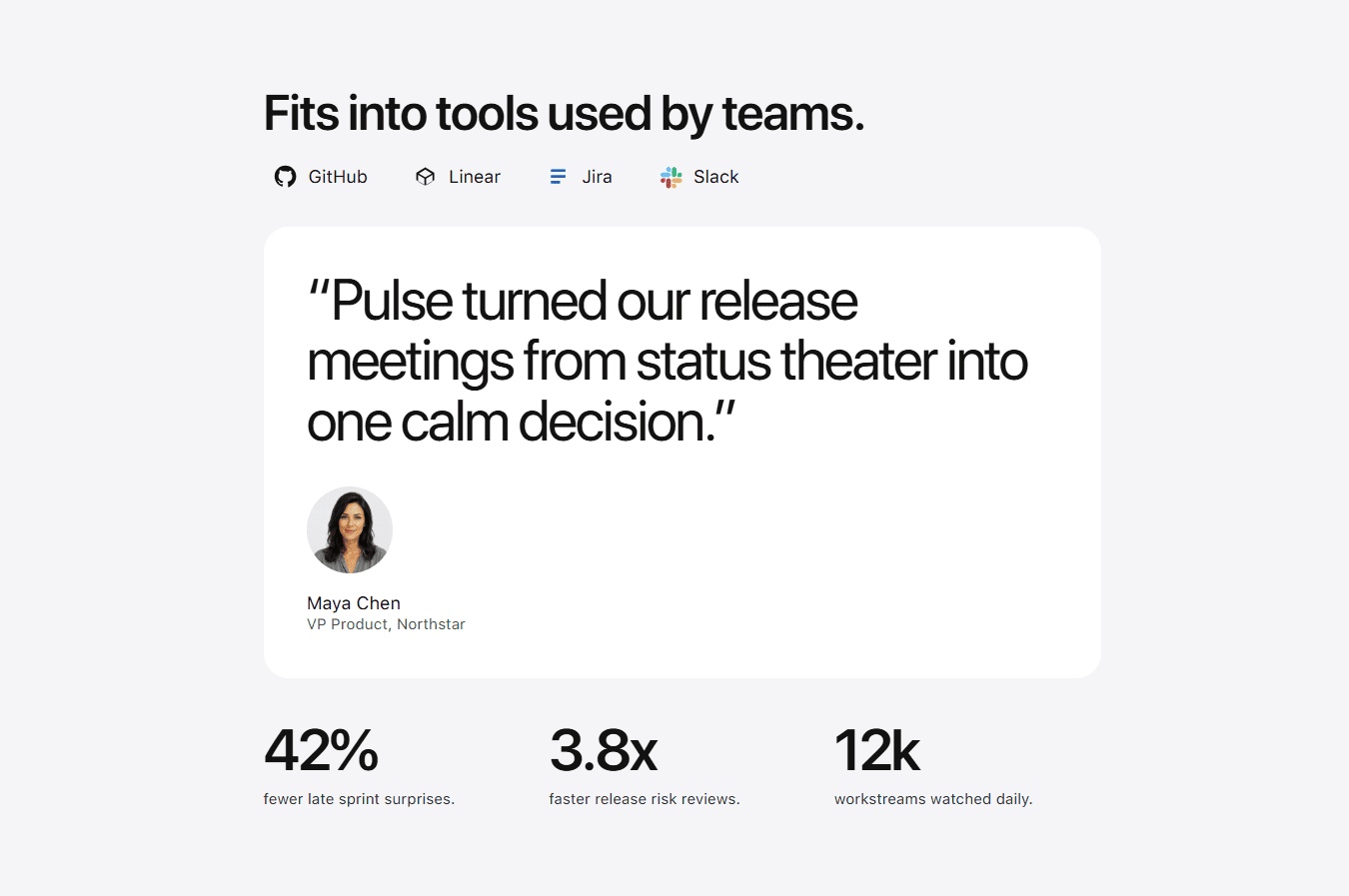
Testimonial
Testimonials
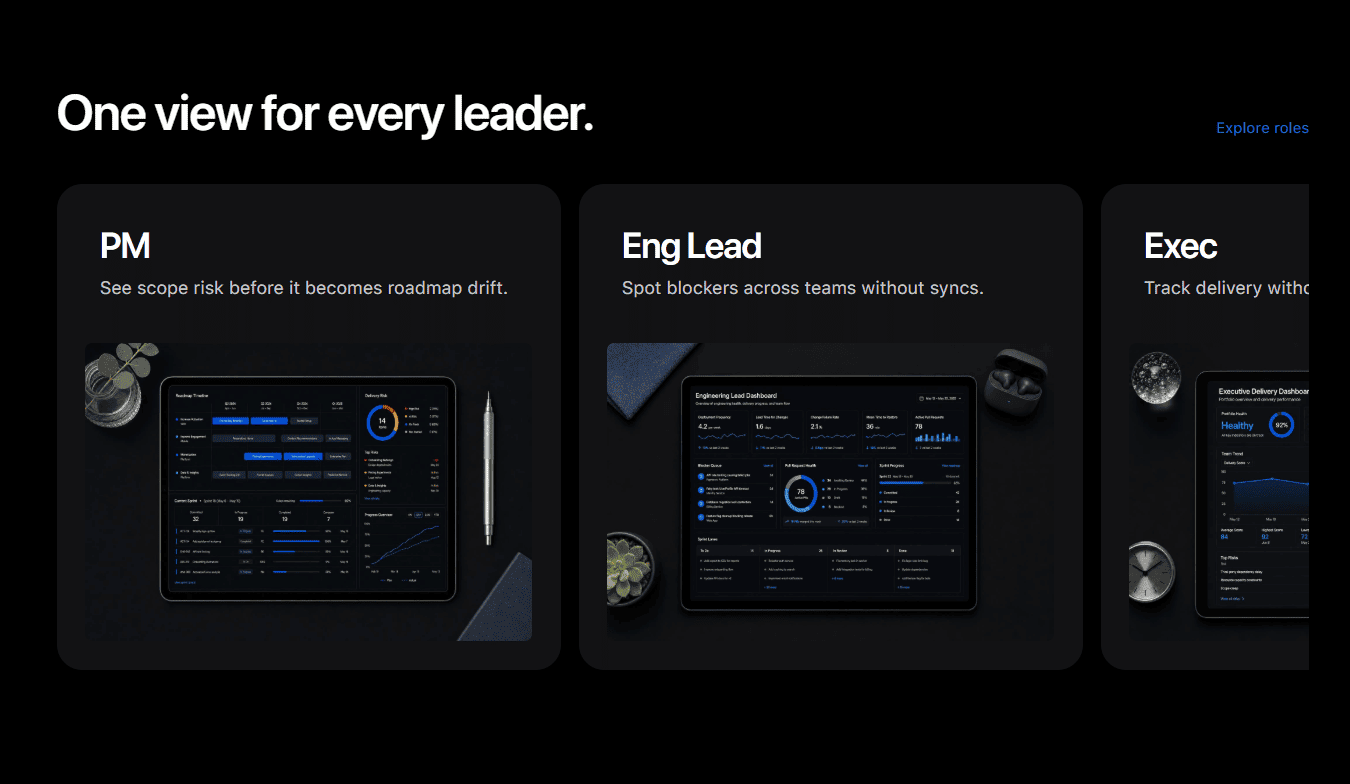
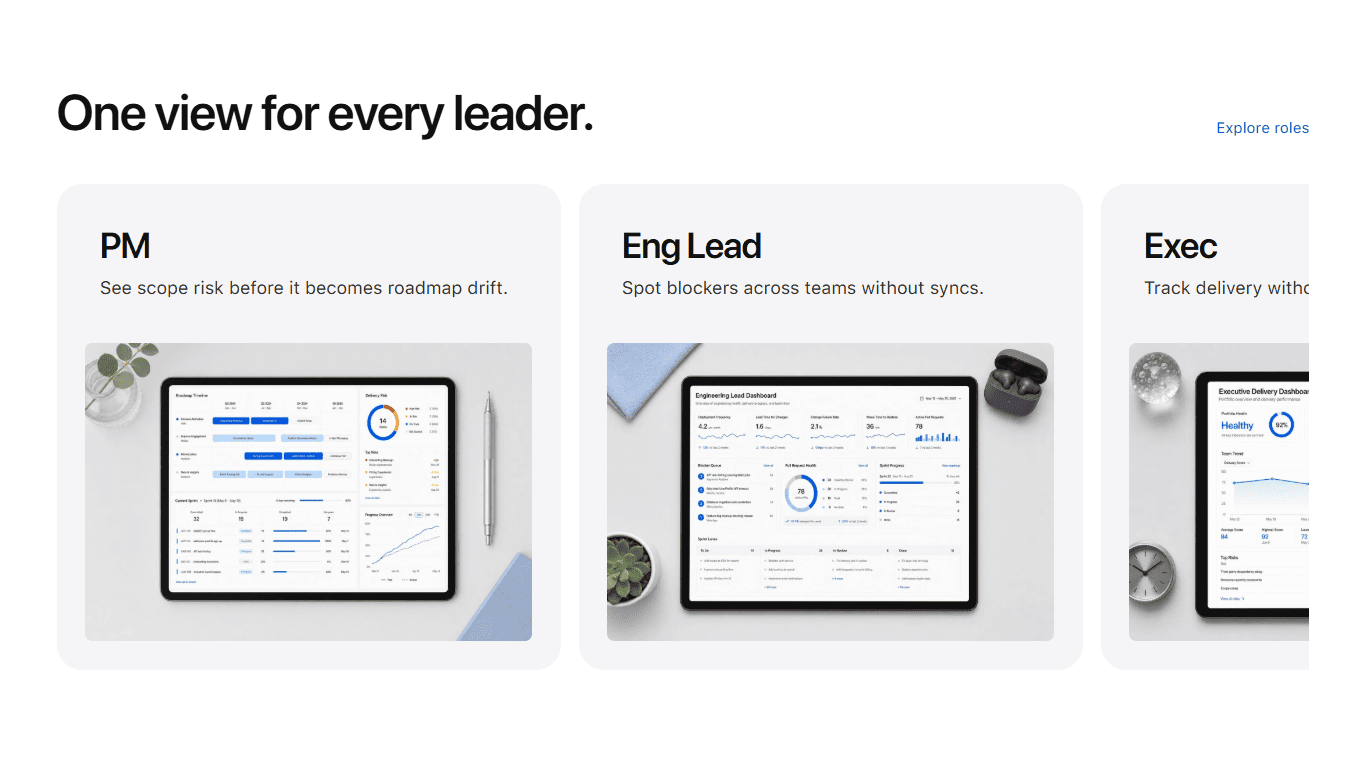
Teams
Teams
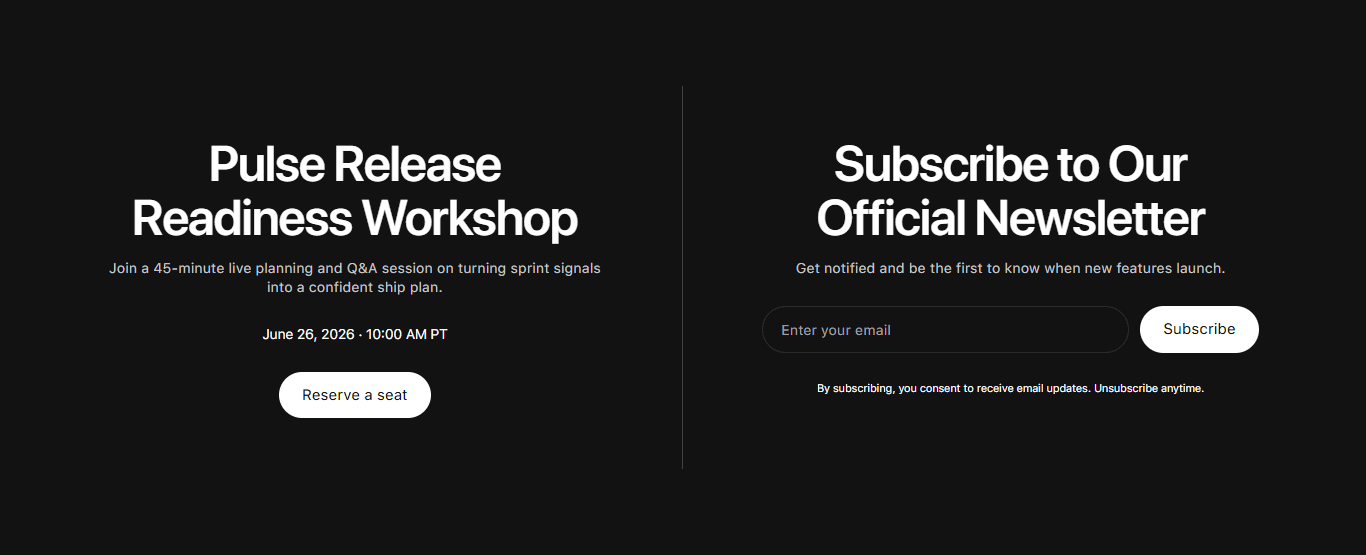
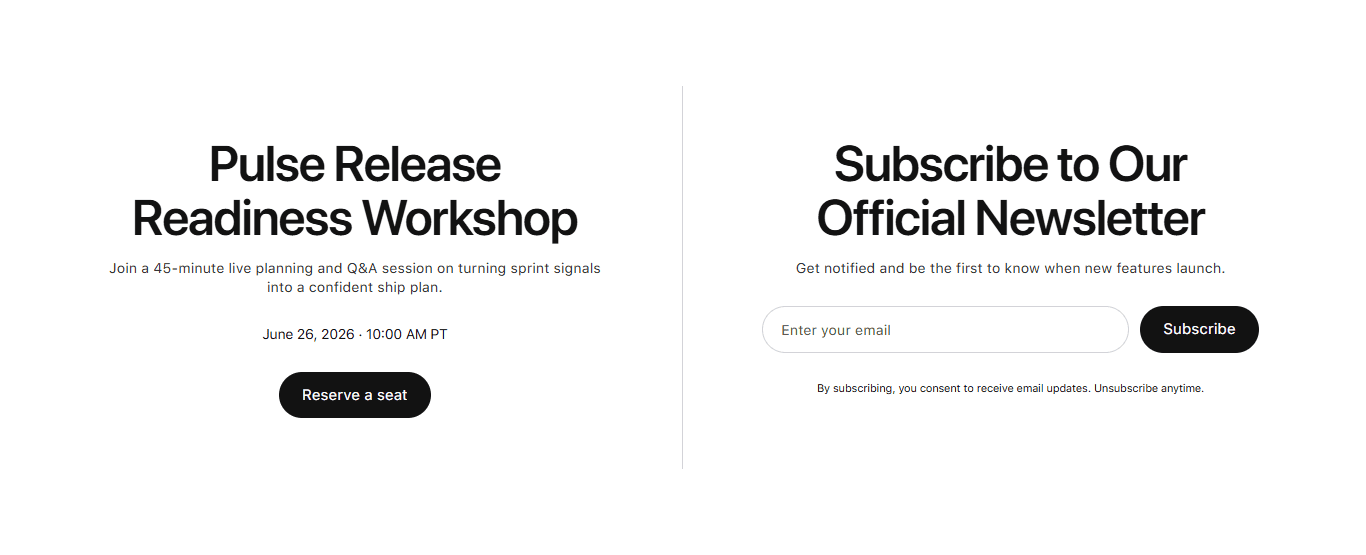
CTA 1
CTA


CTA 2
CTA
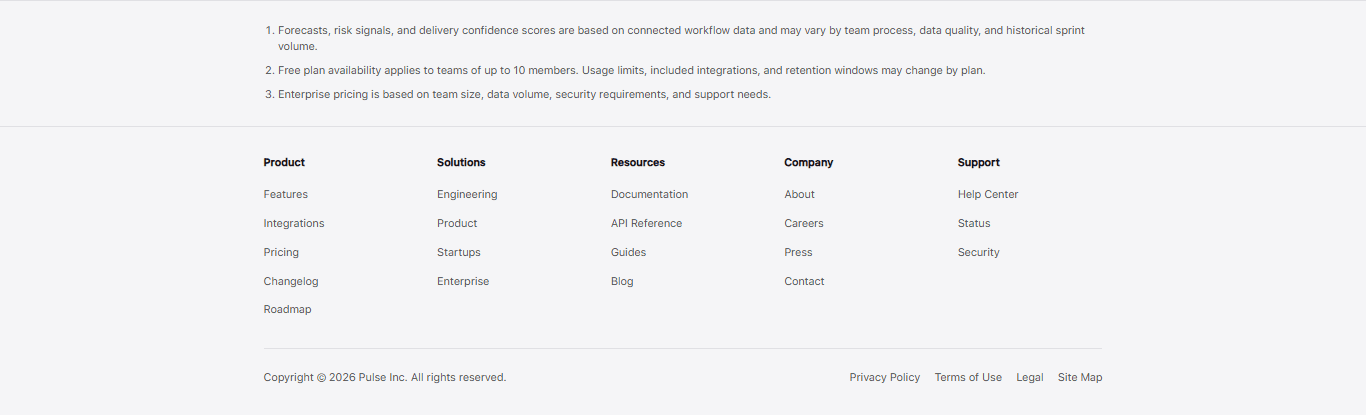
Footer
Footer
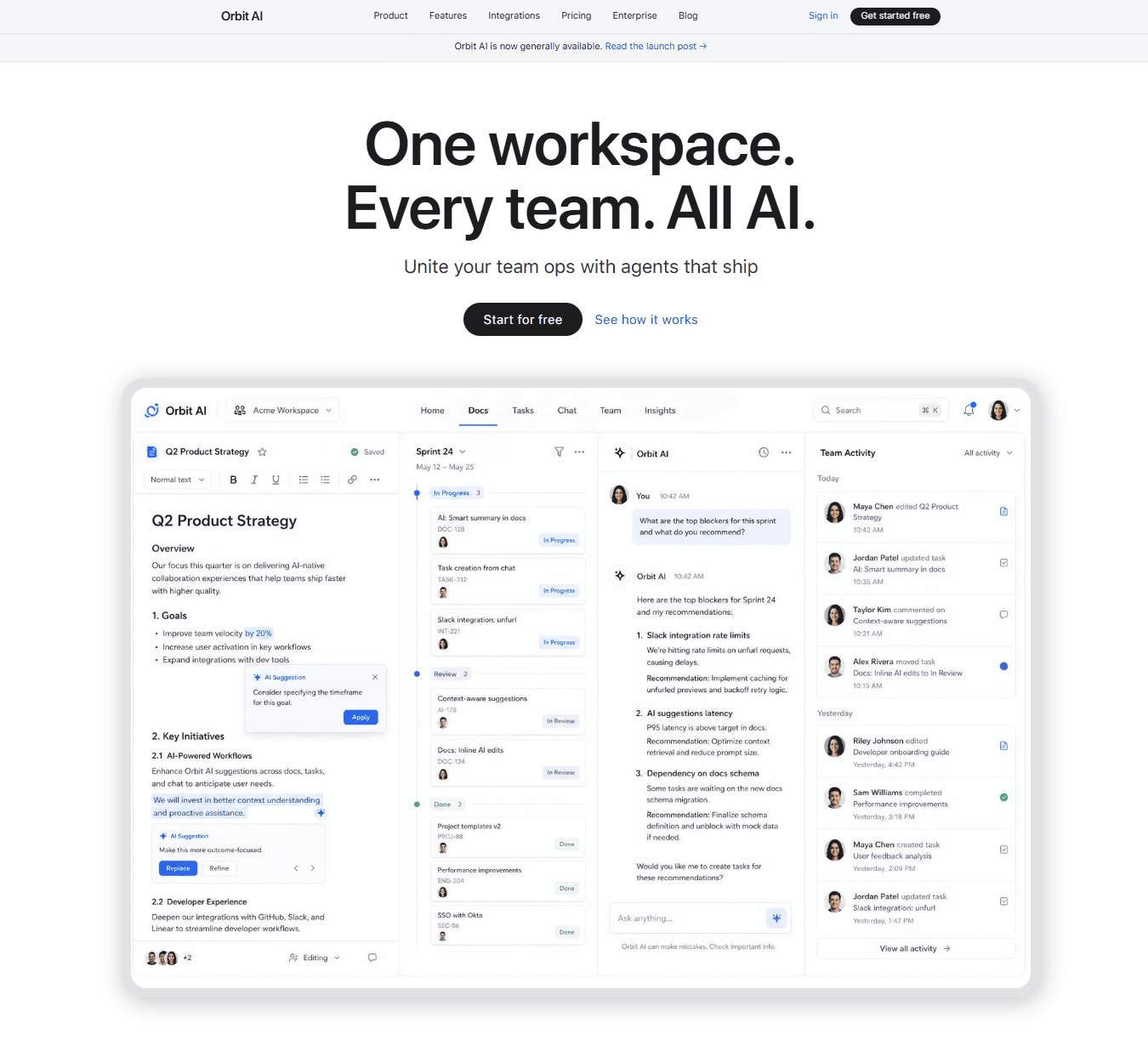
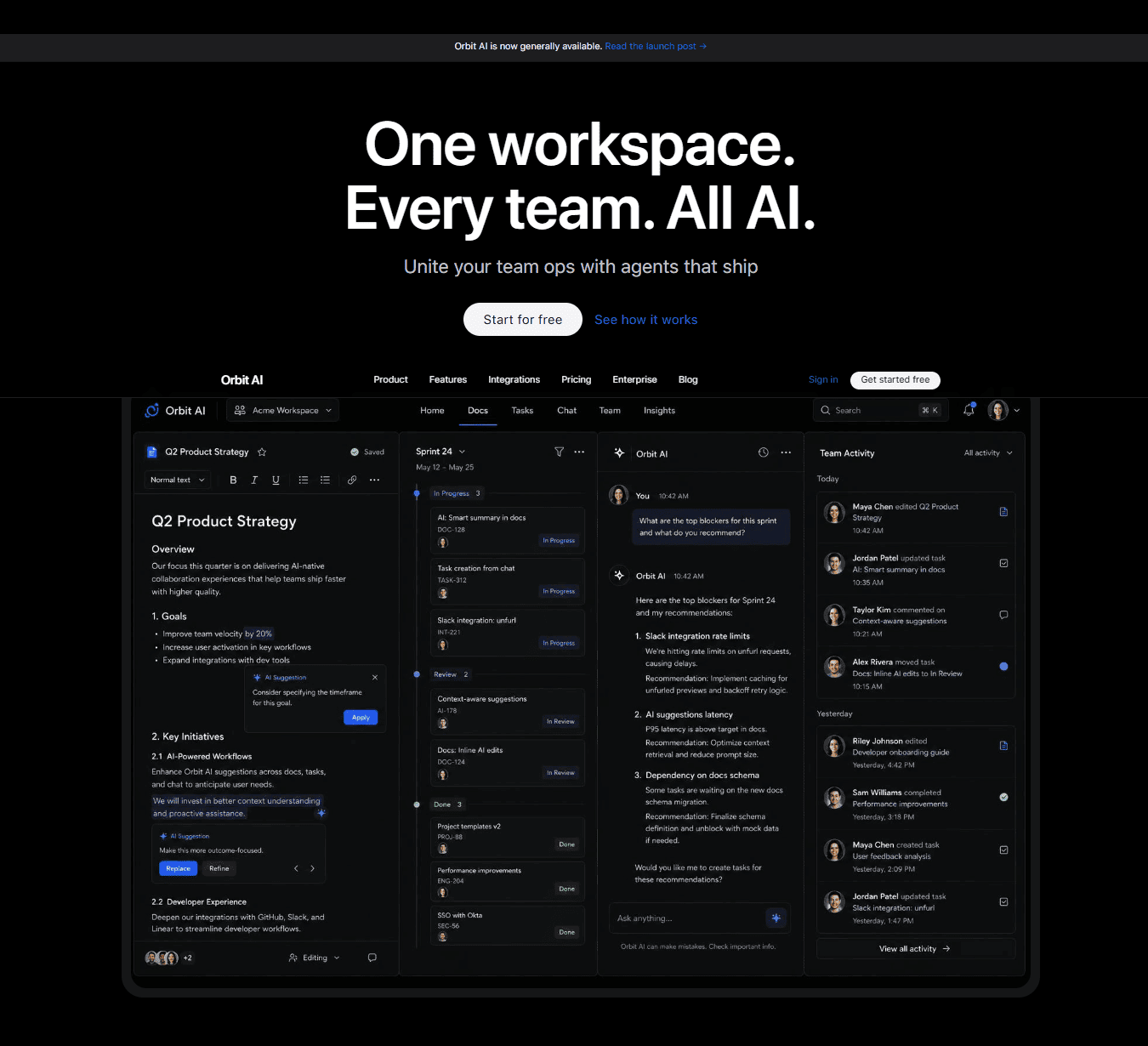
Hero
Hero
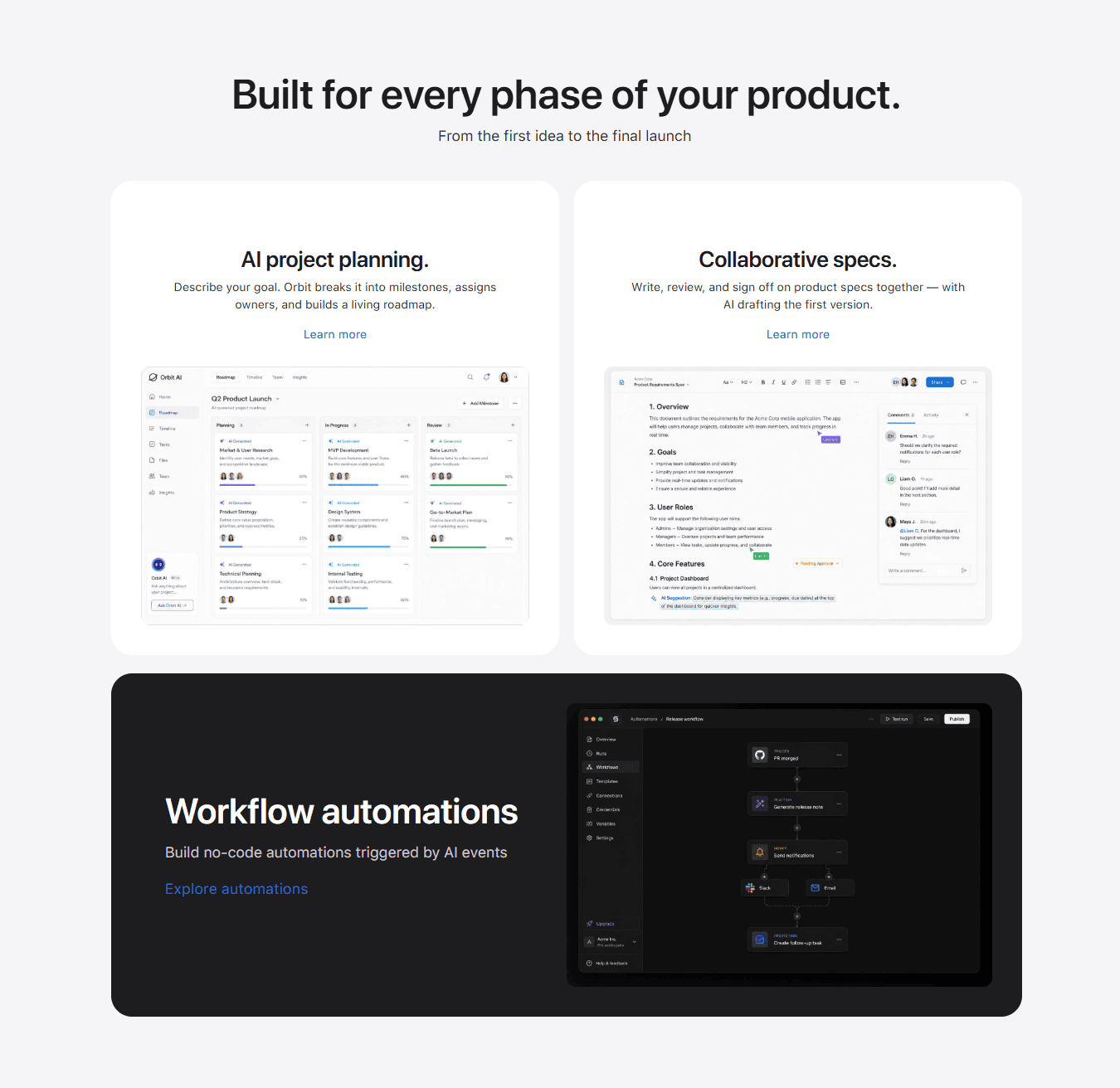
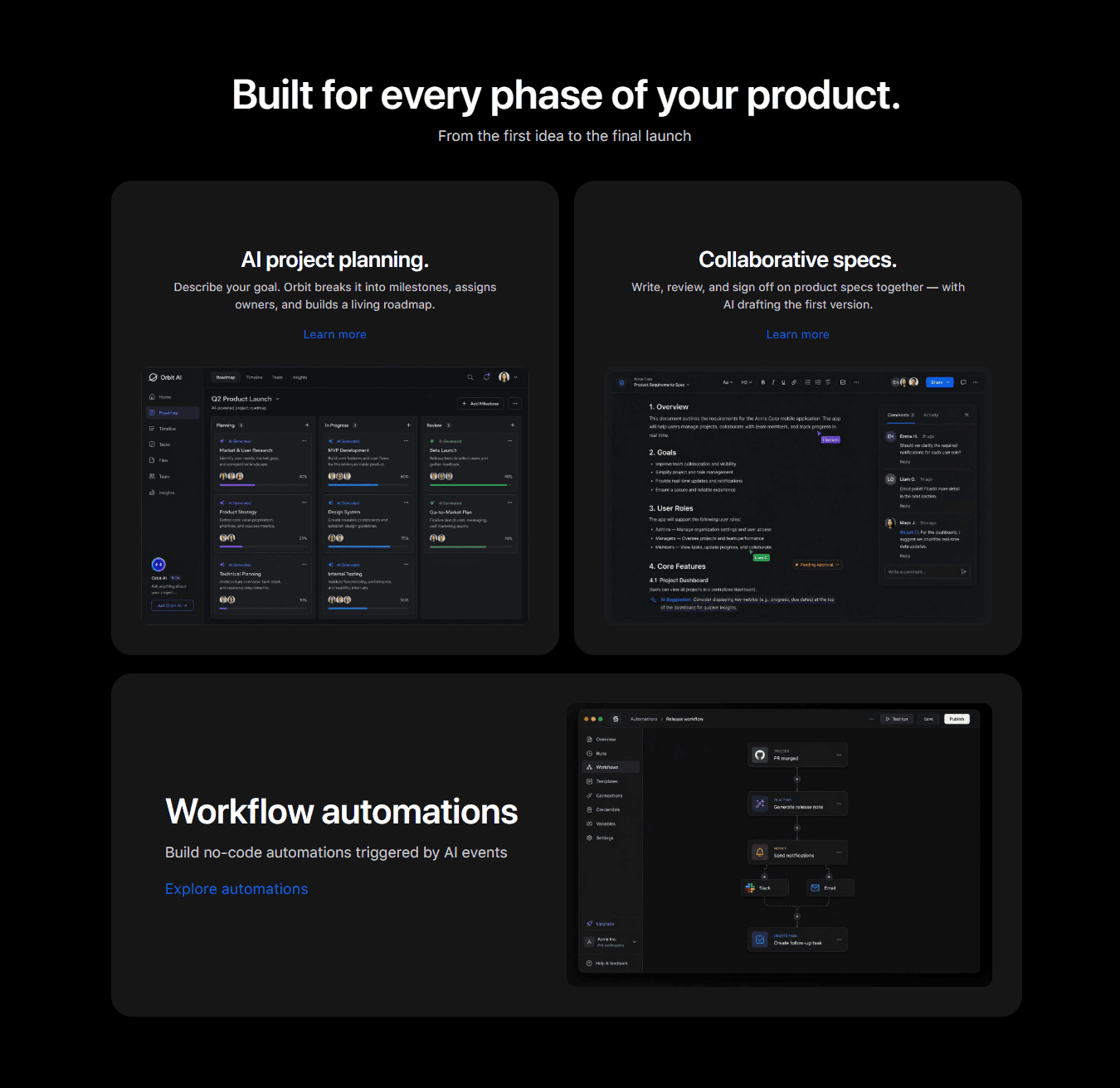
Features
Features
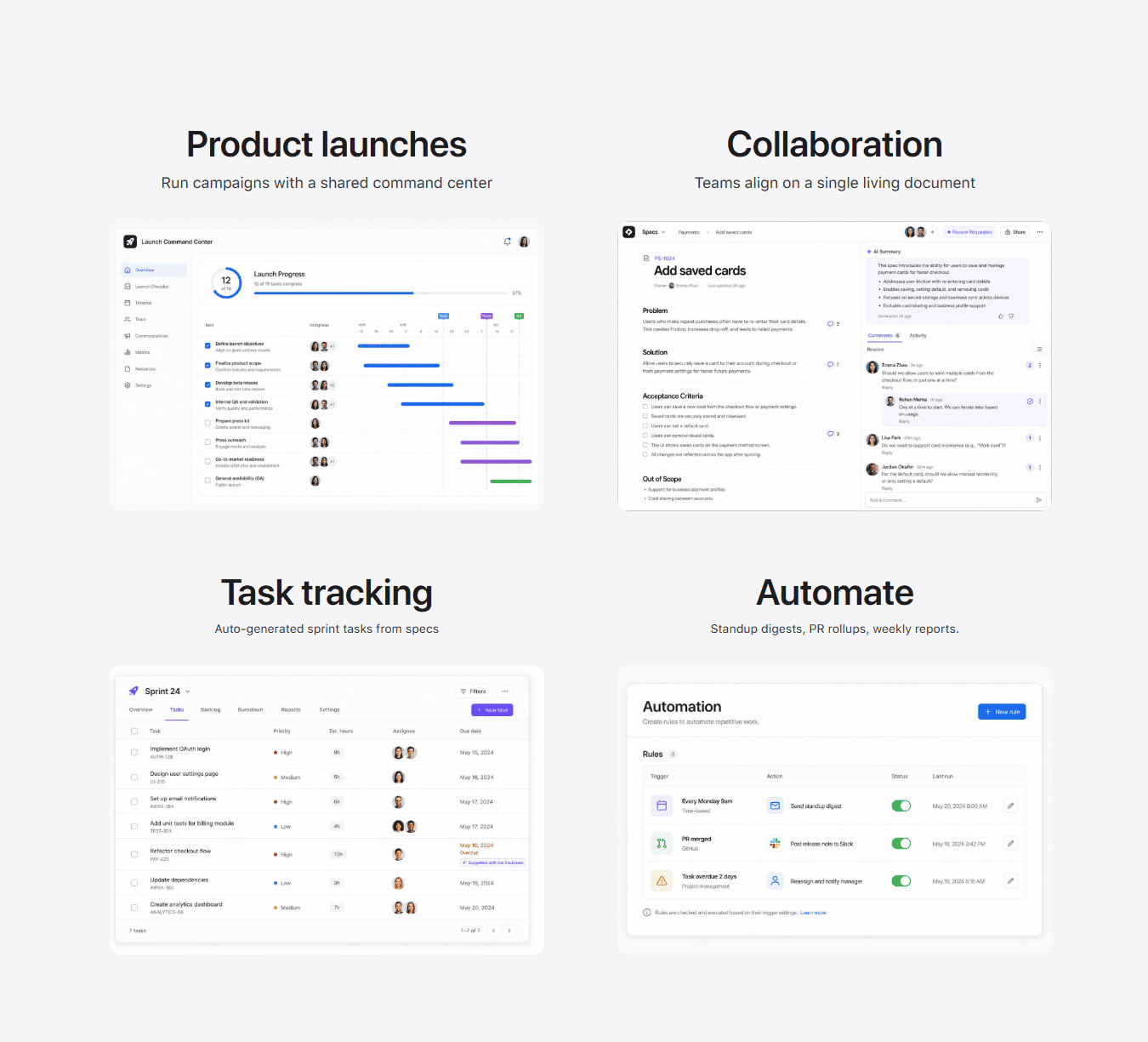
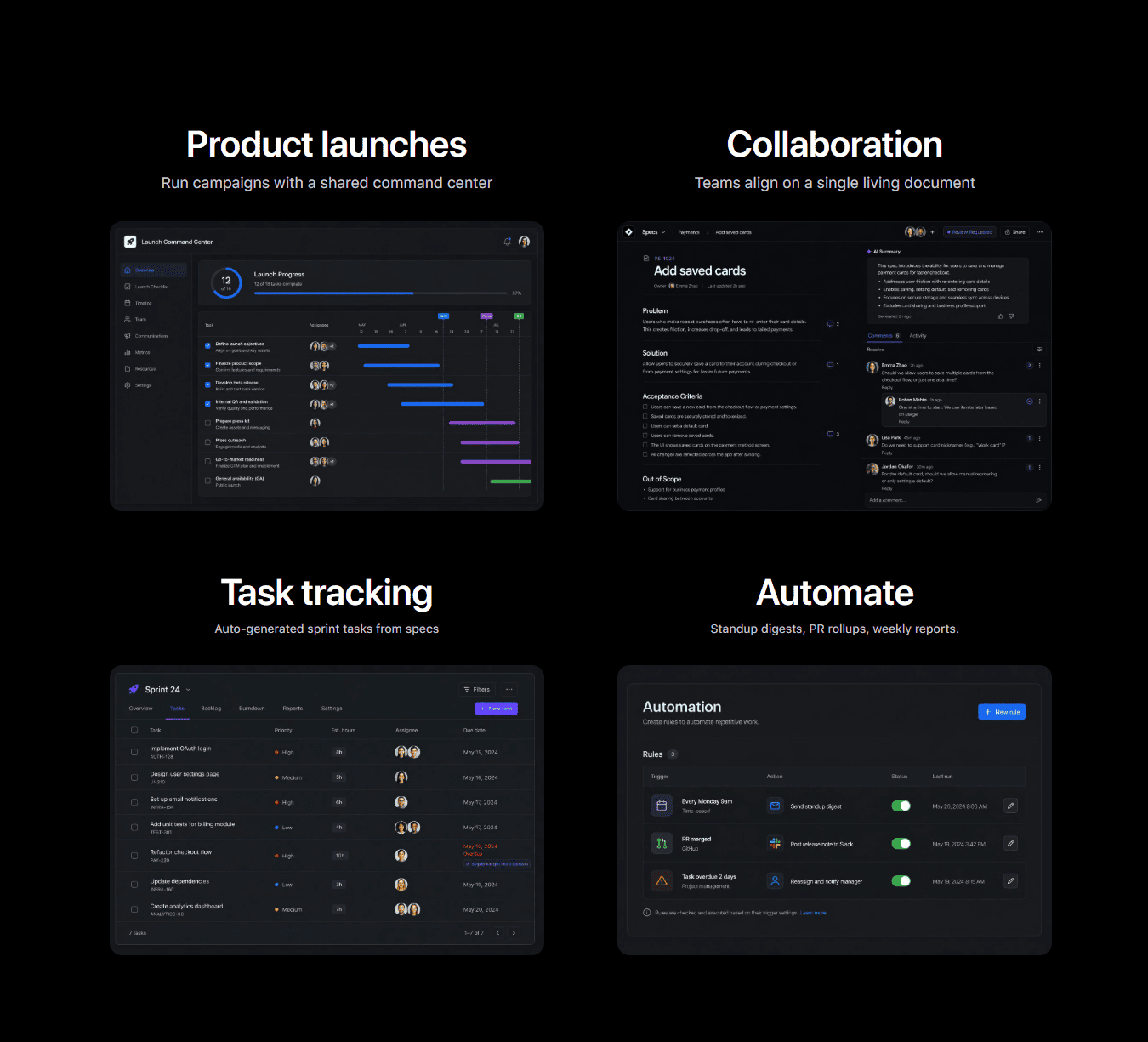
Features2
Features
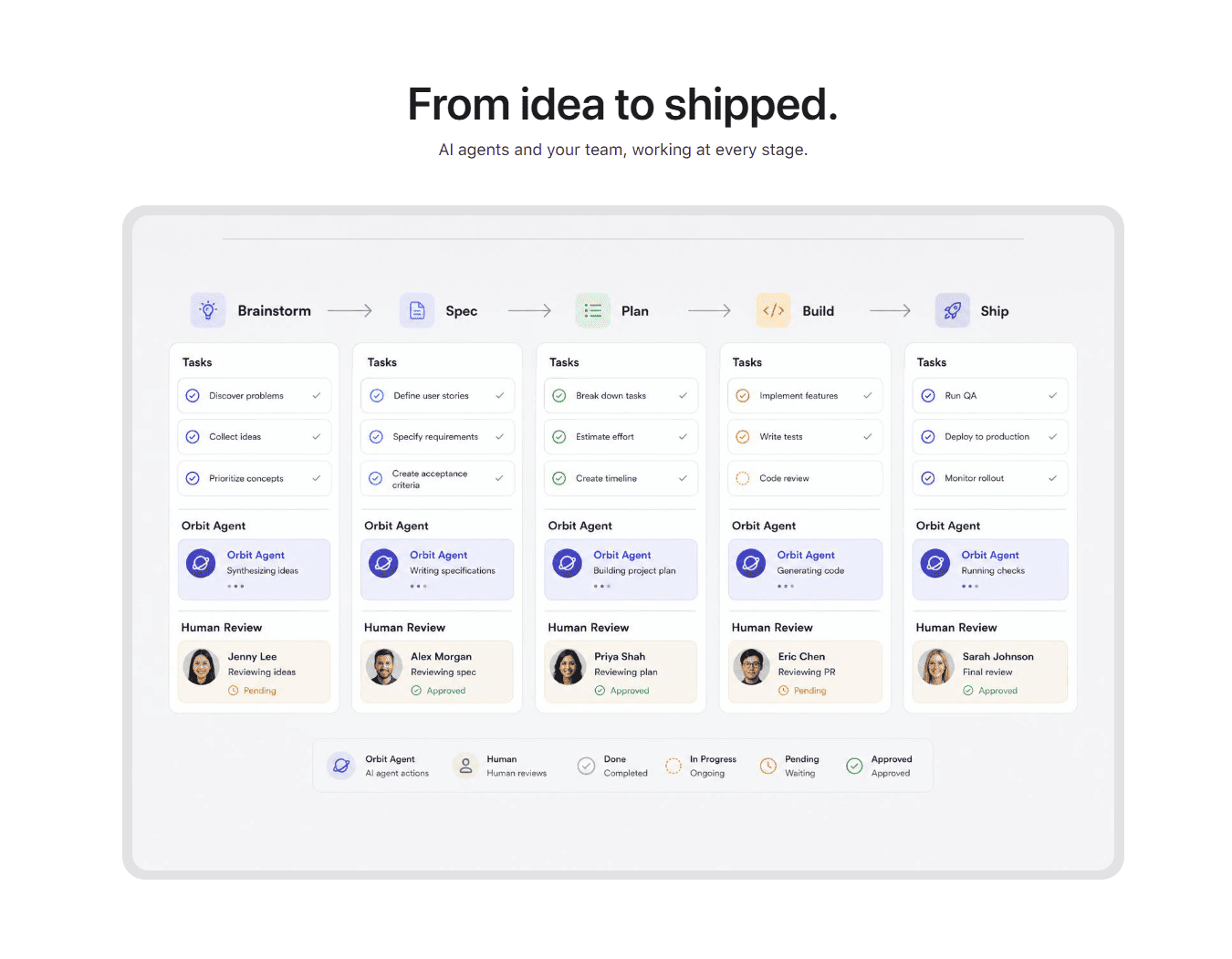
Contents
Contents
Features3
Features
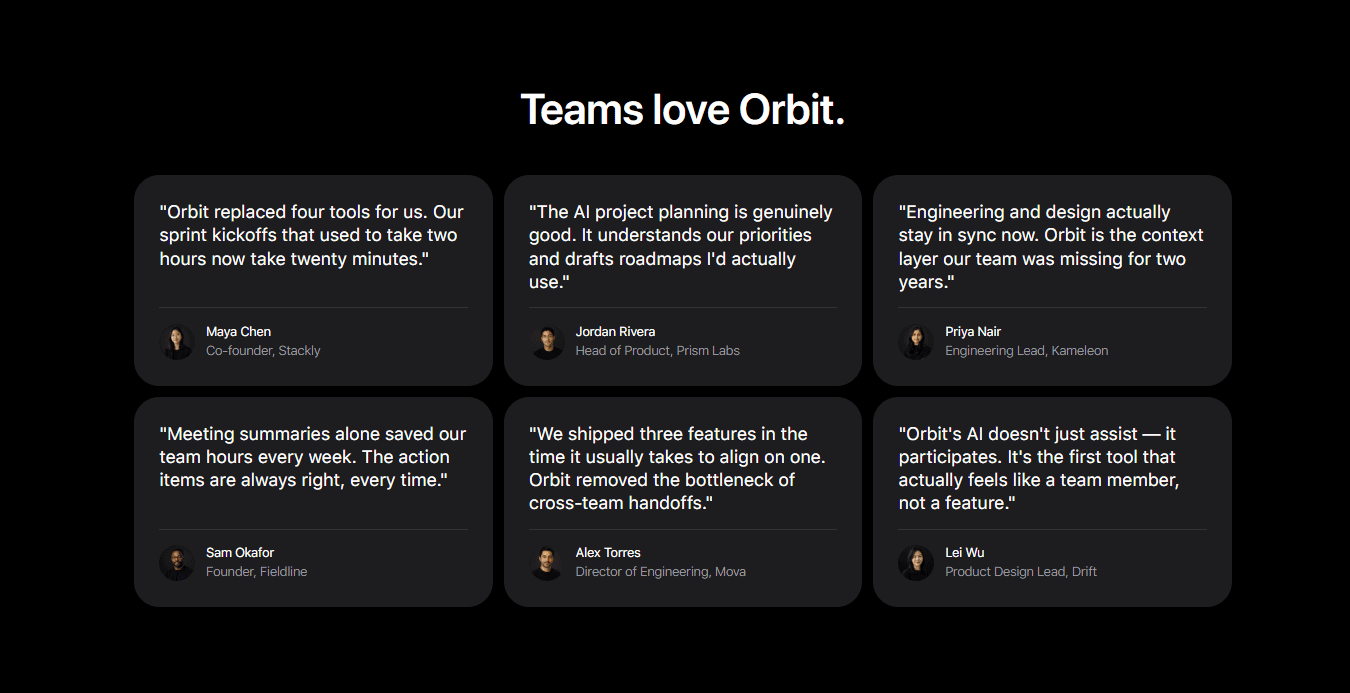
Teams
Teams
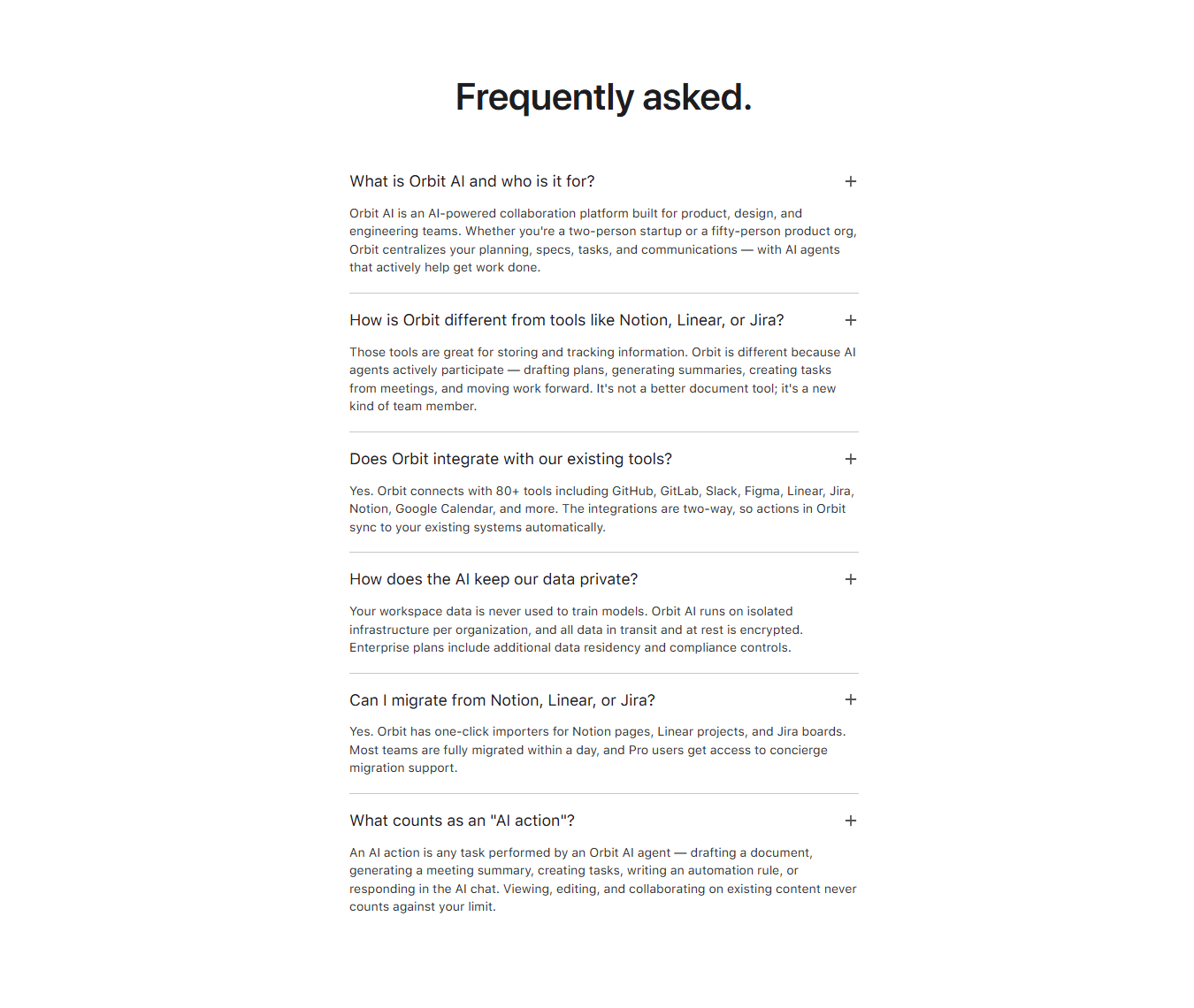
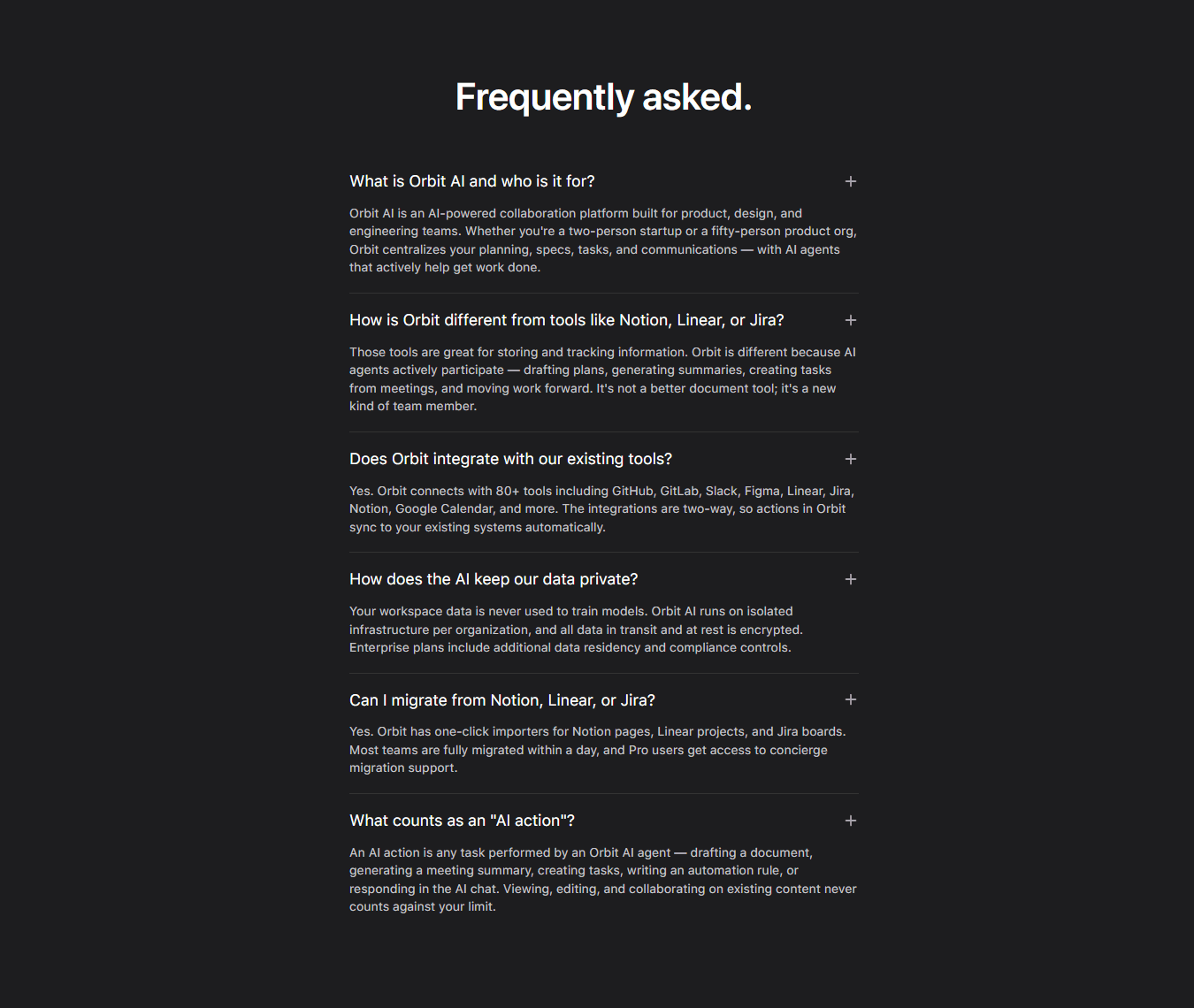
FAQ
FAQ
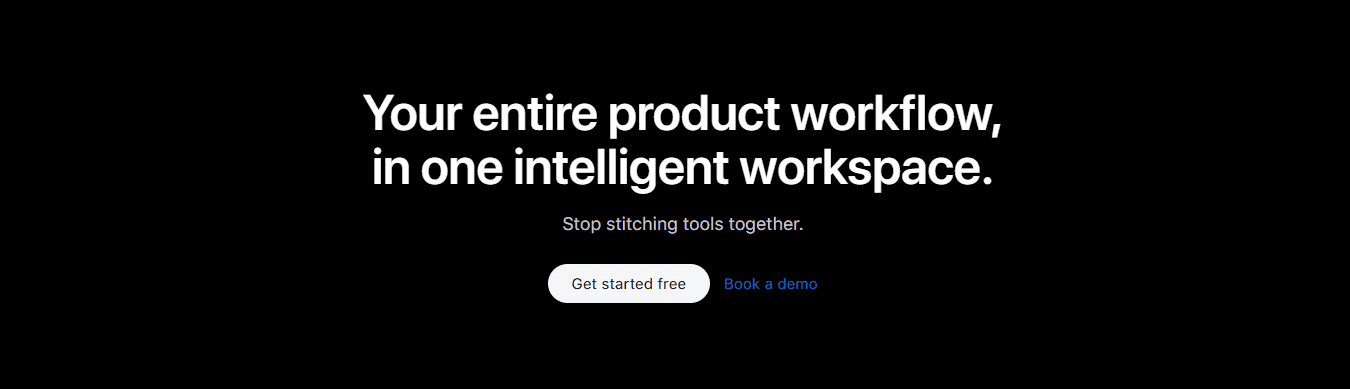
CTA
CTA
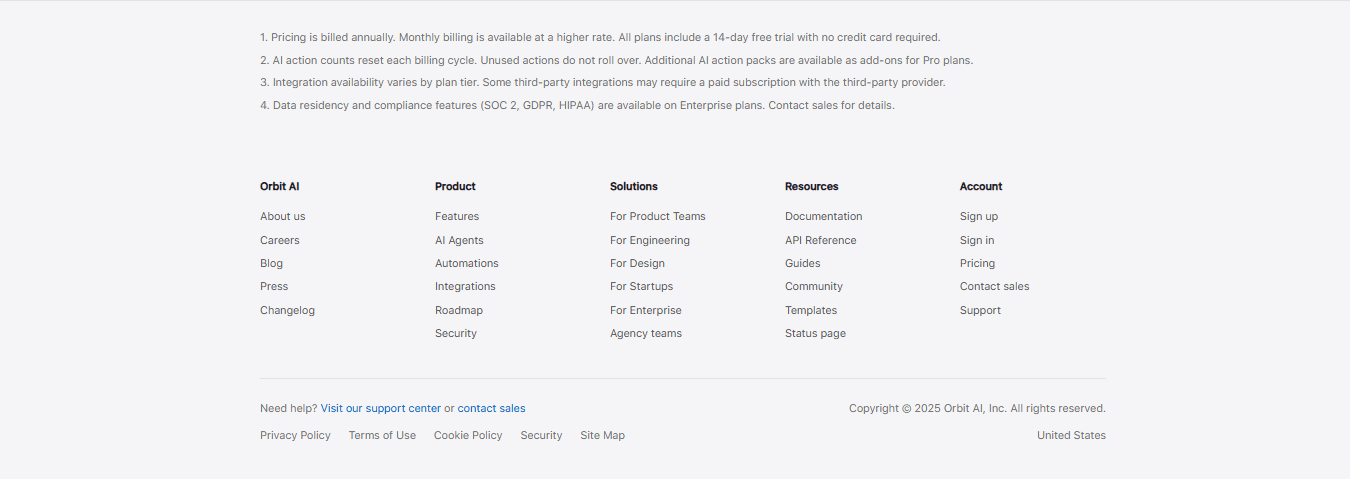
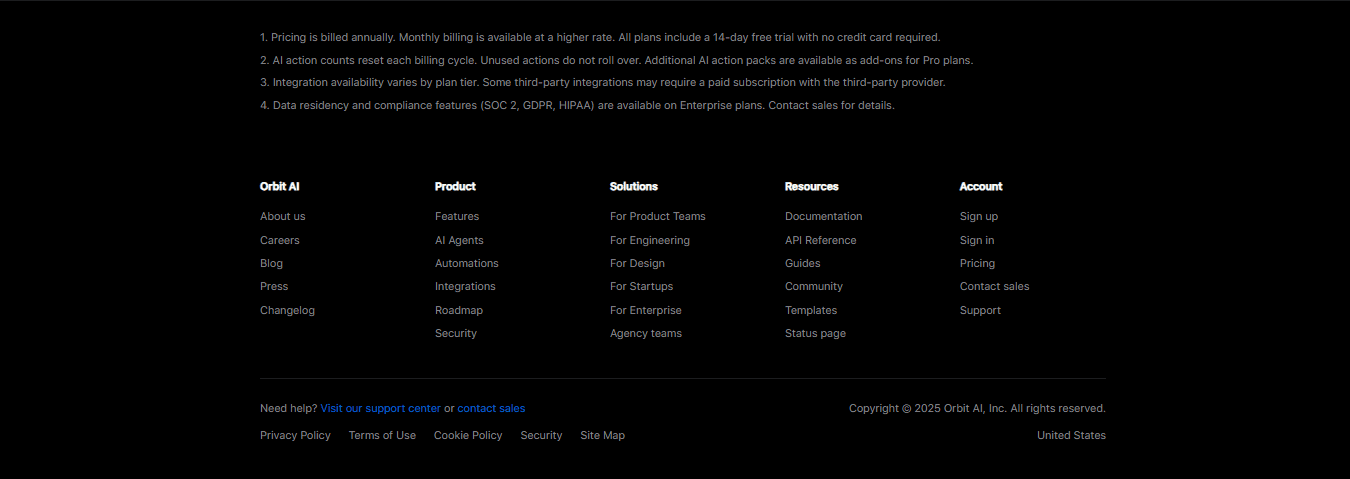
Footer
Footer
iPhone Product Page Clone
Full Page
Orbit AI SaaS Landing Page
Full Page
Product Gallery
Gallery
Product Features
Features
Product Grid
Features
Footer
Footer
Features
Features
Features 2
Features
Teams
Teams
CTA 2
CTA
Hero
Hero
Features2
Features
Features3
Features
FAQ
FAQ
Footer
Footer
Pulse AI SaaS Landing Page
Full Page
Product Highlight
Hero
CTA
CTA
CTA2
CTA
Contents
Contents
Hero
Hero
Contents
Contents
Testimonial
Testimonials
CTA 1
CTA
Footer
Footer
Features
Features
Contents
Contents
Teams
Teams
CTA
CTA
iPhone Product Page Clone
Full Page
Product Highlight
Hero
Product Features
Features
Contents
Contents
Features
Features
Testimonial
Testimonials
CTA 2
CTA
Features
Features
Features3
Features
CTA
CTA
Pulse AI SaaS Landing Page
Full Page
Product Gallery
Gallery
CTA2
CTA
Footer
Footer
Contents
Contents
Teams
Teams
Footer
Footer
Features2
Features
Teams
Teams
Footer
Footer
Orbit AI SaaS Landing Page
Full Page
CTA
CTA
Product Grid
Features
Hero
Hero
Features 2
Features
CTA 1
CTA
Hero
Hero
Contents
Contents
FAQ
FAQ
Explore Styles
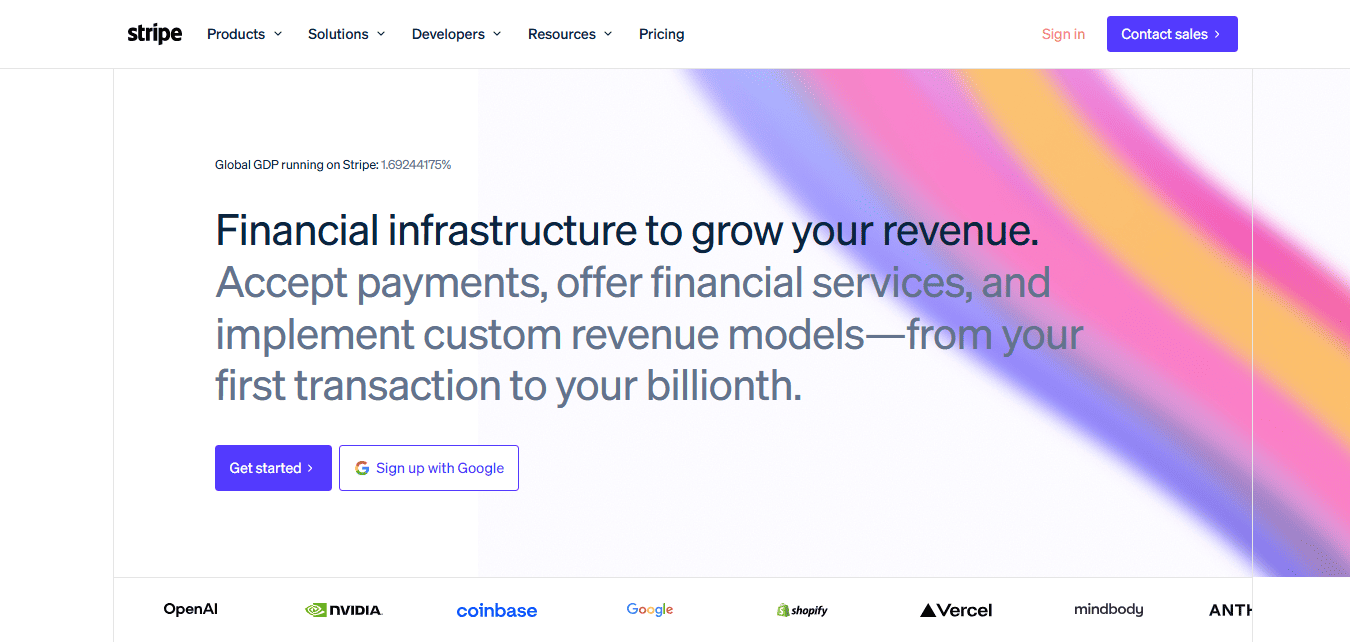
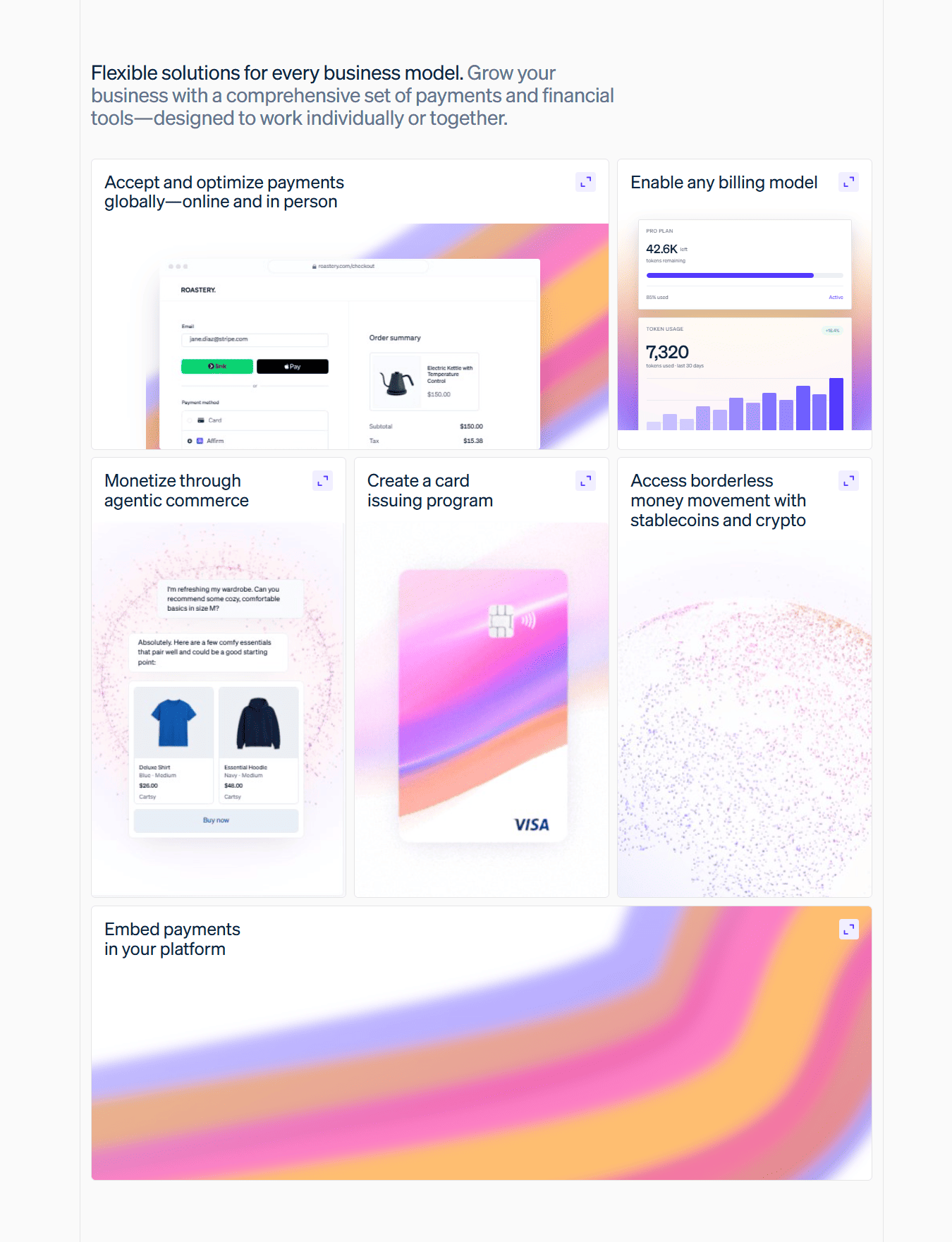
Windframe gives you more than one beautiful style
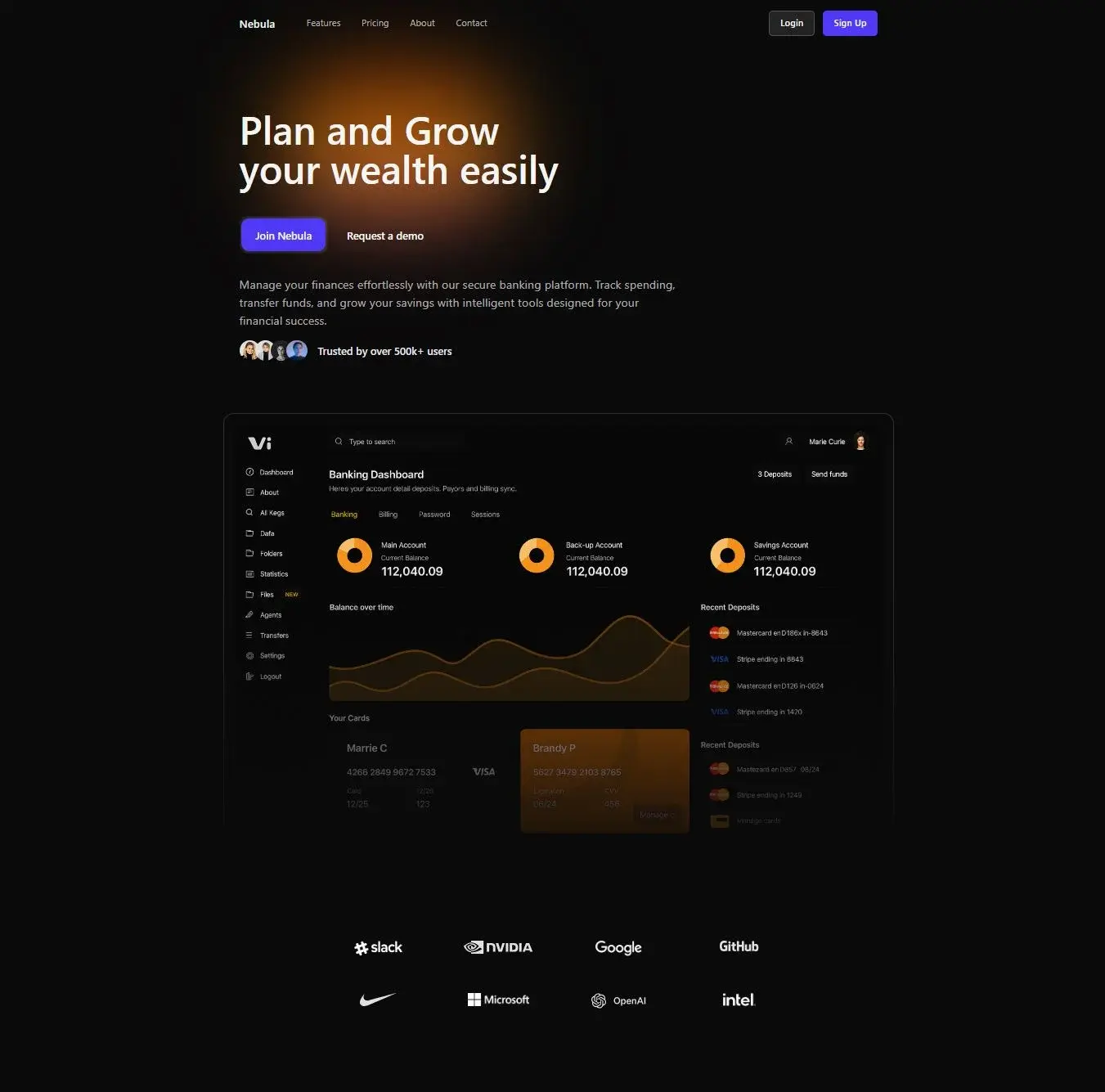
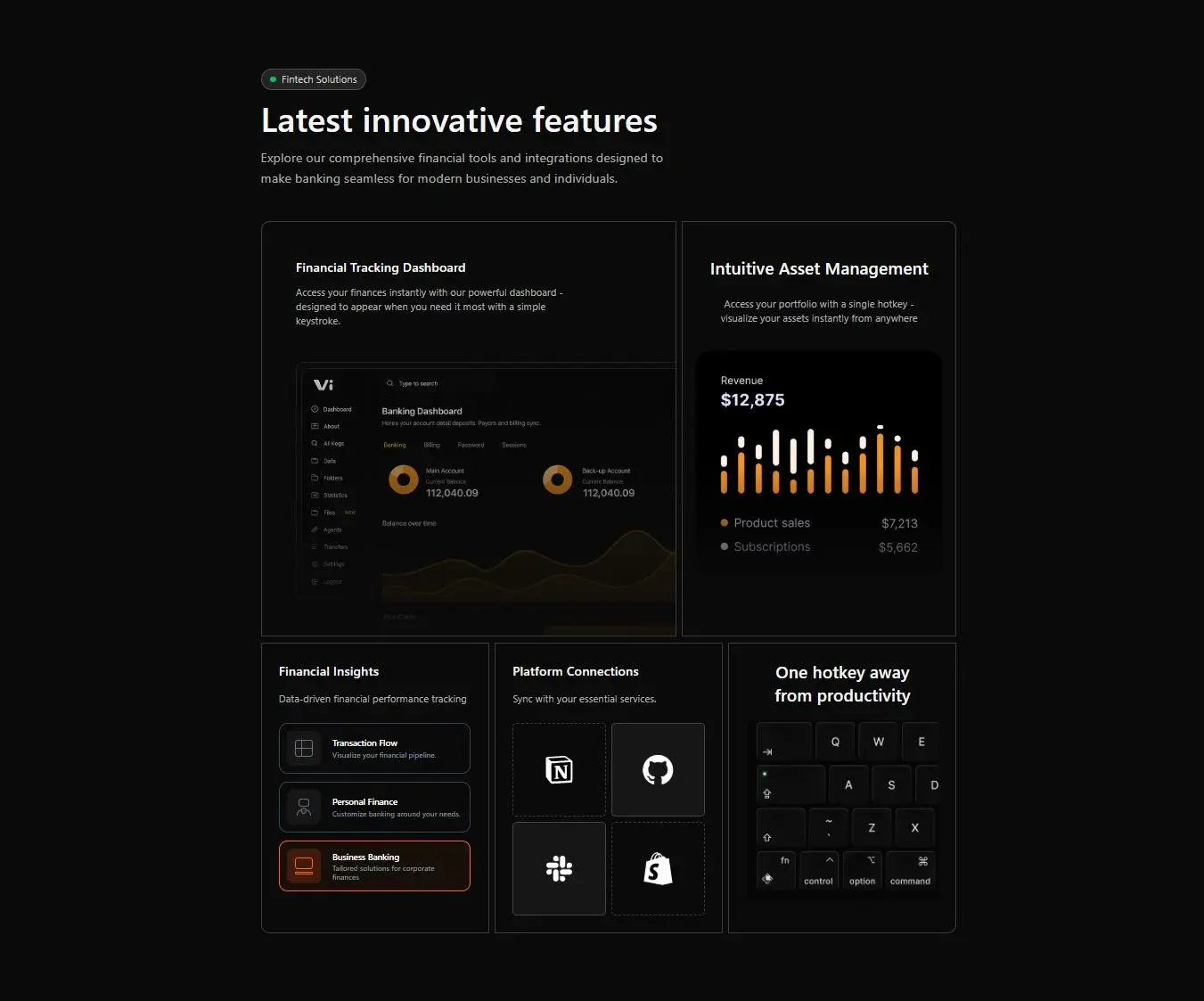
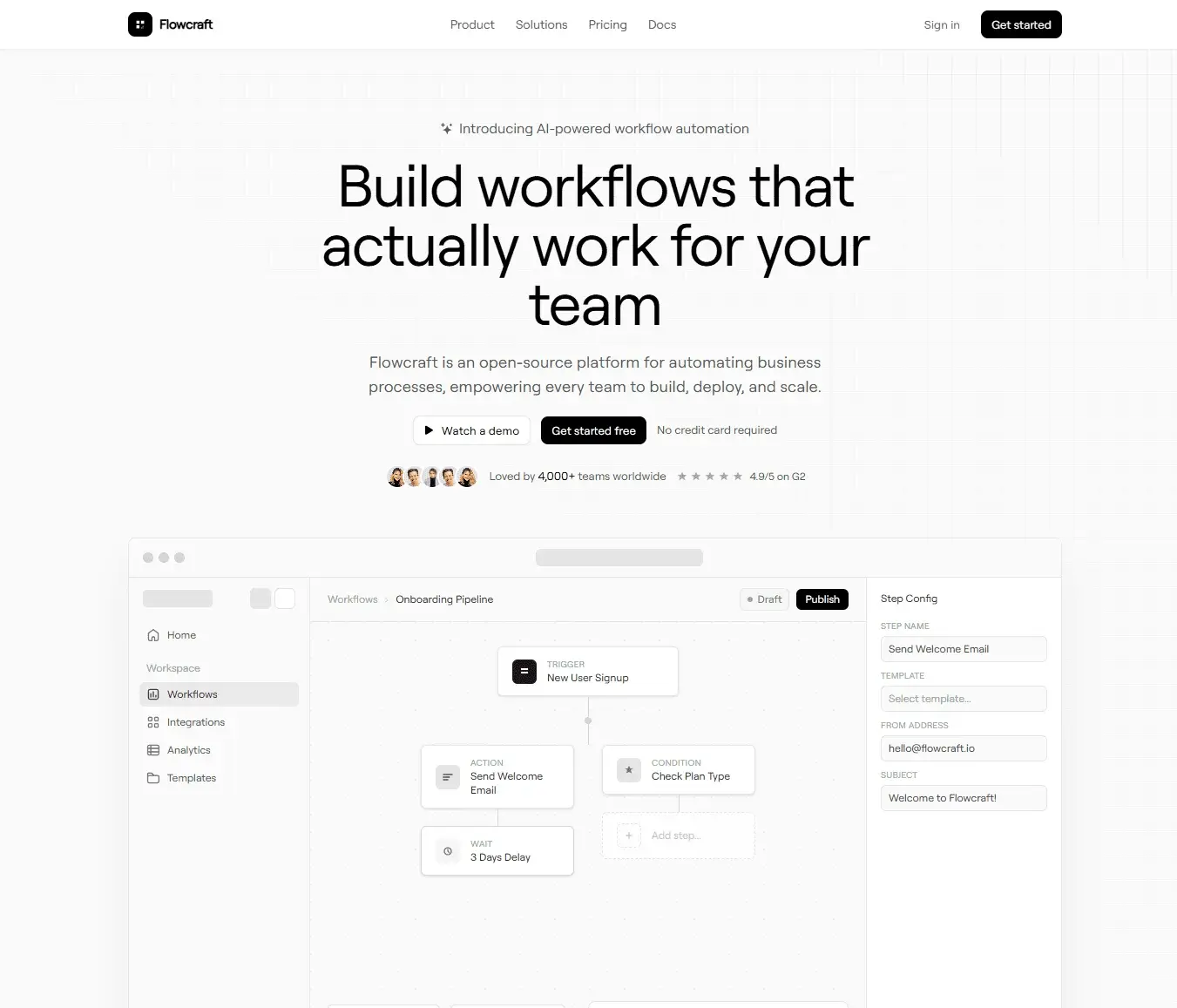
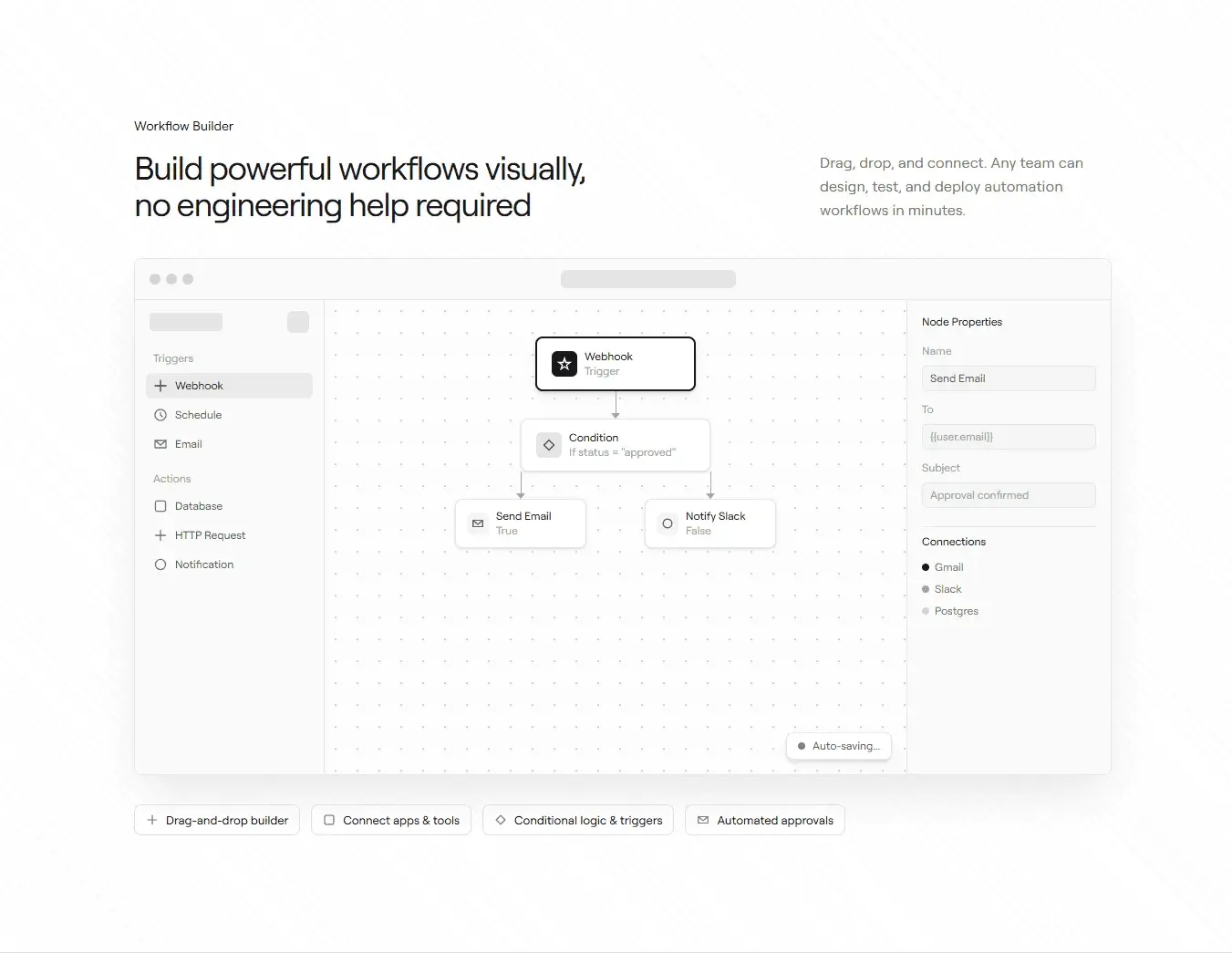
Pick another style below to preview its design language and templates.
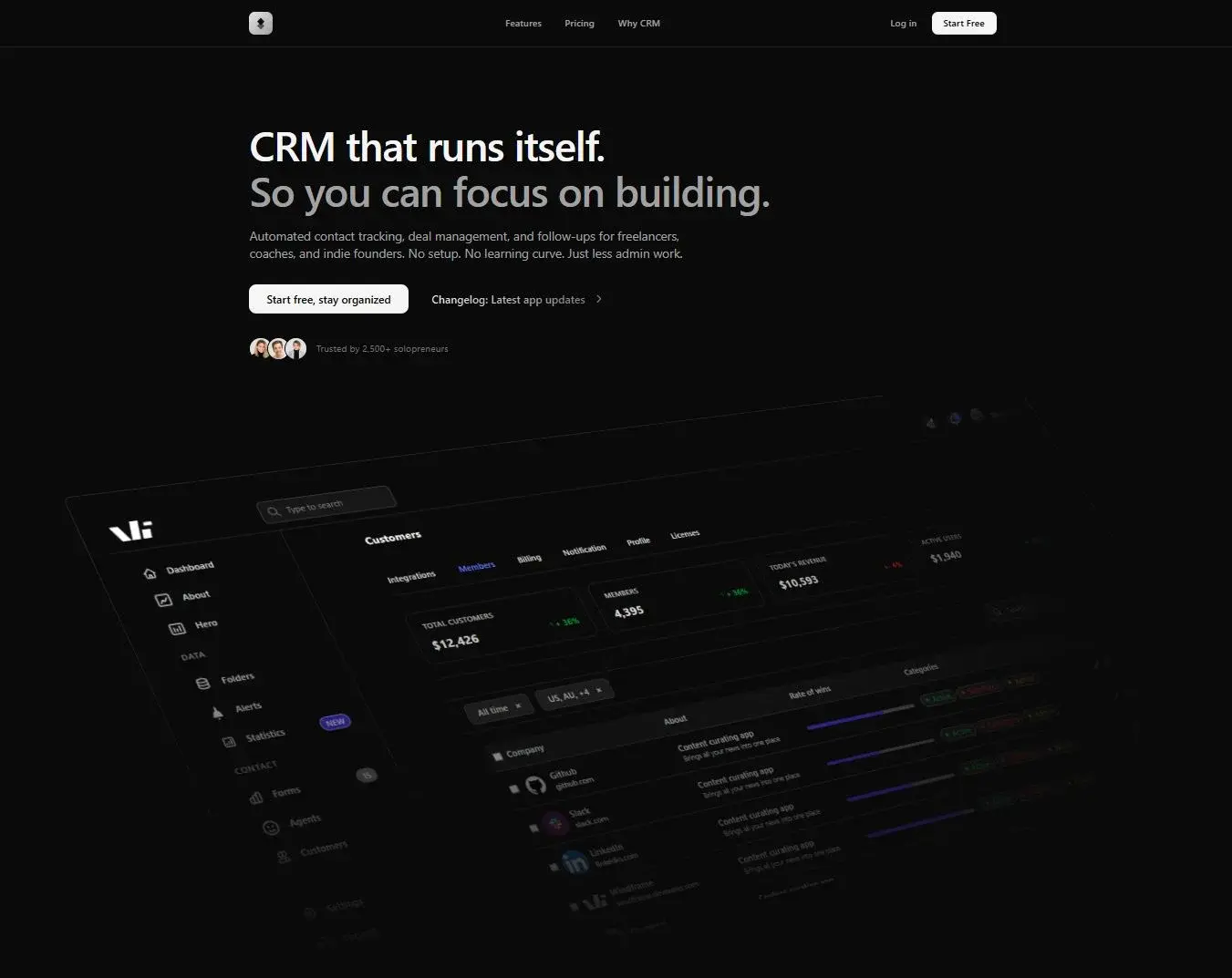
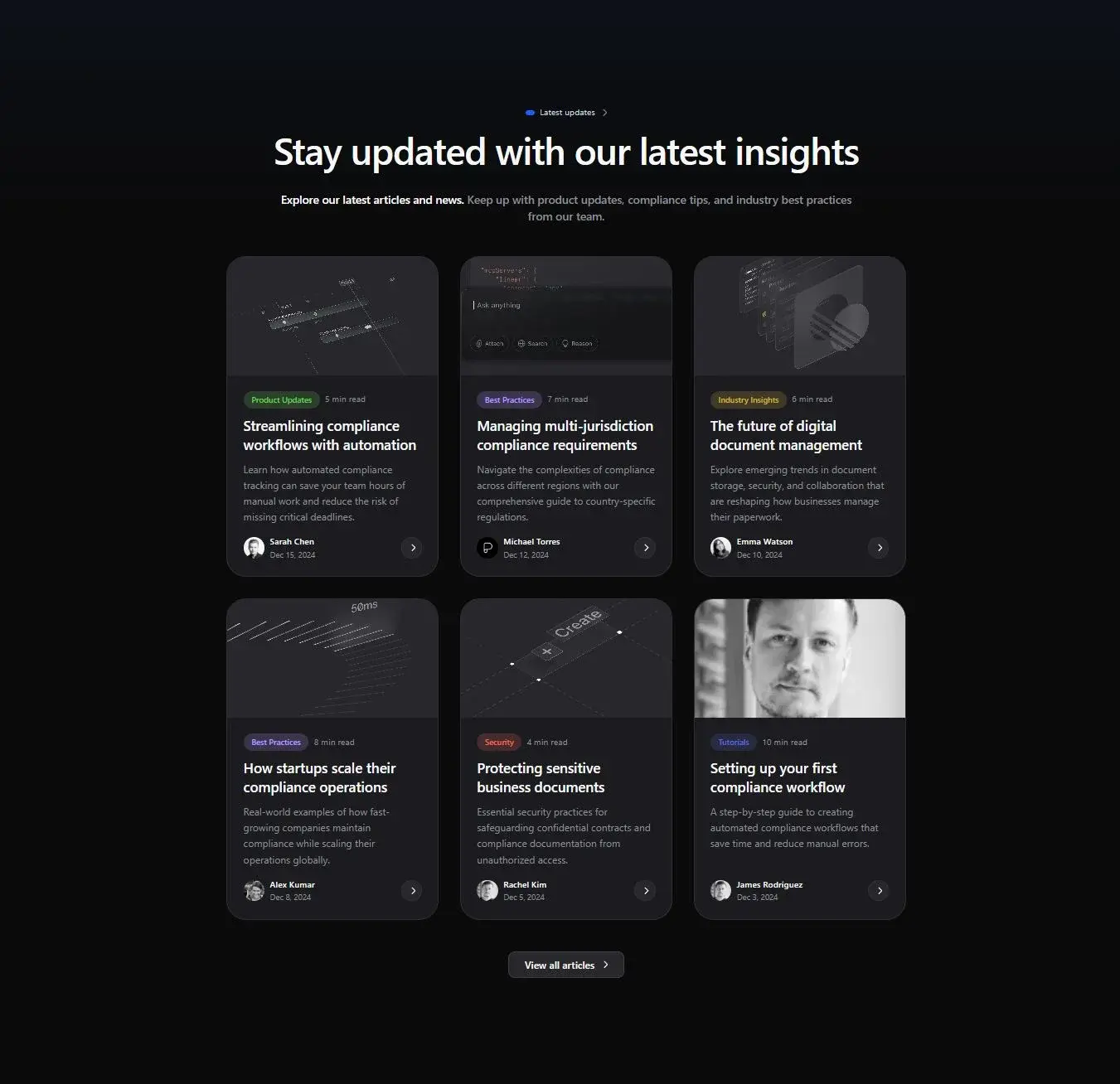
Windframe
You have seen what a design style in Windframe can do. Now see everything Windframe can do.
Windframe brings the full workflow into one platform: generate with AI, edit visually, test responsiveness, reuse templates, and export clean code to your framework. It is built to help teams ship polished UI faster, from first prompt to production.


 18,000+ developers
AI generation with real design systems
Describe any component and get polished, production-ready Tailwind CSS that follows actual design rules, not generic output.
Visual drag-and-drop editor
Fine-tune any component without touching code. Move elements, adjust spacing, swap colors, all visually in real time.
Live preview at every breakpoint
See exactly how your UI looks on mobile, tablet, and desktop before you ship a single line.
Export to 10+ frameworks
React, Next.js, Vue, Nuxt, Svelte, Angular, HTML and more. Clean Tailwind code ready to drop straight into your project.
1,000+ ready-made templates
Browse polished pages, sections, and components across multiple styles. Use them as-is or as a starting point.
Multiple beautiful styles
Linear precision, Notion clarity, Apple polish, Stripe structure and more. Each is a complete design system, not just a color swap.