Point at anything on the page and change it
Windframe is a visual editor for Tailwind CSS. Open one of 1,000+ templates, generate a page from a description, or import a page you already have, then select any element and set its spacing, color, type, and breakpoints on the canvas. Export the Tailwind code whenever you want it.


Used by over 15k+ developers
The last ten percent takes the longest
A page comes back close. Then the hero padding needs to come down, the cards should be three across, and the button is the wrong blue. Describing those changes in a chat is slower than making them, and editing the class string by hand means guessing at what a value looks like. In Windframe you select the element and set it.
Select an element, change it
Click a heading, button, card, or section and adjust its spacing, size, color, and type in the panel. The class list updates as you go.
Set values per breakpoint
Switch the canvas to mobile or tablet and edit only that size. Windframe writes the sm: and lg: prefixes for you.
Reorder and nest sections
Drag sections into place and rename them in the layer tree, so a page you built two months ago is still readable.
Edit copy on the canvas
Type directly into the page. You can fill a layout with real content before deciding whether it holds up.
It is Tailwind underneath, and you can see it
Colors, spacing, type, and breakpoints are real Tailwind values. They are editable in the panel and in the class list, so what you learn in Windframe is the same thing you write in your editor.
Set your palette once
Pick a brand color and Windframe builds the full Tailwind scale from it, then applies it across the page. Change the palette later and every button, badge, and border moves with it.
bg-indigo-600text-indigo-700ring-indigo-200hover:bg-indigo-700The class list stays open
Type a utility and watch it apply. Nothing is hidden behind a proprietary style object.
One canvas per breakpoint
Edit the mobile layout at mobile width. What you see is what renders.
Take the code with you
Export as React, Vue, Angular, or plain HTML and paste it into your repo. There is nothing to migrate off later.
Read the docs React
React Vue
Vue Angular
 HTML
HTMLStart from a template, a description, or your own page
You do not have to begin with a blank canvas. Most people open a template and change it. Some type what they need and let Windframe build the first version. Some bring in a page they already have. All three end up in the same editor.

Templates
Over 1,000 Tailwind blocks and full pages. Drop one on the canvas and start changing it.
Browse templates
A description
Say what the page is for and get a full responsive screen back, ready to edit like anything else.
See AI results
A page you already have
Import an existing Tailwind page or paste your markup. It opens on the canvas with everything selectable.
How importing works7 styles to build in
When Windframe generates a page, it builds inside a style you choose, so the spacing and type scale are consistent from one screen to the next. You can edit anything afterwards, and you can mix in your own components.
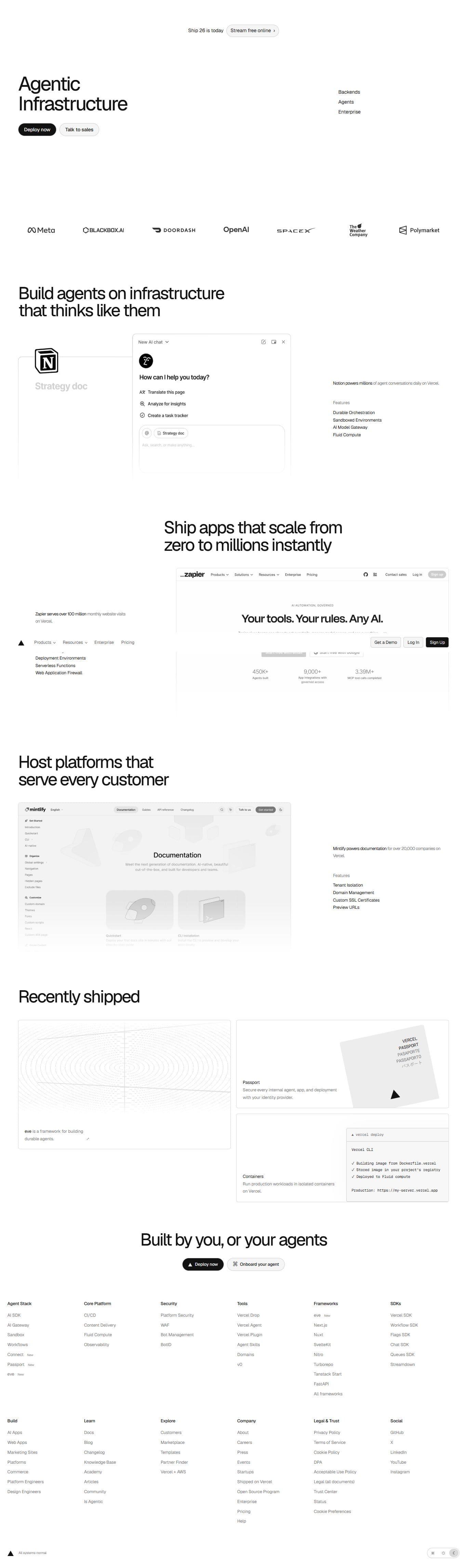
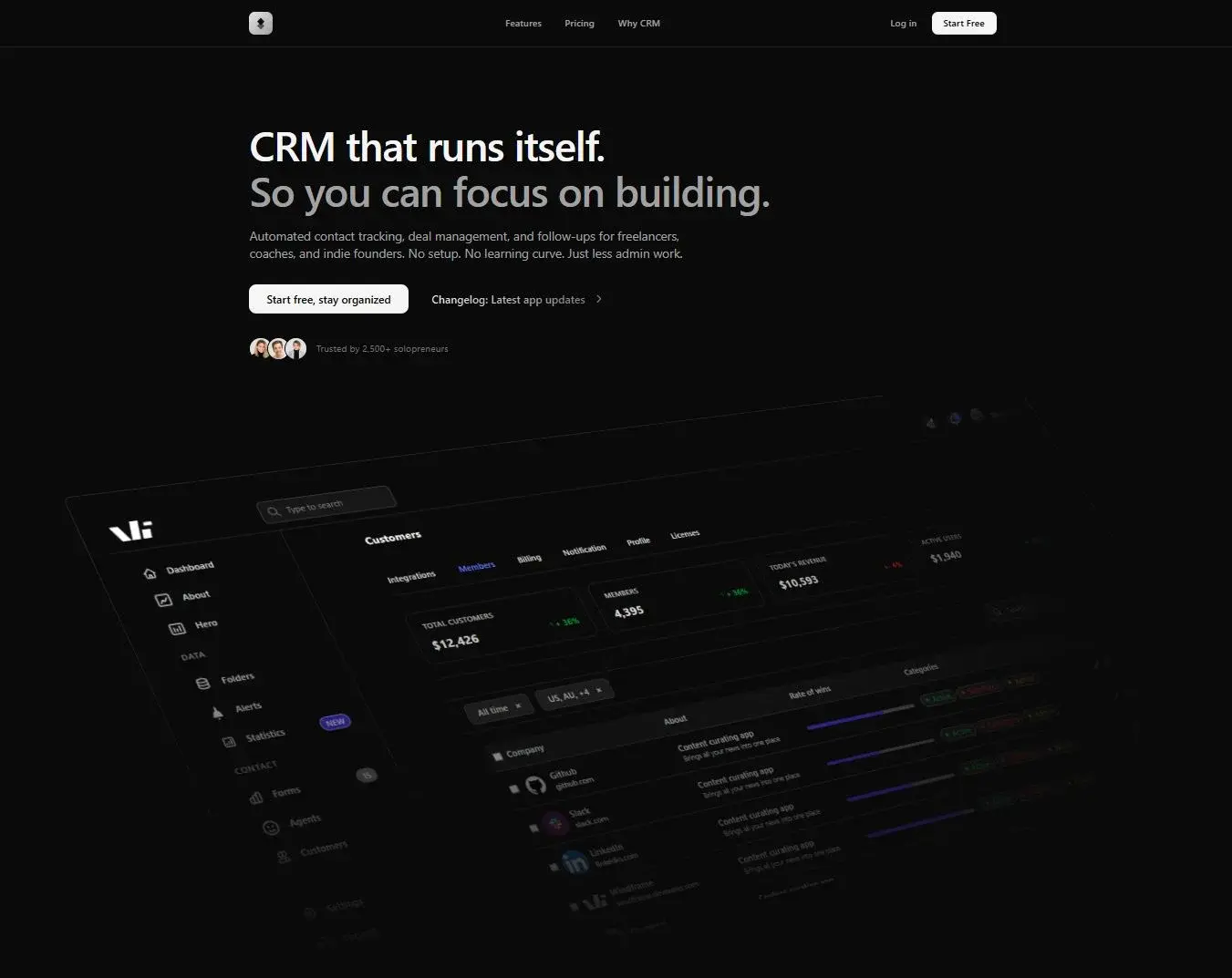



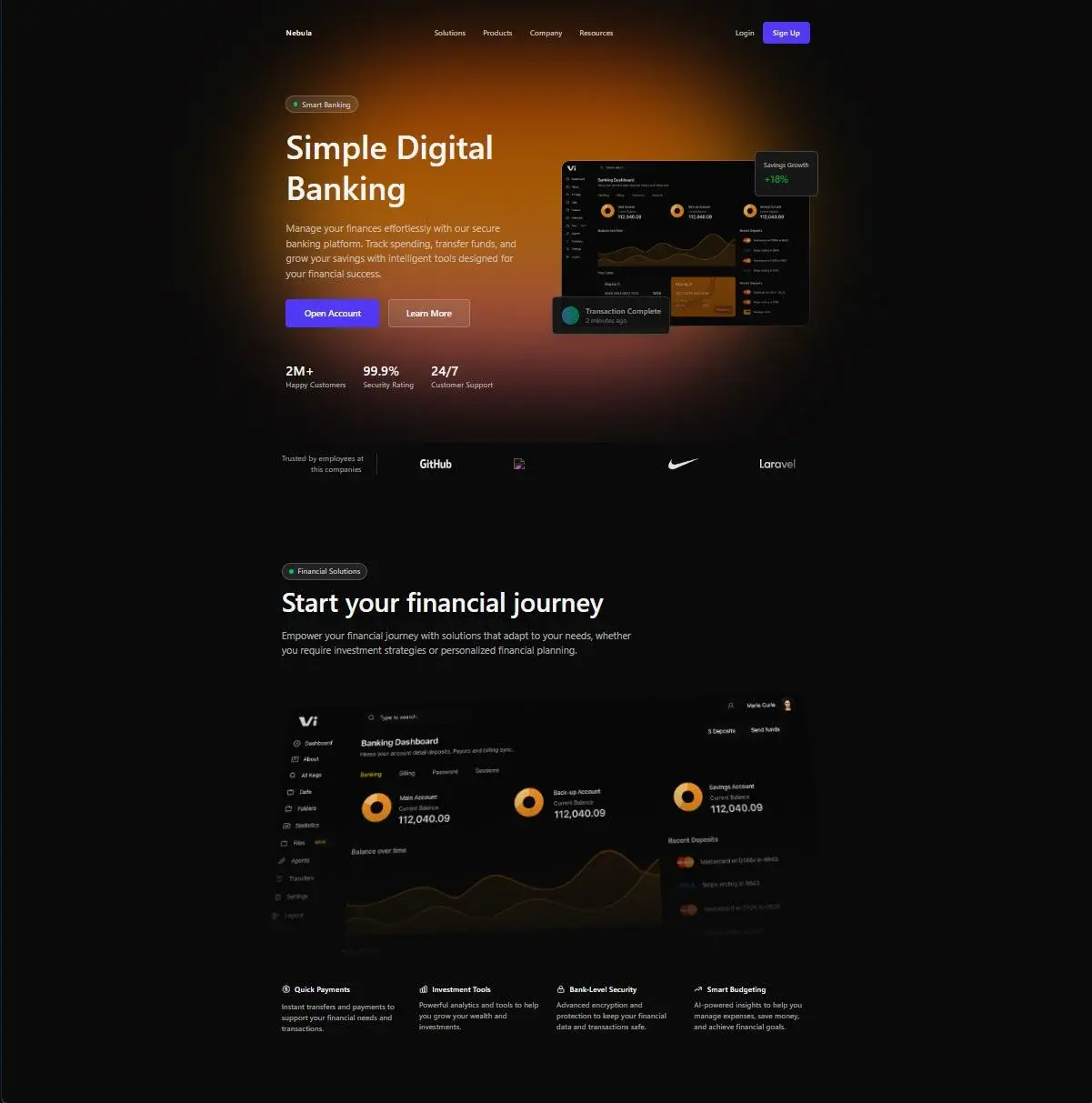
Vercel: Precise grayscale and Geist typography
See every Vercel screenPages people built and shipped
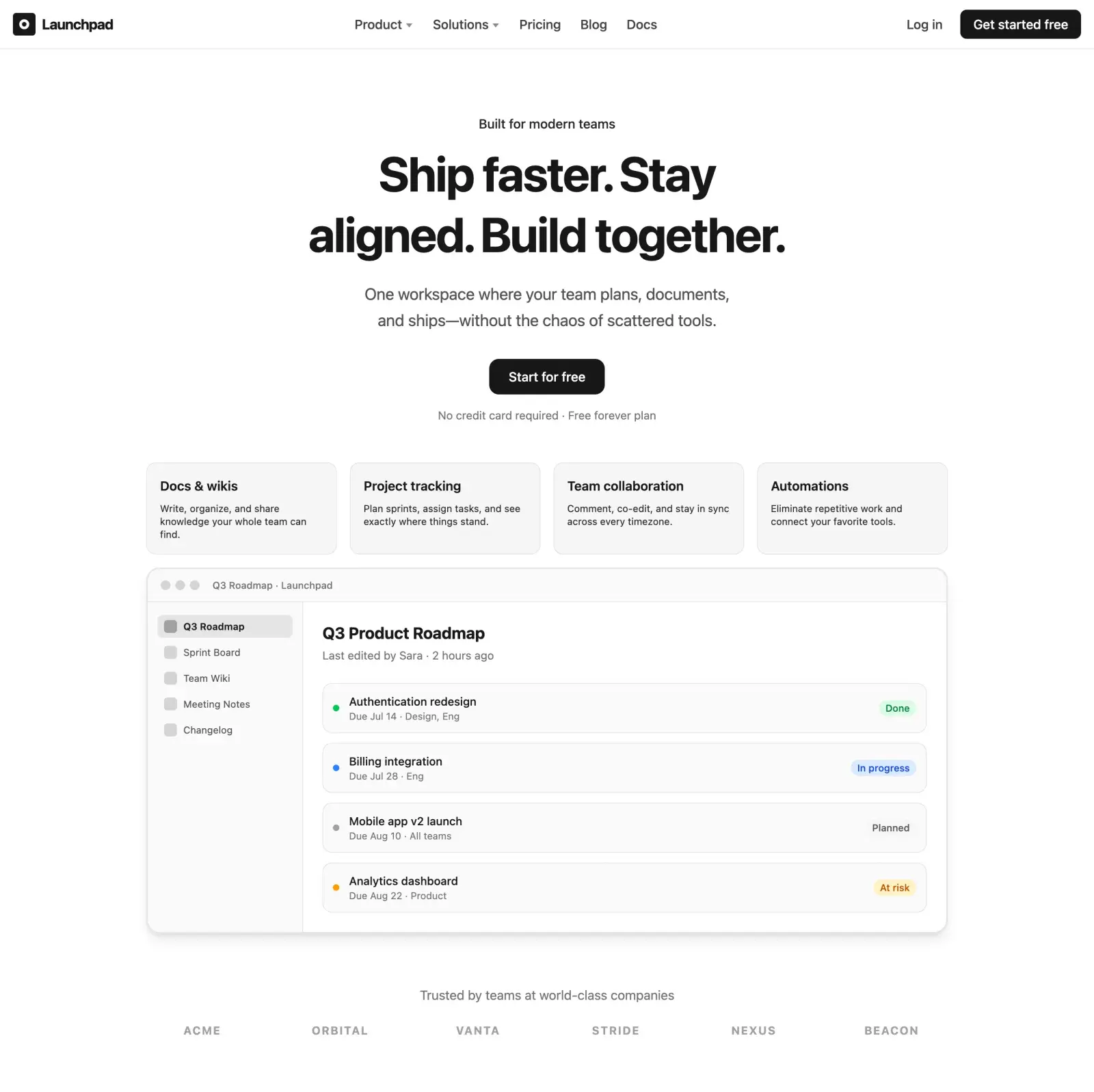
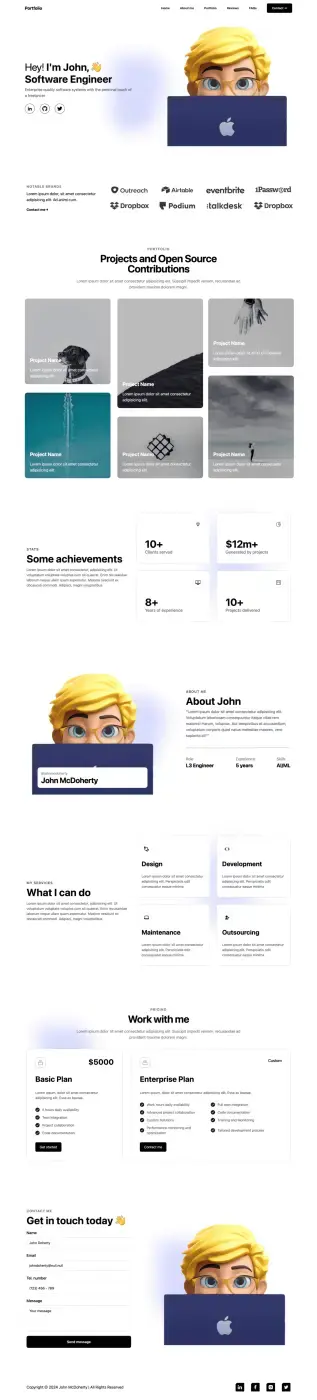
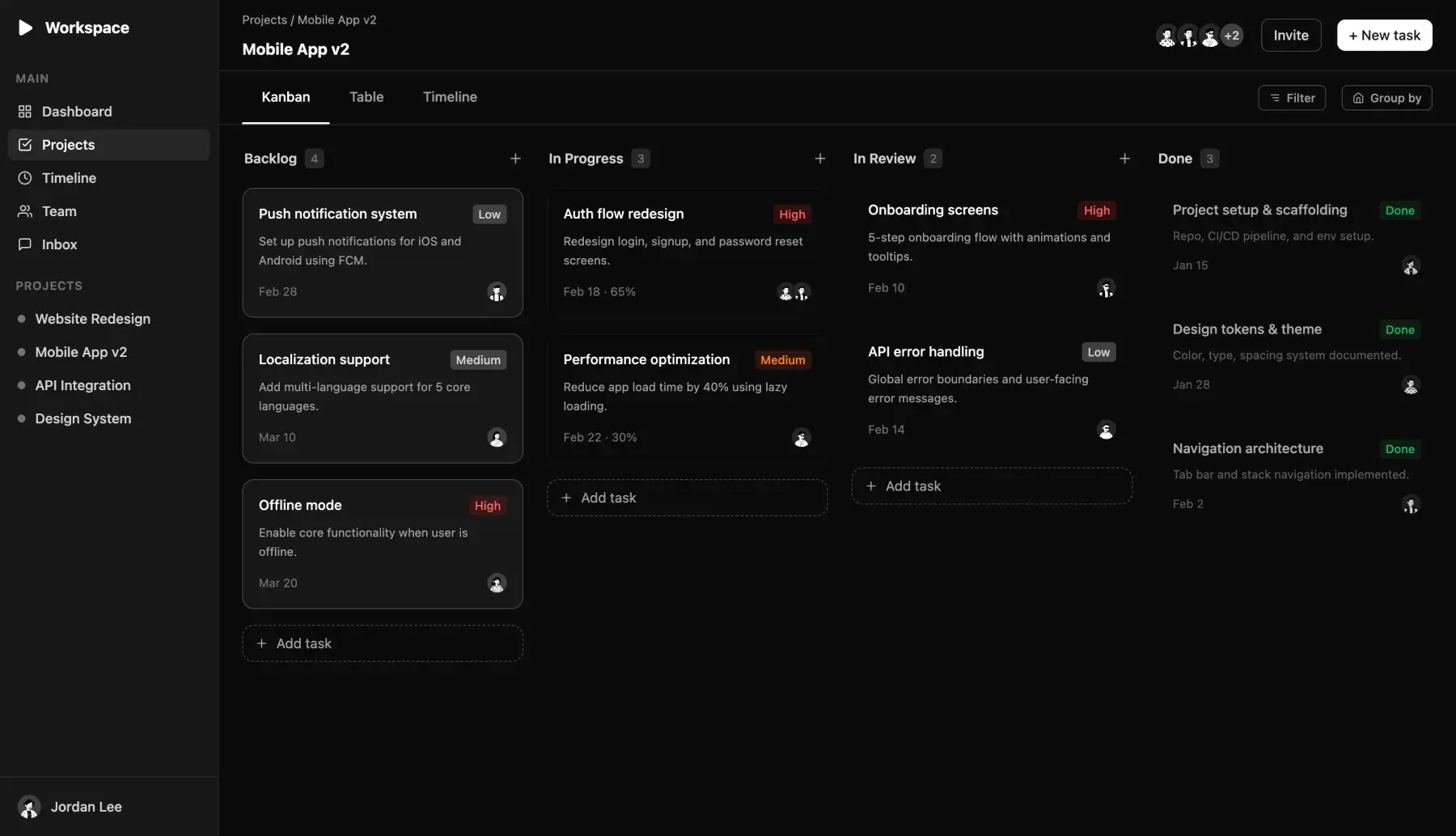
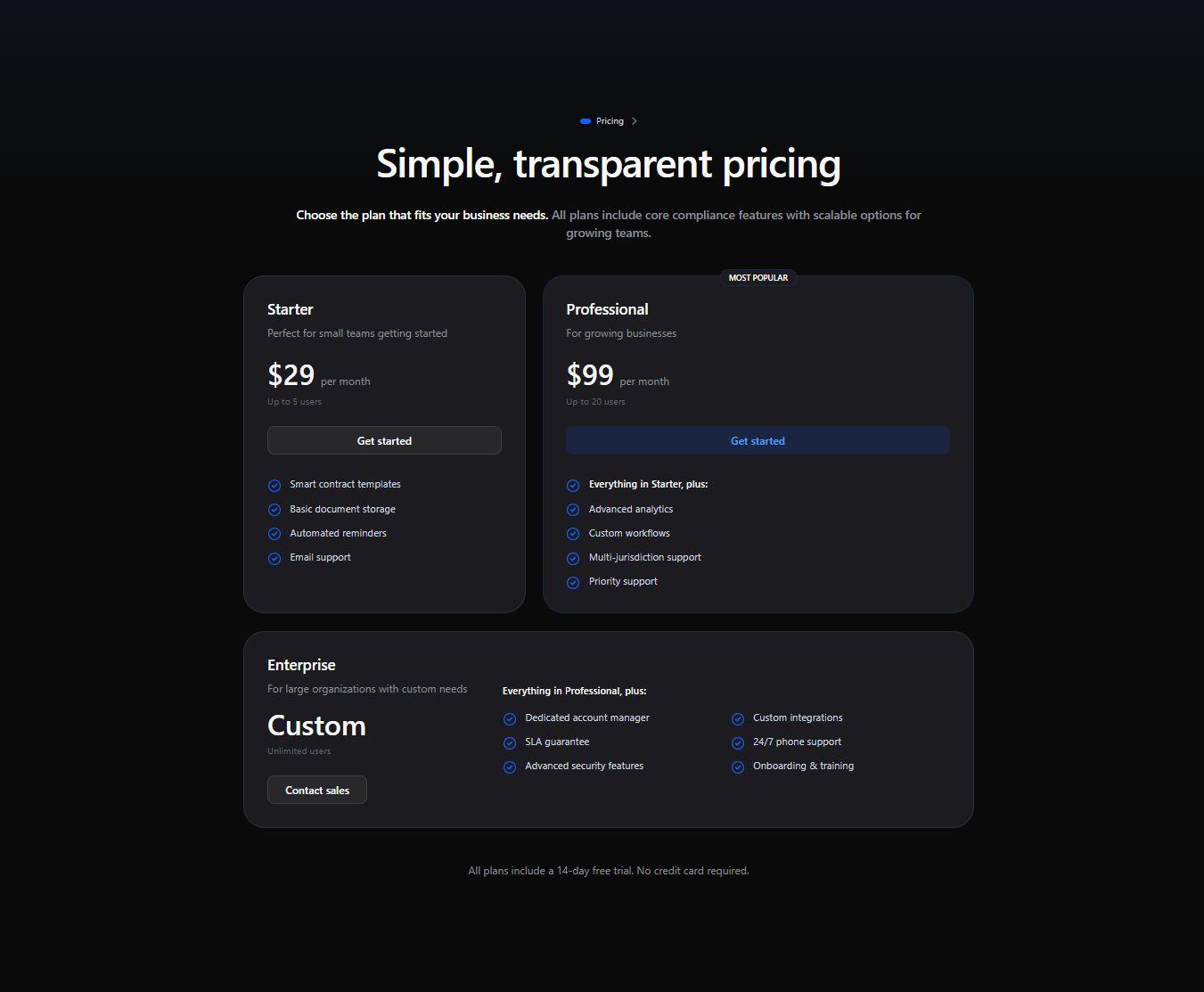
Landing pages, dashboards, pricing pages, portfolios. All of them left Windframe as Tailwind code.




Your coding agent can use the same components
Connect Windframe over MCP and the agent you already work in builds against the same styles, spacing, and components as the editor. You stay in your terminal or IDE, and the markup that comes back matches the rest of your product.
15k+
developers and teams build with Windframe
1,000+
Tailwind blocks and full pages to start from
4
frameworks you can export to, as plain Tailwind
Open a page and change something
Pick a template, select an element, and move it. A couple of minutes is usually enough to tell whether this fits how you work.