PNPM vs NPM vs Yarn 2026: Which Package Manager Finally Ends the Slow Install Nightmare?
By Emmanuel Chinonso - Frontend Engineer and Technical Writer at Windframe
You’ve probably been there: You fire up a new JavaScript project, type the usual install command, and minutes later you’re still staring at the terminal while your node_modules folder balloons and your hard drive quietly fills up with the same packages copied over and over from every other project you’ve touched. It’s the kind of daily drag that steals real coding time, especially on bigger monorepos or when your team keeps running into version headaches. Having hit that wall too many times on my own projects and client work, I finally sat down and ran fresh tests on pnpm, npm, and Yarn to see what actually works in 2026. The results surprised even me, and they’ll save you hours if you’re still defaulting to npm out of habit.
This guide walks through everything step by step so you can decide without guesswork. We’ll cover what each tool does, how they handle installs, real speed numbers from 2026 benchmarks, disk savings, security quirks, and exactly when to switch. If you’re brand new to package managers, don’t worry, think of them as the smart assistants that grab libraries from the npm registry and keep your project organized so you don’t have to.
The Basics: Why You Even Need a Package Manager
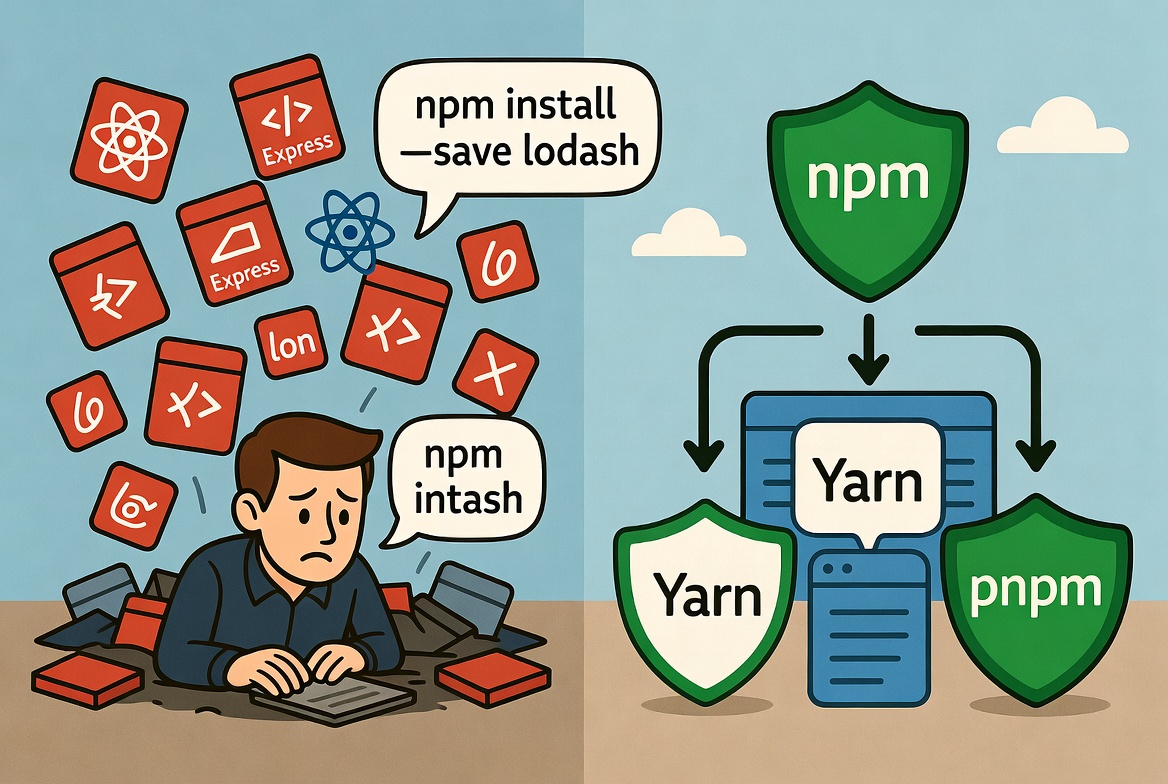
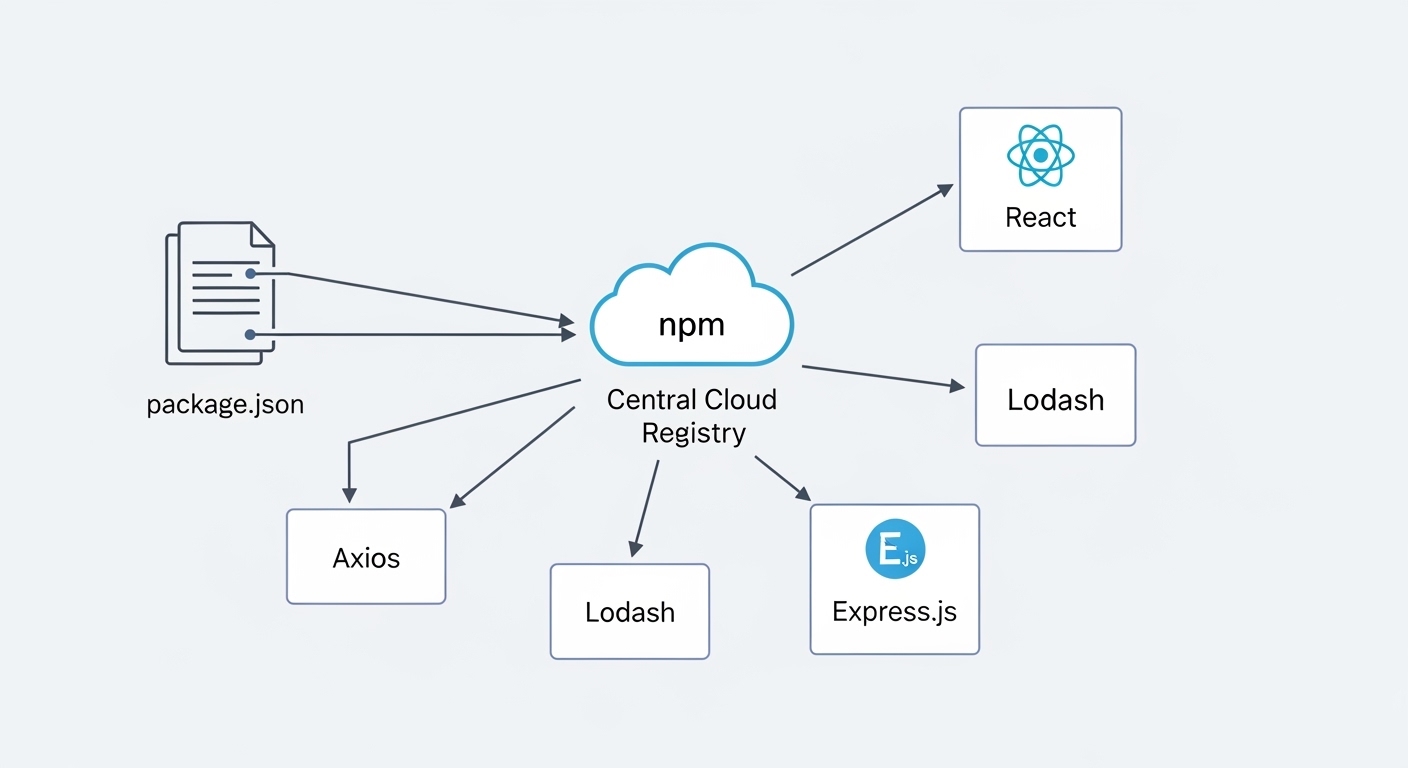
Every JavaScript or TypeScript project relies on outside code, React components, utility libraries like lodash, or backend tools like Express. Manually copying those files would be insane, so package managers do the heavy lifting. They read your package.json file, fetch the right versions from the huge public registry, store them locally, and make sure everything plays nice together.npm has been the built-in default since Node.js first appeared. Yarn arrived in 2016 to fix npm’s early speed and consistency problems. pnpm showed up a bit later, laser-focused on cutting disk waste and making installs lightning-fast. By 2026, all three have improved a lot, but they still solve the same core pains differently: slow downloads, duplicated files eating gigabytes, and “it works on my machine” surprises.
What npm Actually Does (and Where It Still Falls Short)
npm comes pre-installed with Node.js, no extra steps. Run npm install and it grabs everything listed in package.json, drops it into node_modules, and creates a package-lock.json file to lock versions. That lockfile is gold for teams because it guarantees the same setup everywhere.
In 2026, npm sits at version 11 with better workspaces for monorepos and faster caching than older releases. Commands feel natural: npm install lodash adds a package, npm update bumps versions safely, and npm audit scans for security holes. For global tools like the TypeScript compiler, just add -g.
Here’s a tiny example to see it in action. After npm init -y, your package.json might look like this:
1{2 "name": "my-first-app",3 "dependencies": {4 "lodash": "^4.17.21"5 }6}
Then npm install does the rest. Simple, right? And because it’s everywhere, VS Code, GitHub Actions, every hosting platform, it’s the safest bet when compatibility matters most.
But here’s the catch I kept running into: npm still copies full packages into every single project folder. On a laptop with five or six apps, that adds up fast. Cold installs on larger projects can drag past 30 seconds, and in CI pipelines those seconds multiply across dozens of builds. Security is solid with audit, but the flat node_modules structure sometimes lets undeclared packages sneak in and cause weird bugs.
Check out the Official docs for npm.
How Yarn Changed the Game (and Why It’s Still Popular in Teams)
Yarn started as Facebook’s fix for npm’s flaky installs. It downloads packages in parallel, caches them globally so you don’t re-fetch the same files, and creates a yarn.lock file for rock-solid reproducibility.
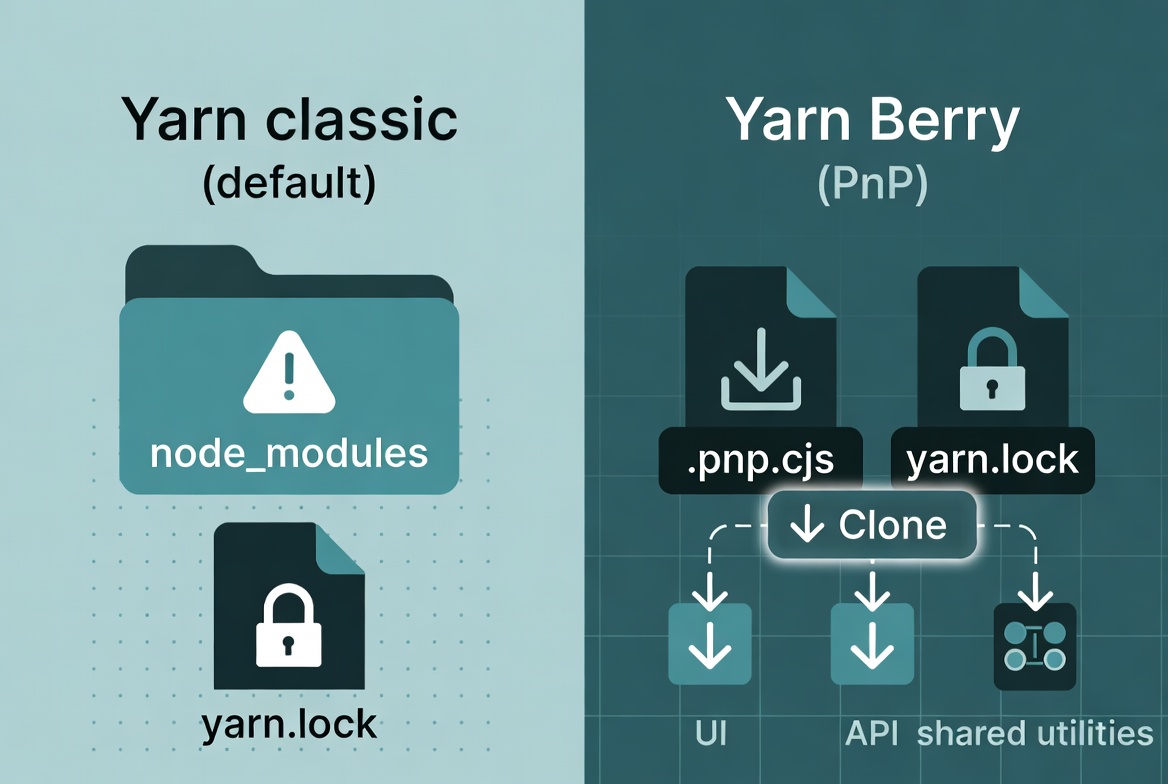
Today Yarn is at version 4.13 (Berry), and the biggest leap is Plug’n’Play (PnP). Instead of a massive node_modules folder, PnP uses a single .pnp.cjs file that tells Node exactly where to find each package. Result? Zero-install repos you can clone and run instantly, plus huge speed gains on repeat work.
Setup is easy: corepack enable yarn (or install globally). Then yarn add express and you’re off. Workspaces shine here, perfect for monorepos where you have a UI package, an API package, and a shared utils folder all in one repo. The yarn workspace commands let you run scripts across everything without jumping directories.
Example workflow for a small team project:
1yarn init -y2yarn add react3yarn set version berry # switches to modern PnP mode
From there, installs feel snappier and lockfiles stay consistent. Teams love the yarn why command when debugging why a certain package appeared, it explains the whole dependency chain.
Downsides? PnP can confuse older tools that expect a traditional node_modules folder (though most modern ones now support it). And while caching helps, Yarn Classic mode still copies files like npm, so disk savings aren’t as dramatic unless you go full PnP.
Check out yarn docs for more information.
Why pnpm Feels Like Cheating Once You Try It
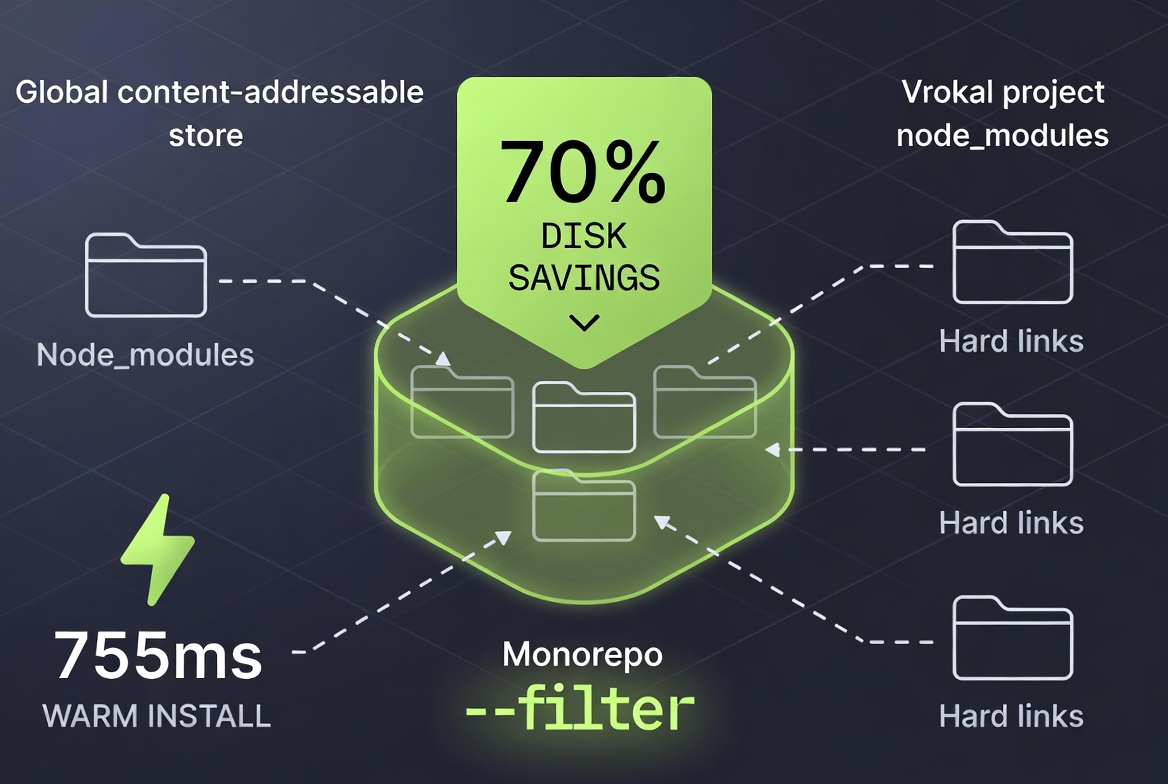
pnpm (Performant npm) takes a completely different approach to storage. Instead of copying packages everywhere, it downloads each unique version once into a global content-addressable store on your machine. Then it creates hard links (super-efficient shortcuts) inside every project’s node_modules. One copy on disk, shared safely across all your projects.
That single change delivers two massive wins: disk usage drops by 50-70% on real projects, and installs become blazing because there’s no repeated copying. pnpm also enforces a strict dependency structure, no more phantom dependencies sneaking in from deep inside another package.
Current stable is 10.x with version 11 alpha already showing extra gains in some tests. Install with npm install -g pnpm or the standalone script. Commands mirror npm closely: pnpm add lodash, pnpm install, pnpm update. The lockfile is pnpm-lock.yaml.
In practice, on a monorepo with shared components across five packages, the difference is night and day. CI times that used to take 12 minutes now finish in 2-3. And the --filter flag lets you target only the packages that changed: pnpm --filter=frontend add new-lib.
Quick code taste:
1pnpm init2pnpm add react --save-dev3pnpm --filter=ui-package run build
The non-flat node_modules layout mirrors your package.json exactly, which cuts down on subtle bugs. One small gotcha: a few legacy tools might need a tiny config tweak, but 99% of modern setups (Next.js, Vite, Turbo) work out of the box. Check out the offical docs for more details for pnpm
Key Differences Between PNPM, NPM, and Yarn
Now that we've covered the basics, let's pit them head-to-head. The differences boil down to architecture, performance, features, and use cases. I'll use a table for clarity, drawing from 2026 benchmarks and real-world insights.
| Feature | NPM | Yarn | PNPM |
|---|---|---|---|
| Installation Method | Bundled with Node.js | Separate install (e.g., via NPM) | Separate install (e.g., via NPM or script) |
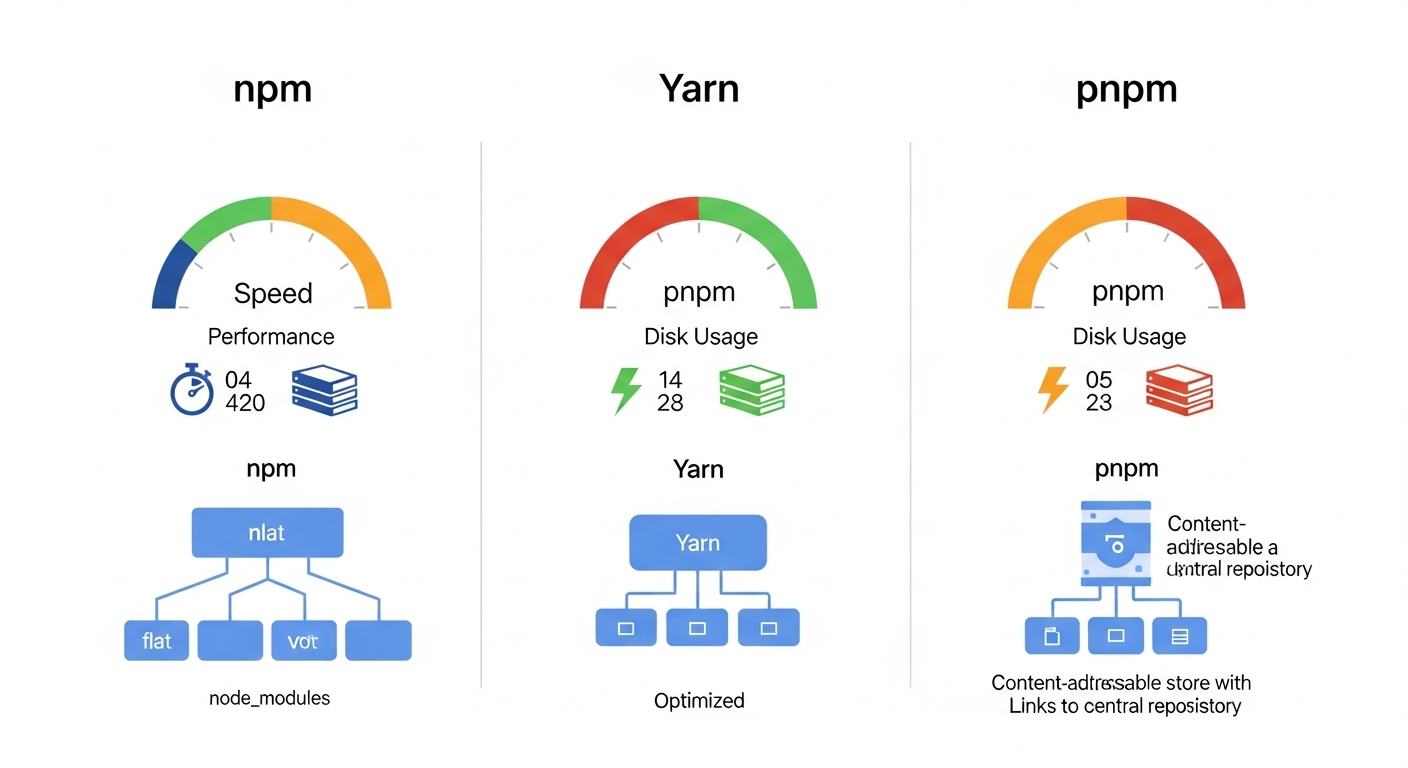
| Storage Approach | Copies packages per project into `node_modules` | Caches globally; PnP mode uses mapping file | Global store with hard links/symlinks |
| Disk Usage | High (duplicates across projects) | Medium (cache helps); Low with PnP | Lowest (up to 70% savings) |
| Install Speed (Cold) | ~33.4s (slowest in benchmarks) | ~7.2s (PnP mode) | ~7.9s (very fast) |
| Install Speed (Warm) | ~1.3s | ~5.1s | ~755ms (fastest) |
| Monorepo Support | Workspaces (since v7) | Native workspaces, excellent | Native, with filtering |
| Lockfile | `package-lock.json` | `yarn.lock` | `pnpm-lock.yaml` |
| Security | npm audit, checksums | Checksums, hardened mode | Strict deps, no postinstall scripts |
| Plug'n'Play | No | Yes (default in Berry) | Yes |
| Parallel Tasks | Limited | Yes | Built-in, speeds up CI |
These speeds come from recent 2026 tests on large projects. For instance, in a monorepo with hundreds of dependencies, PNPM's linking shaves off seconds that add up. NPM, while improved, lags in raw speed but wins in ubiquity, no learning curve if you're already using Node.
Another big differentiator is how they handle dependencies. NPM and Yarn (classic) flatten the tree, which can lead to version conflicts or unexpected behaviors. PNPM keeps a nested structure, mirroring your package.json more accurately, reducing bugs. Yarn's PnP takes it further by virtualizing everything, but it requires ecosystem buy-in.
In terms of commands, they're similar but with twists. NPM uses npm i, Yarn yarn, PNPM pnpm i. Aliases like ni for install make switching easier. For a deeper command comparison, see this external article on package manager commands.
Security, Consistency, and Other Real-World Factors
All three now check package integrity with checksums. npm has npm audit, Yarn adds hardened mode, and pnpm goes further by disabling risky postinstall scripts by default and offering a minimumReleaseAge setting to skip brand-new packages that might contain supply-chain surprises.
Consistency across machines is where lockfiles shine, npm’s package-lock.json, Yarn’s yarn.lock, and pnpm’s yaml file all do the job. But pnpm’s strict tree prevents hidden dependency bugs that still bite npm users occasionally.
Developer experience varies. npm wins for zero-config simplicity. Yarn feels polished for teams with its interactive prompts and plugins. pnpm gives the cleanest, fastest daily flow once you spend 10 minutes learning the commands.
Pros and Cons of Each Package Manager
No tool is perfect, so let's weigh the good and bad. This will help you match them to your needs.
NPM Pros:
- Default and widely supported; integrates everywhere.
- Simple for beginners, no extra installs.
- Strong security tools like npm audit.
- Great for small projects or quick prototypes.
NPM Cons:
- Slower installs, especially on large projects.
- High disk usage from duplicates.
- Less efficient for monorepos without tweaks.
Recent updates have closed the gap, but for speed demons, look elsewhere.
Yarn Pros:
- Faster than NPM with caching and parallelism.
- Deterministic installs for team consistency.
- PnP mode for zero-install workflows.
- Excellent for monorepos and plugins.
Yarn Cons:
- PnP compatibility issues with some libraries.
- Steeper learning curve for advanced features.
- Larger lockfiles in some cases.
Yarn's focus on developer experience makes it a favorite for big teams, like at Meta.
PNPM Pros:
- Blazing fast and disk-efficient.
- Strict dependency management prevents errors.
- Built-in monorepo tools and parallel runs.
- Secure by design, cutting attack vectors.
PNPM Cons:
- Non-standard
node_modulesmight break tools. - Smaller community than NPM.
- Requires configuration for some setups.
When to Pick Which One (Your Personal Decision Guide)
-
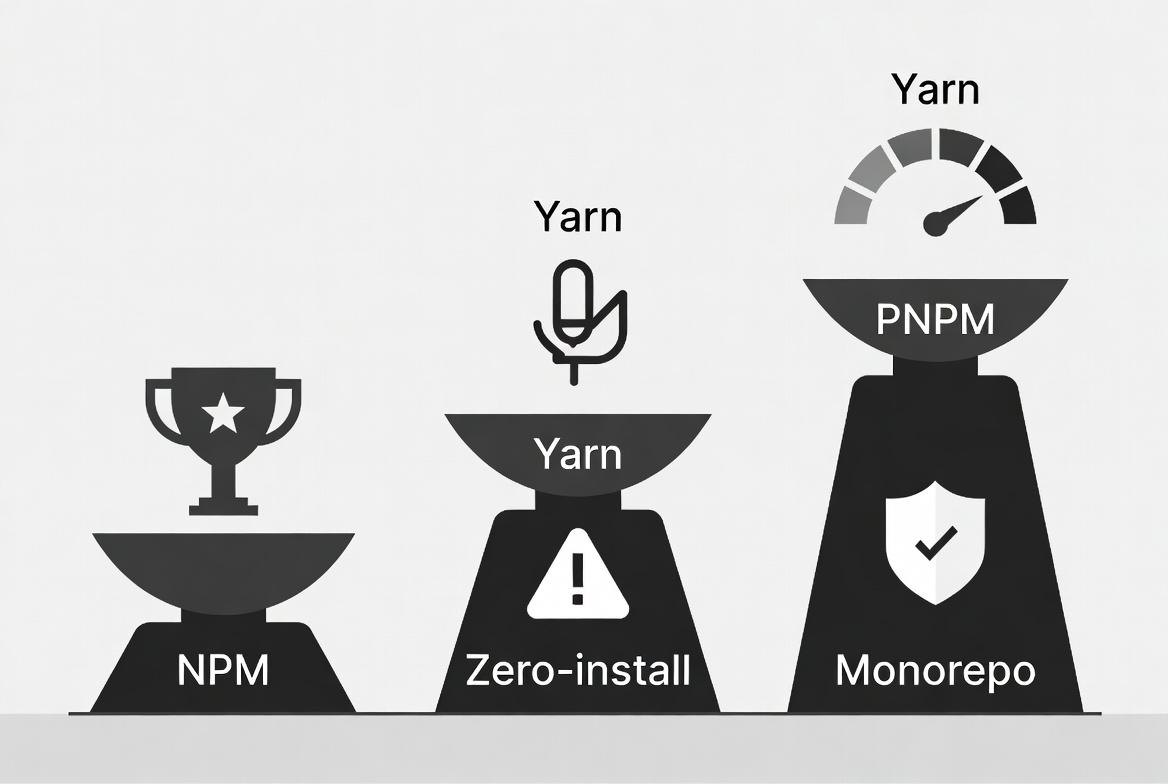
Stick with npm if you’re learning, building quick prototypes, or need maximum compatibility with every tool under the sun. Zero friction.
-
Go Yarn if you work in a big team, love plugins, or want the cleanest zero-install experience with PnP. Especially strong for collaborative monorepos.
-
Switch to pnpm for almost everything else in 2026, large apps, multiple projects on one machine, tight CI budgets, or when you’re tired of watching install bars crawl. The speed and space savings compound fast.
Many teams I’ve helped start with npm for simple repos and move to pnpm the moment they hit 10+ dependencies or add a second package. Migration takes two commands: delete node_modules and lockfile, then pnpm import to convert the old lockfile. Done.
Looking Ahead: What’s Next for These Tools?
npm keeps adding speed tweaks and better security defaults. Yarn pushes PnP adoption and plugin innovation. pnpm is already testing version 11 with even tighter performance, plus native support for more registries. The ecosystem is also watching Bun’s built-in manager, but for pure package handling, these three still dominate.
Security and supply-chain concerns will keep driving strict defaults, while monorepos and AI-assisted coding will reward the fastest tools. In short, the gap between “good enough” and “blazing” is bigger than ever.
Final Thoughts: Stop Settling for Slow Installs
The right package manager won’t write your code for you, but it will quietly give back hours every week. In 2026, npm remains the safe default, Yarn brings team-friendly polish, and pnpm delivers the efficiency punch most developers don’t realize they’re missing. Try pnpm on your next side project, you’ll feel the difference in the first install and never look back.
Windframe is an AI visual editor for rapidly building stunning web UIs & websites
Start building stunning web UIs & websites!
