How to Integrate AI Code Review with GitHub
By Emmanuel Chinonso - Frontend Engineer and Technical Writer at Windframe
Pull requests piling up while your team wastes hours spotting the same style issues or missing a sneaky security flaw, that was my daily reality a few years back when I led a small development squad juggling three client projects at once. We loved GitHub for its clean workflows, but manual reviews turned into bottlenecks that slowed releases and left everyone frustrated. One tiny oversight in a refactor, and boom, production bug reports the next morning. If you’ve ever stared at a diff for 45 minutes wondering if you caught everything, you know exactly what I’m talking about.
The good news? AI code review tools now plug straight into GitHub and handle the heavy lifting. They scan changes in seconds, leave clear comments right in your pull requests, catch bugs humans often miss, and free your team to focus on the big-picture logic. I started experimenting with these setups back when they first rolled out, and the difference in our velocity was night and day. Today I’ll walk you through everything you need to know, from the absolute basics to full setup, so you can pick the right approach and start seeing results in minutes, even if you’ve never touched AI before.
This guide stays practical and step-by-step. Whether you run a solo side project or manage a 20-person engineering team, you’ll leave with clear instructions you can follow right now. Let’s dive in
What Exactly Is AI Code Review?
Traditional code review means another developer reads your changes line by line, checks for bugs, security holes, performance drags, and style consistency, then leaves comments. It works, but it’s slow, inconsistent across reviewers, and scales poorly as your team or codebase grows.
AI code review flips that script. An AI model trained on millions of code examples analyzes the diff in your pull request, compares it against your repo’s context, and spits out feedback automatically. It might flag a potential SQL injection, suggest a cleaner way to handle errors, or point out that your new function duplicates existing code. The best part? It never gets tired at 3 p.m. on Friday.
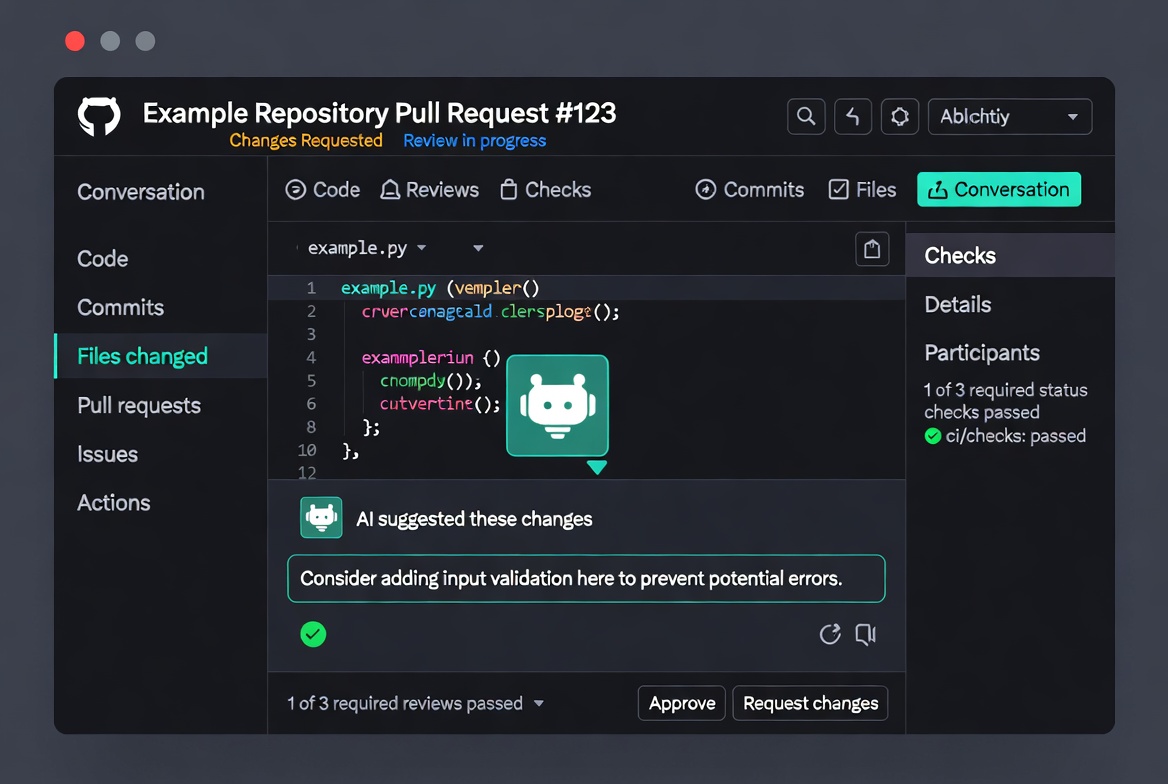
When integrated with GitHub, the AI shows up like any other reviewer. It posts comments inside the PR interface, suggests code changes you can apply with one click, and sometimes even creates follow-up pull requests to fix issues. You still stay in control, the AI is your tireless assistant, not the decision-maker.
Most tools support dozens of languages (Python, JavaScript, Java, Go, Rust, you name it) and adapt to your team’s style if you give them instructions. The result: faster merges, fewer bugs shipped, and happier developers who actually enjoy reviewing code again.
Why GitHub Makes the Perfect Home for AI Code Review
GitHub already powers your pull requests, branches, and CI pipelines. Adding AI her means zero context-switching. The bot watches for new PRs or pushes, grabs the changes, runs its analysis, and drops comments exactly where your team already works. No extra dashboards, no copying diffs around.
Teams that adopt this see real wins:
- Reviews drop from hours to minutes.
- Consistency improves because the AI applies the same standards every single time.
- Junior developers learn faster from instant, detailed feedback.
- Security and performance issues get caught before they reach production.
- Senior engineers spend their review time on architecture instead of formatting.
I’ve watched velocity jump 30-40% in teams after the first month. And the best setups cost little or nothing to start.
What AI Code Review Handles Well
Catching Common Bugs:
- Null pointer exceptions and undefined variables
- Off-by-one errors in loops
- Missing error handling
- Resource leaks (unclosed files, database connections)
- Type mismatches in dynamic languages
Security Vulnerabilities:
- SQL injection risks
- Cross-site scripting (XSS) vulnerabilities
- Hardcoded credentials and API keys
- Insecure data flows
- Missing input validation
Code Quality Issues:
- Duplicated code blocks
- Overly complex functions
- Inconsistent naming conventions
- Missing documentation
- Unused variables and imports
Best Practices Violations:
- Incorrect use of language-specific patterns
- Performance anti-patterns
- Accessibility issues in UI code
- Missing test coverage
AI tools excel at pattern recognition. They've analyzed millions of repositories and can spot problems human reviewers often miss, especially at 4 PM on Friday when everyone's tired.
What AI Code Review Struggles With
Architectural Decisions:
AI can't tell you whether microservices make sense for your use case or if you should use event sourcing. These require business context and long-term strategic thinking.
Domain-Specific Logic:
Your trading platform's risk calculation logic or healthcare app's compliance requirements need human expertise. AI doesn't understand your business rules.
Subjective Preferences:
Debates about code organization, naming conventions beyond basics, or whether to split a function, these often come down to team preferences that AI can't arbitrate.
Cross-Repository Context:
Most AI tools review changes in isolation. They don't fully understand how your PR affects the three other services that depend on it. (Though advanced tools like Qodo are changing this.) The sweet spot is using AI for the mechanical review work while humans focus on the stuff that requires judgment and context.

Picking the Right AI Code Review Tool for Your Setup
The AI code review landscape in 2026 offers several strong options. Here's how to choose based on your team's needs.
Option 1: GitHub Copilot Code Review (Best for Existing Copilot Users)
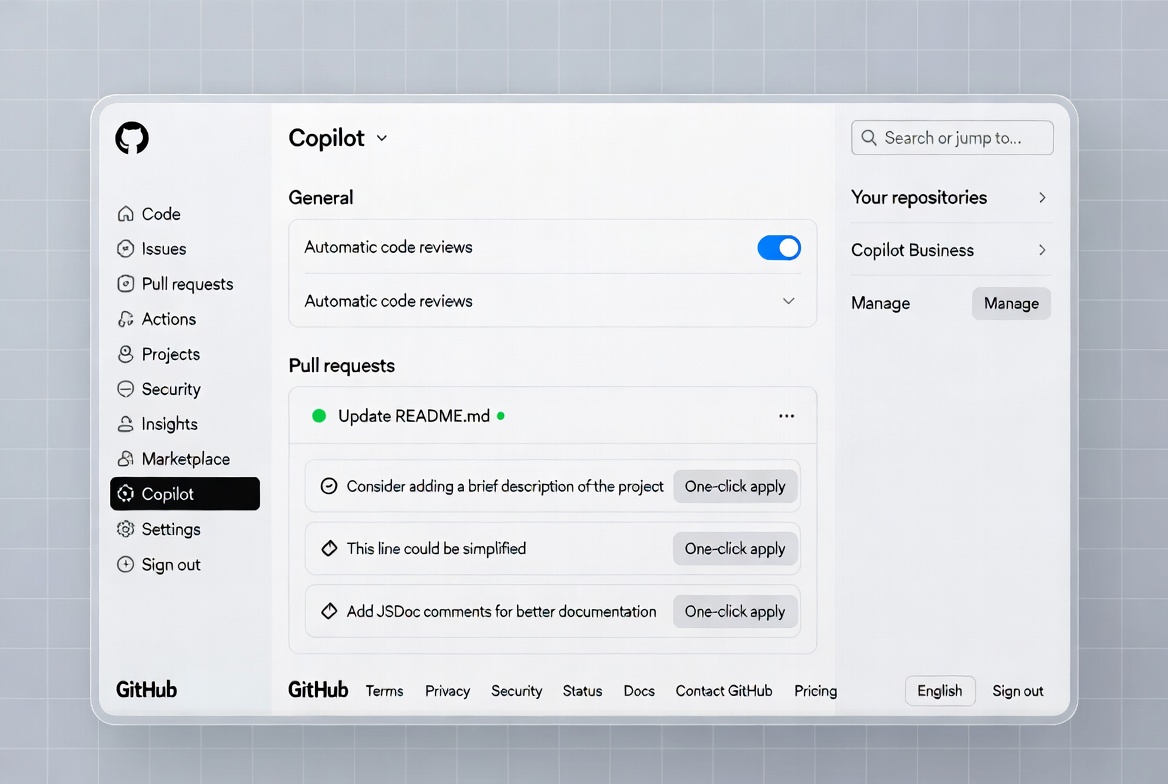
If you or your organization already uses GitHub Copilot, this is hands-down the simplest route. Copilot analyzes the entire pull request context, leaves comments, and can even suggest fixes you apply instantly.
Prerequisites
- Copilot Pro, Pro+, Business, or Enterprise plan.
- For teams, organization owners control policies.
Strengths:
- Zero additional cost if you have Copilot ($10-39/month depending on tier)
- Native GitHub integration—feels like a built-in feature
- Handles basic issues well: typos, null checks, simple logic errors
- October 2025 update added CodeQL and ESLint integration for security scanning
Limitations:
- Diff-based only, sees what changed, not how it affects other code
- Misses architectural problems and cross-file dependencies
- Can't understand system-level impact
Make It Automatic (Recommended for Teams)
For every PR to review itself without manual invites: For your personal PRs (Pro/Pro+ users):
- Click your profile picture → Copilot settings.
- Find “Automatic Copilot code review” and set it to Enabled.
For an entire repository:
- Go to repo → Settings → Rules → Rulesets → New ruleset.
- Name it something clear like “AI Code Review”.
- Set Enforcement to Active.
- Target your default branch (or all branches).
- Under Branch rules, check “Automatically request Copilot code review”.
- Optional: enable “Review new pushes” so it re-checks after commits, and “Review draft pull requests” to catch issues early.
- Click Create.
For multiple repos in an organization: Use the same ruleset process but target repositories by pattern (e.g., feature).
Custom Instructions – Make Copilot Follow Your Rules
Create a file .github/copilot-instructions.md in your repo’s default branch. Example content:
1When performing a code review, focus on security and performance.2Avoid suggesting nested ternary operators.3Check against our /docs/security-checklist.md file.4Respond in clear bullet points.
Copilot reads the first 4,000 characters and applies them to every review. You can add path-specific files too.
Pro Tips from Real Use
- Before marking your own PR ready, request Copilot first. It catches things you missed.
- Use the Copilot icon inside the PR file viewer to ask targeted questions like “Refactor this loop for better readability.”
Copilot works across GitHub.com, mobile, and most IDEs. It pulls full repo context, so suggestions feel surprisingly on-point.
Best for: Small teams or solo developers already invested in the Copilot ecosystem who need basic automated review.
Option 2: CodeRabbit (Most Popular Third-Party Option)
With over 2 million repositories connected and 13+ million PRs processed, CodeRabbit dominates the third-party space. CodeRabbit shines when you want a standalone reviewer without relying on Copilot. It installs as a GitHub App and comments on every PR automatically.
Strengths:
Works with GitHub, GitLab, Bitbucket, and Azure DevOps Integrates 40+ linters and security scanners Self-hosted deployment available for enterprises Strong track record and large user base
Limitations:
Diff-based analysis like Copilot Independent benchmarks rated it 1/5 for catching systemic issues Can generate noise on large PRs
Pricing: $24-30/user/month for Pro plan. Free tier with basic summaries.
Quick Setup (Under 5 Minutes)
- Head to https://app.coderabbit.ai/login and sign up with your GitHub account (no credit card needed for the trial).
- Authorize CodeRabbit, it asks for read/write access to code, PRs, and issues (standard for any reviewer bot).
- Choose “All repositories” or pick specific ones.
- Click Install & Authorize.
- Back in the CodeRabbit dashboard, select the repos you want active.
That’s it. Open any pull request and CodeRabbit jumps in within minutes with detailed feedback.
Configuration Options
After setup, visit the dashboard to tweak:
- Focus areas (security, performance, style).
- Language-specific rules.
- Ignore certain files or directories.
Many teams add team conventions here and watch review quality skyrocket.
CodeRabbit supports GitHub, GitLab, Bitbucket, and more, so it grows with you. The free tier gives plenty of reviews to test; paid plans unlock unlimited.
Option 3: Qodo (Best for Enterprise and System-Level Review)
Qodo takes a different approach by indexing your entire codebase and understanding relationships across repositories.
Strengths:
- Analyzes entire codebase, not just diffs
- Catches breaking changes across services
- Multi-repository awareness
- Internal analysis shows 17% of scanned PRs had high-severity issues
- Enforces organization-wide coding standards
Limitations:
- Higher price point ($30/developer/month)
- Requires more initial setup
- Overkill for simple projects
Best for: Enterprise teams with microservices architectures where cross-service dependencies matter.
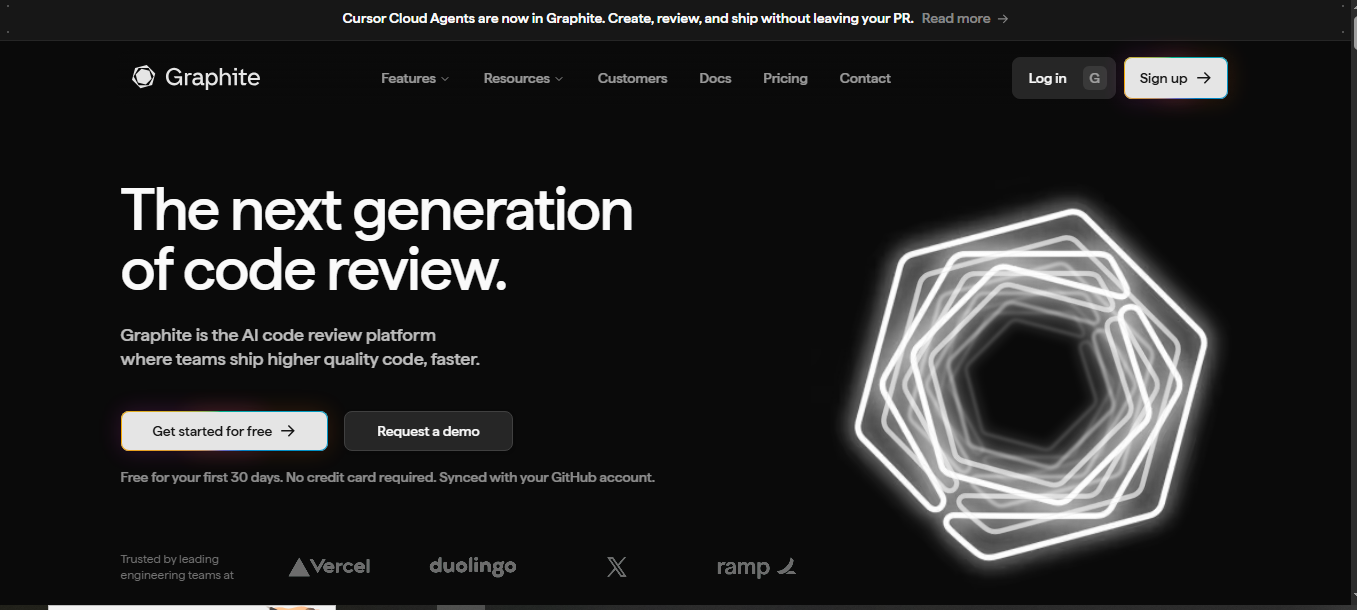
Options 4: Graphite Agent (Best for Teams Using Stacked PRs)
Graphite approaches the problem differently by enforcing small, atomic PRs that AI can review effectively.
Strengths:
- Focuses on workflow improvement first, AI second
- Sub-90 second review times
- Sub-5% negative feedback rate
- Includes PR management tools beyond just AI review
Limitations:
- Requires adopting Graphite's stacked PR workflow
- Higher cost (~$40/user/month)
Best for: Teams willing to change their PR workflow for better results.
Option 5: Build Your Own Free AI Reviewer with GitHub Actions
No subscription? No problem. Use GitHub’s built-in Actions plus any LLM (OpenAI, Anthropic, or even local models) to create a custom bot. This stays completely under your control.
Prerequisites
- GitHub repo with Actions enabled.
- API key from an LLM provider (OpenAI works great to start).
- Basic comfort editing YAML.
Step-by-Step Setup
- Add your API key as a repository secret: Repo → Settings → Secrets and variables → Actions → New repository secret. Name
it OPENAI_API_KEY. - Create the workflow file
.github/workflows/ai-code-review.ymland paste this (adapted for clarity):
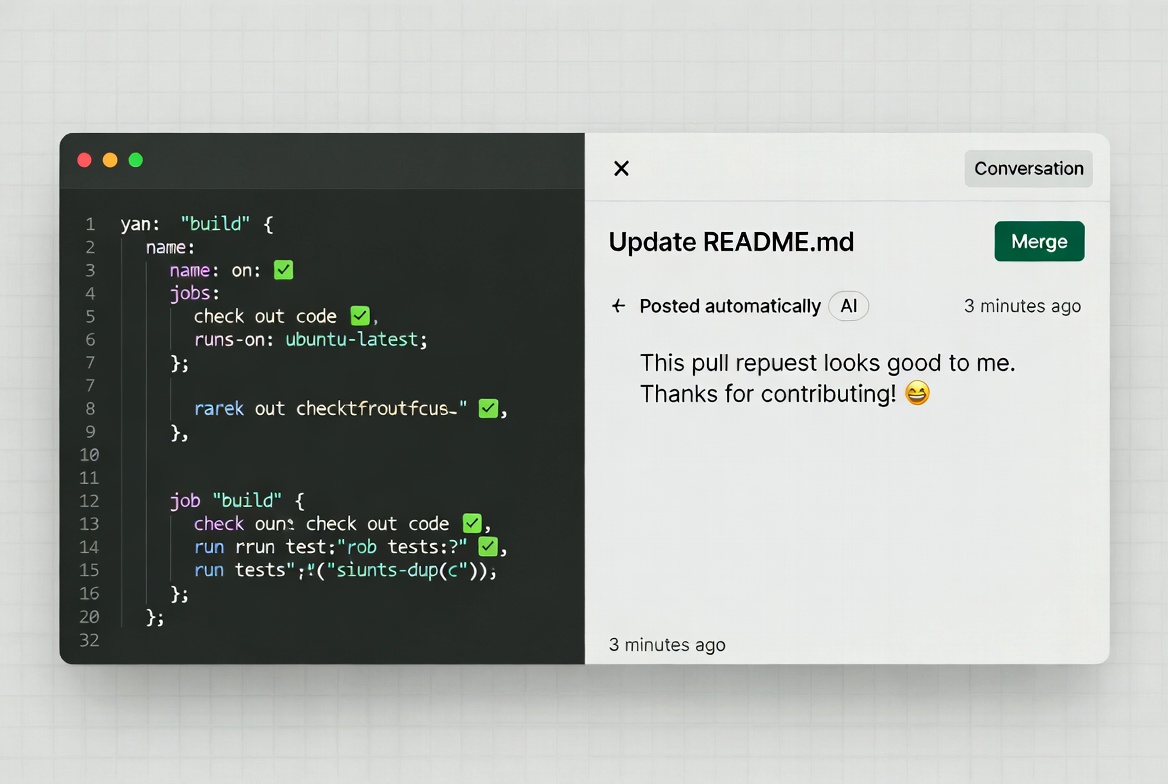
1name: AI Code Review23on:4 pull_request:5 types: [opened, synchronize]67jobs:8 review:9 runs-on: ubuntu-latest10 steps:11 - uses: actions/checkout@v41213 - name: Get PR changes14 id: diff15 env:16 GH_TOKEN: ${{ secrets.GITHUB_TOKEN }}17 run: |18 echo "changeset<<EOF" >> $GITHUB_OUTPUT19 gh pr diff ${{ github.event.pull_request.number }} >> $GITHUB_OUTPUT20 echo "EOF" >> $GITHUB_OUTPUT2122 - name: Run AI review23 uses: daves-dead-simple/open-ai-action@main24 id: review25 env:26 OPENAI_API_KEY: ${{ secrets.OPENAI_API_KEY }}27 with:28 prompt: |29 Review this code changeset for bugs, security issues, performance, and style.30 Suggest clear improvements. Be concise and actionable:31 ${{ steps.diff.outputs.changeset }}3233 - name: Post comment34 env:35 GH_TOKEN: ${{ secrets.GITHUB_TOKEN }}36 run: |37 gh pr comment ${{ github.event.pull_request.number }} --body "${{ steps.review.outputs.completion }}"
- Commit and push. The workflow now runs on every new PR or push.
Best Practices That Actually Work
No matter which route you choose, follow these habits to get maximum value:
- Start small. Test on one repo or feature branch first. Gather team feedback after a week.
- Always keep humans in the loop. AI catches technical issues brilliantly but misses business context or product goals. Use it as the first pass.
- Tune your instructions. The more specific you are (style guides, security checklists, performance budgets), the better the feedback.
- Monitor accuracy. Track false positives in the first month. Downvote bad suggestions so the model learns.
- Combine tools if needed. Many teams run Copilot plus CodeRabbit for different strengths.
- Watch costs and privacy. Copilot bills by plan quota. Custom Actions use your LLM credits. Check each tool’s data policy.
- Teach your team. Share example PRs showing before/after AI comments so everyone trusts the process.
I also recommend enabling draft PR reviews, catch problems before you even ask for human eyes.
Common Pitfalls and How to Dodge Them
- AI repeats itself on re-reviews. With Copilot, request manually or push tiny changes to trigger fresh looks.
- Over-reliance. Never merge solely on AI approval. One quick human scan still matters.
- Too much noise. Start with focused prompts that limit comments to high-impact issues.
- Language limitations. Most tools excel in popular languages; test edge cases like niche frameworks early.
- Permission issues. Double-check GitHub App permissions during install, missing read/write on PRs stops reviews cold.
Taking It Further: Advanced Workflows
Once comfortable, layer these:
- Tie reviews into your CI pipeline so failed AI checks block merges.
- Use multiple bots (Copilot for quick scans, custom Action for deep security).
- Generate PR summaries automatically with Copilot or similar prompts.
- Track metrics: review time saved, bugs caught pre-merge, team satisfaction.
Many open-source projects now publish their AI review configs publicly, fork one and tweak for your stack.
Conclusion: AI Review Is Already Standard
AI code review isn't experimental anymore. It's how modern teams handle the volume and complexity of today's development workflows. The teams not using it are spending 2-3x longer on code review while still missing bugs that AI catches automatically.
The question isn't whether to adopt AI code review. It's which tool fits your workflow and how quickly you can implement it. Every week without AI review is dozens of hours of developer time spent on mechanical review work that could be automated.
Start with one repository. Run it for a month. Measure the time saved and bugs caught. Then decide. Chances are, you'll wonder why you didn't do this sooner.
Frequently Asked Questions
Is any of this free? Yes, the custom GitHub Actions route costs only LLM API usage. CodeRabbit offers a generous trial. Copilot requires a paid plan but delivers the smoothest experience.
Will it work on private repos? Absolutely. All options support private and enterprise repositories with proper permissions.
What languages does it support? Most cover 20+ major languages plus frameworks. Test yours in the first PR.
Can I customize the tone or focus? Yes, every option lets you add instructions, from “focus on security” to “explain suggestions like I’m a junior dev.”
Does AI replace human reviewers? No. It augments them. Teams that combine both ship faster with higher quality.
Windframe is an AI visual editor for rapidly building stunning web UIs & websites
Start building stunning web UIs & websites!
