Best Free Web Tools for Automating API Testing in Development
By Emmanuel Chinonso - Frontend Engineer and Technical Writer at Windframe
If you use apps, websites, or software of any kind, you’re already relying on APIs every day. APIs (Application Programming Interfaces) are the backbone of modern software. They're the behind-the-scenes connectors that let different parts of software talk to each other, like how your weather app pulls data from a server without you noticing.
But here’s the problem, when APIs break, everything breaks. Login stops working. Payments fail. Data goes missing. That’s why testing APIs is not optional. It’s essential.
Even better than testing them once is testing them automatically, again and again, every time something changes. That’s called automated API testing, and today there are powerful free web tools that make it easy, even if you’re just starting out.
we'll walk through the best free tools out there in 2026 for automating API testing. We'll cover what makes a good tool, dive into the top free options, compare them, share best practices. By the end, you'll have a solid plan for automating your API tests. Let's jump in.
What Is API Testing and Why It Matters
Before we get to the tools, let's break down the basics. An API, or Application Programming Interface, is essentially a set of rules that allows one piece of software to interact with another. Think of it as a menu in a restaurant, you order something (make a request), and the kitchen (server) sends back your meal (response). RESTful APIs are the most common type today, using HTTP methods like GET, POST, PUT, and DELETE to handle data.
API testing checks if these interactions work correctly. You might test for:
-
Functionality: Does the API return the right data? For example, a GET request to fetch user info should give you a JSON object with name, email, etc.
-
Performance: How fast is the response? Can it handle 100 requests at once without slowing down?
-
Security: Is there protection against unauthorized access or injections?
-
Reliability: What if the input is wrong? Does it error out properly?
Manually testing this every time you update code is tedious and error-prone. Automation steps in by letting you write tests once and run them repeatedly, maybe every time you push code to GitHub or deploy to production
Benefits include:
- Catching issues early in development, reducing costly fixes later.
- Faster release cycles since tests run in minutes, not hours.
- Better coverage: Automated tests can simulate thousands of scenarios you might miss manually.
- Integration with CI/CD pipelines, like Jenkins or GitHub Actions, for seamless workflows.
If you're new to this, start with simple functional tests before diving into performance or security. And remember, automation isn't about replacing manual testing entirely, it's a complement. For more on API basics, check out our internal guide on What Are APIs and How Do They Work?.
What Makes a Good Free API Testing Tool?
With so many options out there, I focused on free tools that are truly accessible in 2026, no hidden paywalls for core features. I looked at:
-
Ease of Use: Especially for beginners. Does it have a simple interface or require coding?
-
Automation Capabilities: Support for scripting, scheduling, CI/CD integration, and running tests in batches.
-
Features: Coverage for REST, SOAP, GraphQL, etc., plus assertions, mocking, and reporting.
-
Community and Support: Active updates, forums, and docs.
-
Web Accessibility: Tools that run in browsers or have cloud options, making them "web tools" as opposed to heavy desktop installs.
-
Popularity and Reliability: Based on recent reviews and usage stats from sites like Stack Overflow and Reddit. Now, let's explore the top free tools.
1. Postman: The Go-To for Collaborative API Testing
Postman has been a staple for developers since its early days, and in 2026, it's still leading the pack for API work. It's a platform that lets you build, test, and automate APIs all in one place. While it has paid plans for teams, the free version is robust enough for individual devs or small projects.
Key Features for Automation:
- Collections: Group requests into folders and run them as automated test suites.
- Scripting: Use JavaScript for pre-request scripts (to set up data) and test scripts (to validate responses, like checking status codes or JSON structures).
- Monitors: Schedule tests to run automatically at intervals, like every hour, and get alerts if something fails.
- Newman CLI: For running tests from the command line, perfect for CI/CD integration.
- Mock Servers: Simulate API responses without a real backend.
Postman supports REST, GraphQL, SOAP, and more. It's web-based, so you can access it from any browser, and there's a desktop app for offline work.
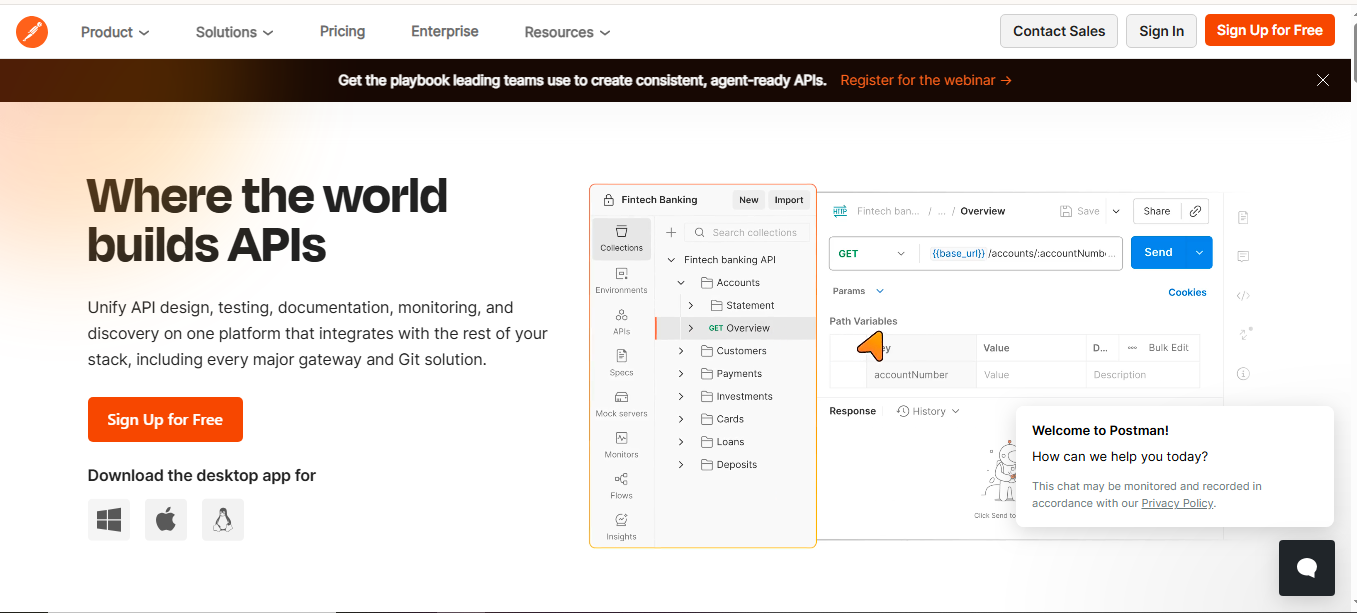
How to Get Started (Step-by-Step for Beginners):
-
Sign up for a free account at Postman Website.
-
Create a new request: Click "New" > "HTTP Request," enter your API endpoint (e.g., https://jsonplaceholder.typicode.com/posts), and send it.
-
Add tests: In the "Tests" tab, write something simple like pm.test("Status code is 200",
function () { pm.response.to.have.status(200); }); -
Save to a collection: Right-click the request and add to a new collection.
-
Automate: Use the Collection Runner to execute the whole set, or set up a monitor for scheduled runs.
-
Integrate: Export the collection and run with Newman in your pipeline, install via npm with
npm install -g newman, thennewman run yourcollection.json.
Pros:
- Intuitive interface, no steep learning curve.
- Great for collaboration; share collections easily.
- Extensive docs and community templates.
Cons:
- Free plan limits monitors to 1,000 calls/month.
- Can feel bloated if you only need simple testing.
If you're building APIs as a team, Postman shines. For more advanced scripting tips, see their official learning center.
2. SoapUI: Robust Open-Source Testing for Complex APIs
SoapUI is one of the oldest players in API testing, dating back to the SOAP era, but it's evolved to handle modern APIs like REST and GraphQL. It's completely free and open-source, making it ideal for devs who want full control without costs.
Key Features for Automation:
- Test Suites: Create functional, load, and security tests with assertions for status, content, and compliance.
- Scripting: Groovy scripting for custom logic, data-driven tests from CSV/Excel, and property transfers between requests.
- CI/CD Integration: Command-line execution for tools like Maven or Jenkins.
- Mocking: Built-in service simulation for testing without live endpoints.
- Data Generation: Tools to create random or patterned test data.
It supports multiple protocols and is great for enterprise-level testing, with millions of users worldwide.
How to Get Started
-
Download from SoapUI offical website, it's a desktop app, but lightweight.
-
Create a project: File > New REST Project, paste your API URL.
-
Add a test case: Right-click the request > Add to TestCase. Set assertions like "Contains" for response checks.
-
Automate: In the TestSuite, add a Groovy script step for loops or conditions, e.g., to iterate over data.
-
Run batch: Use the command-line tool (included) like
testrunner.bat -sTestSuite -cTestCase yourproject.xml. -
For load testing: Switch to LoadTest tab and simulate users.
Pros:
- Handles complex scenarios like security scans and performance.
- No limits on usage, fully free.
- Strong for SOAP if you're in legacy systems.
Cons:
- Interface feels dated compared to newer tools.
- Steeper learning for scripting if you're not into Groovy.
SoapUI is perfect if you need deep customization. For tutorials, head to their community forum or check out SmartBear's resources, even though it's the paid version's parent.
3. Hoppscotch: Lightweight, Browser-Based API Playground
Hoppscotch (formerly Postwoman) is a free, open-source alternative to Postman that's entirely web-based. It's great for quick tests and automation without installs, making it super accessible for beginners.
Key Features for Automation:
-
Collections: Save and organize requests, then run them as scripts with environment variables.
-
Proxy and Pre-scripts: Add JavaScript for dynamic setups and assertions.
-
Team Collaboration: Share workspaces in real-time.
-
GraphQL Support: Built-in schema introspection.
-
PWA Mode: Works offline as a progressive web app.
It's focused on simplicity, with no sign-up required for basic use.
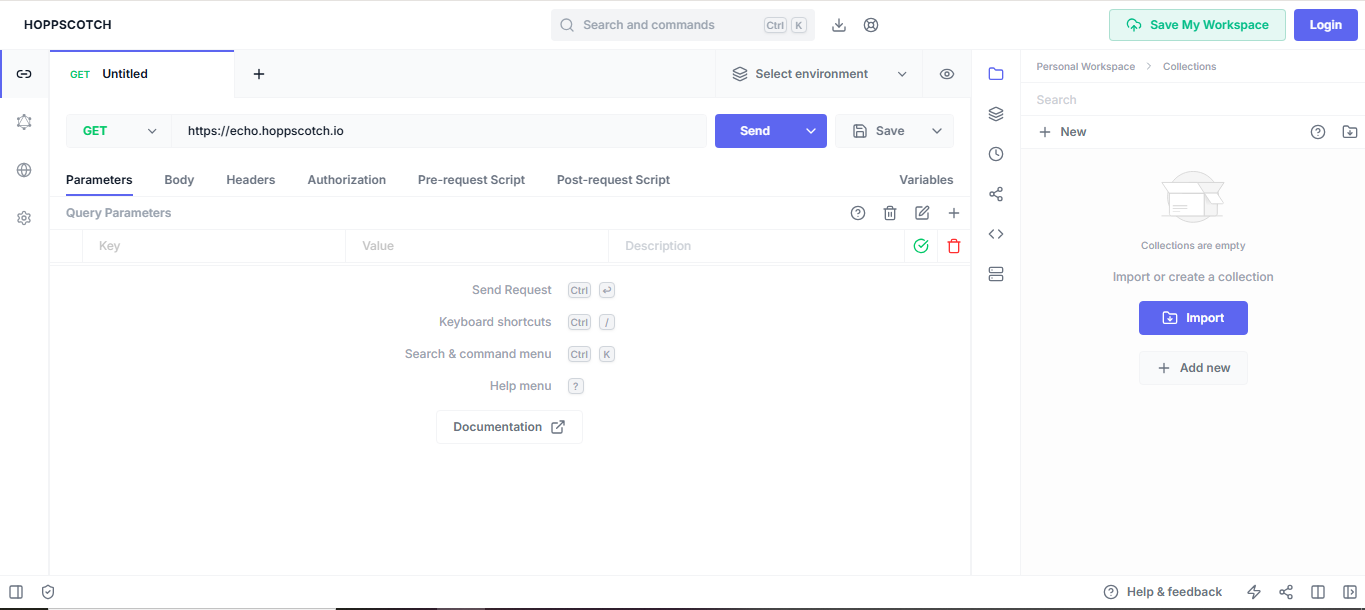
How to Get Started
- Go to hoppscotch official website in your browser.
- Enter an endpoint, select method, add headers/body, and send.
- For tests: Use the "Scripts" tab to write JS like
pw.test('Check response', () => pw.expect(pw.response.body).to.have.property('id'));. - Create collection: Save requests and export as JSON for sharing or automation.
- Automate: Use the CLI version (hoppscotch-cli) for batch runs, install via npm, then
hopp run yourcollection.hopp. - Integrate: Hook into GitHub for version control.
Pros:
- Zero cost, no limits.
- Fast and minimalistic, perfect for quick prototypes.
- Open-source, so you can contribute or self-host.
Cons:
- Less advanced scripting than Postman.
- No built-in monitoring like scheduled runs.
If you're just starting, Hoppscotch is a gentle introduction. Explore their GitHub repo for custom extensions.
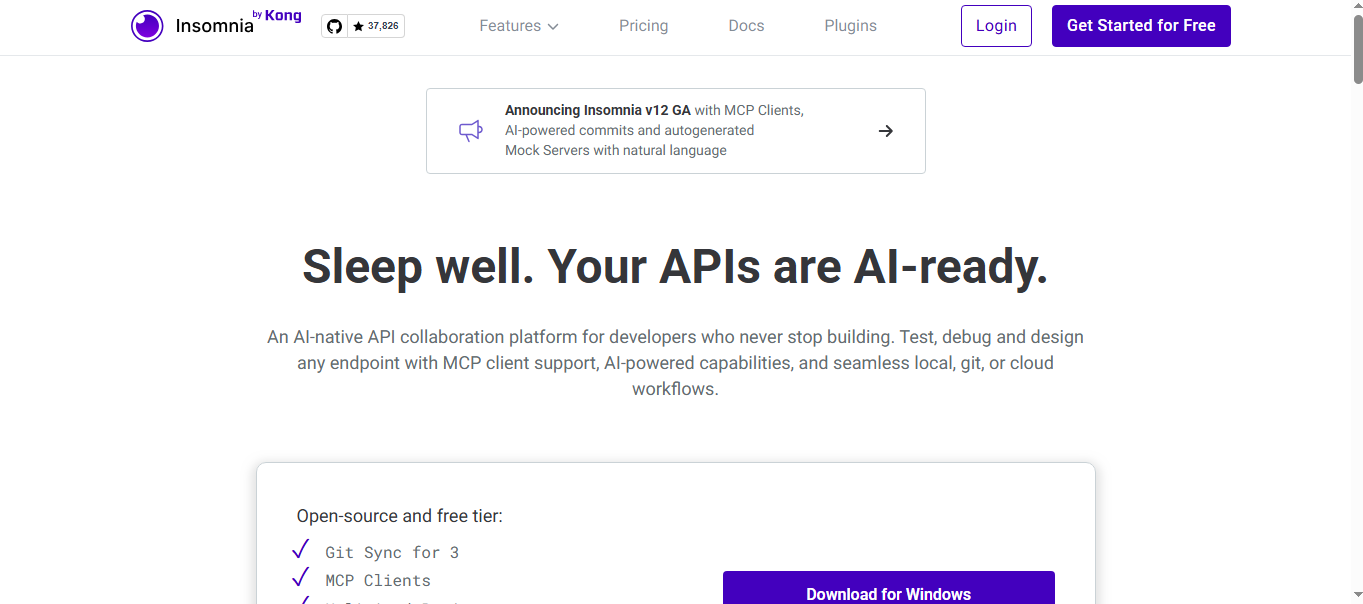
4. Insomnia: Collaborative and AI-Enhanced Testing
Insomnia is another strong contender, blending desktop and cloud features for API design and testing. The core is free and open-source, with optional paid add-ons.
Key Features for Automation:
- Design Mode: Build requests visually, then automate with runners.
- AI Assistance: Auto-generate mocks and commits using natural language.
- Git Sync: Version control for tests.
- Collection Runner: Batch execute tests with assertions.
- Plugins: Extend for custom automations.
It supports HTTP, gRPC, GraphQL, and more, with unlimited projects in the free tier.
How to Get Started
-
Download the app from insomnia offical website or use the web version.
-
Create a request: New > Request, fill in details.
-
Add tests: Use the "Test" tab for assertions like status or body matches.
-
Automate: Group in a collection, run via the runner, or use CLI for CI.
-
AI boost: Type "generate mock for user API" to create simulations.
-
Sync: Connect to Git for automated backups.
Pros:
- Modern interface with dark mode.
- Free Git integration.
- AI makes it beginner-friendly.
Cons:
- Cloud sync requires account.
- Desktop-focused, less web-native.
Insomnia is ideal for teams. For more, see their blog for more details at
5. Bruno: Git-Friendly API Client for Devs
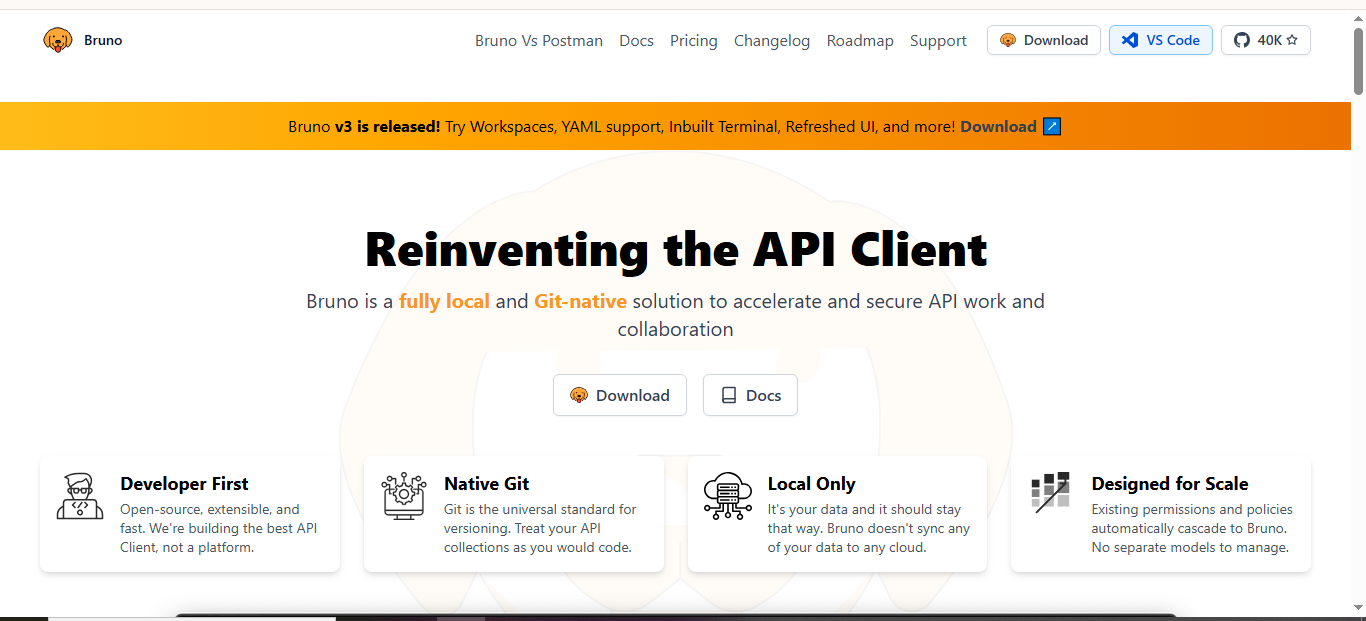
Bruno is a fresh open-source tool emphasizing git integration for API testing. It's free, desktop-based, and designed for devs who treat tests as code.
Key Features for Automation:
- YAML-Based: Store requests in files for version control.
- Scripting: Built-in JS for tests and pre-requests.
- CLI Support: Run collections from terminal.
- Terminal Integration: In-app shell for quick commands.
- Collections: Organize and automate runs.
It's lightweight and focuses on privacy, no cloud required.
How to Get Started
- Download from the Bruno offical website.
- Create a project folder in git.
- Add requests: New file per endpoint, define in YAML.
- Test: Add script sections for assertions.
- Automate: Use Bruno CLI to run folders,
bruno run path/to/collection. - Git push for collaboration.
Pros:
- Seamless with git workflows.
- No bloat, fast performance.
- Completely free.
Cons:
- YAML learning curve.
- No web version.
Bruno suits code-heavy devs. Check their docs for more information.
6. Apache JMeter: Performance-Focused Automation
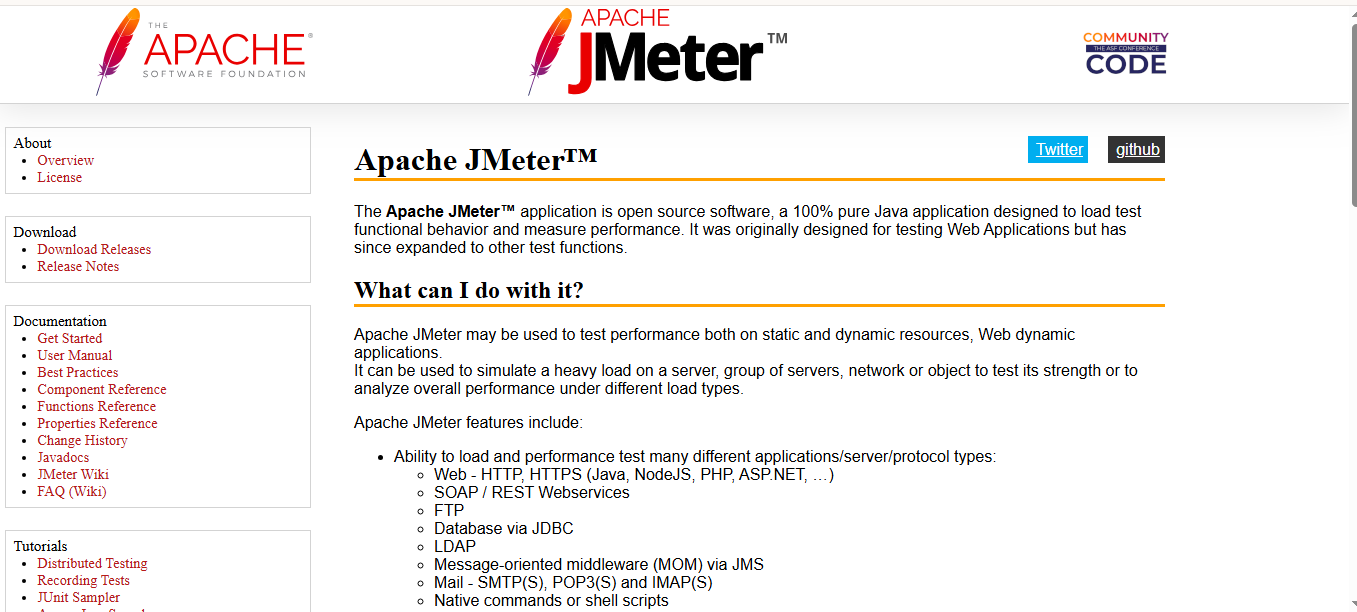
JMeter is a powerhouse for load testing but excels in API automation too. It's 100% free, open-source Java app from Apache.
Key Features for Automation:
- Thread Groups: Simulate users for functional/load tests.
- Samplers: For HTTP, SOAP, etc., with assertions.
- Scripting: JSR223 for Groovy/JS.
- CLI Mode: Headless runs for CI/CD.
- Plugins: Extend for more protocols.
Great for API performance automation.
How to Get Started
- Download from Apache JMeter official site.
- Create test plan: Add Thread Group > HTTP Sampler.
- Add listener for results.
- Assertions: For response codes/data.
- Automate: Run via CLI
jmeter -n -t yourplan.jmx. - Integrate with Jenkins.
Pros:
- Handles high loads.
- Extensive community.
- Free forever.
Cons:
- GUI-heavy for setup.
- Not as intuitive for pure functional tests.
JMeter is for scale. See tutorials for using Jmeters here.
7. Karate: Unified Testing Framework
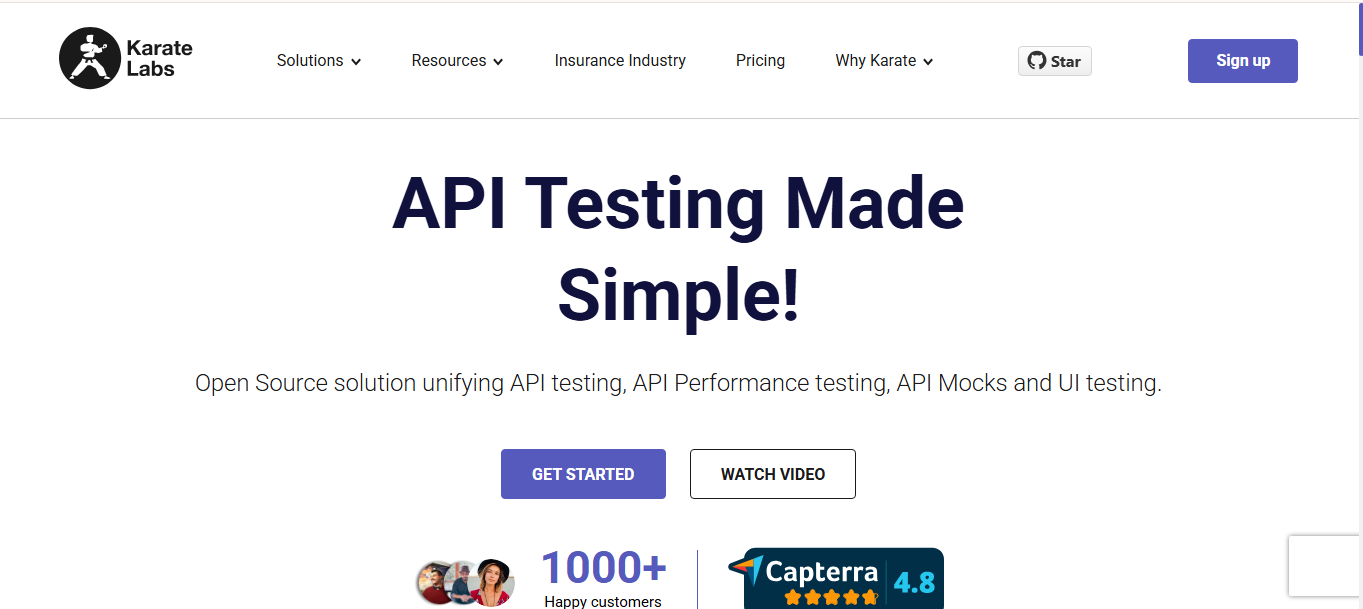
Karate is open-source, combining API, UI, and performance testing in one. It's script-based but low-code.
Key Features for Automation:
- DSL Syntax: Readable Gherkin-like scripts.
- Chaining: Call sequences easily.
- Data-Driven: From CSV/JSON.
- Parallel Execution: Fast runs.
- Mocks: Built-in.
No need for Java knowledge.
How to Get Started
- Add to Maven/Gradle or [download standalone].
- Write feature file:
Feature: API Test Scenario: GET Given url 'https://api.example.com' When method get Then status 200. - Run: karate test
yourfile.feature. - Automate: In CI with Maven.
- Add loops/assertions.
Pros:
- Simple for non-coders.
- Versatile.
- Free.
Cons:
- Script-focused.
- Less GUI.
Visit the official site for examples.
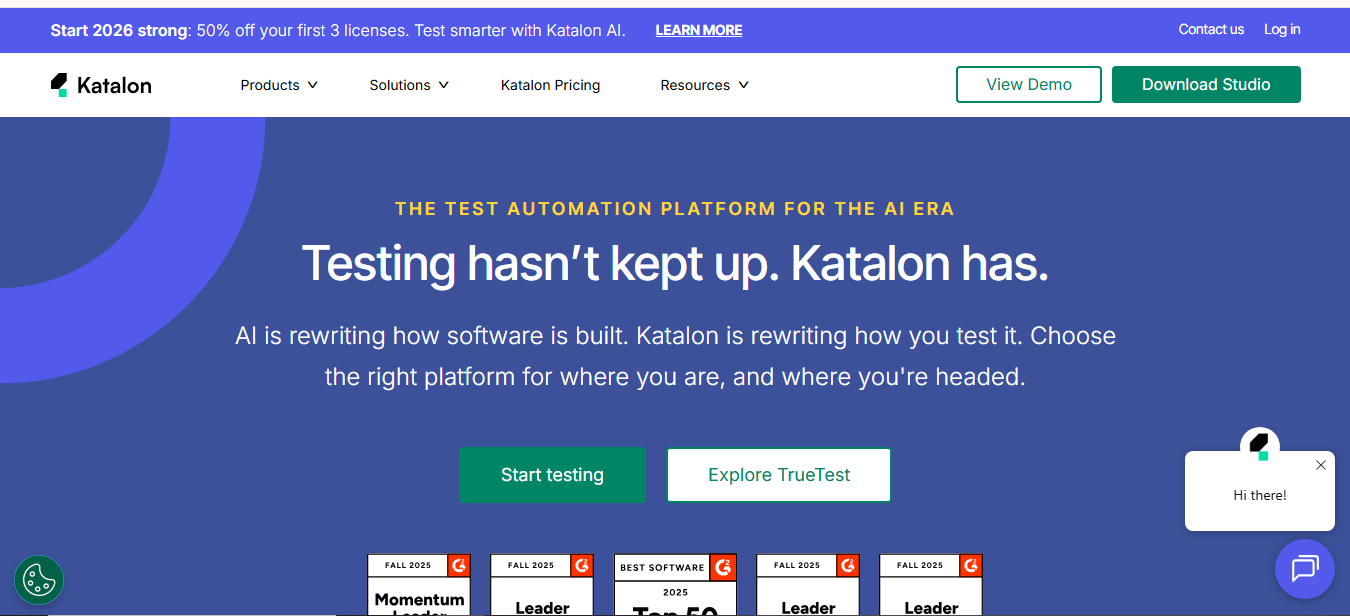
8. Katalon Studio: AI-Powered All-in-One
Katalon offers a free tier for web, mobile, API testing with AI help.
Key Features for Automation:
- Record/Playback: No-code tests.
- Scripting: Groovy/JS.
- AI Assist: Generate tests from text.
- CI/CD: Runtime Engine.
- Self-Healing: Fixes locators.
Supports API chaining.
How to Get Started
- Download free from the official website.
- New project > API test.
- Record requests.
- Add verifications.
- Run suite or schedule.
- Integrate with GitLab.
Pros:
- Beginner-friendly AI.
- Comprehensive.
- Free core.
Cons:
- Some features paid.
- Desktop app.
Katalon is versatile. check out the docs for more information.
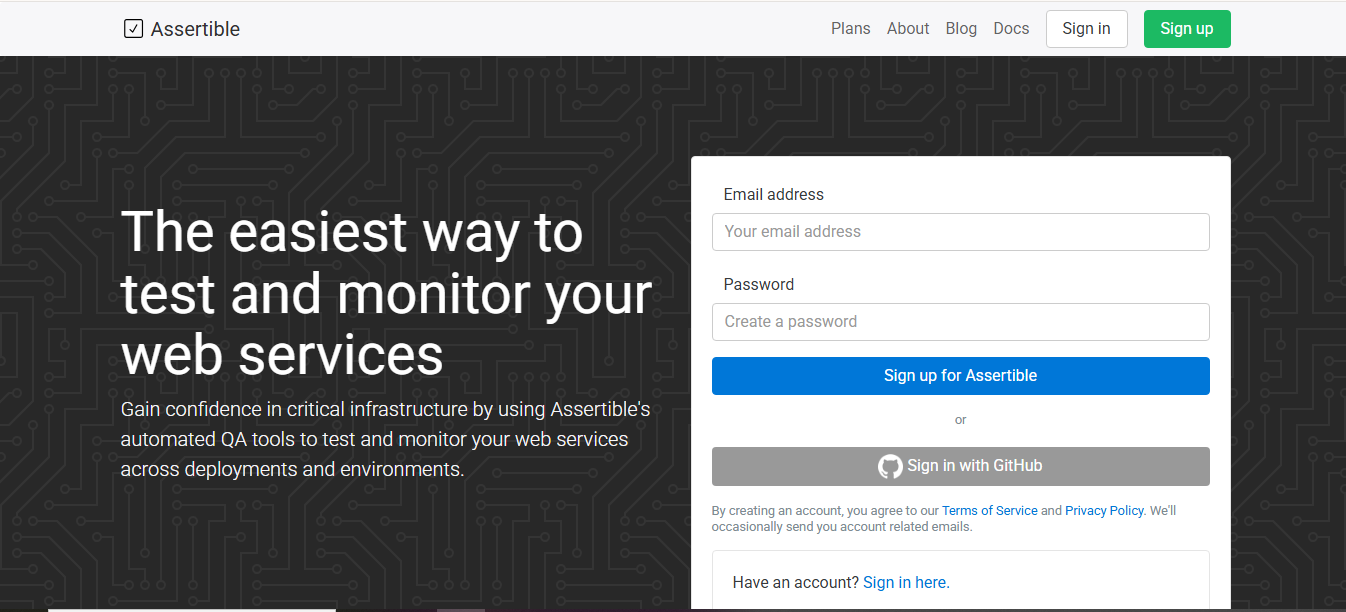
9. Assertible: Cloud-Based Monitoring
Assertible is web-focused for post-deploy API tests.
Key Features for Automation:
- Assertions: HTTP, JSON validations.
- Sync with Specs: Auto-update from OpenAPI.
- Schedules: Recurring tests.
- Integrations: GitHub, Slack.
- Smoke Tests: After deploys.
Free for basic use.
How to Get Started
- Sign up at the official website
- Add service, import spec.
- Create test: Select endpoint, add checks.
- Automate: Hook to GitHub for runs on push.
- Monitor alerts.
Pros:
- Easy monitoring.
- Cloud-native.
- Free tier.
Cons:
- Limited free runs.
- Focused on monitoring.
- Great for production checks.
| Tool | Ease for Beginners | Automation Strength | Protocols | CI/CD | Free Limits |
|---|---|---|---|---|---|
| Postman | High | High | REST, GraphQL, SOAP | Yes | 1,000 monitor calls/month |
| SoapUI | Medium | High | REST, GraphQL, SOAP | yes | Unlimited |
| Hoppscotch | High | Medium | REST, GraphQL | yes | unlimited |
| Insomnia | High | High | HTTP, gRPC | Yes | Unlimited Local |
| Bruno | Medium | Medium | REST | Yes | Unlimited |
| JMeter | Low | High (Performance) | HTTP, SOAP | Yes | Unlimited |
| Karate | Medium | High | REST, GraphQL | Yes | Unlimited |
| Katalon | High | High | REST, SOAP | Yes | Core features free |
| Assertible | High | Medium | HTTP | Yes | Basic Free |
Best Practices for Automating API Testing
- Start small: Test one endpoint fully before scaling.
- Use environments: Separate dev/staging/prod variables.
- Add assertions everywhere: Don't just check status; validate data.
- Mock dependencies: Test in isolation.
- Integrate early: Set up CI/CD from day one.
- Monitor post-deploy: Catch real-world issues.
- Review logs: Learn from failures.
Wrapping Up
Automating API testing doesn't have to be overwhelming. With these free tools, you can start simple and build up. Postman or Hoppscotch for quick starts, SoapUI or Karate for depth. Pick based on your needs, experiment! In 2026, with AI aids in tools like Insomnia and Katalon, it's easier than ever.
Windframe is an AI visual editor for rapidly building stunning web UIs & websites
Start building stunning web UIs & websites!
