Basics of API: A Simple Beginner Guide to Understanding How Software Talks to Each Other
By Emmanuel Chinonso - Frontend Engineer and Technical Writer at Windframe
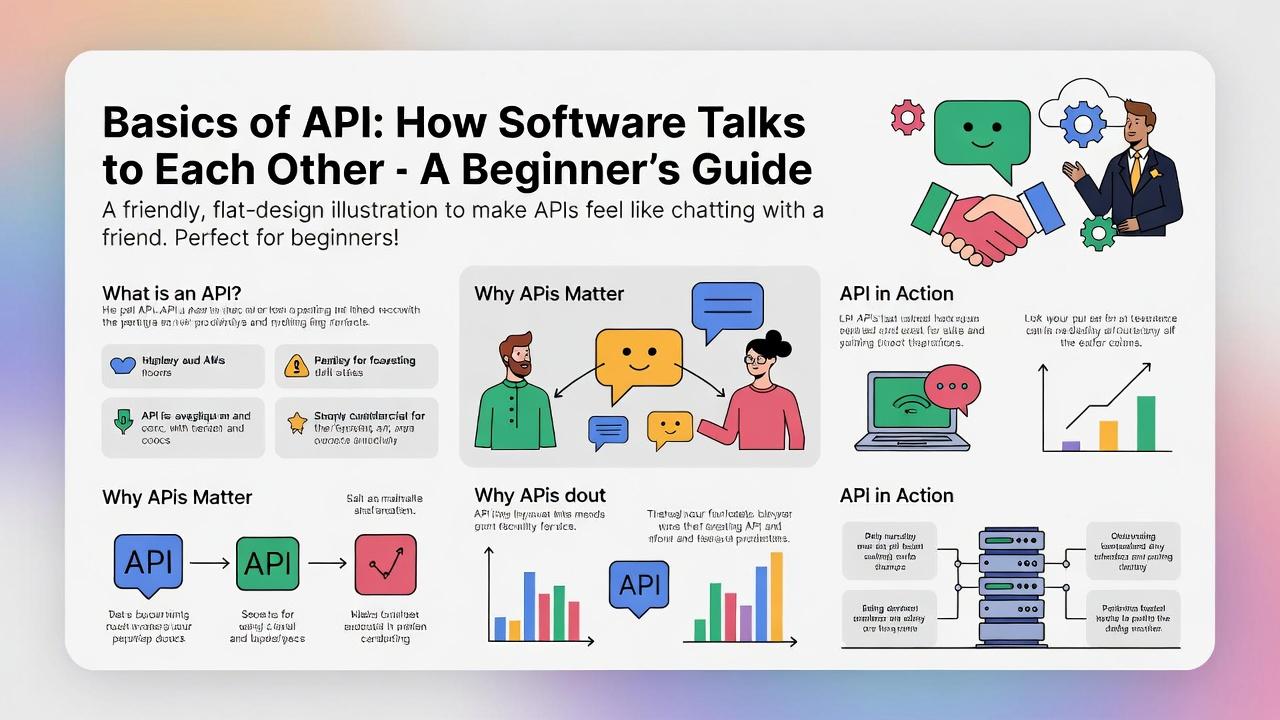
If you’ve ever checked the weather on your phone, logged into a website using Google or Facebook, ordered food online, or watched a movie on a streaming app, you’ve already used an API, even if you didn’t know it.
APIs work quietly in the background. You don’t see them, but they are doing the heavy lifting that makes modern technology possible. Without APIs, most of the apps and websites you use every day simply wouldn’t work the way they do.
We'll cover what APIs are, how they operate, why they're useful, and even how you can start tinkering with them yourself. By the end, you'll feel confident chatting about APIs like a pro, even if you're coming from zero tech background.
Why Bother Learning About APIs?
In today's connected world, software doesn't work in isolation. Apps need to talk to each other to deliver the seamless experiences we expect. That's where APIs come in, they're the bridges that make it happen. Whether you're a hobbyist building your first website, a student dipping into coding, or just curious about how the internet ticks, understanding APIs opens up a ton of possibilities.
For instance, businesses use them to integrate services, saving time and money. Developers rely on them to add features without reinventing the wheel. And for everyday users, APIs power the magic that makes tech feel effortless. According to experts, APIs are the backbone of modern apps, enabling everything from mobile banking to smart home devices.1
They're not just a buzzword; they're essential. In this post, we'll explore the nuts and bolts, with plenty of analogies to keep things relatable.
What Exactly Is an API?
Let's start with the basics: API stands for Application Programming Interface. At its heart, it's a set of rules that lets one piece of software communicate with another. Imagine you're at a restaurant. You don't barge into the kitchen to make your meal, instead, you tell the waiter what you want, and they handle the rest. The menu is like the API: it lists what's available, how to order it, and what you'll get back. The waiter (the interface) takes your request to the chef (the server) and brings back your food (the response).
In tech terms, an API defines how software components should interact. It specifies the kinds of requests you can make, what data you need to provide, and what format the reply will come in. This keeps things organized and secure, you can't just demand anything; you have to follow the rules.2
APIs aren't new, they've been around since the early days of computing. But with the rise of the internet, they've exploded in popularity. Today, most APIs are web-based, meaning they work over the internet using protocols like HTTP (the same one that loads web pages). This makes them accessible from anywhere, whether you're on a phone, computer, or even a smart fridge.
To put it simply, without APIs, every app would have to build everything from scratch. Want to show maps in your ride-sharing app? Instead of creating your own mapping system, you use Google Maps API. It's efficient and lets developers focus on what makes their app unique.
How Do APIs Actually Work?
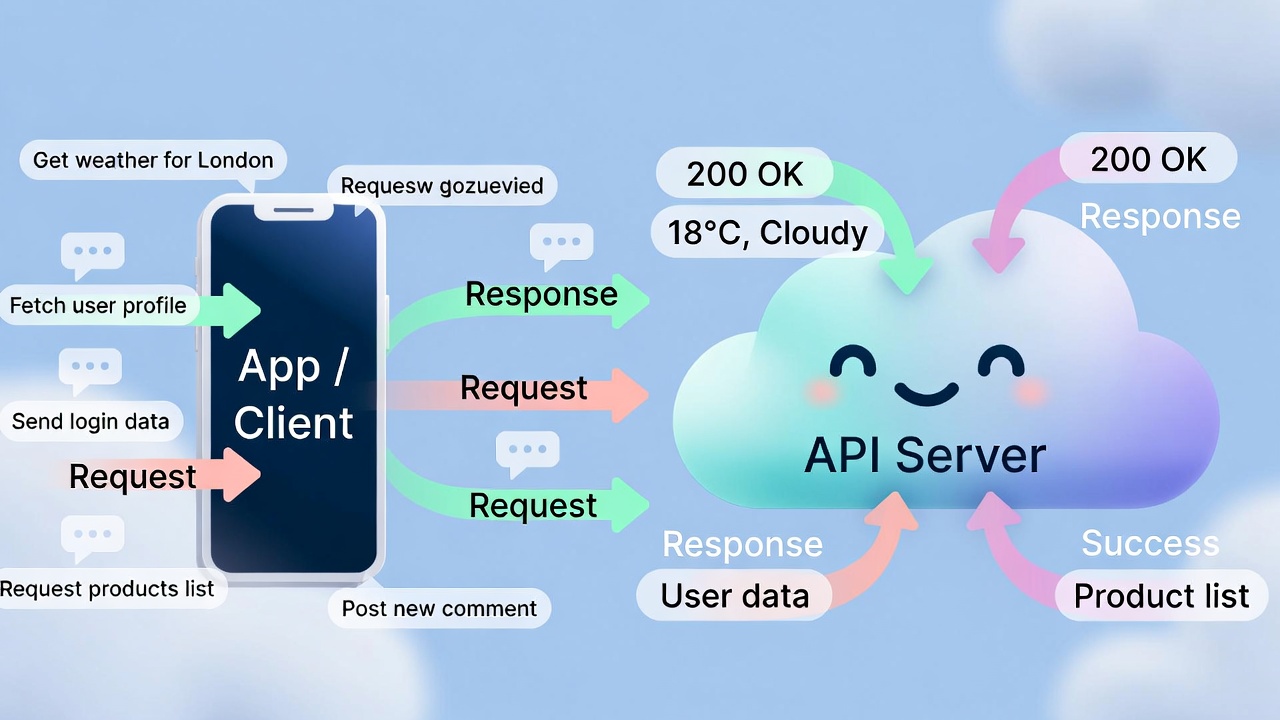
Okay, so APIs are like menus and waiters, but how does the magic happen under the hood? It boils down to a client-server model. The "client" is the app or user making the request (like your browser or a mobile app). The "server" is the system holding the data or functionality (like a weather service's database).
Here's the step-by-step flow:
-
The Request: The client sends a message to the API's endpoint, that's just a specific URL, like
https://api.weather.com/current. This request includes details like what you want (e.g., weather for New York) and how (e.g., in JSON format). -
Processing: The API checks if the request is valid, maybe verifying an API key for security. Then, it forwards the ask to the server, which digs up the info or performs the action.
-
The Response: The server sends back data, like temperature and conditions. The API packages it up and delivers it to the client. If something's wrong (like bad input), it might return an error code instead.
This all happens in seconds, often using HTTP methods to specify the action:
- GET: Fetch data (like reading a menu).
- POST: Send new data (like placing an order).
- PUT: Update existing data (change your order).
- DELETE: Remove data (cancel an item).
Responses come with status codes: 200 means "all good," 404 is "not found," and so on. Data is usually in JSON (JavaScript Object Notation), which looks like this: { "city": "New York", "temp": 72 } , easy for machines to read.
Think of it like texting a friend: You send a question, they reply. But APIs make sure the conversation follows rules to avoid misunderstandings.3 If you're visual, check out this quick video explainer from YouTube on APIs.
Different Types of APIs: Which One When?
Not all APIs are the same, they come in flavors based on how they're built and what they do. Here's a rundown of the main types, explained simply.
1. REST APIs (Representational State Transfer)
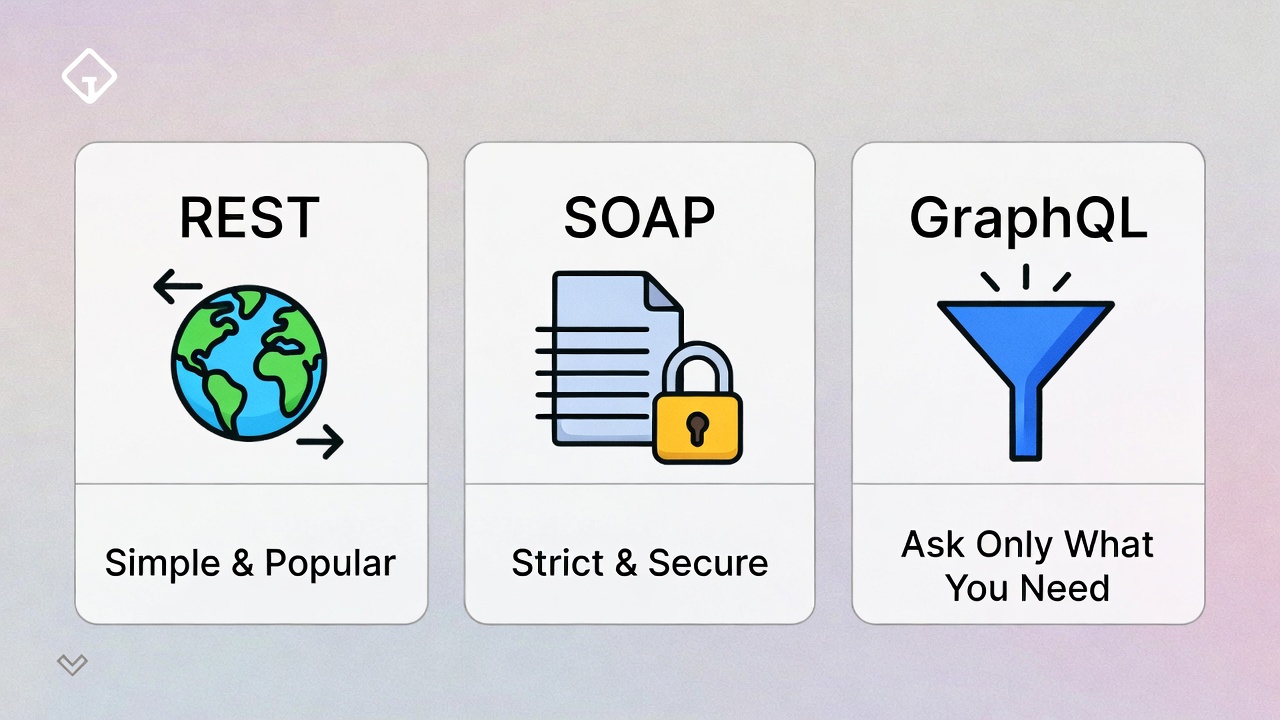
These are the most popular today because they're flexible and easy to use. REST uses standard web tech like HTTP, and it treats data as "resources" you can get, create, update, or delete. No fancy setups needed, just URLs and methods.
Pros: Simple, scalable, works well for web and mobile. Example: X's(formally Twitter) API for fetching tweets. Cons: Can get chatty if you need lots of data at once.
2. SOAP APIs (Simple Object Access Protocol)
Older but still used in enterprises, SOAP is more structured. It uses XML for messages and has built-in error handling and security. Think of it as a formal letter versus REST's casual email.
Pros: Reliable for critical systems like banking. Cons: Heavier and more complex to set up.
3. GraphQL APIs
A newer kid on the block, GraphQL lets you request exactly what you need, no more, no less. Instead of multiple calls, one query gets it all.
Pros: Efficient for apps with varying data needs, like Netflix. Cons: Steeper learning curve for setup.4
4. Other Types
- Web APIs: Browser-based, like the ones for geolocation in maps.
- RPC APIs (Remote Procedure Call): Focus on actions, like calling a function remotely.
- Webhooks: APIs that push data to you when something happens, like notifications.
Choosing the right type depends on your project. For beginners, start with REST, it's everywhere. If you want to build one yourself, a great starting point is learning how to create a simple RESTful API using Python and Flask. For more on GraphQL, see Facebook's GraphQL site.
Real-World Examples of APIs in Action
To make this concrete, let's look at how APIs power everyday stuff.
-
Weather Apps: When you open AccuWeather, it calls an API like OpenWeatherMap's. Your app sends your location, and the API returns forecast data. No need to build a weather station!
-
Social Media Sharing: Posting to Facebook from another site? That's their Graph API handling the login and content share.
-
Payment Gateways: Buying on Amazon? Stripe or PayPal's API processes your card without exposing details.
-
Maps and Navigation: Uber uses Google Maps API to show routes and ETAs.
-
Streaming Services: Netflix's API (internal) recommends shows based on your views.
These examples show APIs aren't just for coders, they enhance user experiences. Businesses save billions by using public APIs instead of building from scratch.5
Why Are APIs So Important?
APIs bring a bunch of benefits:
-
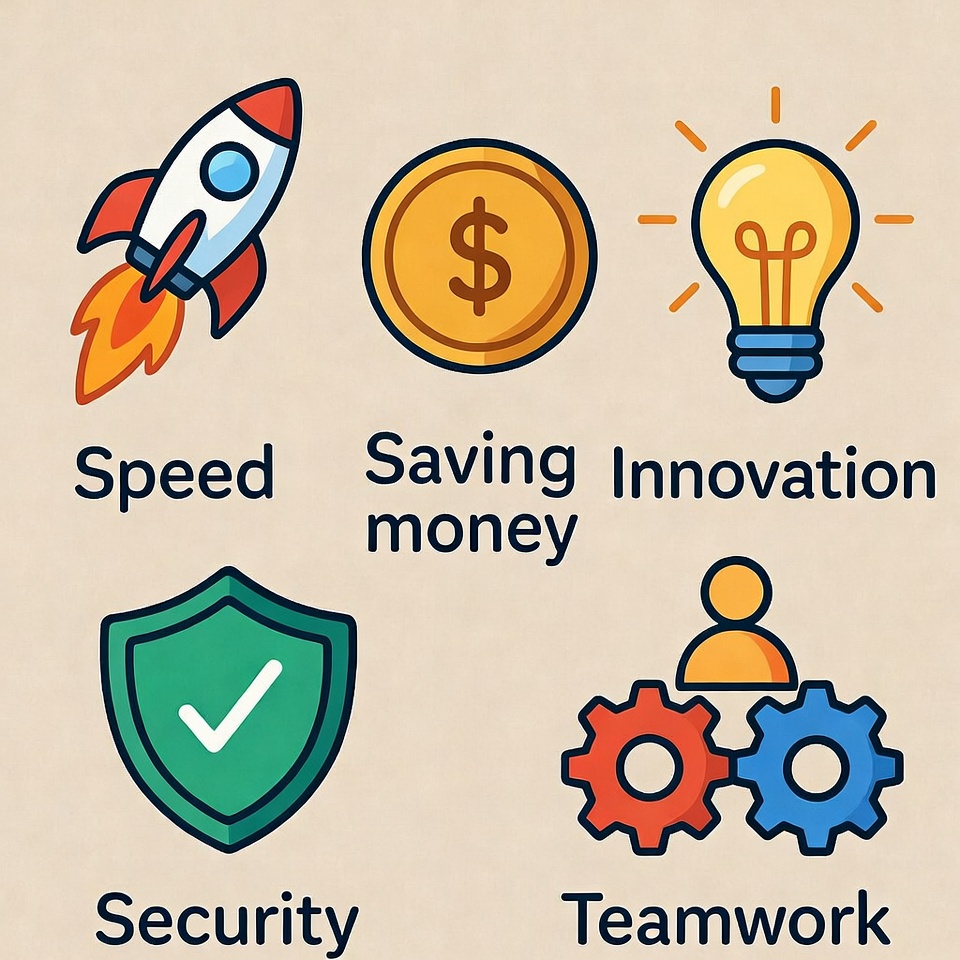
Speed Up Development: Reuse code and services. Build an e-commerce site? Integrate Shopify's API for carts.
-
Scalability: Handle more users without rebuilding. Cloud services like AWS use APIs for this.
-
Innovation: Mix and match. Mashups like combining maps with real estate data create new apps.
-
Security: APIs control access, keeping sensitive stuff hidden.
-
Cost Savings: Free or cheap public APIs lower barriers.
Drawbacks? Over-reliance can cause issues if an API changes or goes down. But overall, they're a net win.6
Key Components of an API
To use APIs, know these parts:
- Endpoints: The URLs you hit, like
/usersfor user data. - Headers: Extra info, like content type or auth tokens.
- Parameters: Details in the request, like
?city=London. - Authentication: API keys (simple passwords), OAuth (for user logins), or JWT (tokens).
- Rate Limits: Caps on requests to prevent abuse.
Understanding these helps avoid errors. For hands-on, try Postman's API learning center.
How to Start Using an API: A Beginner's Tutorial
Ready to try? Here's a simple guide using a free API like JSONPlaceholder (fake data for practice).
-
Find an API: Search public ones on RapidAPI or GitHub.
-
Get Docs: Read the documentation, it explains endpoints and requirements.
-
Authenticate: Sign up for a key if needed.
-
Make a Request: Use tools like:
- cURL: Command line, e.g.,
curl https://jsonplaceholder.typicode.com/posts. - Postman: GUI app for testing. Beyond Postman, there are free web tools that can automatically test your APIs as you build them.
- Code: In Python, use requests library:
import requests; response = requests.get('url'); print(response.json()).
- cURL: Command line, e.g.,
-
Handle Response: Parse the data and use it.
Start small, fetch a joke from JokeAPI. It's fun and builds confidence.7
Common API Terms You Should Know
- JSON/XML: Data formats.
- HTTP/HTTPS: Secure web protocols.
- Status Codes: 2xx success, 4xx client error, 5xx server error.
- Pagination: Breaking big responses into pages.
- Caching: Storing responses to speed things up.
Master these, and docs will make more sense. See MDN's API glossary.
Best Practices for Working with APIs
- Read docs thoroughly.
- Handle errors gracefully (try-catch in code).
- Respect rate limits.
- Secure your keys – don't hardcode them.
- Test in sandboxes.
- Monitor usage for costs.
Following these keeps things smooth.8
Challenges You Might Face and How to Fix Them
- Errors: Debug with tools like Postman.
- Version Changes: Use versioned endpoints (e.g., /v1/).
- Security Risks: Use HTTPS, validate inputs.
- Performance: Optimize requests, use async.
Most issues have community fixes on Stack Overflow.
The Future of APIs: What's Next?
APIs are evolving with AI, serverless tech, and Web3. Expect more automation, like AI-generated APIs, and standards for better interoperability. GraphQL and gRPC are gaining traction for efficiency. Stay updated via API Evangelist blog.
Wrapping It Up: Your Next Steps with APIs
We've covered a lot, from what APIs are to how to use them. Remember, they're tools to connect software, making life easier for developers and users alike. Start experimenting with free APIs, and you'll see the power firsthand.
Windframe is an AI visual editor for rapidly building stunning web UIs & websites
Start building stunning web UIs & websites!
