WordPress Multisite Hosting: Ultimate Beginner's Guide to Setup, Benefits, and Top Providers in 2026
By Emmanuel Chinonso - Frontend Engineer and Technical Writer at Windframe
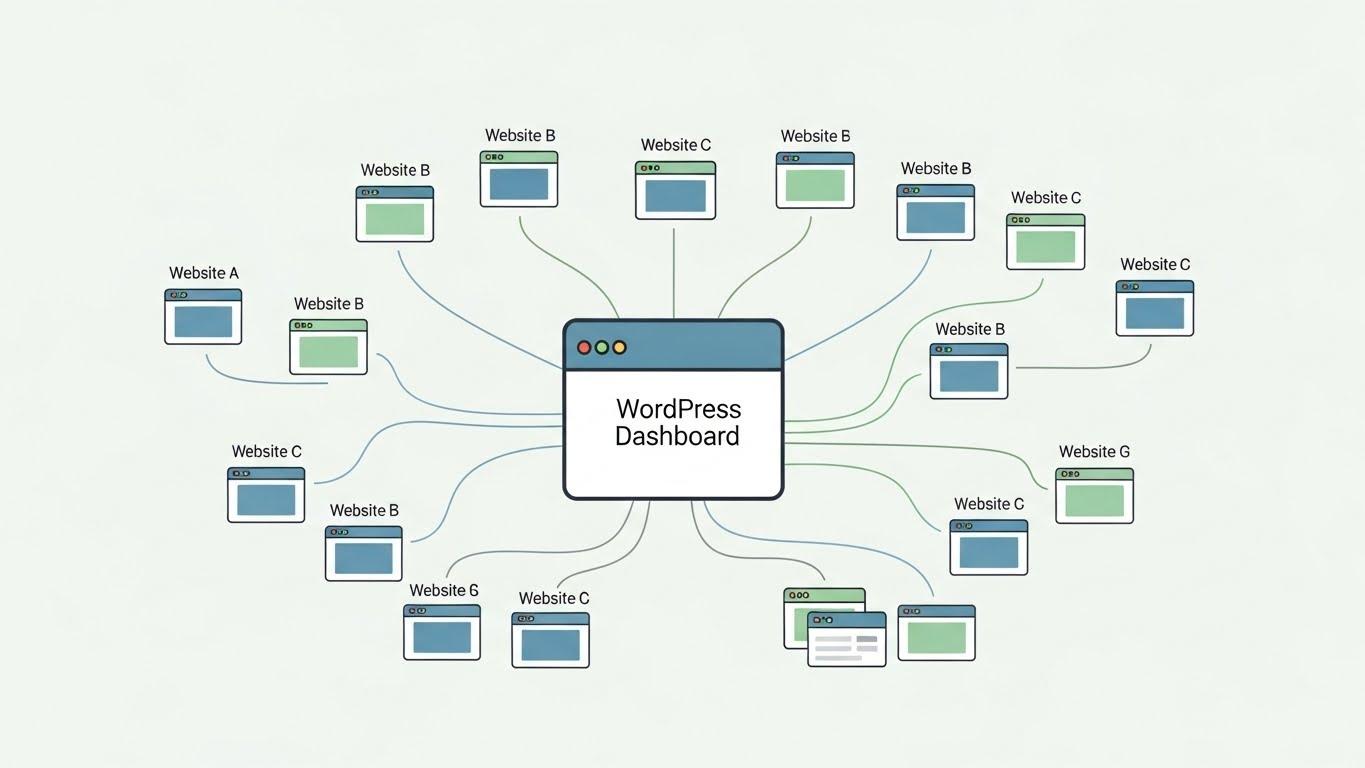
WordPress powers more than 40% of all websites on the internet, blogs, small business sites, online stores, portfolios, and more. Its flexibility and ease of use have made it the most popular content management system (CMS) in the world.
Most WordPress users run a single website, but there’s a powerful feature built into WordPress core that lets you manage multiple websites from a single installation. That feature is called WordPress Multisite.
In this post, we'll cover everything from the ground up. No tech overload, just straightforward explanations with examples to make it click, even if you're starting from scratch. We'll talk about what Multisite is, why hosting matters, the ups and downs, how to get it running, and the best hosts to consider in 2026. Plus, I'll throw in some tips to avoid common pitfalls. By the end, you'll feel ready to dive in.
What Exactly is WordPress Multisite?
Picture this: You've got one big toolbox, but it handles all your projects. That's WordPress Multisite in a nutshell. It's a built-in feature of WordPress that lets you run multiple websites from a single installation. Instead of installing WordPress fresh for each site, everything shares the same core files, database setup, and dashboard.
Launched way back in WordPress 3.0 (that's over 15 years ago now), Multisite, sometimes called WordPress MU for Multi-User, creates a "network" of sites. Your main site is the boss, and you can add as many subsites as you need. Each subsite acts like its own website with unique content, users, and even themes or plugins if you want. But behind the scenes, they're all connected.
For example, think of a university with departments for engineering, arts, and business. Each could have its own site like engineering, but the IT team manages updates and security from one spot, Or a real estate agency with branches in different cities, same idea.
WordPress.com runs on a massive Multisite setup, powering millions of sites. It's free to use since it's core WordPress, but you'll need hosting that supports it (more on that soon). Check out the official docs for the nitty-gritty: WordPress.org on Multisite.
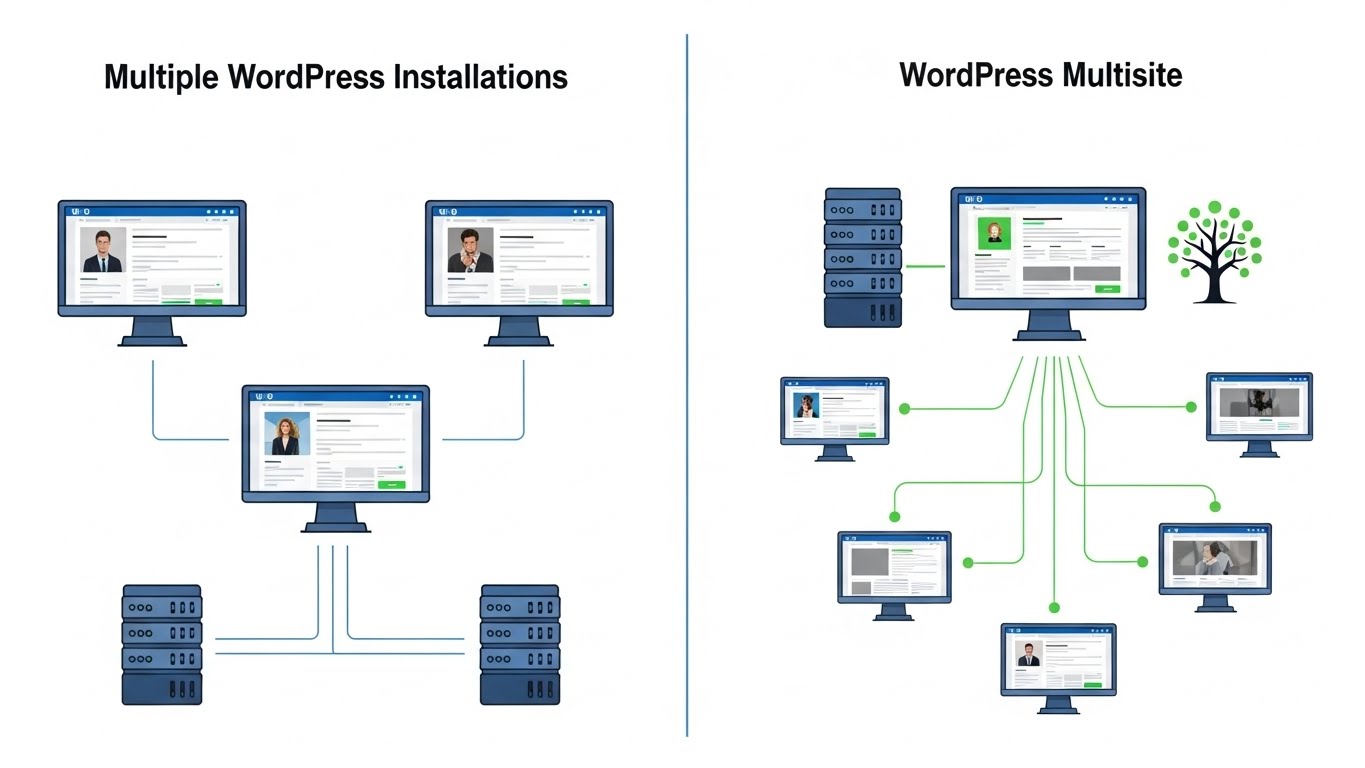
Understanding Multisite Hosting: Why It Matters
Hosting is like the home for your websites, it's the server space where your files live and visitors access them. For regular WordPress, any decent host works. But Multisite? It needs a bit more muscle because you're running multiple sites off one install.
Multisite hosting means providers optimized for this setup. They handle the extra load from shared resources, offer easy scaling, and often include tools for managing networks. Think faster servers, better security, and support teams who know Multisite inside out.
In 2026, with WordPress powering over 40% of the web, hosts are stepping up. But not all are equal, some shared plans choke under Multisite traffic, while managed hosts shine. We'll compare top ones later.
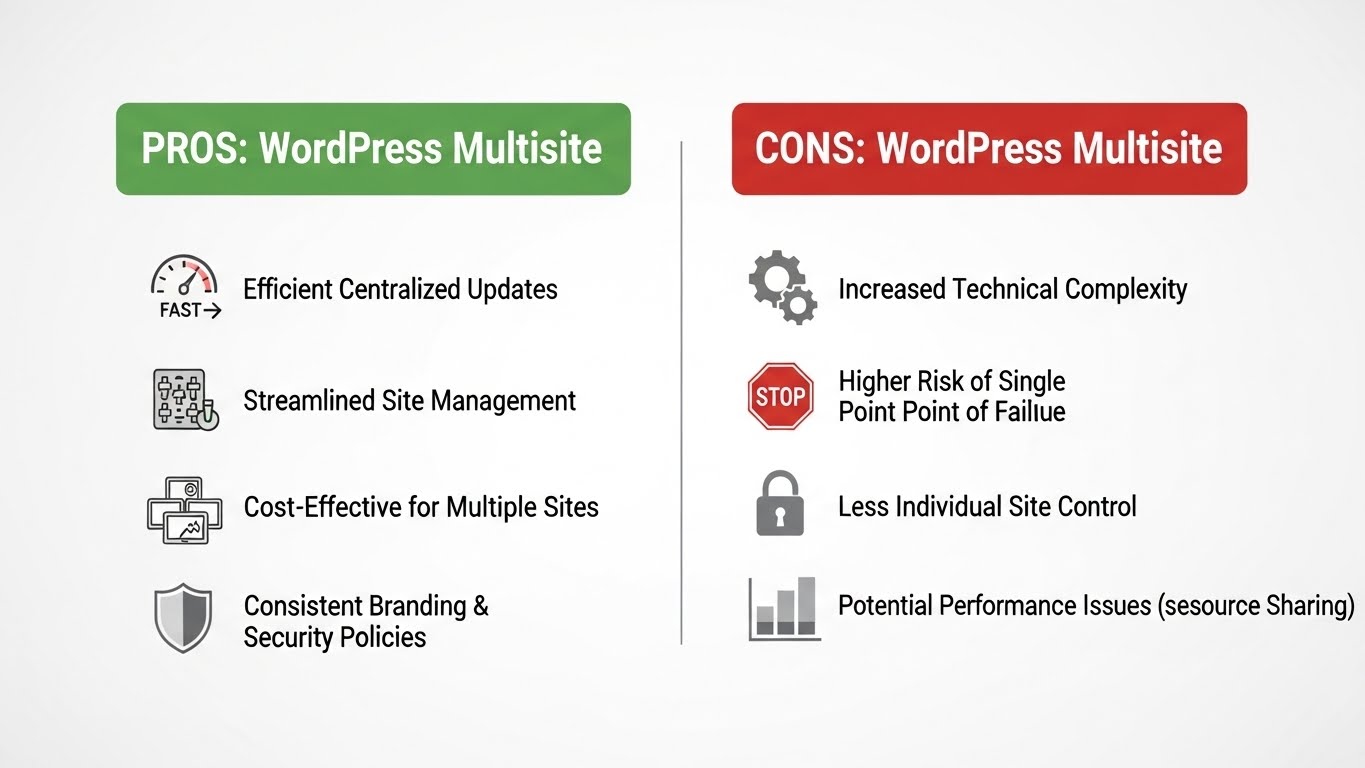
The Good and the Bad: Pros and Cons of WordPress Multisite Hosting
Before jumping in, let's weigh things out. Multisite isn't for every situation, but it shines in the right ones.
Pros of WordPress Multisite Hosting
-
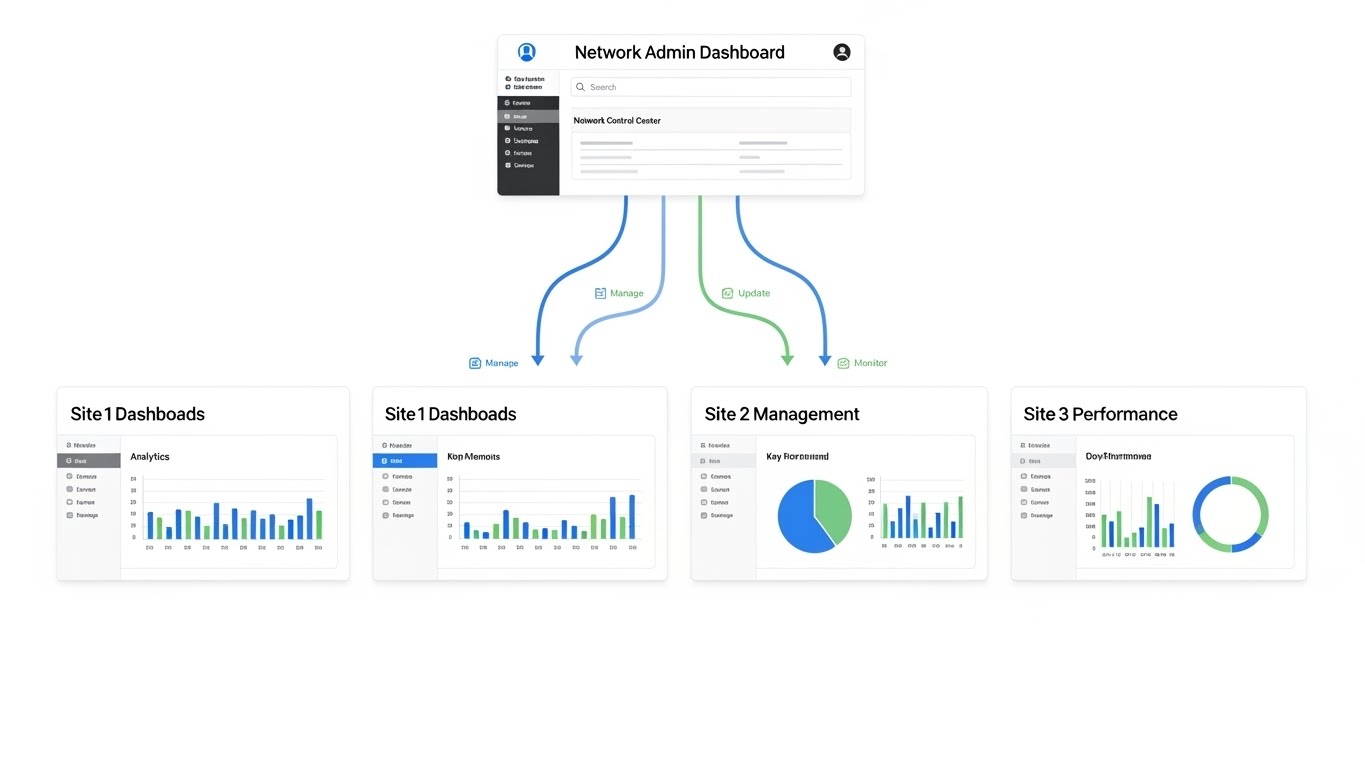
Centralized Management: One dashboard rules them all. Update plugins, themes, or the core once, and it applies network-wide. No more logging into five sites to fix a bug. Saves hours for busy folks like agencies or bloggers with niche sites.1
-
Cost Savings: Shared resources mean lower hosting bills. Instead of paying for separate plans, one robust host covers everything. Plus, themes and plugins are installed once, no duplicates eating space.
-
User-Friendly for Teams: Assign roles easily. Super admins control the network, while site admins handle their corner. Great for collaborations, like letting teachers manage class sites in a school network.2
-
Scalability: Add sites on the fly without new installs. Perfect for growing businesses. Hosts like those on Google Cloud handle spikes without sweat.3
-
Consistent Branding and Features: Share themes and plugins across sites for a unified look. Custom code? It works network-wide, which is especially useful if you’re modernizing your design, like converting a WordPress site to Tailwind CSS for faster, cleaner styling
-
Better Security in Some Ways: Centralized updates mean fewer vulnerabilities. One hack attempt blocked protects all.
Real talk: A friend runs a chain of coffee shops. With Multisite, each location has its page for menus and events, but he updates promotions once. Game-changer.
Cons of WordPress Multisite Hosting
-
Performance Hits at Scale: All sites share the database. If one gets slammed with traffic, others might slow. Need a host with strong resources, cheap shared plans often fail here.4
-
Downtime Risks: One issue (like a bad plugin) can take down the whole network. Separate sites? Only one falls.
-
Plugin and Theme Limits: Not all work perfectly in Multisite. Some need network activation, others conflict. Test everything.5
-
Complex Setup for Beginners: Enabling it involves editing files. Mess up, and things break. Plus, switching from subdomains to subfolders later is a headache.
-
Hosting Requirements: Needs mod_rewrite for permalinks, wildcard subdomains if using them. Not all hosts support it well.
-
User Management Quirks: Users are network-wide by default. Fine for teams, but tricky if sites need isolated logins.6
In forums like Reddit, folks warn against Multisite for unrelated client sites, better for connected ones.7
Overall, if your sites are related (like blogs under one brand), pros outweigh cons. For totally separate projects, stick to single installs.
Step-by-Step: How to Set Up WordPress Multisite on Your Hosting
Ready to try? Setting up isn't scary if you follow steps. I'll assume you have a fresh WordPress install on a compatible host. Always back up first!
Step 1: Check Requirements
-
Fresh WordPress install (or existing one less than a month old).
-
Pretty permalinks enabled (go to Settings > Permalinks, choose Post name).
-
Deactivate all plugins temporarily.
-
Hosting with PHP 7.4+, MySQL 5.7+ (most have this in 2026).
-
Decide: Subdomains (site1.yourdomain.com) or subdirectories (yourdomain.com/site1). Subdomains need wildcard DNS, check with your host.8
Step 2: Enable Multisite in wp-config.php
Access your files via FTP or your host's file manager (like cPanel).Find wp-config.php in the root folder. Add this line above "/* That's all, stop editing! */":
1define('WP_ALLOW_MULTISITE', true);
Save and upload if needed.
Step 3: Install the Network
-
Log into WordPress dashboard. Go to Tools > Network Setup.
-
Choose subdomains or subdirectories.
-
Enter network title and admin email.
-
Click Install.
-
WordPress gives code snippets. Copy them.
Step 4: Update Files
Back to files:
-
Add the
wp-config.phpcode above the line you edited earlier. -
For
.htaccess(create if missing), replace WordPress rules with the provided ones. -
Log out and back in. You'll see "My Sites" in the admin bar.
Step 5: Add Sites and Configure
-
From My Sites > Network Admin > Sites, add new ones. Set themes, plugins per site or network-wide.
-
For domains, use plugins like Domain Mapping if not using subdomains.
Trouble? Hosts like Bluehost have one-click Multisite in their panels. Official guide: Create a Network.
Top WordPress Multisite Hosting Providers in 2026
Choosing a host? Look for Multisite support, SSD storage, CDN, backups, and staging. Here's a roundup based on speed, price, and features.
| Provider | Starting Price | Key Features | Best For | Rating |
|---|---|---|---|---|
| Hostinger | $2.99/mo | Unlimited bandwidth, free SSL, 1-click install, LiteSpeed caching | Budget users with small networks | 4.8/5 |
| SiteGround | $2.99/mo | Managed updates, staging, AI anti-bot, global data centers | Beginners needing support | 4.9/5 |
| Kinsta | $35/mo | Google Cloud, automatic scaling, dev tools, 37 data centers | High-traffic enterprises | 4.9/5 |
| WP Engine | $20/mo | EverCache, CDN, staging, security scans | Agencies with complex setups | 4.7/5 |
| Bluehost | $2.95/mo | Free domain, unlimited sites, marketing tools | WordPress.org recommended | 4.6/5 |
| DreamHost | $2.59/mo | Unlimited traffic, free migrations, WP Website Builder | Open-source fans | 4.5/5 |
| InMotion Hosting | $3.29/mo | NVMe SSD, BoldGrid builder, free SSL | Fast performance seekers | 4.7/5 |
| HostArmada | $2.99/mo | Cloud SSD, daily backups, malware scanner | Scalable cloud needs | 4.6/5 |
1. Hostinger: Best for Budget Multisite
Affordable with punch. Supports up to 100 sites on basic plans. Great for starters, fast LiteSpeed servers, weekly backups. Cons: Renewal prices jump.9
2. SiteGround: Top for Support
User-friendly with auto-updates. Their Supercacher boosts speed. Perfect for Multisite with staging for tests. 24/7 chat rocks.10
3.Kinsta: Premium Powerhouse Managed on Google Cloud. Handles heavy loads, with container isolation for sites. DevKinsta for local testing. Pricey but worth it for pros.11
4. WP Engine: Enterprise-Ready
-
Strong security
-
Git integration
-
Great for agencies
-
selective push staging
Cons: Restricted plugins.12
5. Bluehost: Easy Entry
- WordPress-endorsed
- One-click Multisite
- free domain.
- Good for newbies, but performance varies on shared plans.13
Others like DreamHost for unlimited everything, InMotion for speed, HostArmada for cloud scalability.
Tips and Best Practices for WordPress Multisite Hosting
-
Backup Regularly: Use plugins like UpdraftPlus network-wide. Hosts often include this.
-
Monitor Performance: Tools like Query Monitor spot slow sites. Optimize with caching plugins.
-
Security First: Limit super admins. Use two-factor auth, malware scanners like Sucuri.
-
Plugin Management: Network-activate only trusted ones. Test in staging.
-
Domain Mapping: For custom domains on subsites, use WP plugins.
-
Scaling Up: Start small, upgrade hosting as sites grow. Cloud hosts flex easily, and when you're ready to make the leap, leveraging professional cloud migration services can ensure your complex multisite network transfers securely and without downtime.
-
Common Fixes: Database errors? Check wp-config. Subdomain issues? Verify DNS.
In 2026, with AI tools in hosts, expect smarter optimizations.14
Wrapping It Up: Is WordPress Multisite Hosting Right for You?
WordPress Multisite hosting streamlines managing multiple sites, cutting time and costs while keeping control. For related sites like networks or franchises, it's a winner. Pair it with a solid host like Hostinger for budget or Kinsta for power, and you're set. Give it a spin on a test site, most hosts offer money back guarantees.
Windframe is an AI visual editor for rapidly building stunning web UIs & websites
Start building stunning web UIs & websites!
