Next.js vs React: Key Differences, Pros, Cons, and When to Use Each in 2026
By Emmanuel Chinonso - Frontend Engineer and Technical Writer at Windframe
Web development today thrives on choice. With so many tools and frameworks available, deciding what’s right for your project can feel overwhelming, especially if you’re new to the field.
if you're dipping your toes into web development or looking to level up your skills, you've probably heard the buzz around React and Next.js. These two are staples in the JavaScript world, but figuring out which one fits your project can feel like choosing between a trusty bicycle and a fully loaded motorcycle. Both get you where you need to go, but one offers more built-in features for certain rides.
In this post, we'll break it all down step by step. I'll explain what each is, how they differ, their strengths and weaknesses, and when you might pick one over the other. Whether you're a complete newbie or just brushing up on the latest trends in 2026, I'll keep things straightforward with simple examples and analogies. No need for prior knowledge, we'll start from the basics.
By the end, you'll have a solid grasp to make an informed choice for your next app. And since tech moves fast, I'll weave in the freshest updates from early 2026. Let's get started! (If you're brand new to JavaScript, check out our beginner's guide to JS fundamentals to get up to speed.)
Understanding the Basics: What is React?
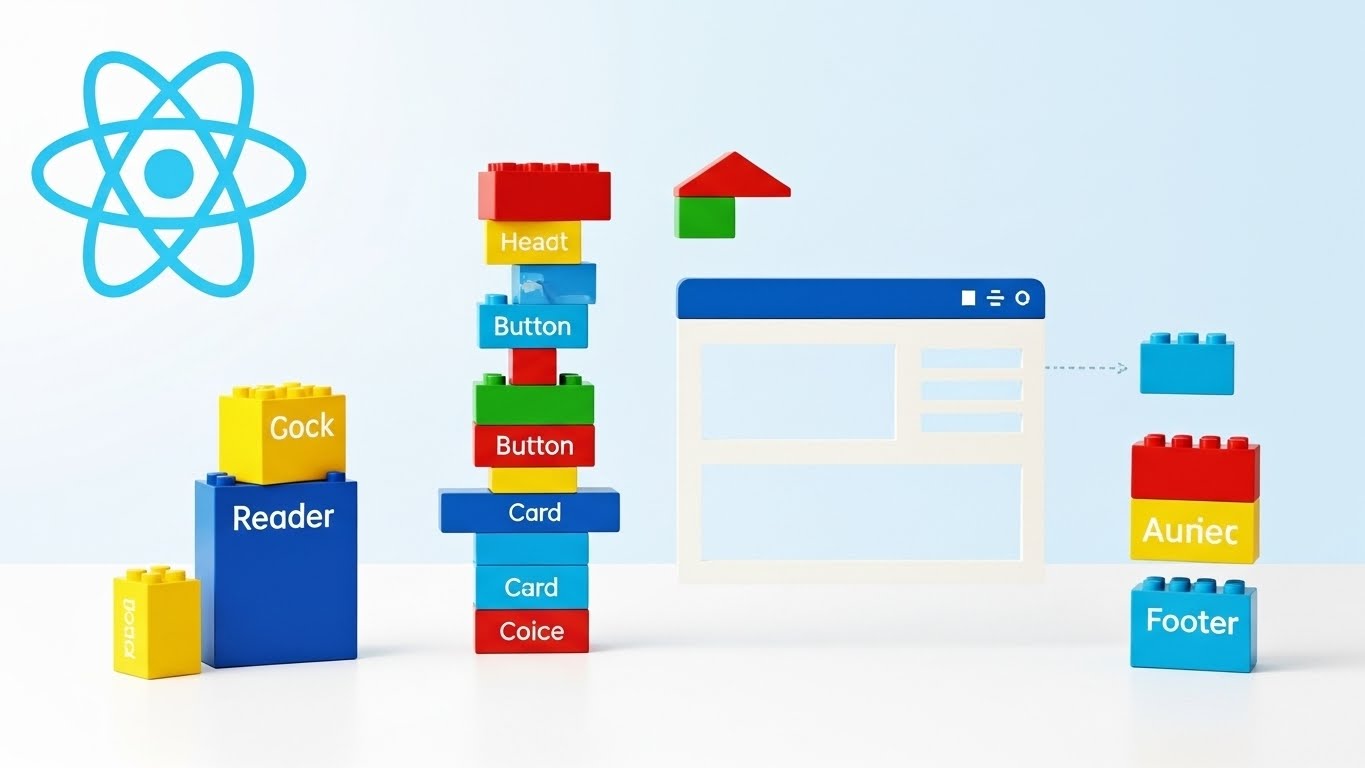
Imagine building a house with Lego bricks. Each brick is a reusable piece, and you snap them together to create walls, rooms, and eventually the whole structure. That's React in a nutshell, it's a JavaScript library that lets you build user interfaces (UIs) by creating and combining these "bricks," called components.
React was created by Facebook (now Meta) back in 2013, and it's open-source, meaning anyone can use and contribute to it. Its main job is to handle the view layer of your application, the part users see and interact with on their screens. You write components as JavaScript functions that describe what the UI should look like, and React takes care of updating the actual web page efficiently when things change, like when a user clicks a button or types in a form.
Here's a super simple example of a React component:
1function Greeting(props) {2 return <h1>Hello, {props.name}!</h1>;3}
This is written in JSX, which is like HTML mixed with JavaScript. It makes your code readable and lets you embed logic right in the markup. React uses something called the Virtual DOM to make updates fast, it figures out the minimal changes needed and applies them without reloading the whole page.
Key features include:
-
Components: Reusable building blocks for your UI. You can nest them, pass data between them (via props), and manage internal state (like whether a menu is open or closed).
-
Hooks: These are functions that let you add features like state management or side effects (e.g., fetching data) without complicating your code. The most common is useState for handling variables that change over time.
-
Flexibility: React doesn't dictate how you handle routing (navigating between pages) or data fetching or even styling, which is why many developers pair it with tools like Tailwind CSS. You can pair it with other libraries like React Router for navigation or Axios for API calls.
As of early 2026, React is on version 19, with recent updates focusing on better server-side capabilities. For instance, the React Compiler v1.0 came out in October 2025, making code optimization easier, and they've patched some vulnerabilities in Server Components by December 2025.2
It's used everywhere, from social media apps to e-commerce sites, because it's lightweight and performant.
React shines for single-page applications (SPAs) where everything loads once and updates dynamically. Think of Netflix's interface or Facebook's feed. If you want more on the basics, head to the official React docs at react.dev.
What is Next.js? The Framework Built on React
Now, picture that Lego house again, but this time you get a kit with instructions, pre-cut pieces, and tools included. That's Next.js, it's a framework that builds on top of React, adding extra features to make building full web applications easier and faster.
Next.js was developed by Vercel (formerly Zeit) and launched in 2016. It's also open-source and completely free to use. The key thing? It's not a replacement for React; it's an enhancement. Every Next.js app uses React under the hood, but Next.js provides a structure for things React leaves up to you.
At its heart, Next.js handles server-side rendering (SSR), which means parts of your page can be generated on the server before sending them to the browser. This is huge for speed and SEO. It also comes with built-in routing based on your file structure, create a file called about.js in a pages folder, and boom, you have a /about route.
A basic Next.js page might look like this:
1export default function Home() {2 return <h1>Welcome to My Next.js App!</h1>;3}
Simple, right? But behind the scenes, Next.js optimizes it for production.
Standout features:
-
Rendering Options: Client-side (like plain React), server-side, static generation (pre-build pages), and even incremental static regeneration (update static pages on demand).
-
App Router: Introduced in recent versions, this makes routing more flexible with nested layouts and loading states.
-
Data Fetching: Built-in ways to fetch data on the server or client, with caching to avoid redundant requests.
-
Optimizations: Automatic image optimization, font loading, and script bundling to boost performance.
In 2026, Next.js is at version 15 (with 15.0.1 released recently), emphasizing React Server Components for zero-client JS in some cases, and better integration with tools like Tailwind CSS, which makes it easy to style apps quickly using utility-first CSS
It's powered by React's latest features and is great for full-stack apps since you can write API routes right in your project.
For a deeper dive, visit nextjs.org. If you're curious about full-stack development, see our post on React with Node.js.

Key Differences Between Next.js and React
Alright, now let's compare them head-on. Remember, React is a library (focuses on UI), while Next.js is a framework (provides a full setup around React). This core distinction drives most differences.
1. Rendering Approach
React defaults to client-side rendering (CSR): The browser downloads JavaScript and builds the page there. It's interactive but can be slow on first load and bad for SEO since search engines see empty pages initially.
Next.js offers hybrid rendering. You can choose SSR for dynamic content (server builds the HTML), static site generation (SSG) for fast, pre-built pages, or CSR where needed. This makes Next.js apps load faster and more SEO-friendly.4 In 2026, with Core Web Vitals being crucial for rankings, Next.js has an edge here.
2. Routing and Navigation
In plain React, you need extra libraries like React Router to handle page changes. Setup involves configuring routes manually.Next.js uses file-system-based routing. Your folder structure defines routes automatically, no config files. The new App Router in recent versions adds parallel routes and intercepting for smoother experiences.
3. Performance and Optimization
React is fast for updates but requires manual tweaks for things like code splitting or lazy loading.
Next.js bakes in optimizations: Automatic code splitting, image compression, and caching. Apps built with it often score higher on Lighthouse audits. A 2025 study showed Next.js apps loading 30-50% faster than equivalent React SPAs.5
4. SEO and Accessibility
React struggles with SEO in pure CSR mode because content isn't there on initial load.Next.js excels with SSR and SSG, ensuring search engines crawl full content. It's a go-to for blogs, e-commerce, or any site needing good rankings.6
5. Data Fetching and APIs
React leaves this to you to either use fetch() or libraries.
Next.js has built-in data fetching with getServerSideProps or async components, plus API routes for backend logic without a separate server.
6. Community and Ecosystem
Both have massive communities. React has over 200k stars on GitHub; Next.js, around 120k. But Next.js benefits from Vercel's hosting, making deployment seamless.
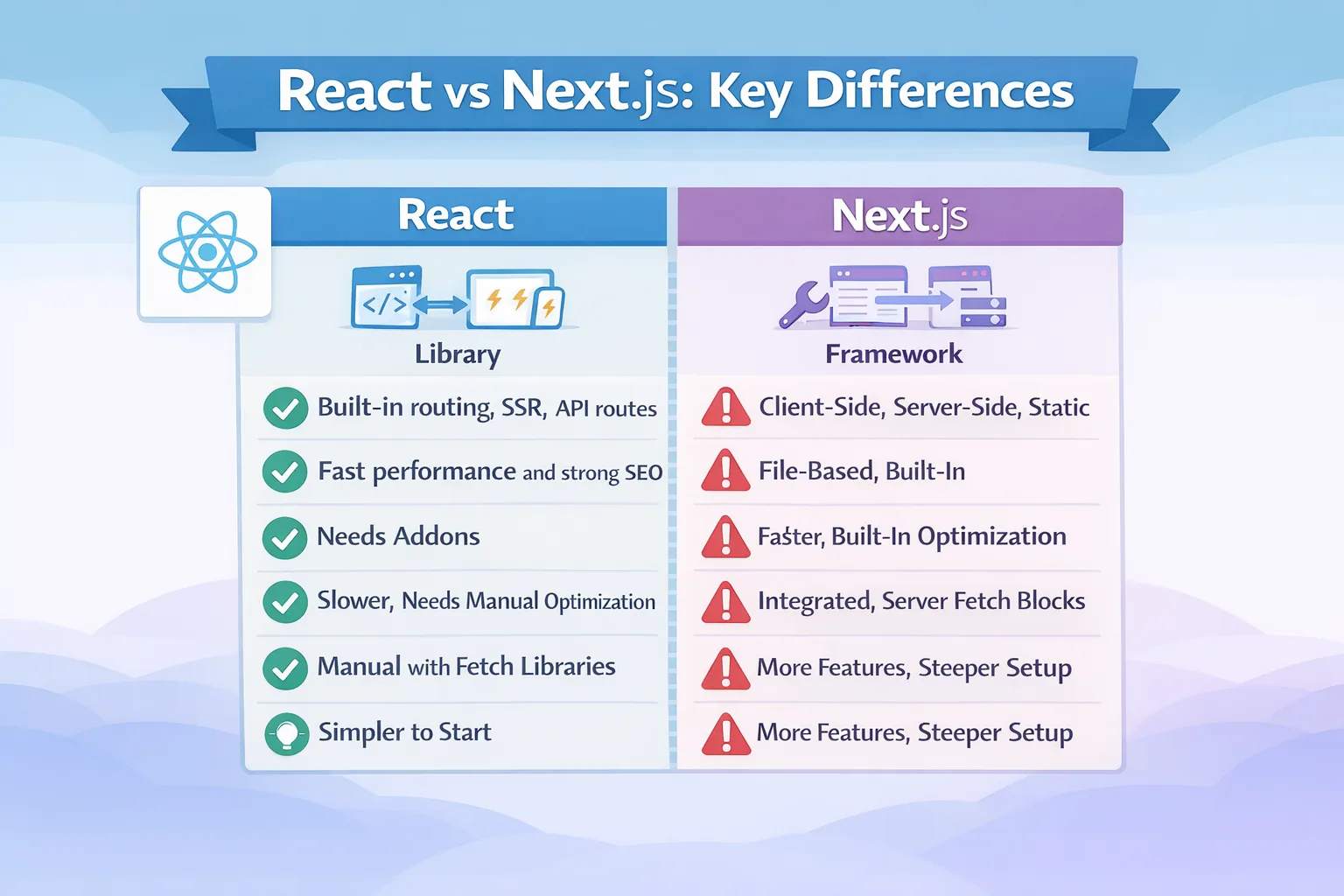
In a table for quick comparison:
| Feature | React | Next.js |
|---|---|---|
| Type | Library | Framework |
| Rendering | Mainly CSR | CSR,SSR,SSG,ISR |
| Routing | Requires add-ons | Built-in, file-based |
| SEO | Challanging without setup | Excellent with server rendering |
| Data Fetching | Manuel | Integrated method |
| Latest Focus(2026) | Compiler v1.0, Server Components | App Router V15, Zero-JS Components |
For more on performance metrics, check this detailed comparison article.
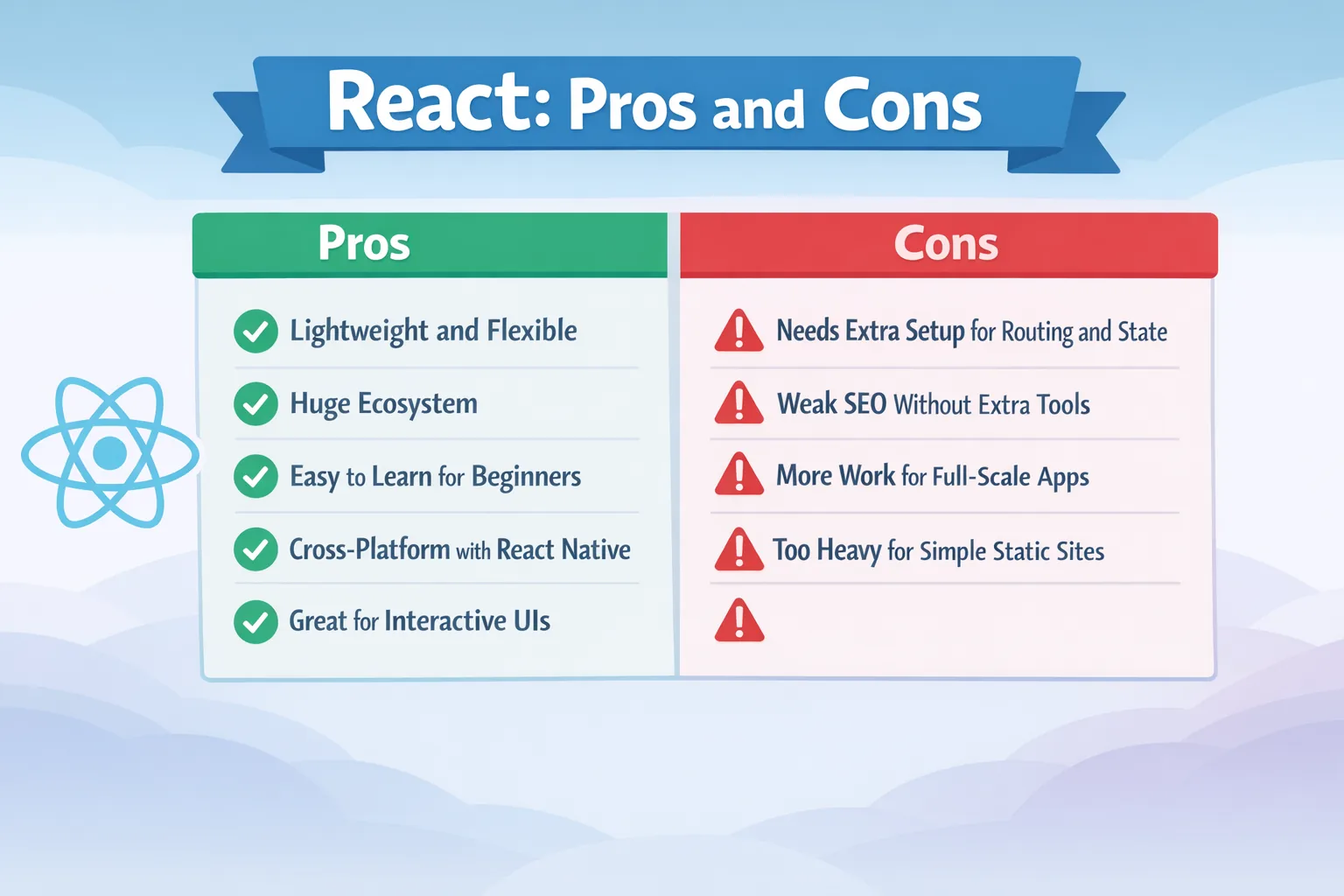
Pros and Cons of React
Let's weigh the good and bad.
Pros
-
Lightweight and Flexible: Only 100KB minified, so it doesn't bloat your app. You control everything, mixing it with other tools as needed.7
-
Huge Ecosystem: Thousands of libraries and components available. It's battle-tested by giants like Airbnb and Netflix.
-
Easy to Learn for Basics: If you know JS and HTML, you can start building quickly.
-
Cross-Platform: Use React Native for mobile apps from the same codebase.
-
Great for Interactive UIs: Perfect for dashboards or apps with lots of user input.
Cons
-
Boilerplate Code: You have to set up routing, state management (like Redux), and more yourself, which adds time.
-
SEO Issues: Without extra work (like using Next.js!), it's not ideal for content-heavy sites.
-
Steeper Curve for Full Apps: For complex projects, you'll end up reinventing wheels that frameworks provide.
-
Potential Overkill for Simple Sites: If it's just a static page, React might be too much.
Recent discussions on Reddit note that plain React is still fine for many cases, especially internal tools.8
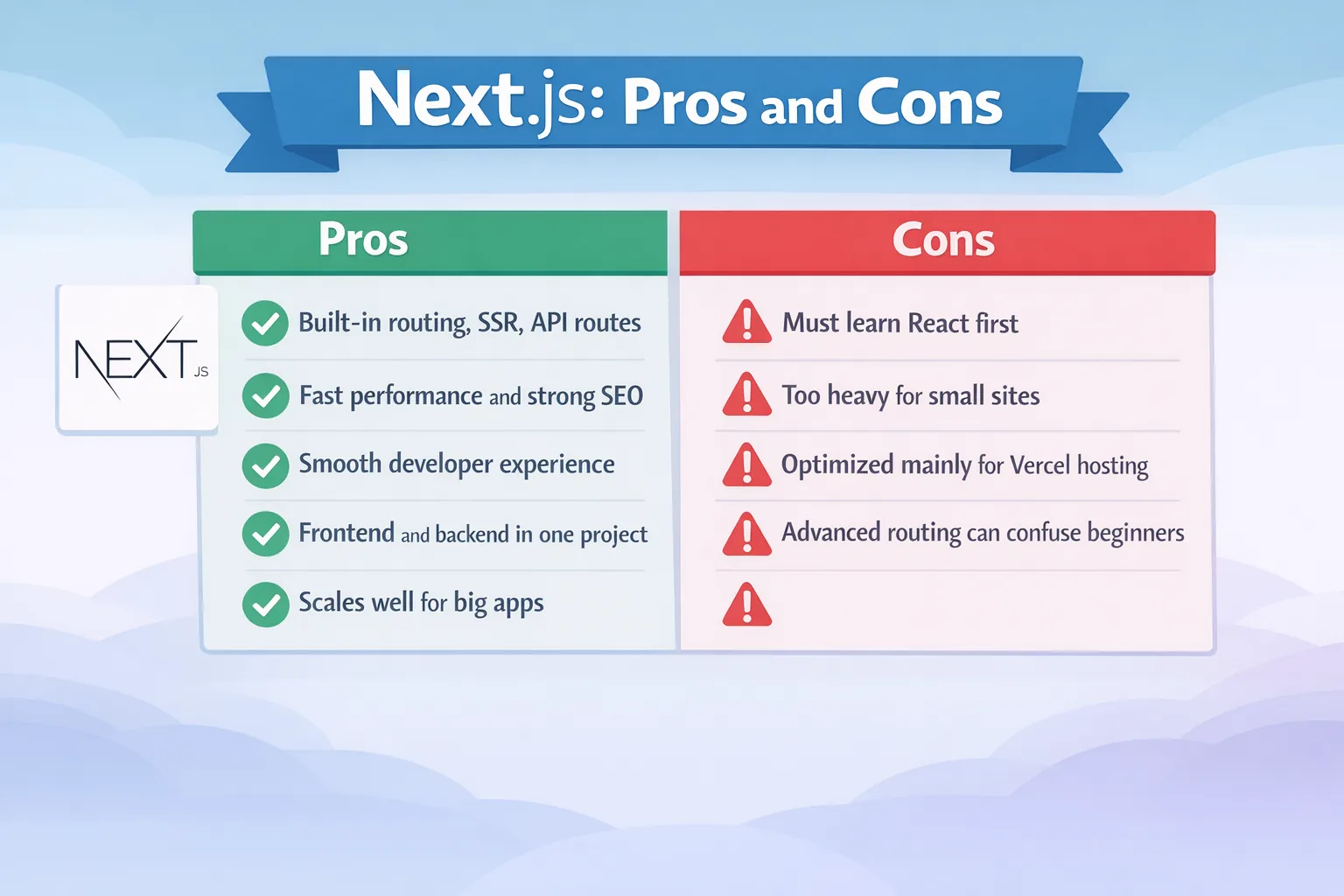
Pros and Cons of Next.js
Pros
-
Out-of-the-Box Features: SSR, routing, API handling – it's ready for production from day one.9
-
Superior Performance and SEO: Faster loads and better search visibility make it ideal for public-facing apps.
-
Developer Experience: Hot reloading, easy deployment (especially on Vercel), and fewer decisions to make.
-
Full-Stack Capabilities: Handle frontend and backend in one repo.
-
Scalability: Handles large apps well, with features like ISR for dynamic static sites.10
Cons
-
Learning Curve if New to React: You need React knowledge first, and Next.js adds its own concepts.
-
Overhead for Small Projects: If it's a simple SPA, the framework might feel heavy.
-
Vendor Tie-In: While open-source, it's optimized for Vercel, which could lead to lock-in.
-
Complexity in Advanced Routing: The App Router is powerful but can confuse beginners.11
A 2025 guide highlights Next.js's SEO benefits but notes potential drawbacks like build times for huge sites.12.
When to Use React vs. Next.js in 2026
Choosing boils down to your project's needs.
Go with React If:
- You're building an interactive app without much server involvement, like a game or admin panel.
- You want maximum flexibility and are okay adding libraries.
- It's a learning project or prototype, React's simplicity helps focus on core concepts.
- For mobile: Pair with React Native for cross-platform apps.
Examples: Internal tools at companies, or SPAs where SEO isn't key.13
Opt for Next.js When:
- SEO and performance are priorities, like for blogs, e-commerce, or marketing sites.
- You need server-side logic or full-stack features.
- Building a production-ready app quickly.
- Public-facing sites with dynamic content.
In 2026, trends show Next.js gaining for web apps due to its speed.13 For instance, if you're making an online store, Next.js's image optimization and SSR make pages load instantly.
Real-world: Vercel's own site uses Next.js, and many startups switch for better metrics.
Hybrid or Migration?
You can start with React and add Next.js later, it's incremental. Tools exist to migrate SPAs to Next.js without full rewrites.
Getting Started: Tips and Resources
For React: Install with npx create-react-app my-app, then tinker.
For Next.js: npx create-next-app@latest my-app, it sets up everything.
Practice with free tutorials on freeCodeCamp or official docs.
Common pitfalls: Don't overcomplicate React with too many libs early; for Next.js, understand rendering modes to avoid slow pages.
Wrapping Up: Your Next Steps
So, React vs. Next.js? React is your flexible library for UI magic; Next.js is the powerhouse framework for polished, performant apps. In 2026, if speed and SEO matter, lean toward Next.js, it's evolving fast with React's backing. But for pure interactivity, React holds strong. Test both on small projects to see what clicks.
Windframe is an AI visual editor for rapidly building stunning web UIs & websites
Start building stunning web UIs & websites!
