How to Automate Git Branching Workflows for Faster Team Development
By Emmanuel Chinonso - Frontend Engineer and Technical Writer at Windframe
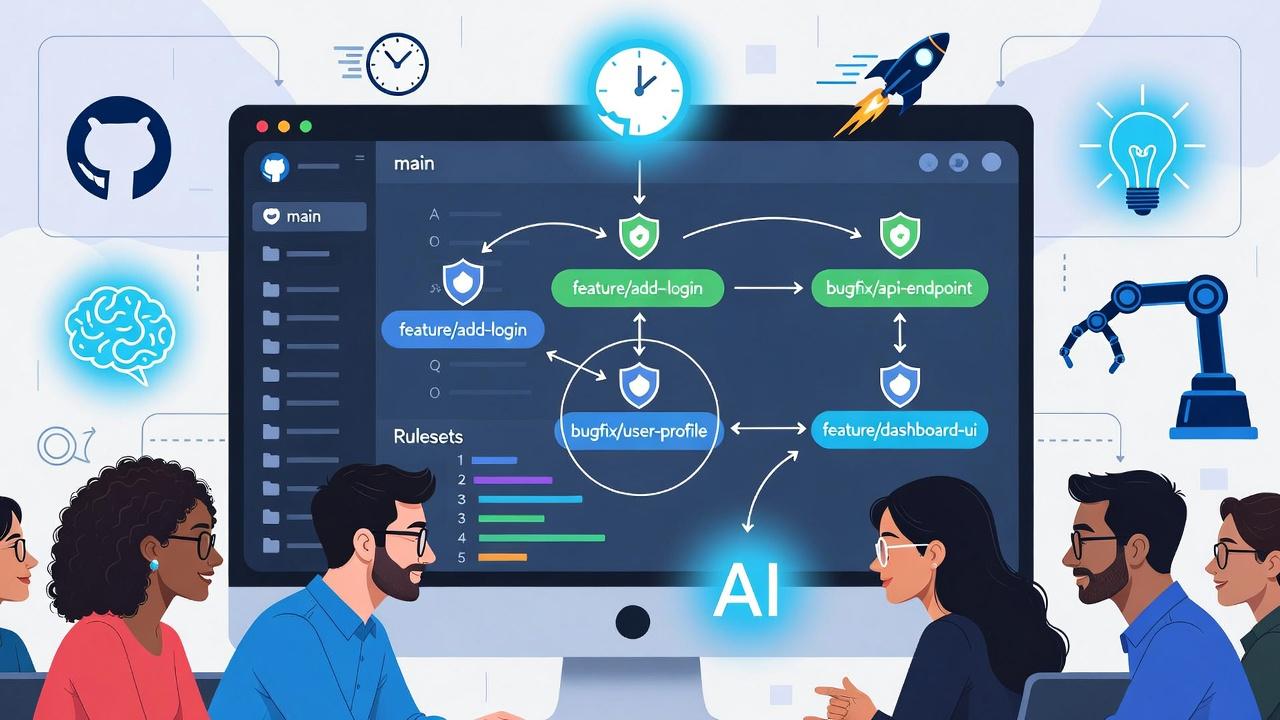
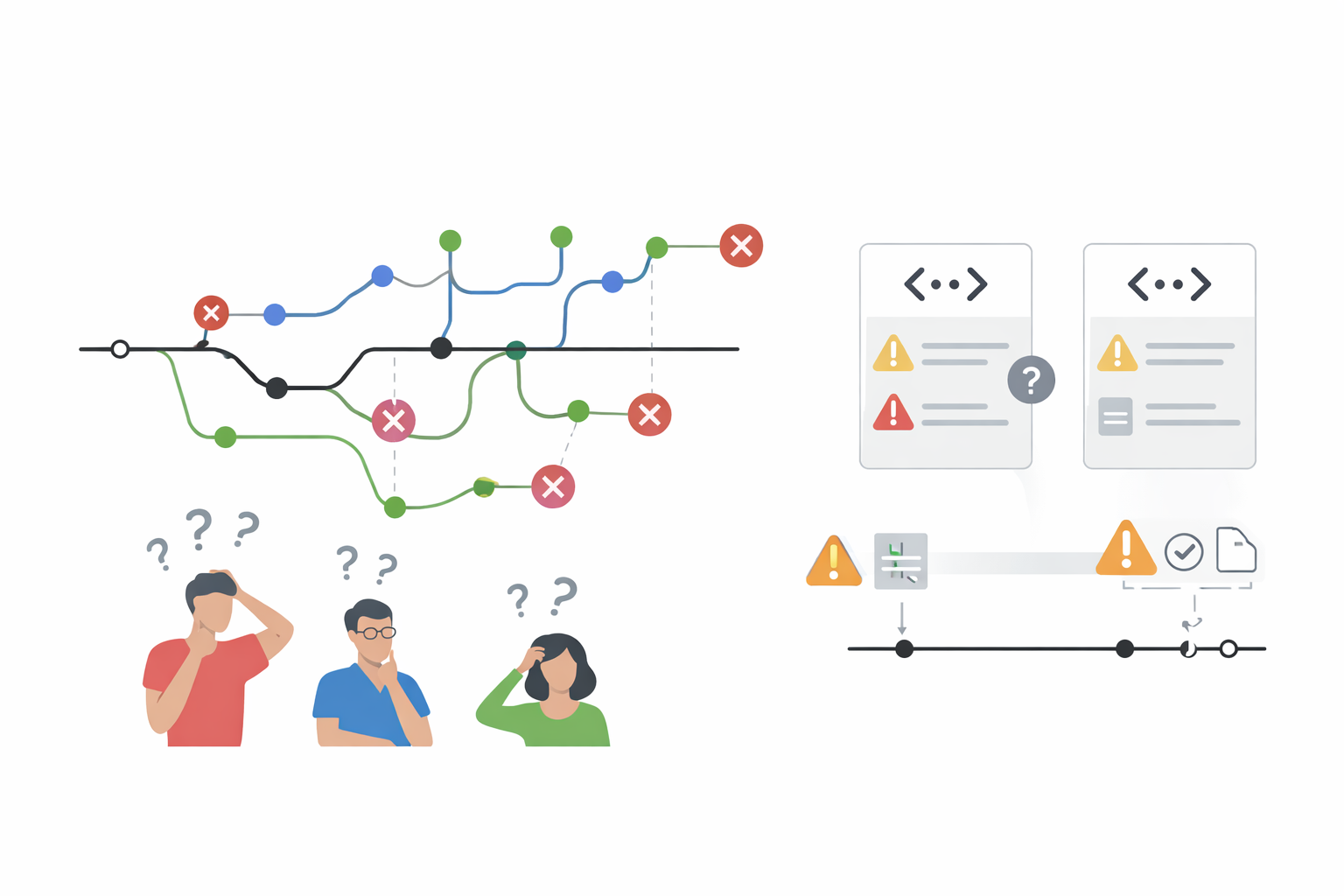
Working with Git in a team often feels like herding cats. One person creates a branch called "temp-fix", another uses "update-login-page-v2-final-really", and suddenly everyone is confused about what belongs where. Merge conflicts pile up. Reviews take forever because pull requests (PRs) lack basic information. Someone accidentally pushes directly to main and breaks the build. These everyday headaches slow down delivery, frustrate developers, and create technical debt.
Automating Git branching workflows means setting up guardrails, templates, rules, and helpers so the team follows consistent practices without thinking about it every time. Branch creation becomes standardized, reviews get the right context automatically, merges stay safe, and short-lived branches encourage faster integration.
This guide explains everything in plain language for beginners. We'll cover why teams struggle with branching, the main strategies, practical automation steps (starting with GitHub), similar approaches for GitLab and Bitbucket, trunk-based development, best practices, and real examples. By the end, you'll have a clear plan to make branching faster and less painful for your team.
Why Manual Branching Slows Teams Down
Git branching lets you work on new features, bug fixes, or experiments without touching the main codebase. You create a branch from main, make changes, open a pull request, get reviews, and merge back. Sounds simple, right?
In practice, teams run into these common issues:
-
Inconsistent branch names make it hard to find or understand work.
-
Developers forget to update branches with the latest main changes, leading to painful merges.
-
Pull requests lack clear descriptions, screenshots, or testing steps, so reviewers waste time asking questions.
-
Anyone can push directly to main or delete important branches.
-
Long-lived branches (weeks or months old) create huge merge conflicts.
-
No automatic checks mean broken code or failing tests slip through.
These problems multiply in larger teams. A solo developer might manage fine with ad-hoc branches, but add five or ten people and coordination breaks down. Automation fixes this by enforcing conventions at the platform level, providing templates, running checks, and encouraging short, focused branches.The goal isn't to remove flexibility, it's to remove friction so developers spend more time writing code and less time managing Git.
Choosing the Right Branching Strategy
Before automating, pick a strategy that fits your team size and release cadence.
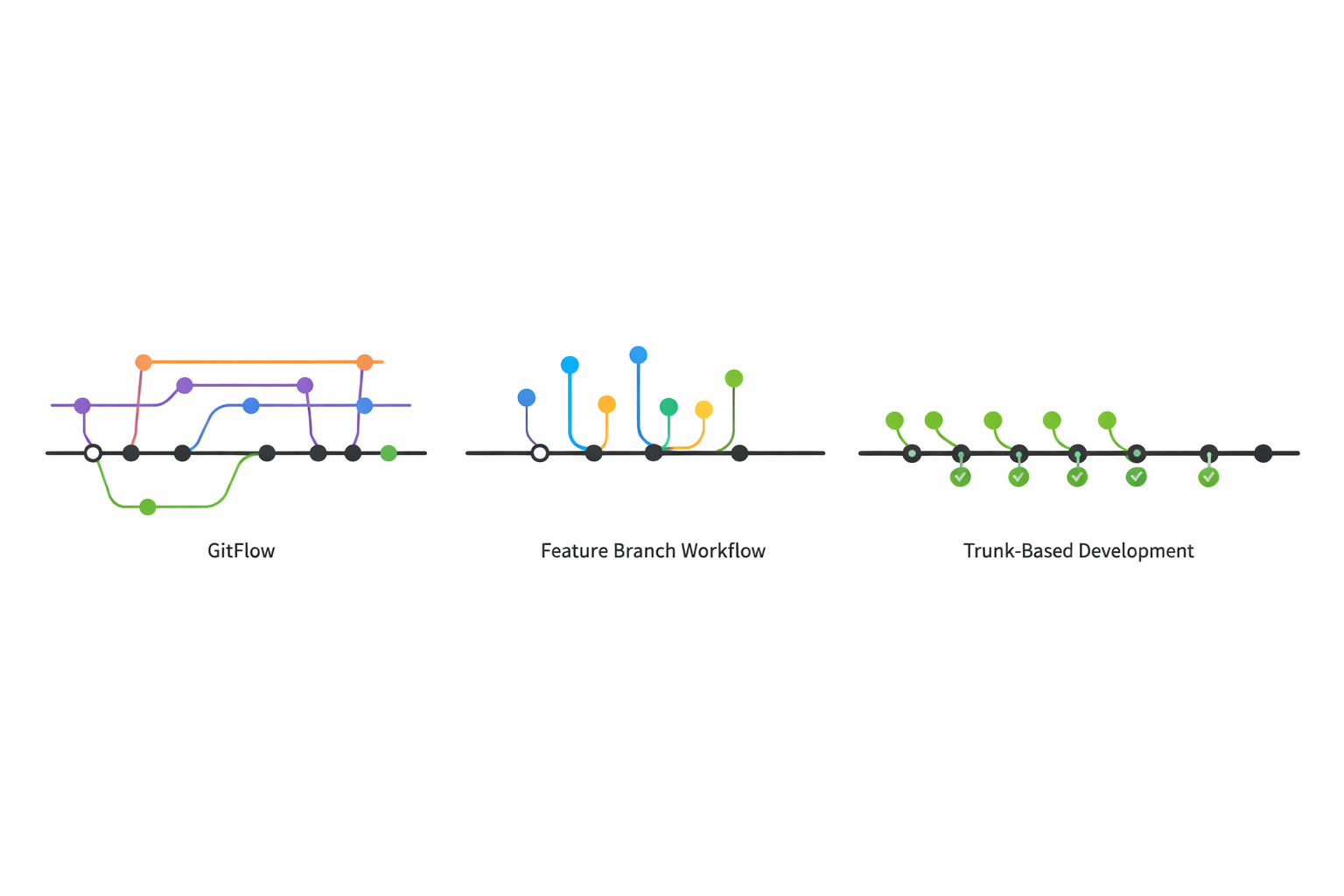
GitFlow (traditional, structured): You have main (production), develop (integration), feature branches, release branches, and hotfix branches. Good for teams with scheduled releases and strict versioning. Downside: many long-lived branches increase merge complexity.
Feature Branch Workflow: Everyone creates feature branches from main, works there, and merges via PRs. Simpler than GitFlow but still risks long branches.
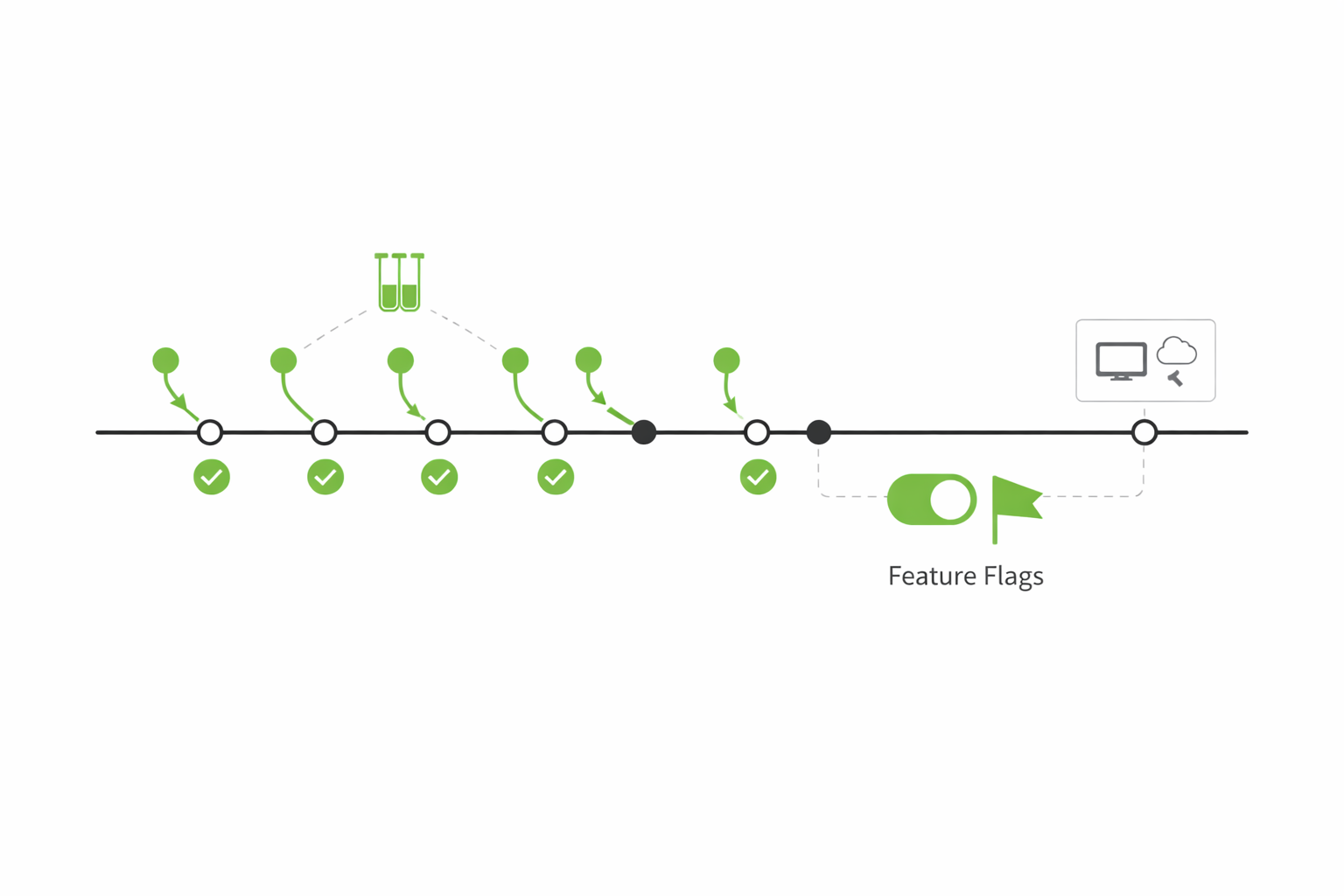
Trunk-Based Development (recommended for most modern teams): Developers work directly on main or use very short-lived branches (hours or a day max). Changes integrate frequently. Requires strong automated testing and feature flags to hide unfinished work. Benefits: fewer conflicts, faster feedback, cleaner history.
In 2026, most high-performing teams lean toward trunk-based or a lightweight feature branch approach with automation. Trunk-based works especially well when combined with continuous integration/continuous deployment (CI/CD). For a deeper dive, check out this excellent guide on Trunk-Based Development.
Core Automation Building Blocks
Here are the main pieces that speed up branching:
-
Standardized Branch Naming Good convention: feature/login-redesign, bugfix/payment-timeout, hotfix/security-patch-2026-01. Include ticket number when possible: feature/PROJ-123-user-profile.
-
Pull Request Templates
A template that appears automatically when opening a PR. It prompts for description, screenshots, testing steps, related tickets, and breaking changes. GitHub’s official documentation explains how to set these up: Creating a pull request template for your repository.
- Branch Protection Rules and Rulesets
Platform-level rules that block bad merges or pushes. Require reviews, passing tests, up-to-date branches, signed commits, etc. Learn the details in GitHub’s guide to managing a branch protection rule and the newer, more powerful Rulesets documentation.
- GitHub Actions (or equivalent CI)
Automate validation of commit messages, branch names, labeling PRs, assigning reviewers, or even suggesting fixes. While GitHub Actions is the default choice for GitHub users, some teams still compare it with Jenkins when deciding how to structure their CI/CD automation.
- Conventional Commits
Commit messages follow a format like feat: add user login, fix: resolve payment error. This enables automated changelog generation and semantic versioning. You can check out the official spec here.
- Pre-commit Hooks
Local checks (via tools like Husky or Lefthook) that run before commits to enforce formatting, tests, or commit message style.
Combining these creates a smooth workflow.
Step-by-Step: Automate Branching on GitHub
GitHub offers the most mature tools for this in 2026. Start here if you're on GitHub.
- Set Up Branch Naming Conventions with Rulesets (Recommended)
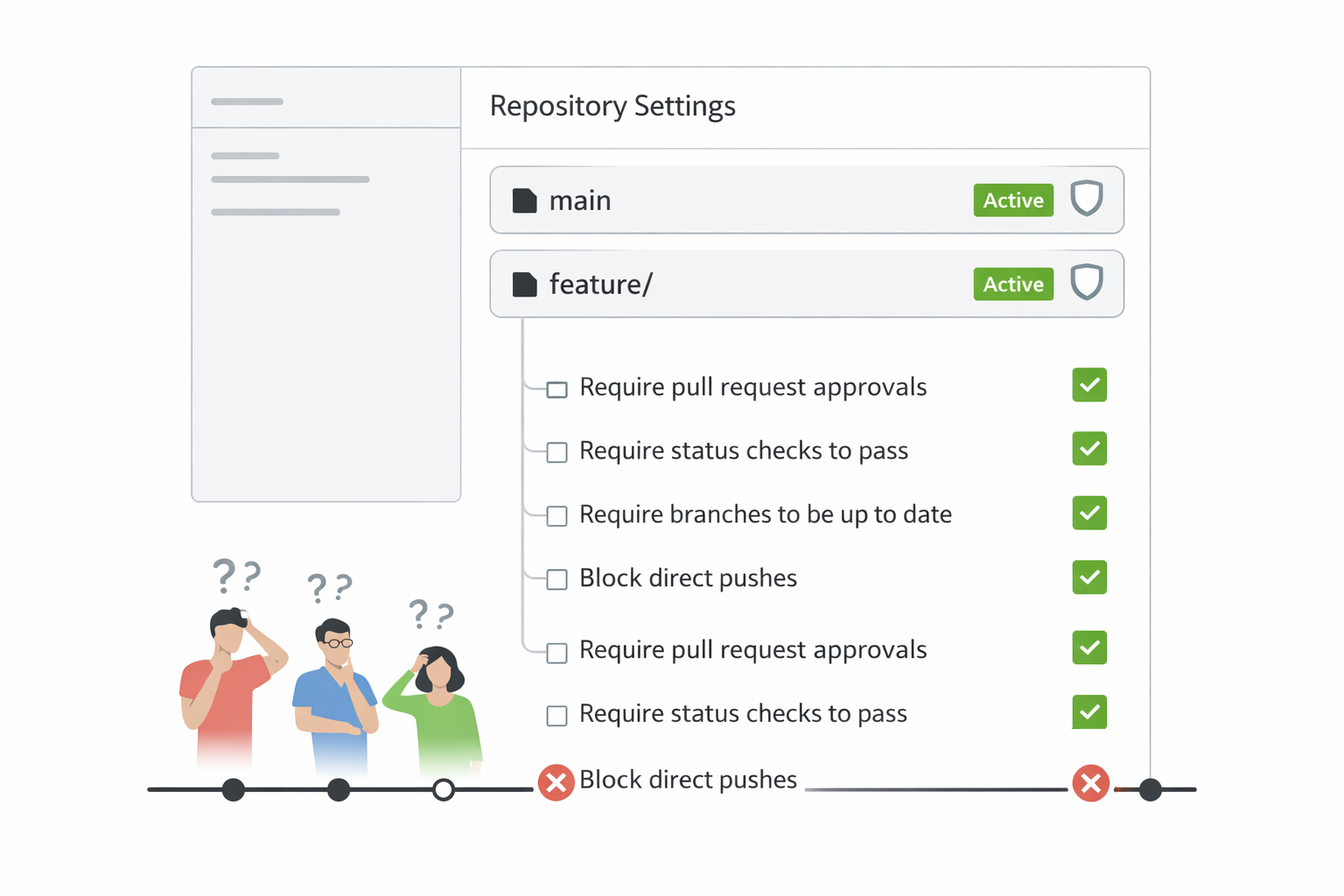
Rulesets are more flexible than older branch protection rules. They support regex patterns, apply to multiple branches/tags, and include metadata restrictions.
Steps:
-
Go to your repository → Settings → Rules → Rulesets → New ruleset
-
Choose "New branch ruleset"
-
Name it (e.g., "Branch Naming Convention")
-
Set enforcement to Active
-
Under Target branches: Include patterns like main, release/, feature/, bugfix/*
-
Add rule: "Branch name restrictions" → Require branch names to match pattern ^(main|develop|release/.|feature/.|bugfix/.|hotfix/.)$
-
Optionally add commit message restrictions (e.g., must start with feat:, fix:, chore:, etc.)
-
Save the ruleset
This prevents messy names like "asdf" or "my-branch-final" from being created. For full details, refer to GitHub’s Rulesets documentation.
- Create a Pull Request Template
-
In your repo, create folder
.githubif it doesn't exist -
Add file pull_request_template.md
-
Add helpful content like:
1## Description2What does this PR do?34## Related Ticket5JIRA-123 / Linear-45667## Changes8- [ ] New feature9- [ ] Bug fix10- [ ] Breaking change1112## Testing13How did you test this?1415## Screenshots16(Attach if UI change)
When someone opens a PR, this template fills in automatically. It saves reviewers time and improves PR quality. Learn more about templates here
- Configure Branch Protection Rules (or combine with Rulesets)
For your main branch:
-
Repository Settings → Branches → Add rule
-
Branch name pattern: main
-
Check "Require a pull request before merging"
-
Require 1-2 approving reviews
-
Dismiss stale approvals when new commits pushed
-
Require status checks to pass (select your CI checks like "test", "build")
-
Require branches to be up to date before merging
-
Require conversation resolution
-
Do not allow force pushes
-
Do not allow deletions
These rules protect your production branch. Use patterns like release/* to apply similar protections automatically to new release branches. Full instructions are in GitHub’s branch protection guide.
- Add GitHub Actions for Further Automation
Example workflows:
Validate Conventional Commits on PRs (using marketplace actions):
Create .github/workflows/validate-commits.yml
1name: Validate Conventional Commits2on:3 pull_request:4 types: [opened, synchronize]5jobs:6 validate:7 runs-on: ubuntu-latest8 steps:9 - uses: actions/checkout@v410 - uses: webiny/action-conventional-commits@v1.0.5
Auto-label PRs by branch prefix:
Use actions like "labeler" or a simple script to add "feature", "bugfix" labels based on branch name.
Require PR title to follow conventional format:
Similar actions exist in GitHub Marketplace.
Auto-assign reviewers based on CODEOWNERS file or team membership.
- Local Automation with Pre-commit Hooks
Install Lefthook or Husky:
-
npm install --save-dev husky lefthook (for JS projects) -
Configure .
lefthook.ymlor.husky/pre-committo run linting, tests, conventional commit check.
This catches issues before code is pushed.
Trunk-Based Development Automation
Trunk-based development (TBD) pairs perfectly with automation. Key practices:
-
Keep branches short-lived (max 1-2 days)
-
Merge to main frequently
-
Use feature flags (LaunchDarkly, Unleash, or simple config flags) to hide unfinished features
-
Strong CI/CD: every push to main triggers full test suite and can deploy to staging
Automation helps:
- Rulesets or protection rules require PRs for main (even in TBD, short PRs are common)
- CI must pass before merge
- Actions can automatically delete merged branches
- Merge queues (GitHub feature) to handle parallel PRs without conflicts
Transition tips:
- Start with short branches
- Add automated tests if missing
- Introduce feature flags gradually
- Use tools like Graphite for stacked PRs if needed
GitLab and Bitbucket Alternatives
GitLab:
-
Uses "Push Rules" for branch naming patterns and commit message regex
-
Protected branches with similar settings (require approvals, pipelines must succeed)
-
Merge request templates in
.gitlab/merge_request_templates/ -
CI/CD pipelines (GitLab CI) for validation
-
Group-level push rules for organization-wide enforcement
Bitbucket:
- Branch permissions (restrict pushes, merges, deletions)
- Default reviewers per branch
- Pull request templates
- Pipelines (Bitbucket Pipelines) for automation
- Branching model settings to suggest standard names (feature/, bugfix/)
GitHub generally feels easiest for beginners, but all three support solid automation.
Best Practices and Common Pitfalls
Best practices:
-
Start simple: naming + PR template + basic protection on main
-
Require at least one review for main
-
Keep CI fast (under 10 minutes) so checks don't slow people down
-
Delete merged branches automatically
-
Use descriptive PR titles
-
Document your workflow in a
CONTRIBUTING.mdfile -
Train new team members with a short onboarding session
-
Review rules quarterly as team grows
Common mistakes:
-
Over-protecting: too many required approvals slow everything down
-
Ignoring local hooks: developers bypass rules by force-pushing
-
Long branches despite automation
-
No feature flags in TBD → incomplete code blocks deploys
-
Forgetting to update protection rules when renaming main to trunk
Real-World Example
A mid-sized SaaS team switched from chaotic feature branches to automated trunk-based workflow.
They:
-
Set rulesets enforcing feature/ prefix
-
Added PR template with testing checklist
-
Required 1 review + passing CI on main
-
Used conventional commits + semantic-release for automatic versioning
-
Introduced LaunchDarkly flags
Result: PR cycle time dropped from 4 days to under 1 day. Merge conflicts nearly disappeared. Releases became weekly instead of monthly. Developers reported less stress.
Tools Comparison
| Platform | Branch Naming Enforcement | PR Templates | Protection Rules | CI Integration |
|---|---|---|---|---|
| GitHub | Rulesets (regex) | .github/ templates | Protection + Rulesets | GitHub Actions |
| GitLab | Push Rules | .gitlab/ templates | Protected Branches | GitLab CI |
| Bitbucket | Branching Model + Permissions | Built-in templates | Branch Permissions | Bitbucket Pipelines |
Conclusion
Automating Git branching workflows removes the daily friction that slows teams down. Start with clear naming, a good PR template, and basic protection on your main branch. Layer in CI checks, conventional commits, and consider trunk-based development as you mature. The investment pays off quickly through faster merges, fewer conflicts, and happier developers.
FAQs
How strict should rules be for small teams? Start lenient (1 review, basic naming) and tighten as you grow.
Does automation replace code reviews? No. It makes reviews more focused on logic instead of formatting or missing info.
What if someone needs an unusual branch name? Allow bypass for seniors/admins or use a temporary ruleset disable.
Can this work with monorepos? Yes. Use path-based rulesets or CODEOWNERS for different teams/sections.
How do we handle hotfixes? Create protected hotfix/ pattern and allow direct merges in emergencies with approval.
Windframe is an AI visual editor for rapidly building stunning web UIs & websites
Start building stunning web UIs & websites!
