Low-code Tools for Accelerating Responsive Frontend Development
By Emmanuel Chinonso - Frontend Engineer and Technical Writer at Windframe
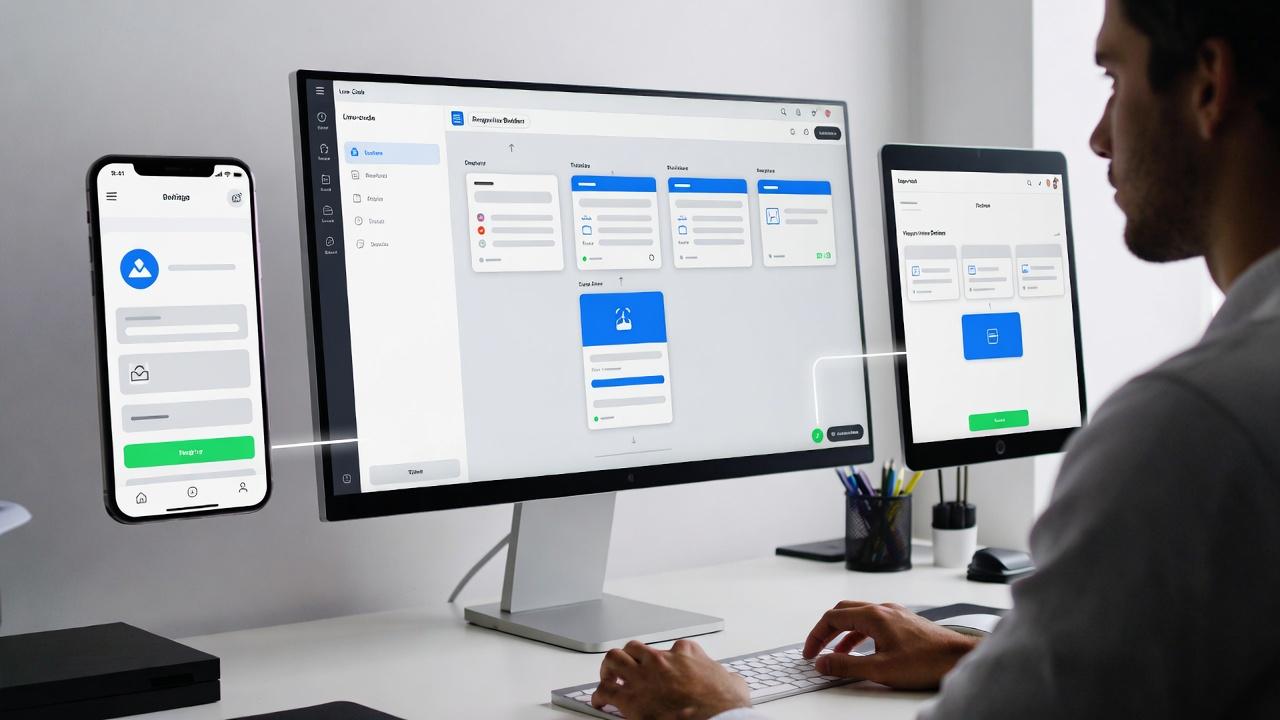
Ever felt the frustration of tweaking CSS media queries for hours, only to find your site still glitches on some phones? I've been there, staring at screens until my eyes blur. But here's the exciting part: low-code tools for accelerating responsive frontend development are flipping the script.
In this post, we'll explore how these game-changers let you build adaptive interfaces faster, from zero knowledge to pro-level results. Get ready to discover tools that spark creativity and slash timelines, making responsive design feel like a thrill ride instead of a chore.
Getting Started with Low-Code Basics
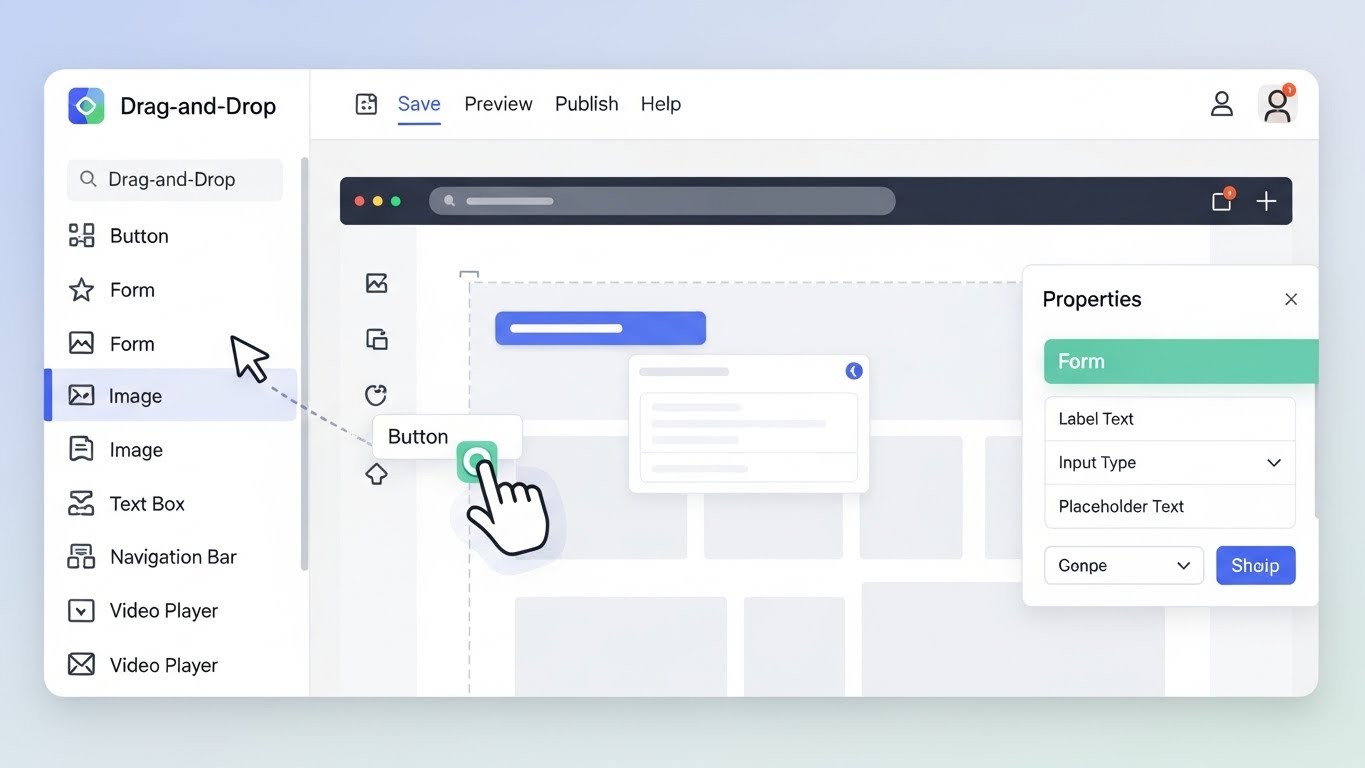
Low-code is like having a superpower for app building. You use visual builders to assemble interfaces, skipping most of the manual coding hassle. Picture snapping together building blocks that automatically handle the heavy lifting, like connecting data or adding logic.
For beginners, it starts simple: Pick a template, drag in elements like buttons or images, and watch your creation take shape. No need to wrestle with syntax errors right away. I've found that jumping in with a basic page helps build momentum, try adding a form and see how it connects to a backend without sweat.
These platforms often blend no-code ease with low-code flexibility, letting you add custom scripts when things get fancy. It's perfect for how low-code speeds up frontend development, turning weeks of work into days.
Mastering Responsive Frontend Essentials
Responsive frontend means your site shifts gracefully across devices, like water flowing into any container. It's about flexible grids and images that resize without breaking the flow.
Start with the basics: Think mobile-first, designing for small screens before expanding. Use relative units like percentages instead of fixed pixels. A common trick is media queries, but low-code tools handle much of that automatically.
In practice, test by resizing your browser window, does everything stack nicely? I've learned the hard way that overlooking tablets can lead to awkward layouts, so preview on multiple emulators early. This foundation makes best low-code tools for responsive design shine, automating adaptations so you focus on user delight.
Why Low-Code Supercharges Responsive Work
Imagine cutting your build time in half while delivering sites that wow on every screen, that's the magic of low-code for responsive frontend. These tools bake in adaptive features, like auto-adjusting layouts, saving you from endless tweaks. Teams love the collaboration boost; designers tweak visuals while devs add logic, all in one space. Cost-wise, it's a win, fewer hours mean more budget for polish. During one project, I saw a team prototype a responsive dashboard in a weekend, iterating based on real feedback.
Security and scalability come standard too, with cloud hosting that grows with traffic. For beginners, it's empowering, building confidence without the steep learning curve.
Spotlight on Leading Low-Code Tools
Exploring options? These standouts excel at accelerating responsive frontend, each with unique flair. I've tested most and share what clicks.
WeWeb: AI-Driven Builder for Dynamic Frontends
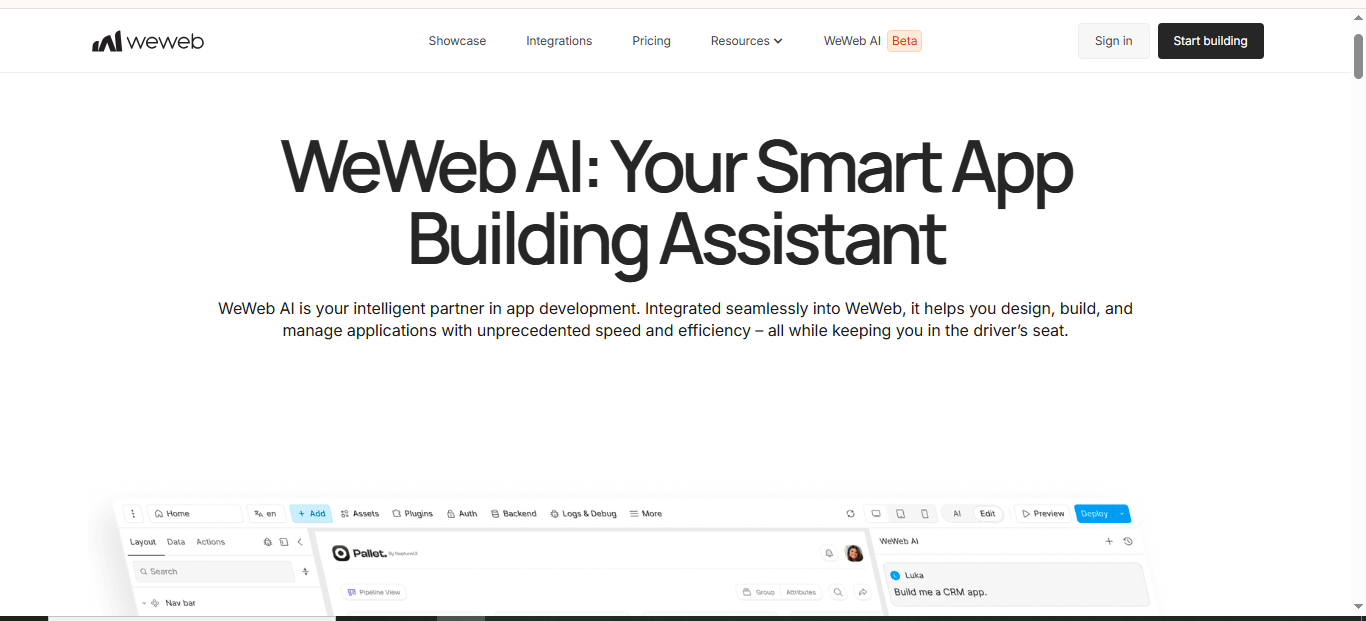
WeWeb has evolved into a powerhouse for creating responsive web apps that feel custom-built without the code overload. Its visual editor now leans heavily on AI to suggest adaptive layouts, ensuring your designs flex across screens effortlessly, think auto-resizing grids that handle everything from desktops to smartwatches.
In my recent trials, I've loved how it connects to any backend, like Supabase or Airtable, for real-time data pulls that keep interfaces snappy. Pros include pixel-perfect control, self-hosting options, and code exports in Vue.js for when you need to go hybrid. On the flip side, if you're deep into complex logic, you might hit a learning bump integrating custom JavaScript.
Pricing kicks off at around $16/month for basics, scaling to enterprise tiers with unlimited projects. For teams building SaaS portals, it's a speed demon, I've seen MVPs launch 40% faster by letting AI handle initial setups.
If you're eyeing advanced animations that stay responsive, pair it with external libraries; it's seamless. Check out WeWeb's latest features to see their 2026 AI updates in action.
Webflow: Visual Powerhouse with Code Smarts
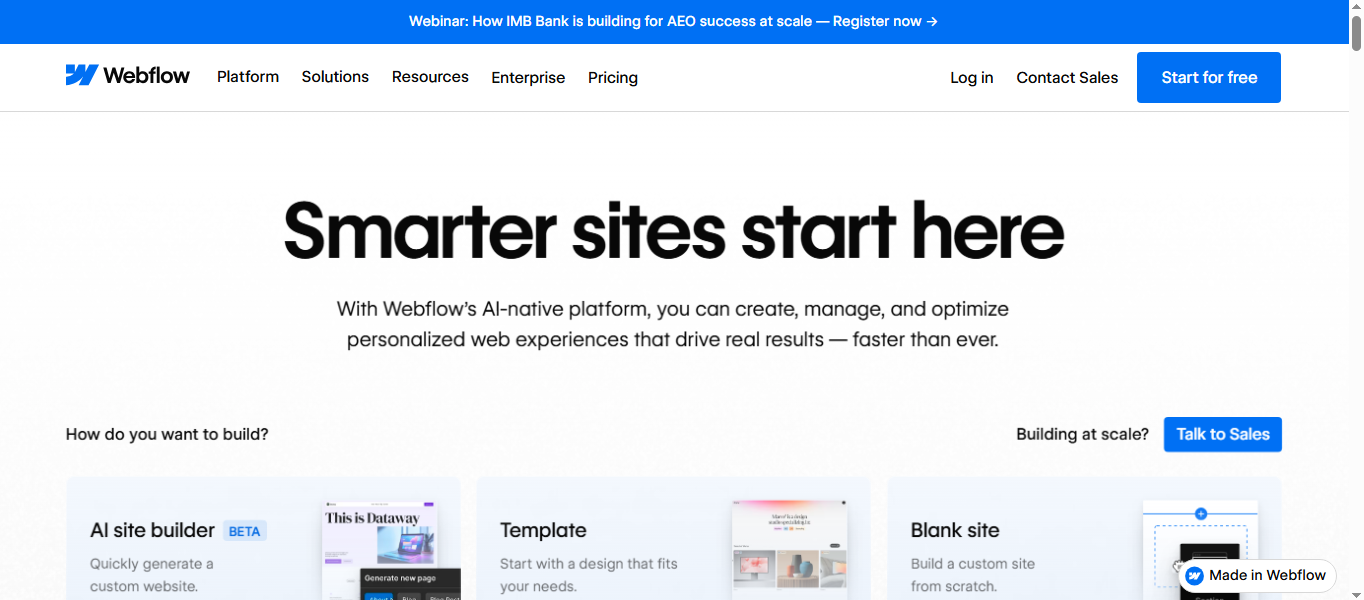
Webflow continues to shine for designers who crave control over responsive elements without diving into raw CSS. Its drag-and-drop canvas now includes App Gen, an AI tool that generates full apps from prompts, complete with responsive components like flexbox grids and media queries baked in.
From my experience revamping client sites, the real magic is in its CMS integrations, update content dynamically, and the frontend adapts on the fly across devices. Strengths: Hosting included, exportable clean code, and vibe coding for quick iterations.
Drawbacks? It's more frontend-focused, so for heavy backend needs, you'll layer on tools like Xano. Plans start free, with paid from $14/month unlocking unlimited hosting.
In 2026, its enterprise push means better scalability for traffic spikes, making it ideal for marketing sites that need to look stunning on mobiles.
Pro tip: Use its new authentication workarounds for secure logins; I've built member portals that feel native. For more on blending it with databases, explore Webflow's Vibe Season guides.
Bubble: Full-Stack Champ for Adaptive Apps
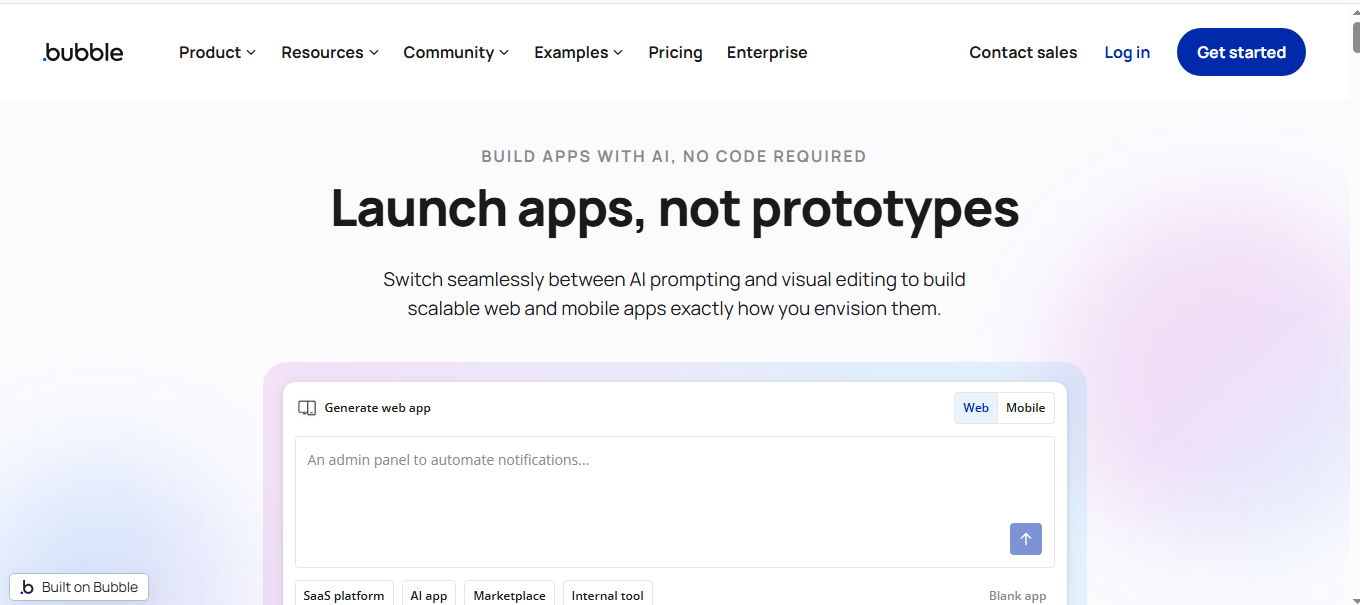
Bubble's full-stack approach makes it a go-to for responsive frontends tied to robust backends. With 2026 updates, it now packages native iOS and Android apps, ensuring your web designs translate smoothly to mobile with auto-adaptive workflows.
I've used it for interactive dashboards where elements rearrange based on screen size, no manual tweaks needed.
Key advantages: Drag-and-drop logic, built-in databases, and optimization for work units to handle scale. Cons include potential performance tuning for massive apps, but their governance tools help.
Free to start, with plans around $25/month for production. Startups swear by it for MVPs; one team I know cut deployment time by 70% by focusing on user flows instead of code. For responsive e-commerce, its payment gateways integrate flawlessly. Dive into Bubble's ecosystem for their latest AI coding agents.
Softr: Quick-Start for Data-Rich Interfaces
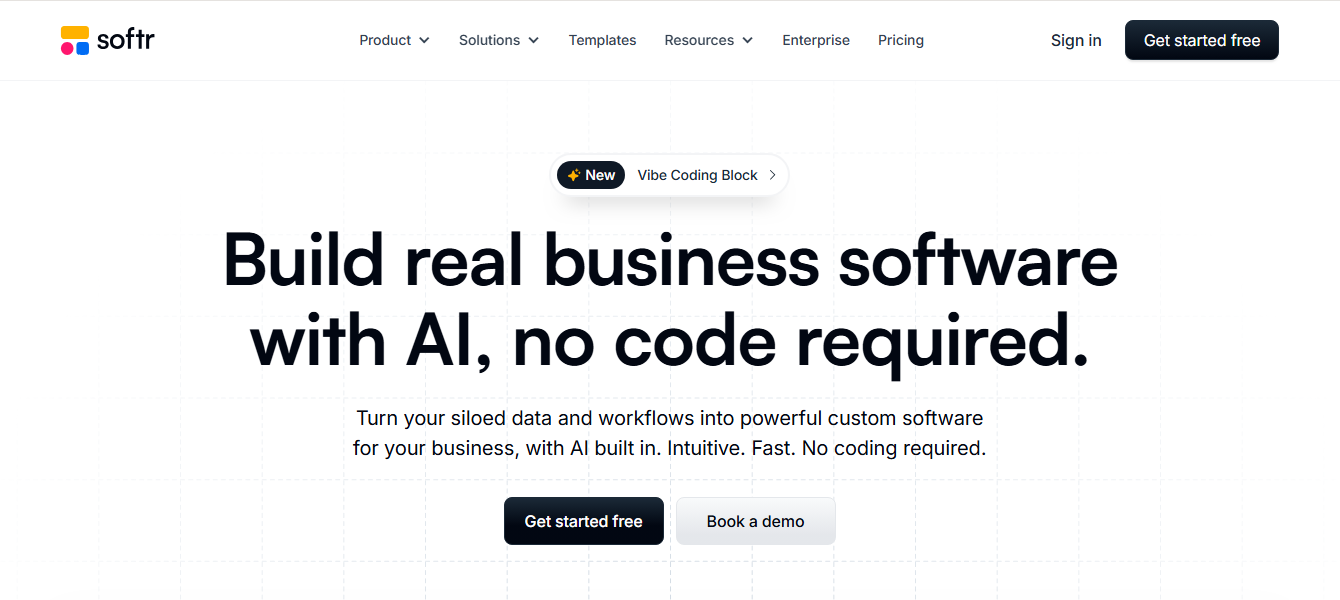
Softr keeps things straightforward for turning data into responsive web apps, with 90+ templates that auto-adjust for devices. Its block editor now supports more custom blocks, making it easier to embed interactive elements like charts that resize dynamically.
In practice, I've whipped up event registration sites where mobile users get a streamlined view without losing functionality.
Pros: Beginner-friendly academy, unlimited end users on higher plans, and seamless Airtable syncs. The main con is limited depth for ultra-custom designs, you might outgrow it for complex logic. Free tier available, paid from $49/month. It's perfect for internal tools in 2026, where speed trumps everything.
If you're data-heavy, its role-based security shines. See more templates at Softr's platform.
Framer: Prototype-to-Production Wizard
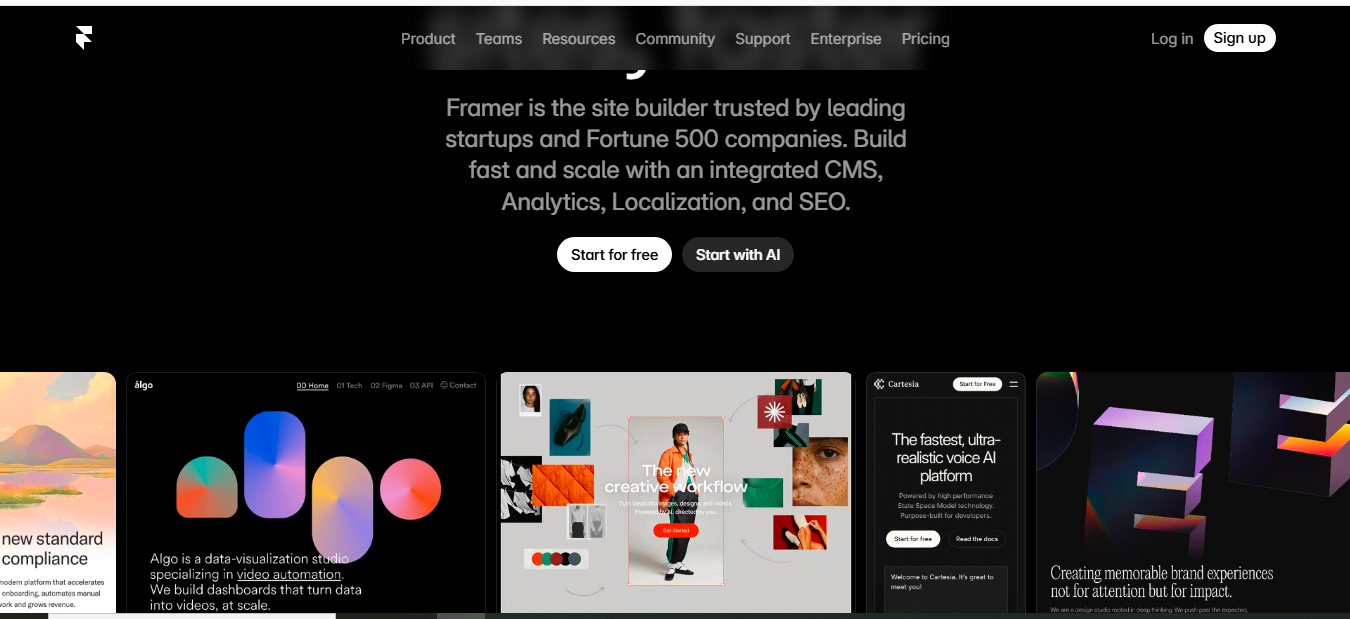
Framer bridges the gap between design and responsive code, with AI tools that generate interactive components ready for any screen. Its 2026 focus on React exports means you can build prototypes that go live with built-in adaptability, like swipe gestures that work on touch devices. From my animation-heavy projects, it's unbeatable for UIs that pop—effects scale without lag.
Strengths: Figma imports, CMS for dynamic content, and affordable plans from $5/month.
Drawback: Lighter on backend, so pair with services for data. Creative agencies love it for client mocks that evolve into full sites.
Experiment with its vibe coding for fun tweaks. Check Framer's updates for mobile-first tips.
FlutterFlow: Cross-Platform Native Builder
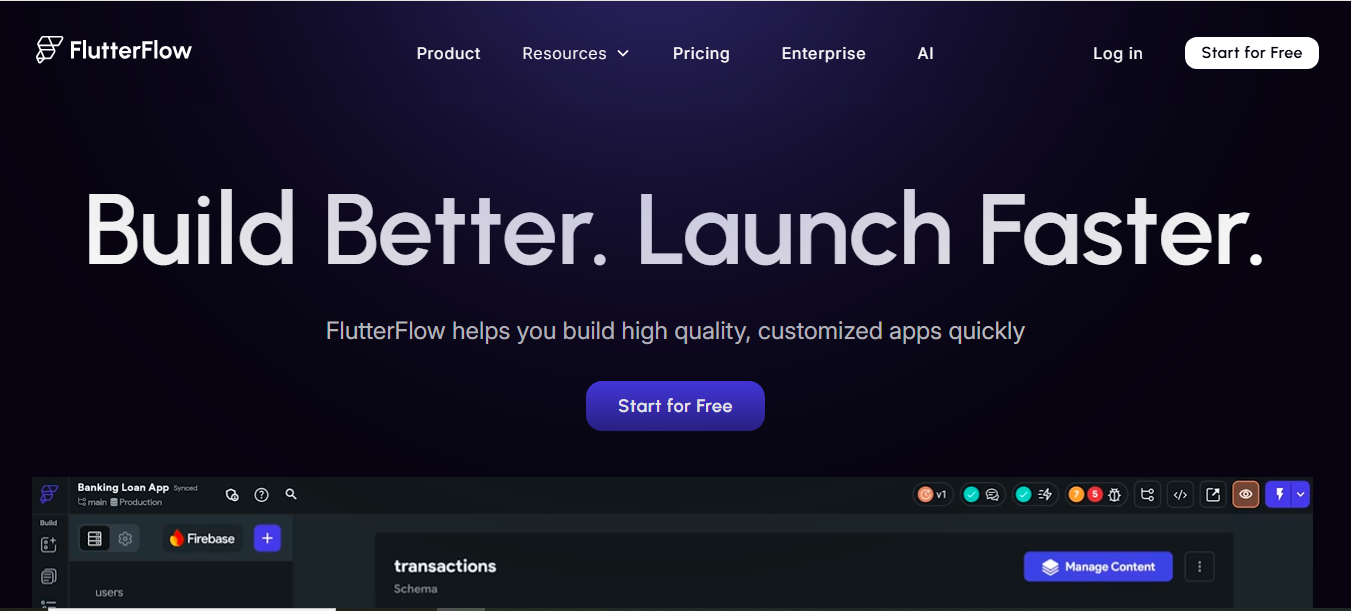
FlutterFlow stands out for responsive frontends that span web, mobile, and desktop from one codebase. Using Google's Flutter, its visual builder outputs native code, with 40+ widgets that adapt automatically, great for apps needing consistent performance.
I've prototyped cross-device tools here, loving the real-time previews that catch responsiveness issues early.
Pros: Clean code exports, Firebase integrations, and AI-assisted animations. Cons: Steeper curve if you're not Flutter-familiar, but their learning paths help. Free to start, with pro plans for exports.
In 2026, it's ideal for startups building MVPs with genuine native feel, cutting timelines significantly. For hybrid apps, its desktop support is a game-changer. Explore FlutterFlow's capabilities.
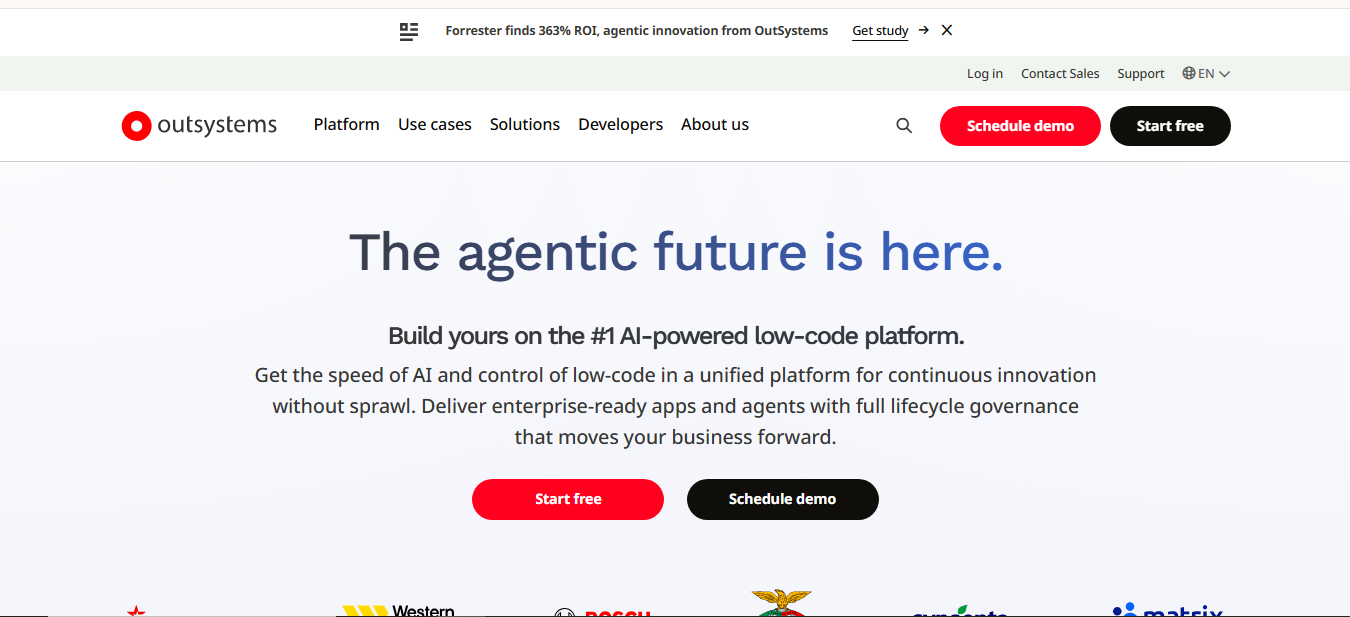
OutSystems: Enterprise-Ready Scaler
OutSystems tackles large-scale responsive frontends with AI agents that automate UI adaptations and testing. Its full-stack visual modeling now includes one-click deployments, ensuring apps handle millions of users without breaking on devices.
In enterprise consults I've done, its security frameworks and legacy integrations save headaches.
Advantages: Robust testing, custom code slots, and performance at scale. The con is custom pricing, which suits big ops but not solos. Teams modernizing systems in 2026 find it accelerates cycles 10x.
For secure portals, its compliance tools are top-notch.
Windframe: Tailwind-Focused Visual Speedster
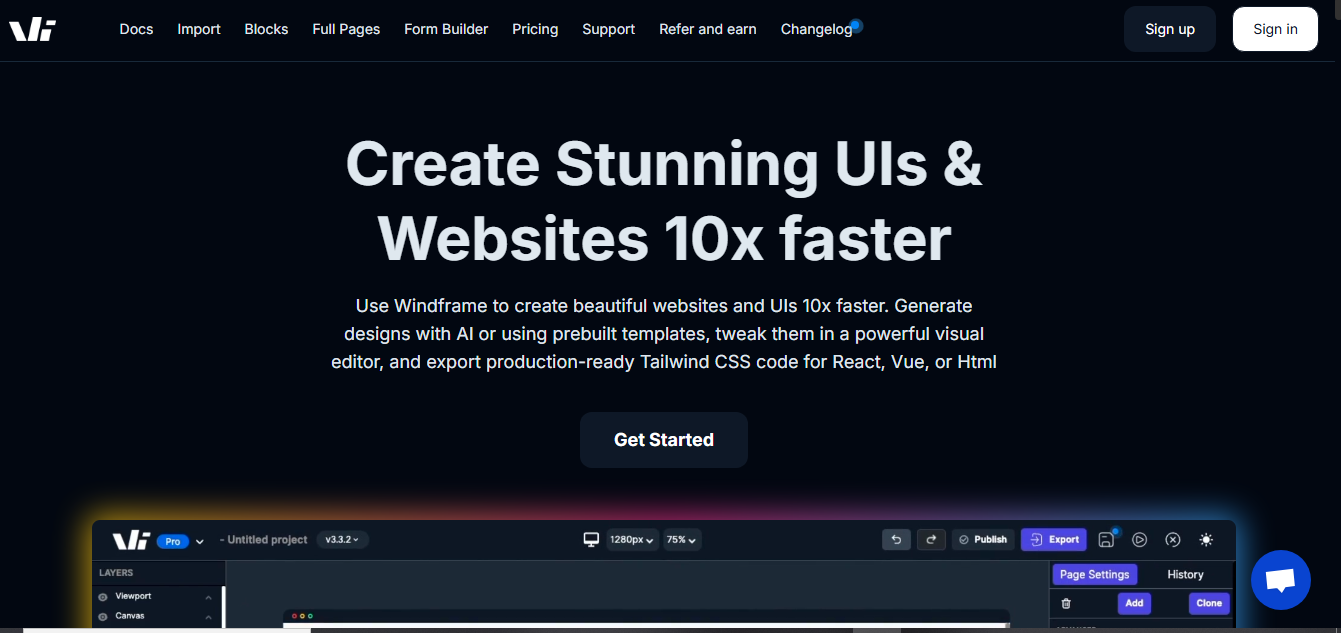
Windframe bursts onto the scene as a low-code champ tailored for Tailwind CSS, letting you visually edit, customize, and build responsive UIs 10x faster with AI guidance. It generates components and pages that adapt by default, handling screen sizes with zero-config grids.
Diving in recently, I love how it imports existing Tailwind projects for quick tweaks—drag, drop, and watch responsive magic happen.
Strengths: AI-powered edits, DaisyUI support for themed components, and clean code exports. If you're not Tailwind-savvy, the learning curve is gentle, but deep customs might pull you into classes.
Plans start free, with pro unlocks for advanced features like unlimited exports.Perfect for landing pages or prototypes where responsiveness is non-negotiable. I've built hero sections that look pro on mobiles in minutes. For SEO-friendly builds, its performance optimizations shine. Check out the builder at Windframe and see their v5 DaisyUI updates.
Picking the Ideal Tool for Your Needs
Stuck deciding between a sleek visual builder or an enterprise powerhouse? Finding the best low-code tool for accelerating responsive frontend development starts with zeroing in on what your project really demands. Ask yourself: Is this a quick prototype for a startup idea, or a robust app that needs to handle heavy traffic and complex data flows?
Look at your team's setup next. Beginners thrive with drag-and-drop champs like Webflow Bubble or Windframe, where intuitive interfaces let ideas flow without code barriers. For bigger operations, OutSystems or Mendix bring the muscle with built-in security and scalability that keep things running smooth as teams grow. Budget's a biggie too, free tiers in Framer or Softr let you experiment, while Windframe's Tailwind focus offers affordable pro upgrades for those needing CSS precision without the hassle.
I've helped teams test drive these by mocking up a simple responsive page: Drag in elements, preview on devices, and tweak integrations like APIs or databases. Windframe shines here if you're into Tailwind, with its AI tweaks making responsive classes snap into place across breakpoints.
Check compatibility with your current tools, does it sync with your CRM or analytics?.
Growth potential seals the deal. Bubble scales MVPs into full apps, but for enterprise leaps, OutSystems handles the load. Windframe's exports to React keep options open for hybrid paths.
Reviews and communities count, Bubble's forums buzz with tips, while Mendix's enterprise backing means reliable support. Heading into 2026, factor AI features; tools with smart suggestions like Framer, future-proof your choice.
Inspiring Success Stories from the Field
Real breakthroughs keep the spark alive. Clarins, the beauty powerhouse, used OutSystems to streamline operations, saving $140,000 on one app by ditching manual processes for responsive interfaces that adapt to team devices.1
It shows low-code tackling efficiency in competitive industries. Teal HQ, a job platform, started on Bubble before polishing with Webflow, raising millions and serving users globally with mobile-friendly trackers for on-the-go searches. 2
This highlights how low-code MVPs evolve into funded hits.
OutSystems powers luxury travel firms too, boosting revenue 20% via personalized responsive apps that shine on any screen. 3
Heineken modernized systems 10x faster, building adaptive UIs for worldwide traffic. For Windframe, engineer Anthony C. prototypes React designs in hours as a non-frontend expert.4 Dev Linda M. customizes fonts and paddings swiftly, praising the pro plan for speed.5 Manager James R.'s team, with a non-tech founder, ships code fast without engineer disruptions, proving collaborative responsive wins.6
Bubble fuels ventures like Hampton, hitting 100% YoY growth for their founder community with one part-time dev. 7 Aware Health reached $30K MRR addressing health issues via no-code. 8 Mendix helps Siemens Energy with 200+ apps for innovation and efficiency. 9 ABN AMRO boosted productivity via workforce tools.10 Webflow stories include Verifone's 47% demo booking spike post-rebrand.11
Discord and Dell transformed digital strategies for engagement.12 Softr tales feature Torigen's HubSpot portal slashing medical submission times13 Glitter's platform cleans 1,000+ city blocks. Framer enables cinematic launches, like boosting mobile performance 2.3x.14
These journeys prove low-code turns visions into victories, from savings to scales.
Trends Shaping Low-Code's Future
Looking ahead, low-code explodes, Gartner sees 70-75% of new enterprise apps built this way by 2026, up from 25% in 2020, with markets hitting $30B. 15 AI leads, integrating generative tools for smarter, faster builds like prompt-based layouts. No-code rises as a subset, empowering citizen developers, 80% outside IT by 2026. 16Mobile platforms grow, with low-code enabling cross-device apps seamlessly.
Enterprise scalability surges, blending with DevOps for governed, secure deployments.AI-native becomes default, cutting time-to-market. Hyperautomation connects systems, while affordable tools democratize access. Edge computing ensures real-time responsive frontends.
Wrapping Up the Adventure
Low-code tools redefine responsive frontend development, mixing speed and smarts to craft adaptive gems that engage users everywhere. From AI boosts to citizen dev wins, they've shattered limits, turning quick sketches into scalable triumphs. The thrill? Quicker launches, bolder ideas, and interfaces that flex with ease. Dive in, what app will you build next to join the wave?
Windframe is an AI visual editor for rapidly building stunning web UIs & websites
Start building stunning web UIs & websites!
