How to Run a Faster SEO Audit Using Free Web Tools
By Emmanuel Chinonso - Frontend Engineer and Technical Writer at Windframe
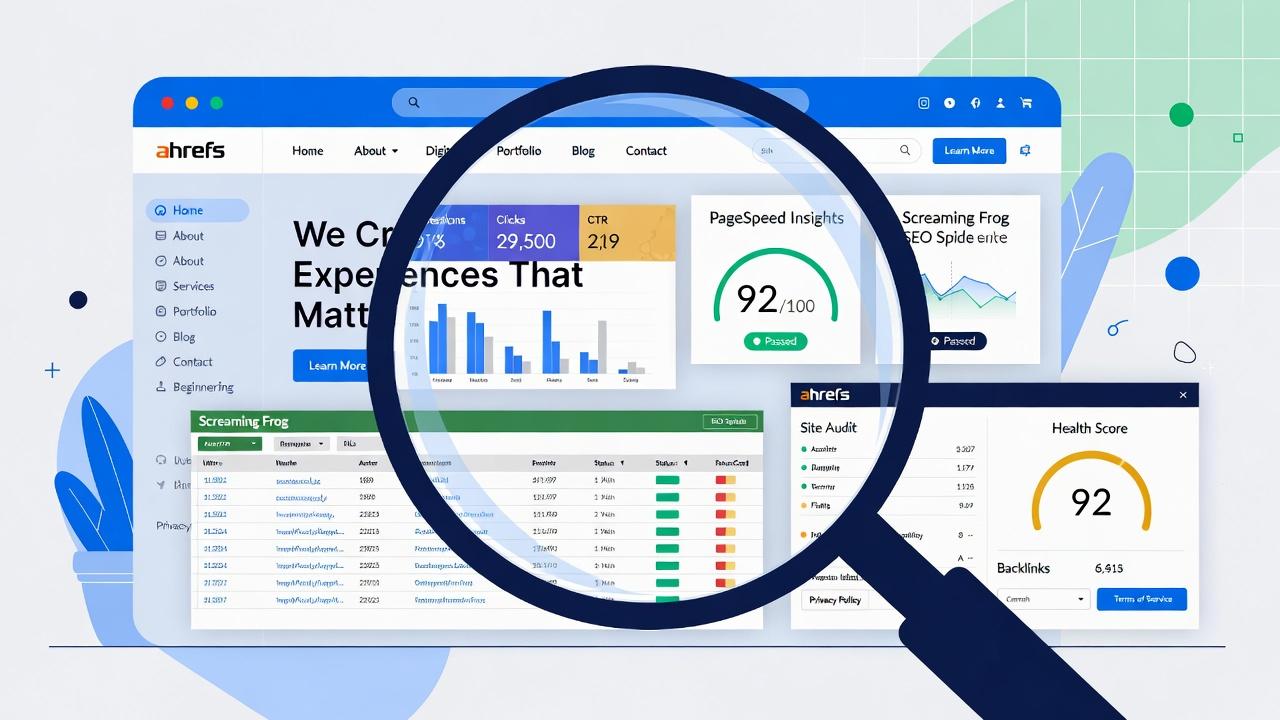
Your website is like a shop on a busy street. If the front door is stuck, the lights are dim, or the sign is hard to read, customers walk right past. An SEO audit is simply a health check-up for your website. It spots problems that stop people (and Google) from finding and enjoying your pages.
Doing these checks by hand takes forever, clicking through every page, guessing what’s wrong. That’s why free web tools exist. They crawl your site automatically, flag issues, and give clear reports in minutes instead of days. In 2026, you can run a solid audit in under an hour using tools that cost nothing.
This guide walks you through everything from scratch. We’ll cover why audits matter, the best free tools, exact setup steps, how to read the reports, and how to combine them for faster results. No tech background needed. If you can open a browser, you can follow along.
By the end, you’ll know how to spot broken links, slow pages, missing titles, indexing problems, and more, then fix them step by step. Small sites, blogs, e-commerce stores, or local businesses all benefit from regular checks. Let’s get started.
Why SEO Audits Matter and How Often You Should Do Them
Search engines like Google change constantly. New algorithms, mobile preferences, speed requirements, and AI-powered search all affect how your site ranks. Even small issues, a missing meta description here, a slow image there, add up and push you down in results. Regular audits help you:
- Catch problems before they hurt traffic
- Improve user experience so visitors stay longer
- Fix technical errors that block Google from reading your pages
- Understand what content actually brings visitors
- Stay ahead of competitors who neglect their sites
For beginners, start with an audit every month. Larger sites might need weekly spot-checks. The good news? Free tools make this quick and repeatable.
Think of it like brushing your teeth. Skip it for weeks and problems build up. Do it often and everything stays healthy.

The Best Free Web Tools for Fast SEO Audits in 2026
Here are the most reliable free options that work well together. I focused on tools that are truly accessible without credit cards or heavy limits for basic use.
1. Google Search Console (GSC) – Your Direct Line to Google
Google Search Console is the most important free tool. It shows exactly how Google sees your site, which pages are indexed, what search terms bring traffic, and any errors Google found while crawling.
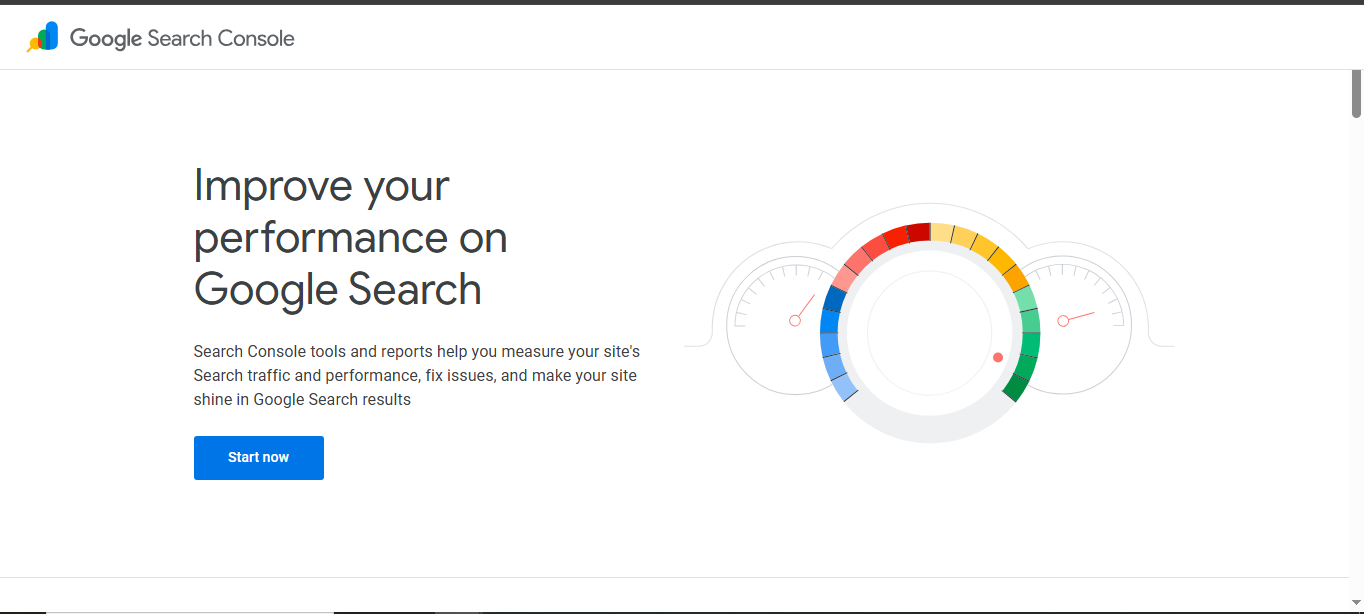
Why it’s great for beginners: No guesswork. Google tells you directly if something is wrong.
Setup steps:
- Go to Google search console
- Sign in with your Google account
- Add your website property (use domain property for full coverage)
- Verify ownership (easiest way: upload HTML file or use Google Analytics if already set up)
- Wait 24-48 hours for data to appear
Key reports to check:
- Performance report: See clicks, impressions, average position, and top queries
- Pages report: Which pages are indexed or have errors
- Index Coverage: Crawl errors, duplicates, or blocked pages
- Core Web Vitals: Real-user speed data (mobile and desktop)
- Mobile Usability: Issues that hurt mobile experience
- Sitemaps: Submit your sitemap for faster indexing
- Links: Top linking pages and domains
Start here every time. If Google says a page isn’t indexed, fix it first.
2. Google PageSpeed Insights + Lighthouse
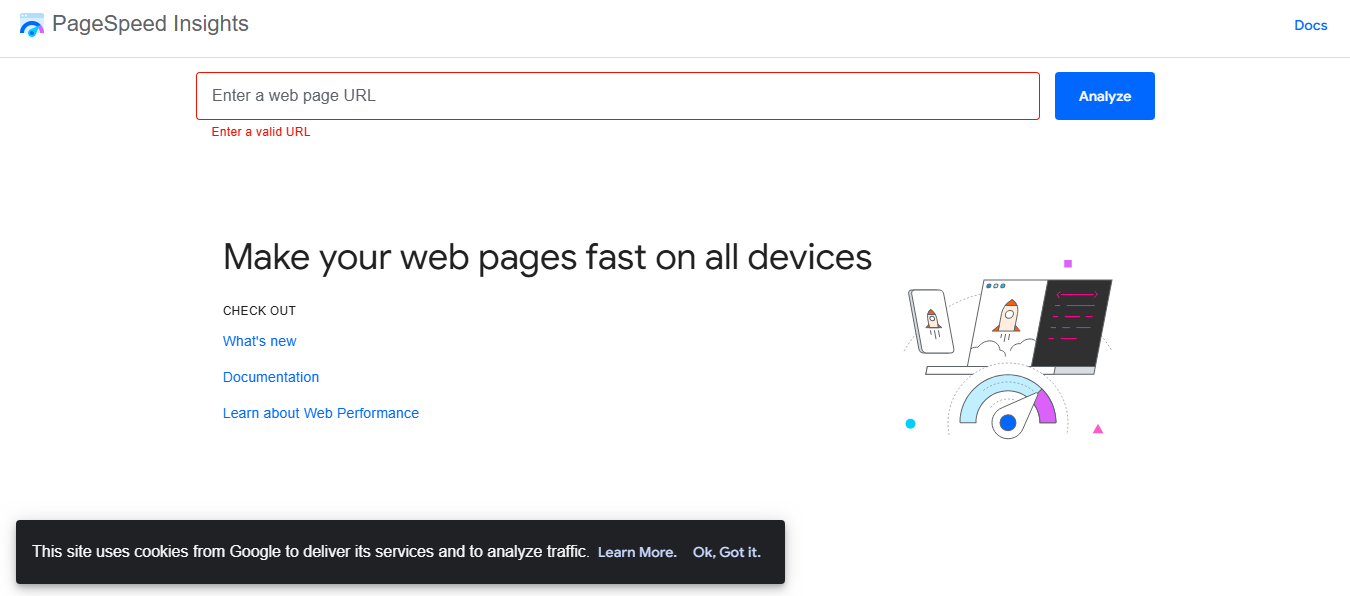
Slow websites lose visitors and rank lower. PageSpeed Insights tests loading speed and gives a score from 0-100.
How to use:
- Visit Google PageSpeed website
- Enter any URL
- Run test for mobile and desktop
What the scores mean:
- 90+ = Good
- 50-89 = Needs improvement
- Below 50 = Poor (hurts rankings)
Key metrics to watch:
-
Largest Contentful Paint (LCP) – how fast main content appears
-
Cumulative Layout Shift (CLS) – how much the page jumps around
-
Interaction to Next Paint (INP) – how responsive buttons and links feel
Lighthouse (built into Chrome DevTools) gives more detail: accessibility, best practices, SEO score, and specific fixes like compress images or remove unused CSS.
3. Screaming Frog SEO Spider (Free Version)
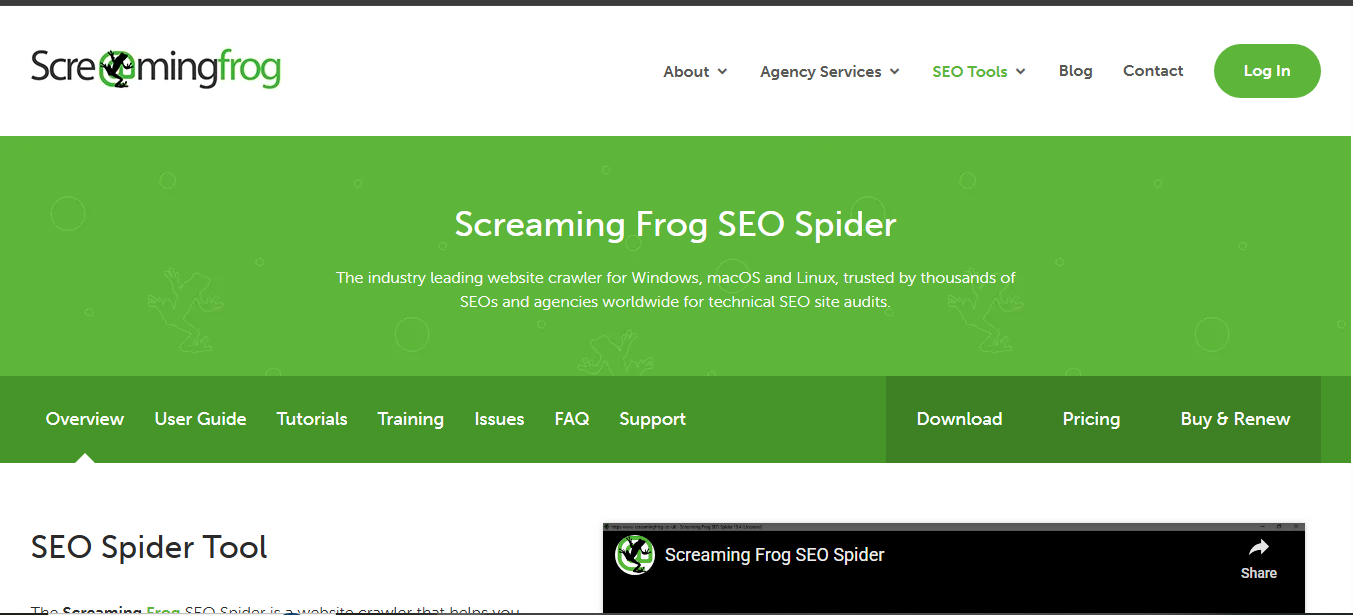
This desktop tool crawls your website like Google does. The free version handles up to 500 pages, perfect for small to medium sites.
Setup:
- Download from Screaming Frog Website (Windows, Mac, Linux)
- Open the program
- Enter your homepage URL
- Click Start
What it finds quickly:
- Broken links (404 errors)
- Missing or duplicate page titles
- Missing meta descriptions
- Thin content pages
- Redirect chains
- Orphaned pages (pages with no internal links)
- Images without alt text
- Page speed estimates
Color-coded interface makes it easy: green = good, orange = warning, red = fix now.
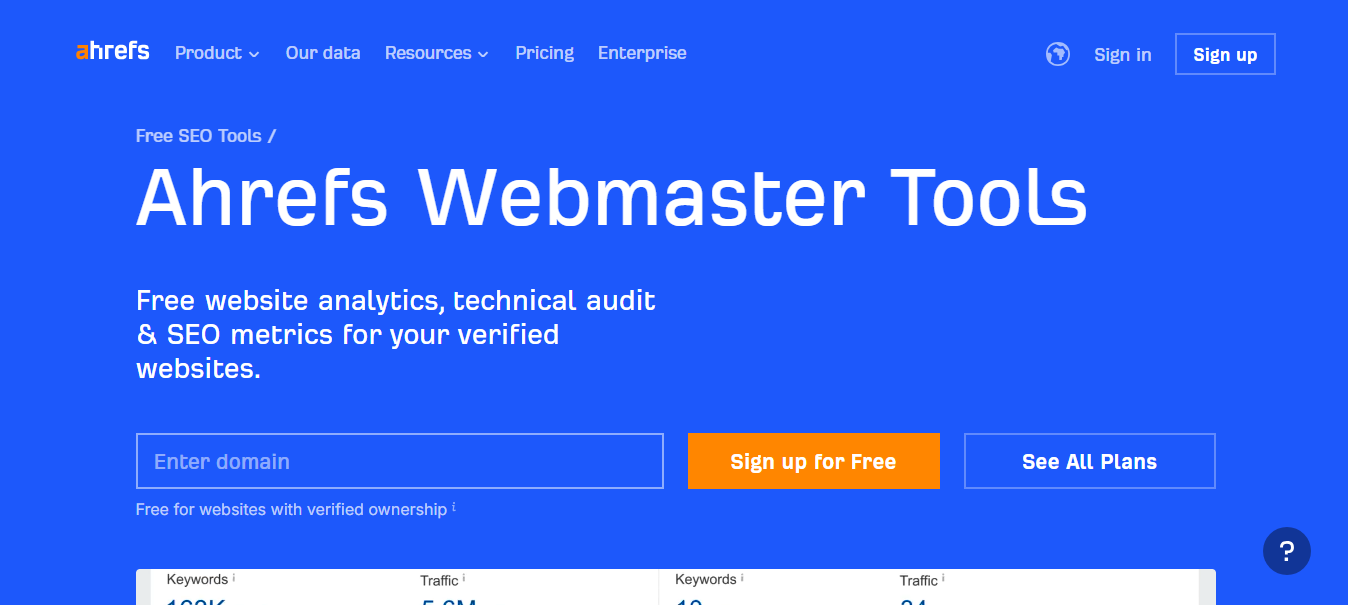
4. Ahrefs Webmaster Tools (AWT)
Ahrefs offers a completely free webmaster version. It gives backlink data, keyword rankings, and a site audit.
Setup:
- Go to Ahrefs website
- Sign up with Google
- Verify your site
- Run Site Audit
Useful free features:
- 170+ SEO issues detected
- Organic keywords you rank for
- Backlink profile (limited but helpful)
- Health score for your site
Great for seeing how visible your site is in search results.
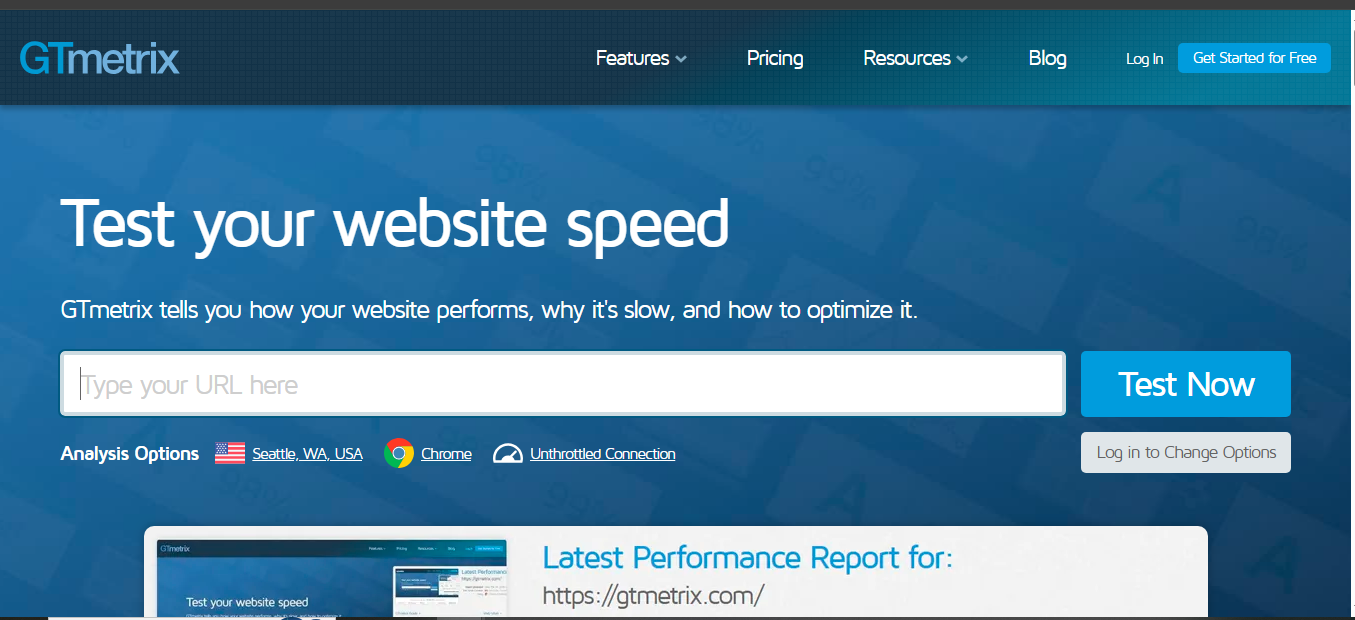
5. GTmetrix
Another strong speed testing tool. It shows waterfalls of every file loading and gives clear recommendations.
How to use:
-
Vist the GTmetrix offical website
-
Enter URL
-
Free report shows performance score, structure score, largest files, and suggestions like “defer JavaScript”
GTmetrix is especially good for seeing exactly which images or scripts slow your site.
Other Helpful Free Tools to Add
-
Google Analytics 4: Track real visitor behavior, bounce rate, top pages
-
Ubersuggest: Free keyword ideas and limited site audit
-
Web.dev Measure: Google’s all-in-one performance and SEO tester
-
Detailed SEO Extension (Chrome): Quick on-page checks while browsing
How to Combine Tools for a Complete Fast Audit (Step-by-Step Workflow)
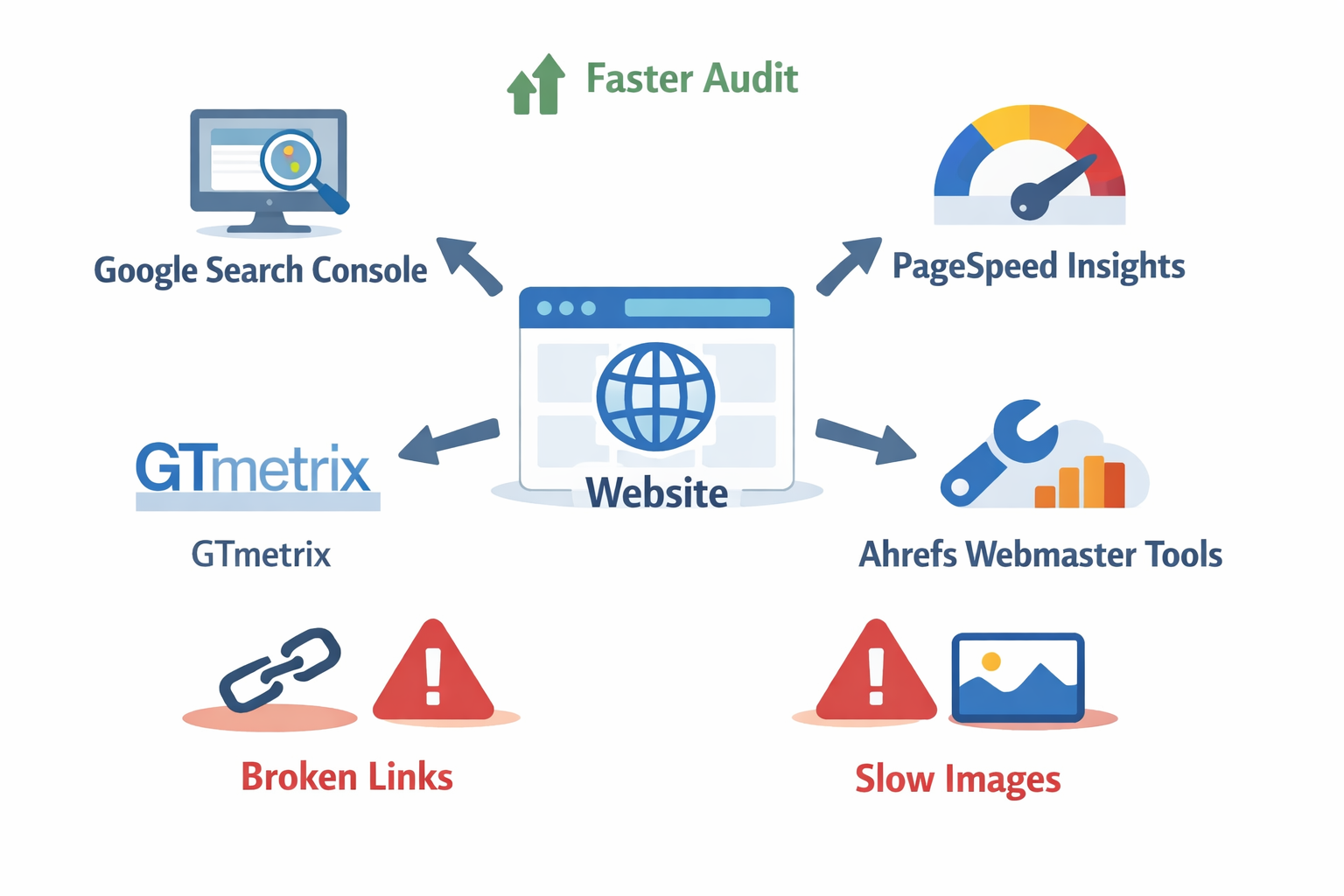
Here’s a practical 45-60 minute workflow:
- Start with Google Search Console → Fix any indexing errors first
- Run PageSpeed Insights on your top 5-10 pages
- Crawl with Screaming Frog → Export issues like broken links and title problems
- Verify findings in Ahrefs Webmaster Tools
- Test speed deeper with GTmetrix
- Check user behavior in Google Analytics
- Make a prioritized fix list (critical errors first)
Common Issues These Tools Catch and Simple Fixes
- Broken links: Use Screaming Frog to find them, then redirect or remove
- Slow images: Compress with tools like TinyPNG, serve next-gen formats
- Duplicate titles: Update in your CMS (WordPress, Shopify, etc.)
- Mobile issues: Make site responsive or fix viewport problems
- Core Web Vitals failures: Lazy-load images, minify code, use caching
- Noindex pages: Remove the tag if they should rank
- Thin content: Add valuable information or merge pages
Tips to Make Your Audits Even Faster
- Save your top pages in a bookmark folder and test them first
- Set up email alerts in Google Search Console
- Use browser extensions for quick checks
- Keep a simple spreadsheet: URL, Issue, Priority, Status
- Audit one section of the site per week instead of everything at once
Real Example: Auditing a Small Personal Blog
I once helped a friend with a food blog. In 40 minutes we found:
- 12 broken image links (fixed with redirects)
- Several pages loading over 4 seconds (compressed images, enabled caching)
- Missing titles on 8 recipe pages
- Google wasn’t indexing category pages
After fixes, traffic increased noticeably within weeks.
Conclusion
Running fast SEO audits with free tools doesn’t have to be complicated. Start with Google Search Console, add a crawler like Screaming Frog, and layer in speed tools. Do this regularly and your site will stay healthy, rank better, and serve visitors well. Don’t try to fix everything at once. Pick the biggest issues, make changes, and re-audit in a week to see improvement. Over time, this habit becomes second nature.
Windframe is an AI visual editor for rapidly building stunning web UIs & websites
Start building stunning web UIs & websites!
